Premium
v1.0
Sleek Project Management Dashboard UI Design
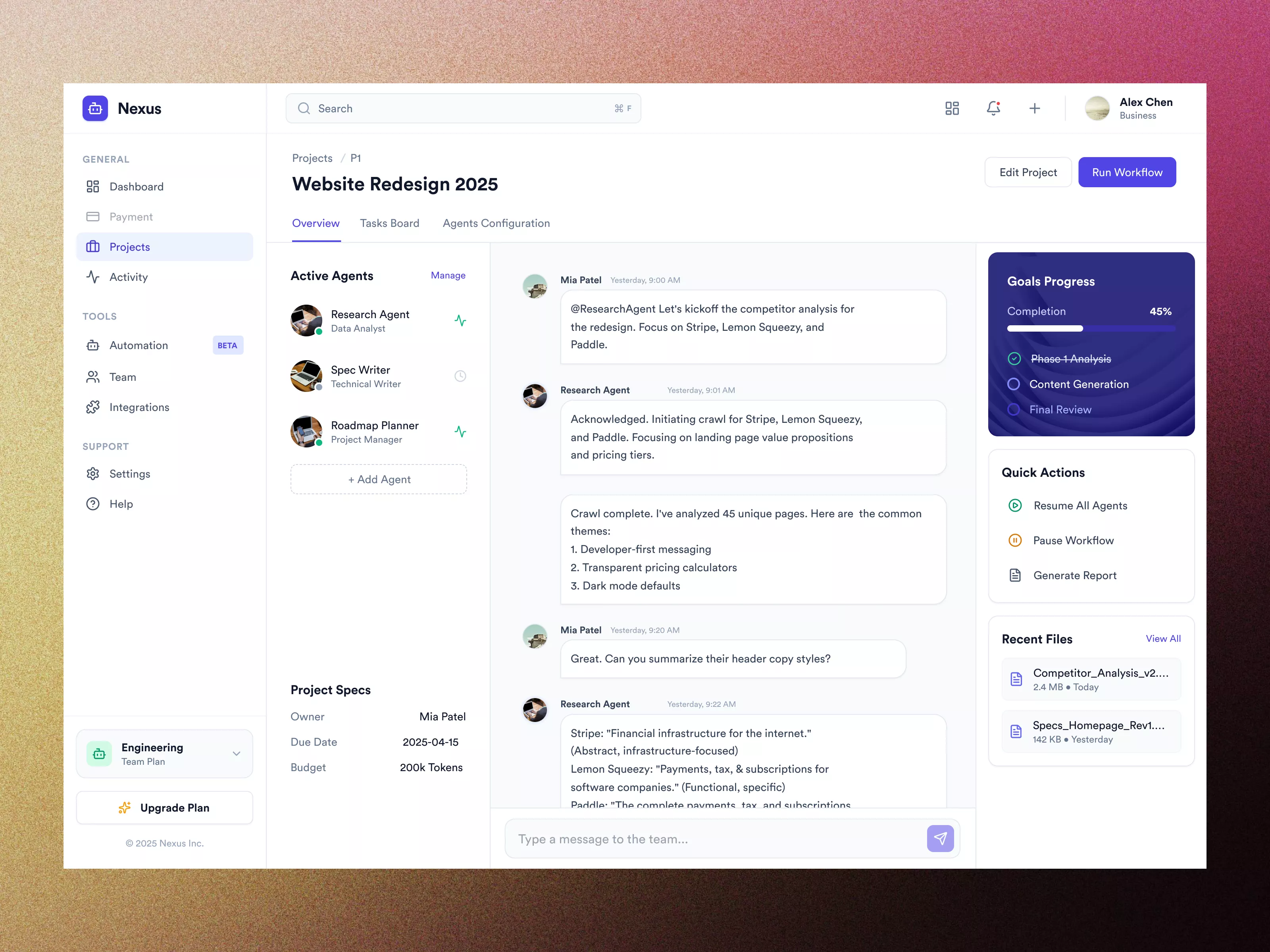
This UI design showcases a project management dashboard with easy navigation, agent communication, progress tracking, quick actions, and quick file access, optimizing team collaboration.

About Sleek Project Management Dashboard UI Design
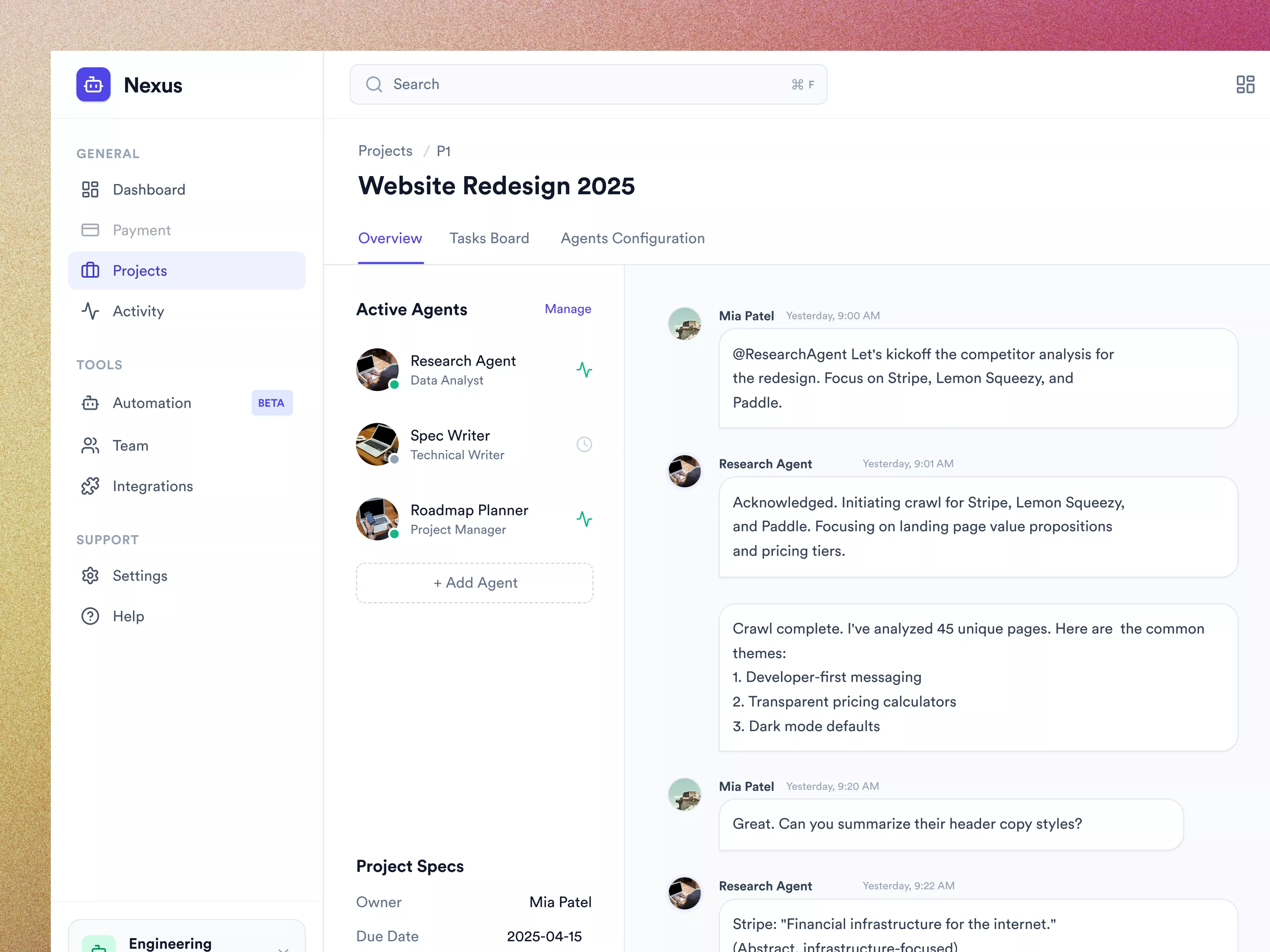
The UI design presents a comprehensive dashboard layout for a project management web application. It features a sidebar navigation panel on the left providing access to various sections such as Dashboard, Payment, Projects, Activity, Tools, and Support. The main content area highlights an ongoing project titled 'Website Redesign 2025' with sections for Overview, Task Board, and Agent Configuration. A list of active agents is displayed, each with assigned roles and options to manage or add agents seamlessly. A central chat-like interface facilitates communication among agents, showing threaded messages and responses, allowing team members to collaborate efficiently. On the right, a progress panel displays goals completion percentage and phases, while quick actions enable users to resume, pause workflow, or generate reports swiftly. The inclusion of recent files ensures quick access to crucial documents. The overall design emphasizes user-friendly interactions, with clear typography and strategic color usage enhancing readability and user engagement.
Features
- User-Friendly Navigation
- Seamless Agent Management
- Efficient Team Communication
- Project Progress Tracking
- Quick Action Execution
- Easy File Access
- Comprehensive Project Specs
- Attractive Visual Design
Frequently Asked Questions
What is the purpose of this UI design?
The design is meant for a project management application, facilitating efficient team collaboration and task management.
Which sections are included in the sidebar navigation?
The sidebar includes Dashboard, Payment, Projects, Activity, Tools, and Support sections.
How does agent management work in this UI?
Agents can be viewed, managed, or added in the 'Active Agents' section, with roles clearly assigned.
What is the function of the quick actions panel?
Quick actions allow users to resume or pause workflows and generate reports quickly and efficiently.
How is project progress tracked?
Progress is tracked using a goals progress panel displaying completion percentages and project phases.
Can team members communicate within the app?
Yes, a chat-like interface allows team members to communicate and collaborate through threaded messages.
What is included in the project specs?
The project specs include the project owner, due date, and budget in tokens.
How are recent files displayed?
Recent files are listed with details, providing quick access to important documents.
What are the benefits of using this UI design?
The design enhances team collaboration, task management, and efficient access to project details and files.
Is there a feature for notifications?
Yes, there are icons at the top right for notifications and other quick-access settings.
Premium License
Unknown Size
More like this
View all
CryptoCore - Cryptocurrency Dashboard UI Concept Dark Version
409
U
UI Dux
Figma
XD
Finance app ui
586
U
UI Dux
Figma
XD
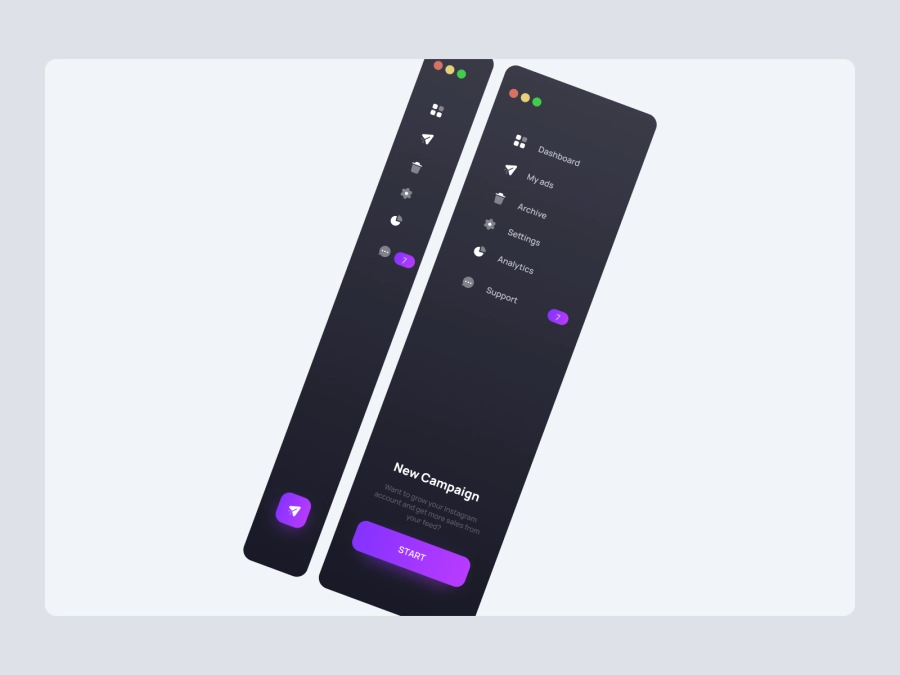
Free
Dashboard Sidebar Navigation
269
U
UI Dux
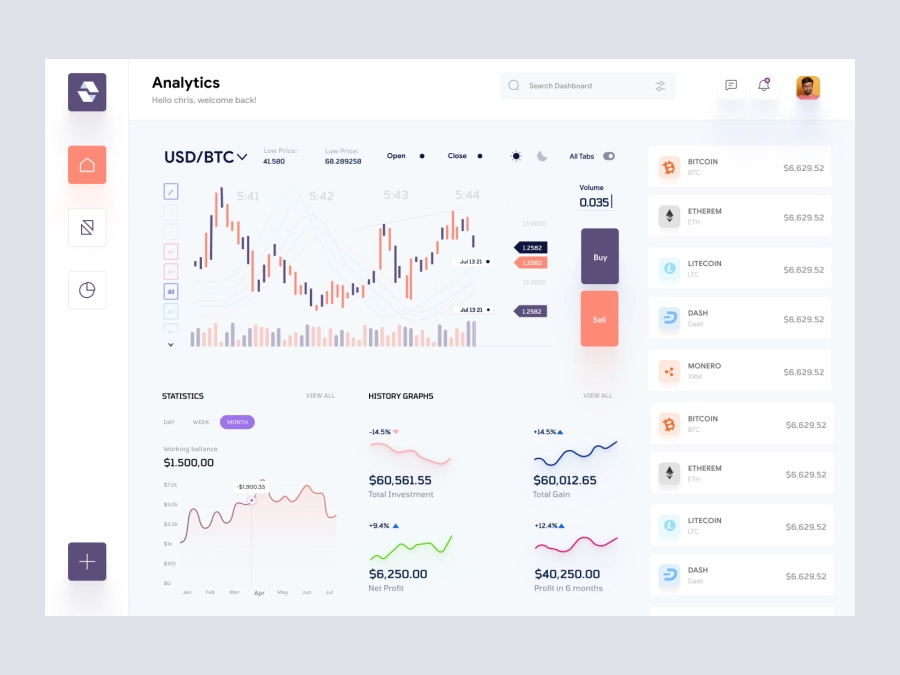
Raone - Cryptocurrency Dashboard UI
776
U
UI Dux
Figma
XD
Job Board Dashboard Ui
908
U
UI Dux
Figma
XD

Weight Loss Dashboard UI
387
U
UI Dux
Figma
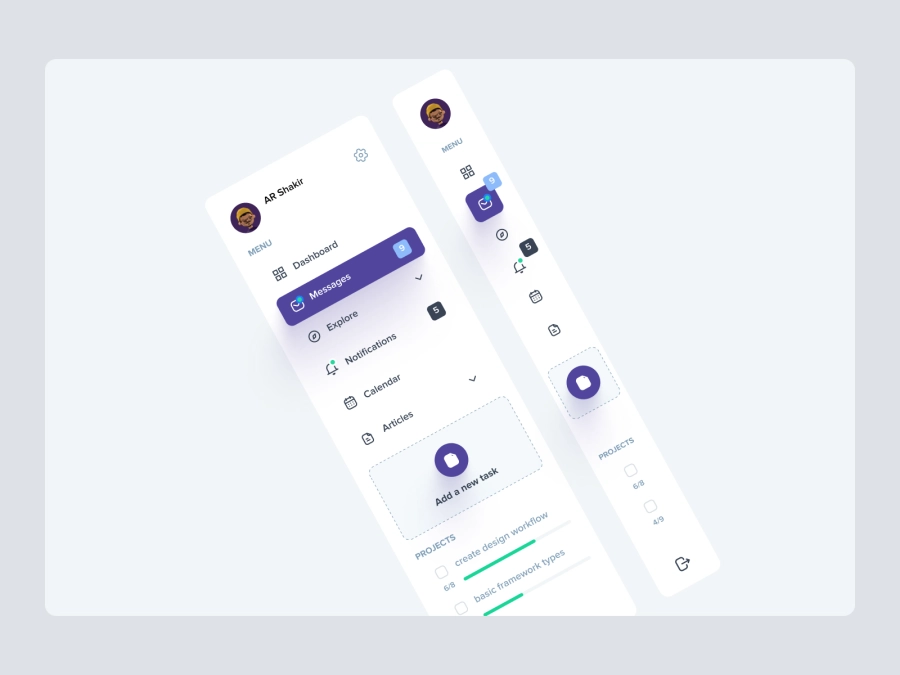
Free
Dashboard Top Nav
802
U
UI Dux
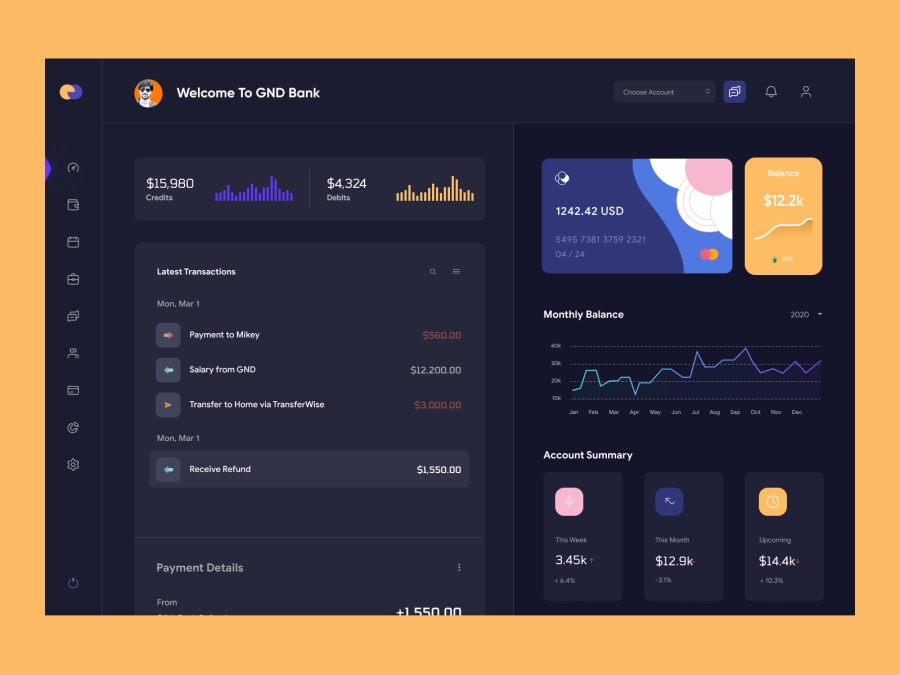
QuantumCash - Banking Dashboard UI - Dark Version
805
U
UI Dux
Figma
XD
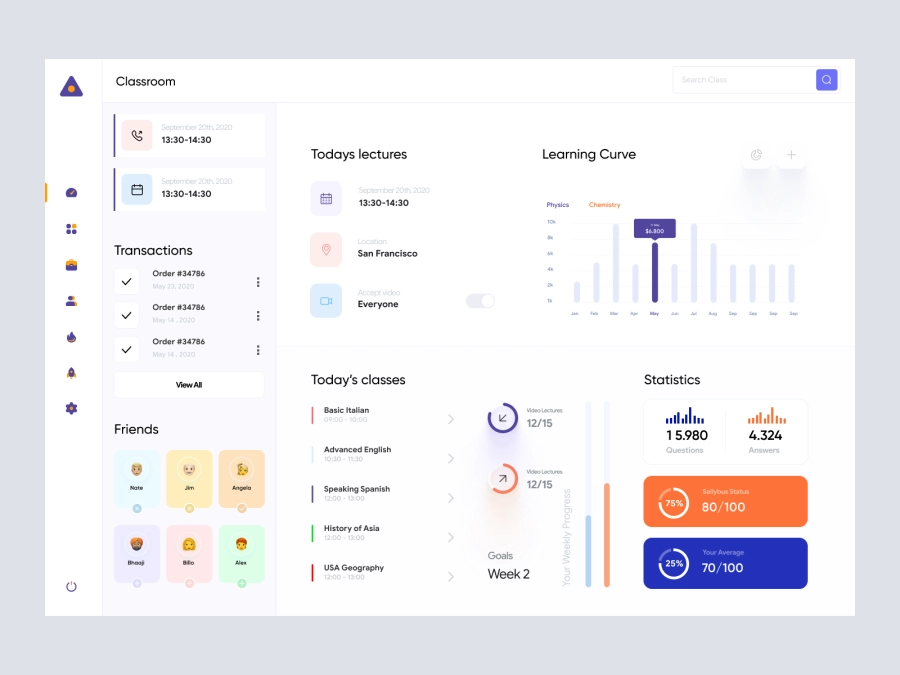
EduRakha - Student Dashboard UI Concept
470
U
UI Dux
Figma
XD

Weather App UI Concept
981
U
UI Dux
Figma
XD
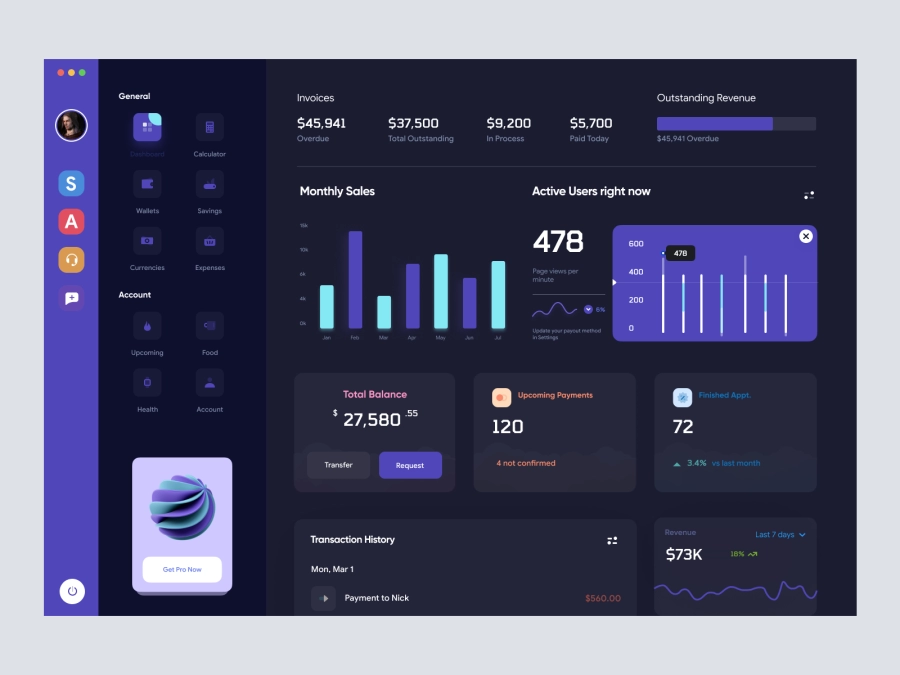
Walleta - Digital Wallat Web App Dashboard
608
U
UI Dux
Figma
XD
Fintech Dashboard UI Concept
881
U
UI Dux
Figma
XD
SmileHR - SmileHR - HR Consultant Dashboard
973
U
UI Dux
Figma
XD
Jaiz - Cryptocurrency Dashboard UI Concept Dark Version
567
U
UI Dux
Figma
XD

Modern Incident Management Dashboard UI Design
253
U
UI Dux
Figma