Premium
v1.0
Modern Incident Management Dashboard UI Design
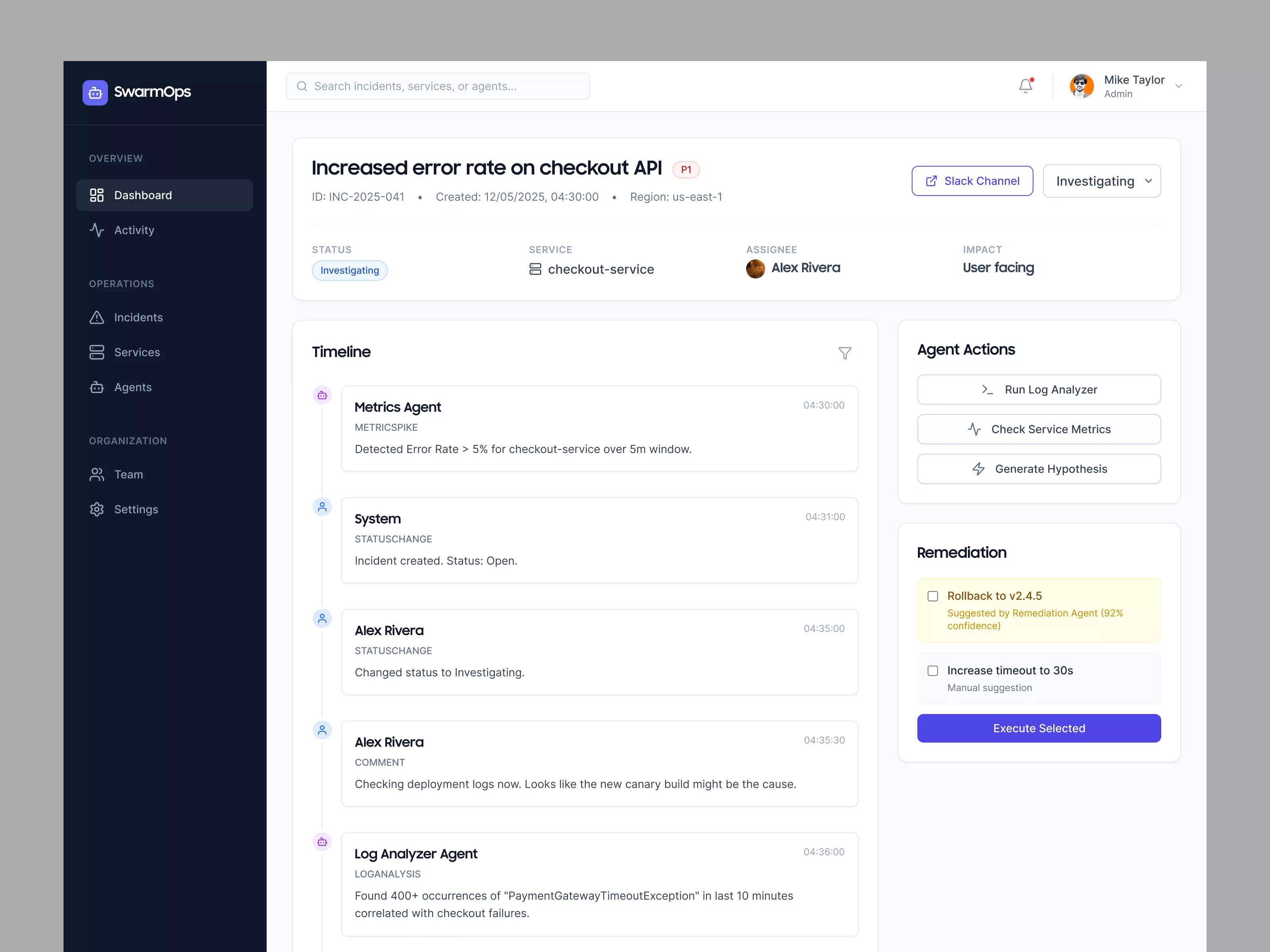
SwarmOps UI design offers a comprehensive interface for incident management. It features a detailed incident overview, timeline, actionable agent tasks, and remediation options.

About Modern Incident Management Dashboard UI Design
The UI design displayed is a sophisticated interface for SwarmOps, a platform dedicated to managing incidents and operational tasks. The interface features a dark-themed sidebar with navigational elements for quick access to the dashboard, activity logs, incidents, services, agents, team, and settings. At the top, a search bar allows users to find specific incidents, services, or agents. The main panel includes detailed information about a particular incident, labeled as 'Increased error rate on checkout API'. This section provides essential details such as the incident ID, creation date, status, service affected, assignee, and impact. A timeline view below displays a chronological sequence of events related to the incident, making it easier for users to track actions taken. On the right side, a panel presents 'Agent Actions' allowing users to run a log analyzer, check service metrics, or generate hypotheses. Below, a 'Remediation' section offers solutions to resolve the issue, accompanied by confidence levels. This UI design prioritizes clarity, accessibility, and ease of use, enhancing the efficiency of incident management tasks.
Features
- Detailed Incident Management
- Comprehensive Timeline
- Intuitive Navigation
- Search Functionality
- Actionable Insights
- Effective Remediation
- Collaborative Tools
- User-Centered Design
Frequently Asked Questions
What is the main purpose of SwarmOps?
SwarmOps is designed for managing incidents and operational tasks effectively.
How can users search for specific incidents?
Users can use the search bar at the top to find incidents, services, or agents.
What information is displayed in the incident overview?
The incident overview provides details such as ID, creation date, status, service, assignee, and impact.
What does the timeline view offer?
The timeline view shows a chronological sequence of events related to an incident.
What are some of the agent actions available?
Agent actions include running a log analyzer, checking service metrics, and generating hypotheses.
What options are available under remediation?
Options include rolling back versions and increasing timeout, with suggested confidence levels.
How can a user access different sections of SwarmOps?
Users can navigate through the sidebar which includes links to the dashboard, incidents, services, and more.
Can users see who is assigned to an incident?
Yes, the assignee's name is displayed in the incident overview.
Is there a feature to track the status of an incident?
Yes, users can see the status changes in the timeline view.
Does the UI support collaborative actions?
Yes, it provides options to collaborate, such as linking to Slack channels.
Premium License
Unknown Size
More like this
View all
Music Dashboard UI
167
U
UI Dux
Figma
XD

Free
Credit Card
515
U
UI Dux
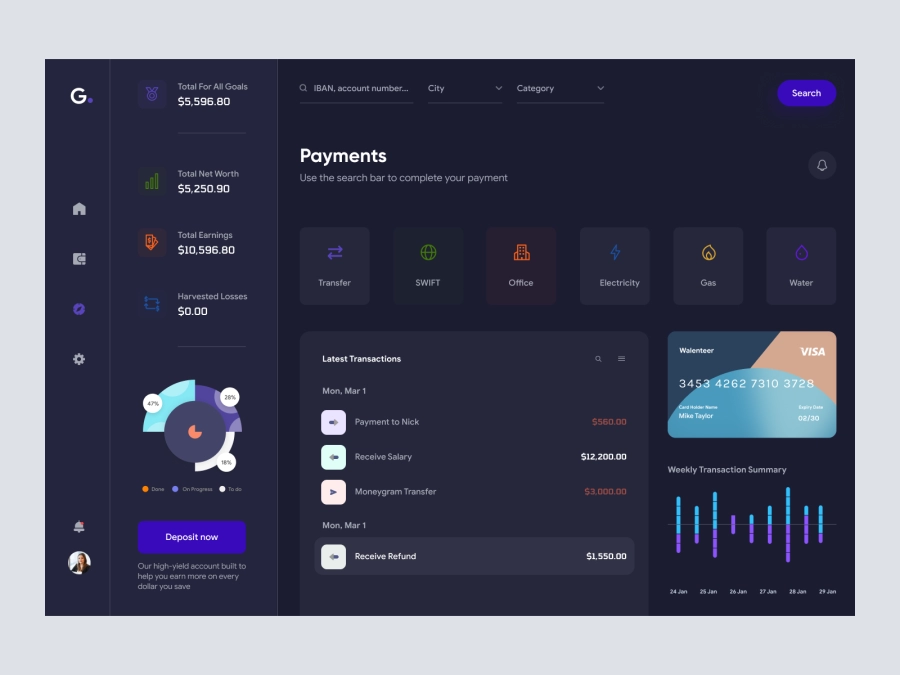
Groki - Finance Dashboard App UI Dark Version
549
U
UI Dux
Figma
XD
Free
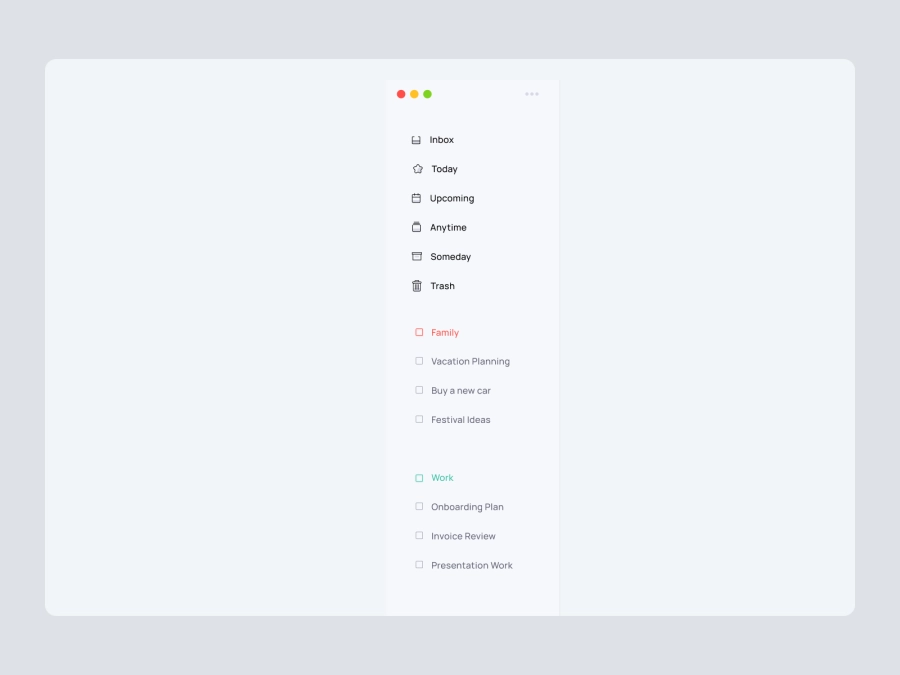
Dashboard Sidebar Navigation
739
U
UI Dux
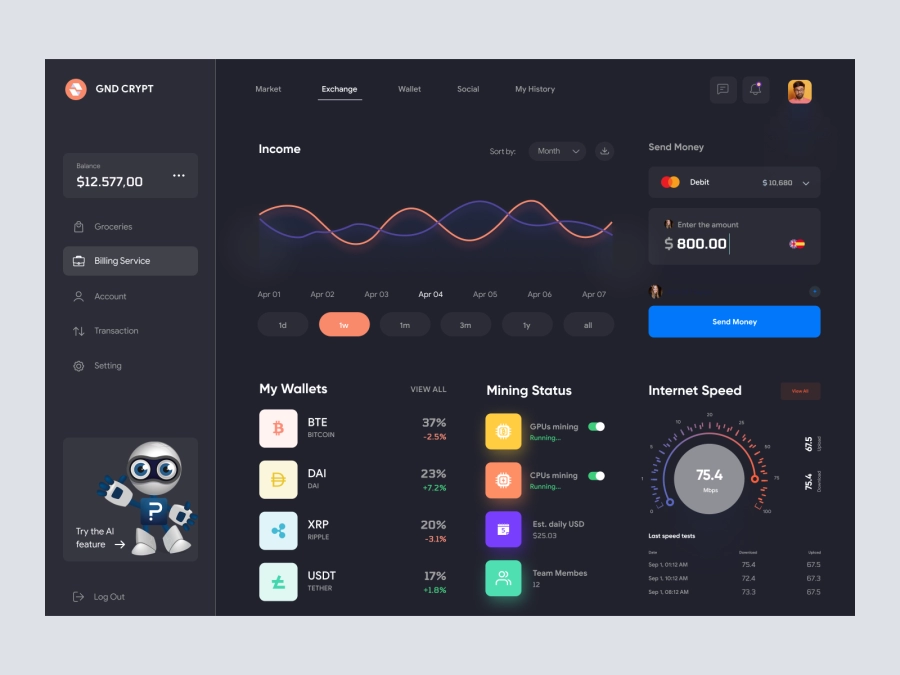
Command CRYPT - Cryptocurrency Dashboard UI Dark Version
987
U
UI Dux
Figma
XD
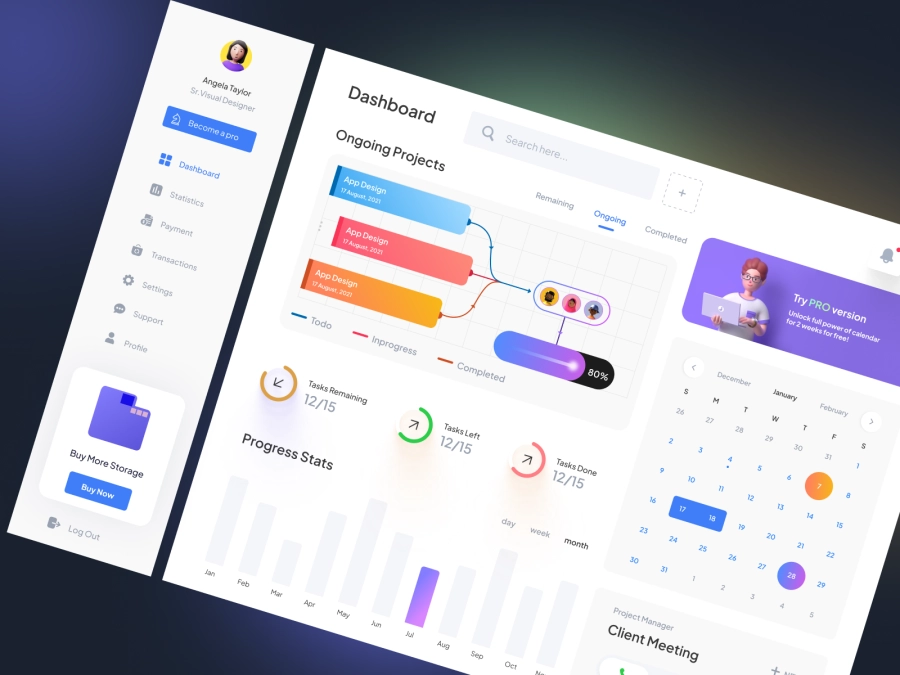
Project Management Dashboard UI
782
U
UI Dux
Figma
XD
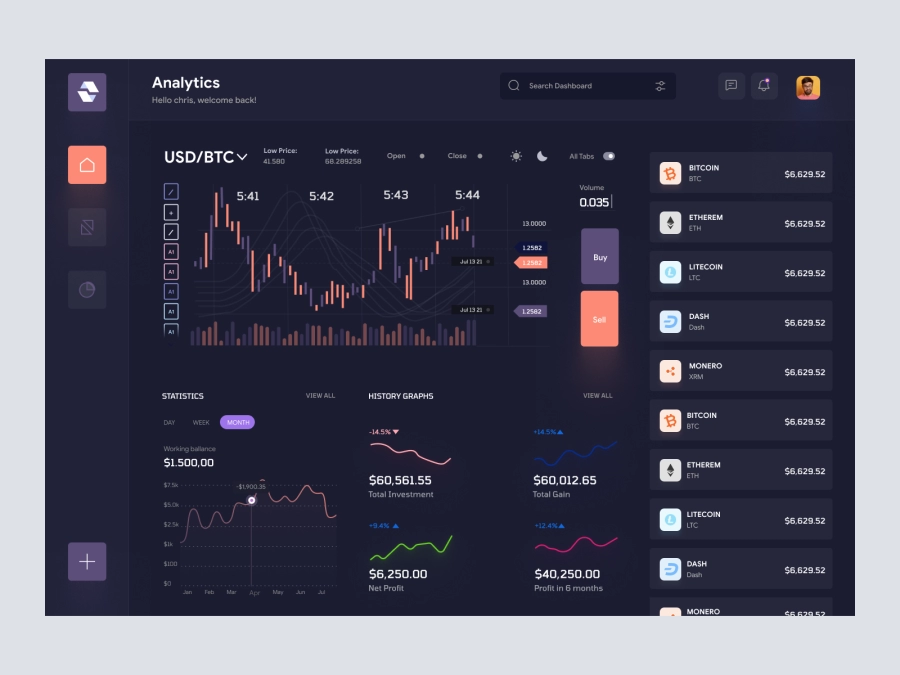
Raone - Cryptocurrency Dashboard UI Dark Version
335
U
UI Dux
Figma
XD
Dashboard UI For Cloud File Storage
771
U
UI Dux
Figma
XD
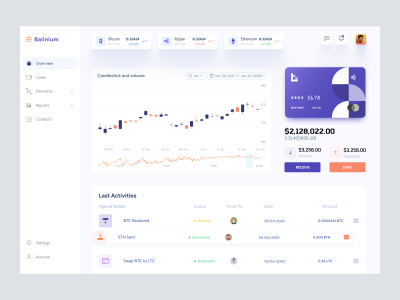
Cryptocurrency Dashboard UI
554
U
UI Dux
Figma
XD
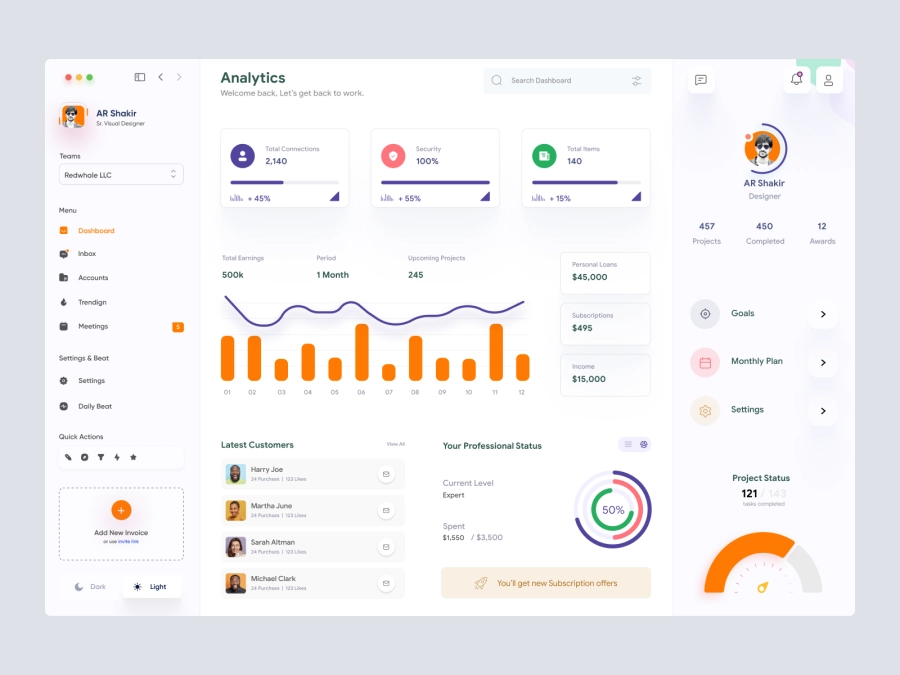
Jaida - Personal Dashboard UI Concept for a Freelance Designer
246
U
UI Dux
Figma
XD

Cryptocurrency Dashboard UI Concept
606
U
UI Dux
Figma
XD
Alpha Store - Dashboard UI Concept
887
U
UI Dux
Figma
XD
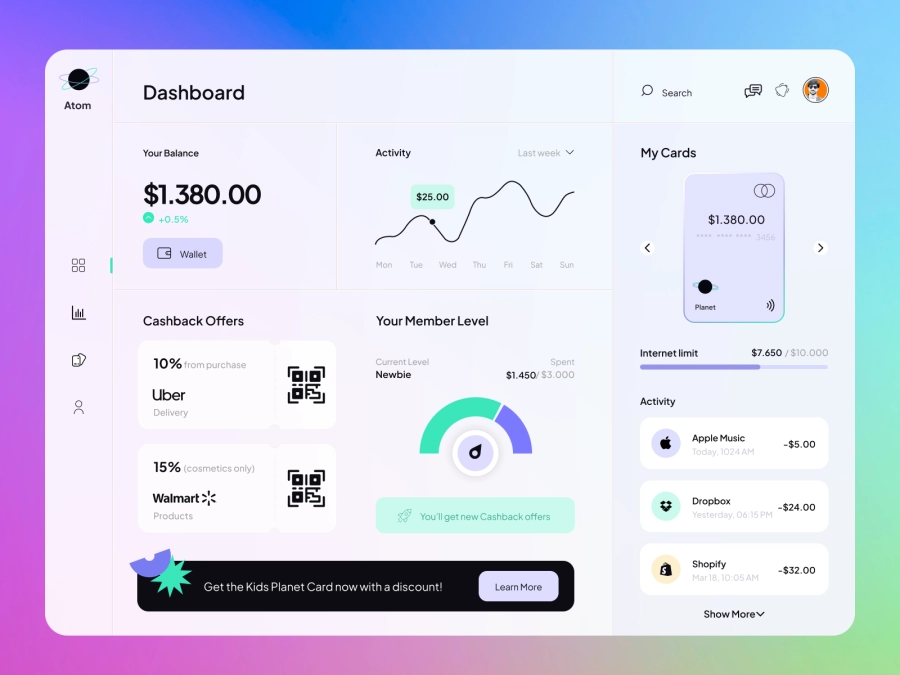
Atom - Finance App Dashboard UI Template
595
U
UI Dux
Figma
XD
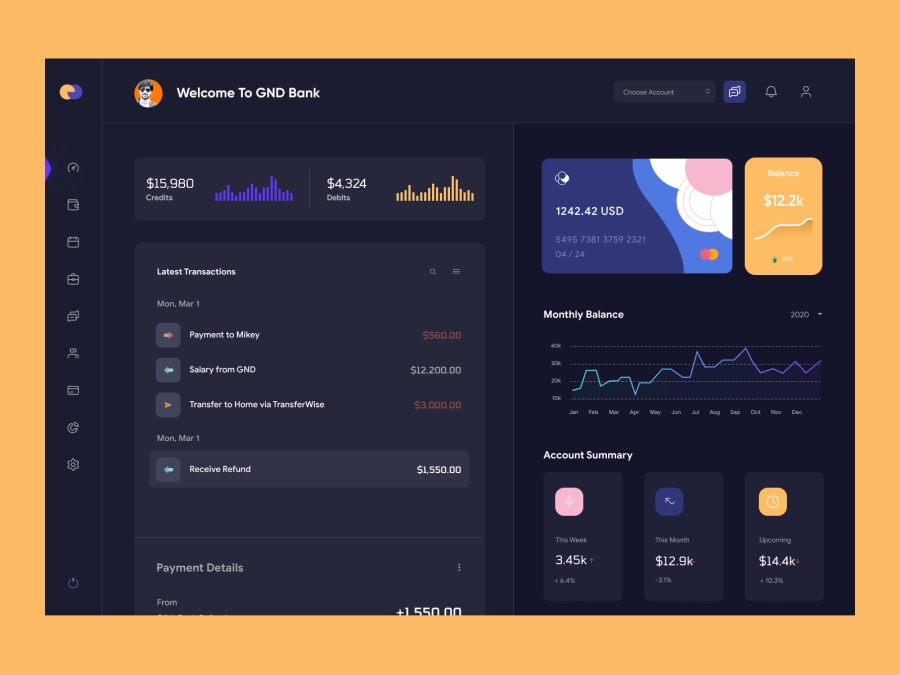
QuantumCash - Banking Dashboard UI - Dark Version
503
U
UI Dux
Figma
XD
Free
Dashboard Sidebar Navigation
165
U
UI Dux