Premium
v1.0
QuantumCash - Banking Dashboard UI - Dark Version
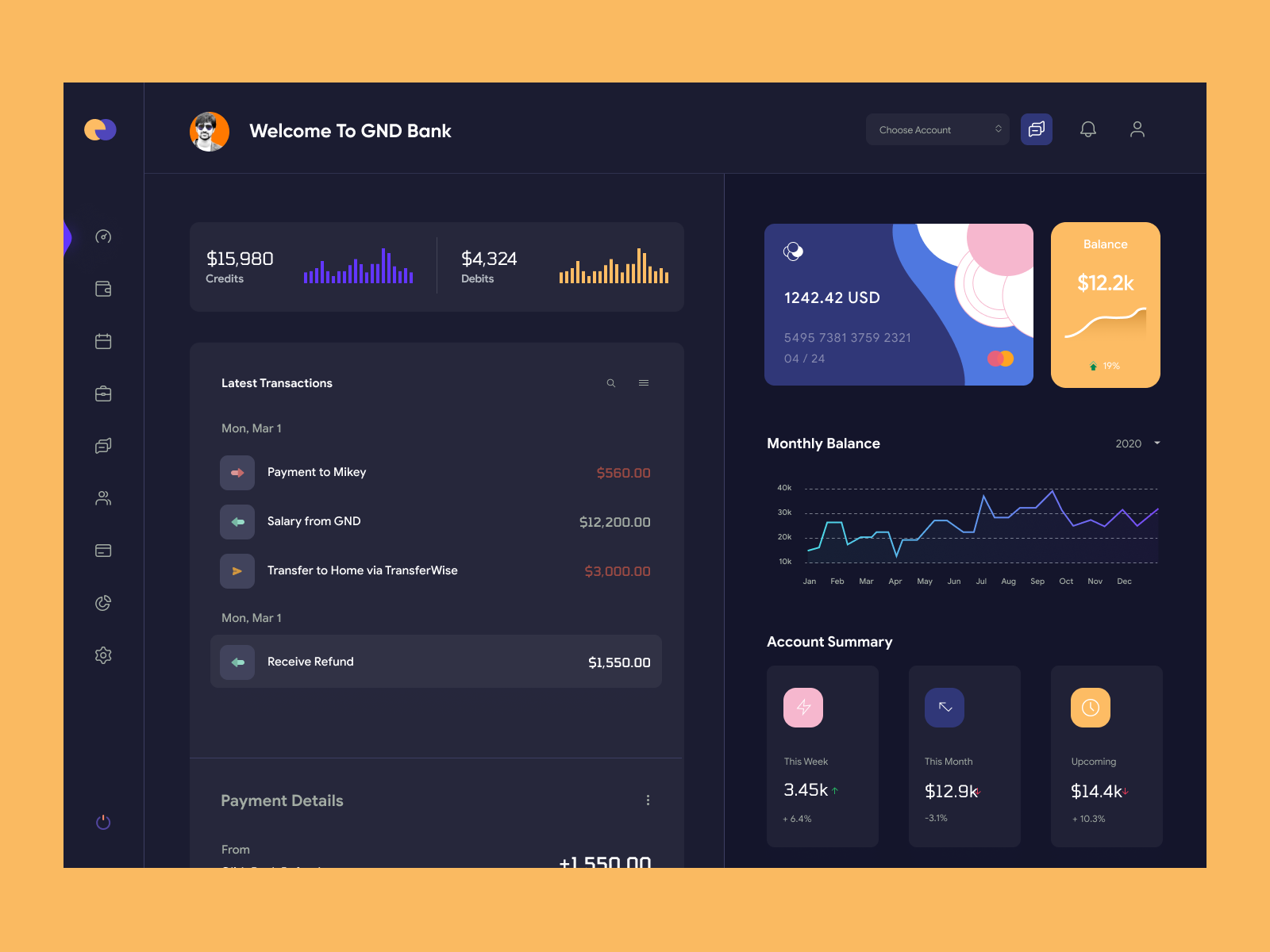
A sleek, modern banking dashboard UI in Figma, featuring a dark theme with vibrant accents, offering comprehensive financial data presentation and easy customization.
About QuantumCash - Banking Dashboard UI - Dark Version
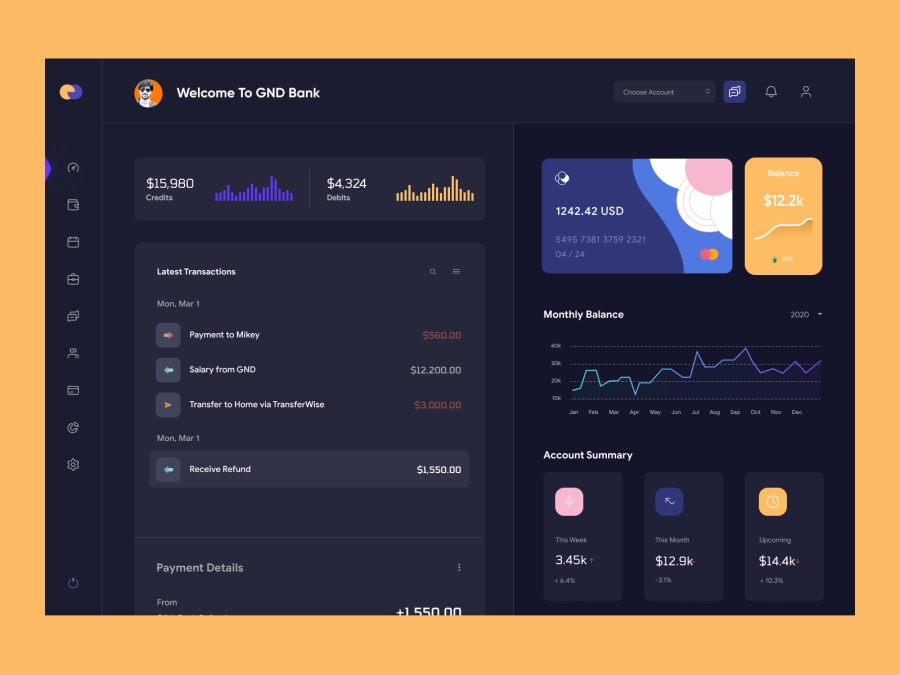
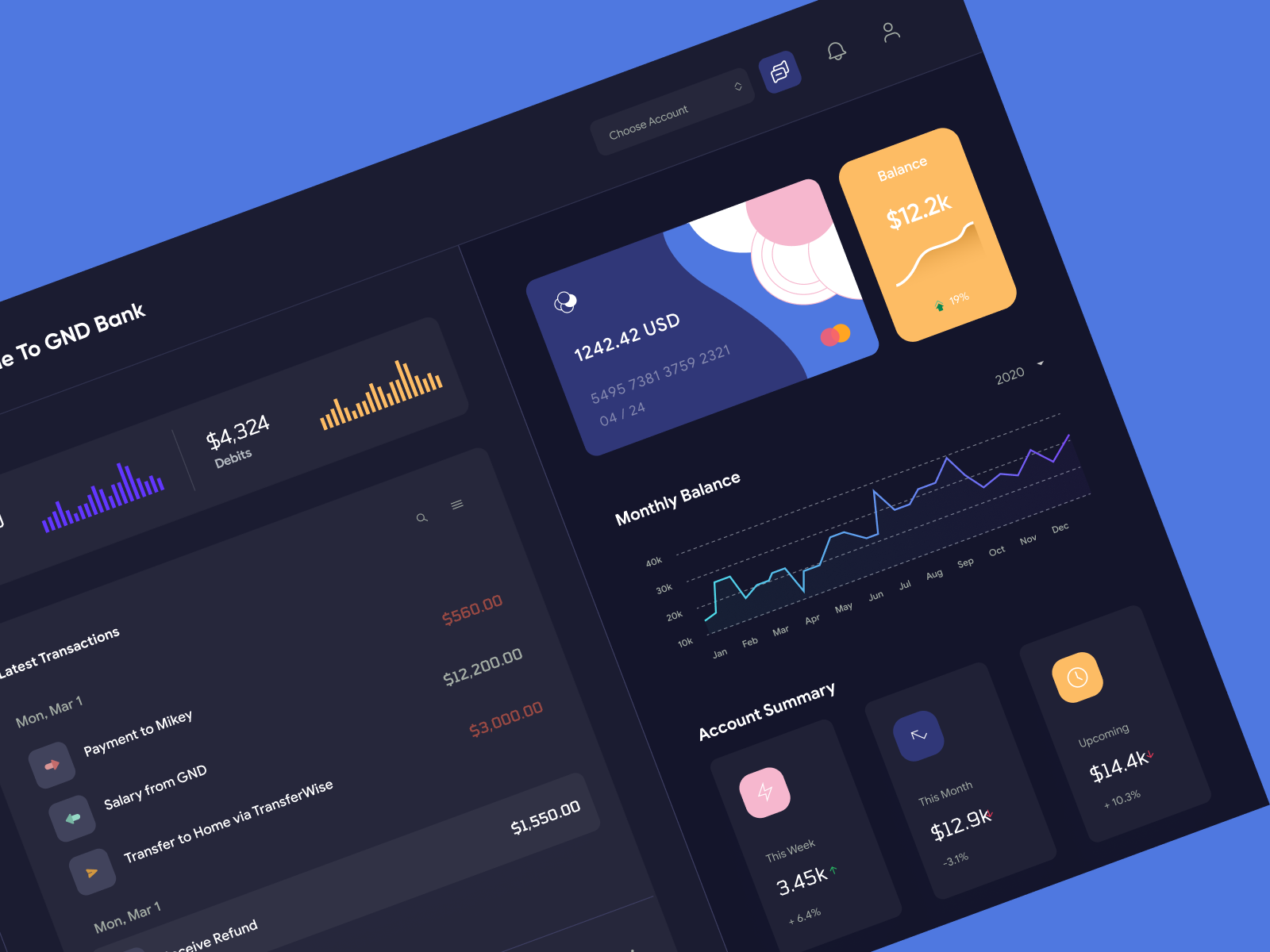
Introducing a meticulously designed banking dashboard UI that caters to modern designers seeking a sleek, functional interface. This Figma design embodies a balance of aesthetics and usability, featuring an elegant dark theme with vibrant accents that highlight critical financial data. Key elements include a comprehensive account overview, recent transactions log, monthly balance analytics, and an intuitive navigation system. The dashboard is structured to enhance user experience with easy access to financial insights, facilitating informed decision-making. Its responsive design ensures compatibility across devices, making it ideal for mobile and desktop interfaces. Designed with precision, this UI lends itself to customization, allowing designers to tailor elements according to specific branding requirements.
Features
- Modern Aesthetics
- Comprehensive Overview
- Customizable Components
- Responsive Design
- User-Friendly Navigation
- Data Visualization
- Efficient Workflow
- Multi-Platform Compatibility
Frequently Asked Questions
What is the file format?
The file is provided in Figma format.
Can I customize the UI components?
Yes, all components are customizable directly in Figma.
Is this design responsive?
Yes, it's designed to be fully responsive for both mobile and desktop use.
Are the charts and graphs editable?
Yes, all data visualizations are editable within Figma.
Does this design support multiple currencies?
The design can be customized to support multiple currencies.
Is there a light theme available?
Currently, this design is only available in a dark theme, but it can be customized to a light theme in Figma.
What type of transactions are displayed?
The design includes sections for credits, debits, transactions, and refunds.
How are updates managed?
You can update and manage the design directly within Figma.
Is this design suitable for developers?
Yes, this design is structured to assist both designers and developers.
How do I copy the design into my project?
You can copy and paste the design directly into your Figma project without downloading.
Premium License
Unknown Size
More like this
View all
Finance Dashboard UI Concept
828
U
UI Dux
Figma
XD
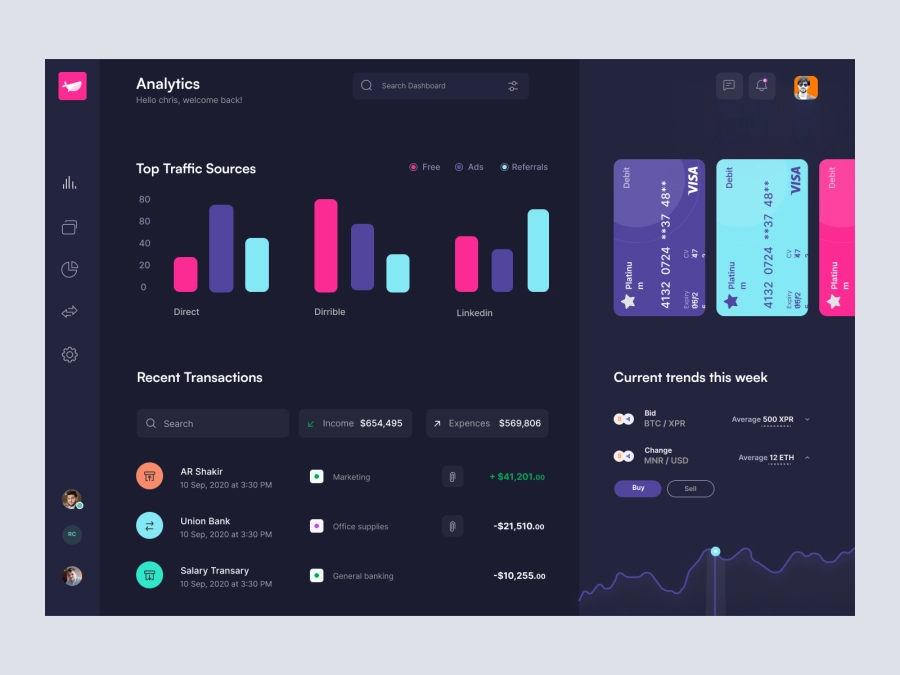
BitBridges - Finance Dashboard Clean UI - Dark Version
960
U
UI Dux
Figma
XD
Free
Dashboard Top Nav
335
U
UI Dux
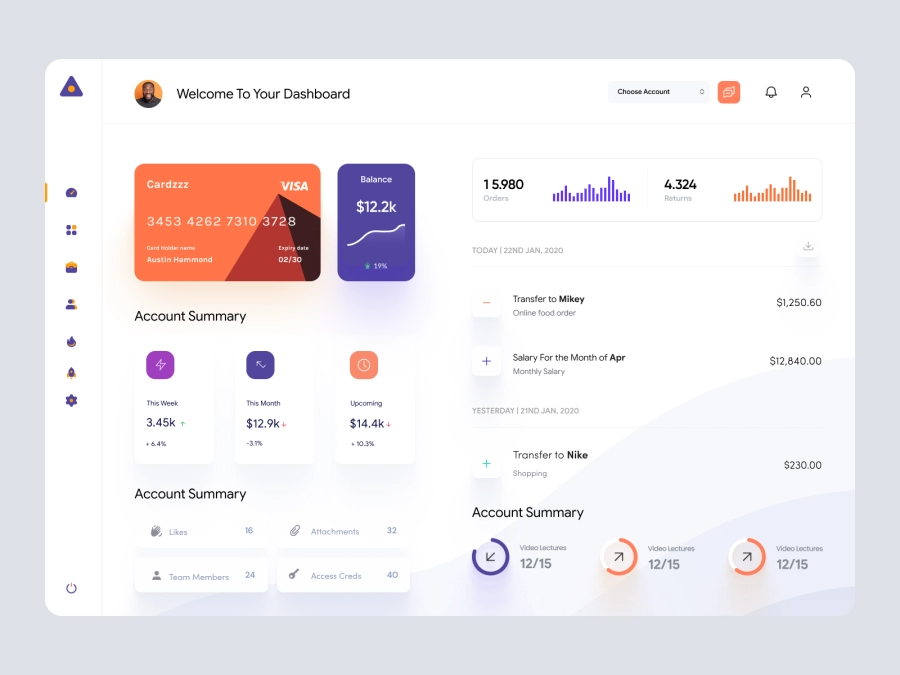
Fatehi - FInance App Dashboard UI Template
578
U
UI Dux
Figma
XD
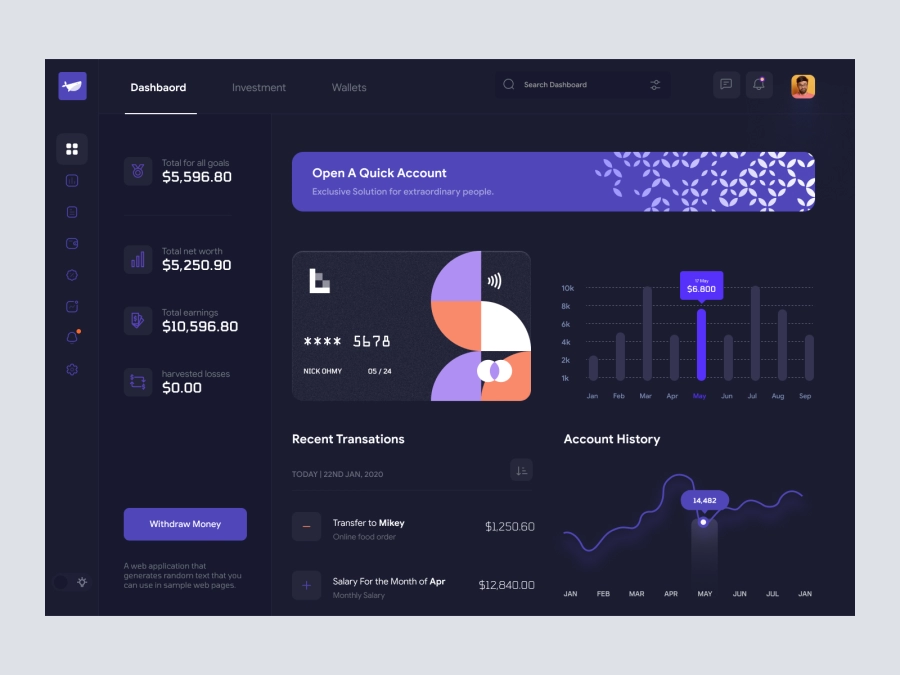
Ravind - Cryptocurrency Dashboard UI Dark Version
993
U
UI Dux
Figma
XD
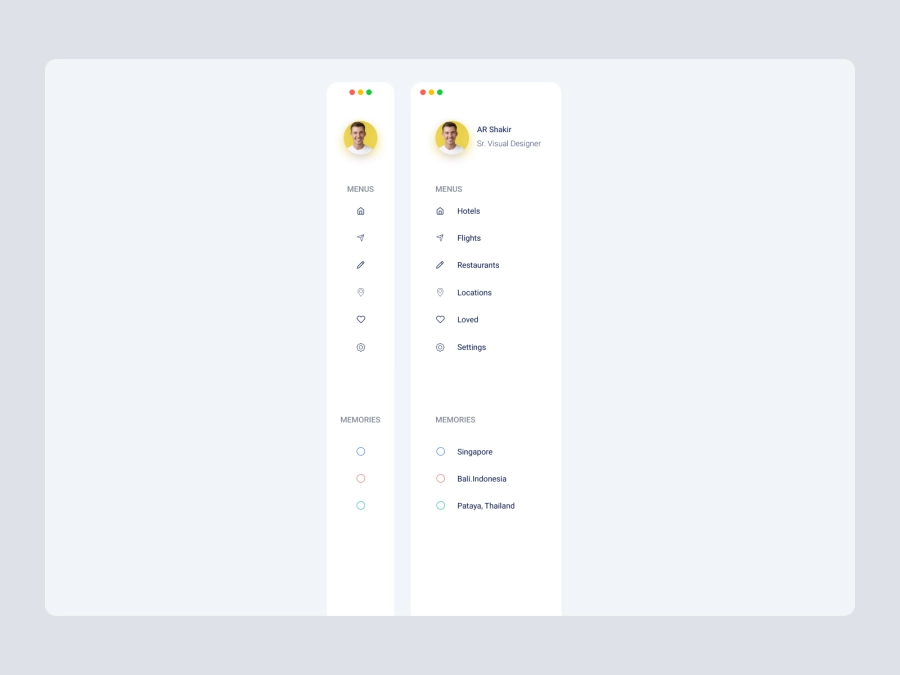
Free
Dashboard Sidebar Navigation
830
U
UI Dux

Crypto Dashboard UI Concept
237
U
UI Dux
Figma
XD
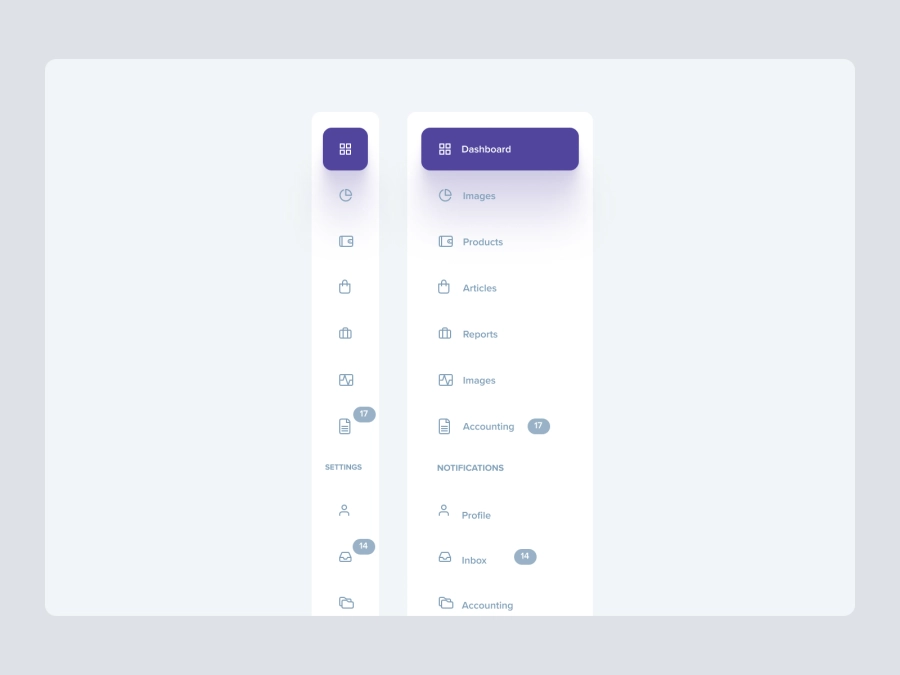
Free
Dashboard Top Nav
446
U
UI Dux
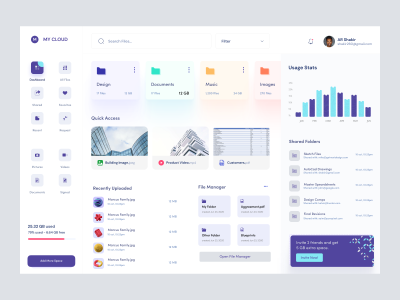
Dashboard UI For Cloud File Storage
754
U
UI Dux
Figma
XD
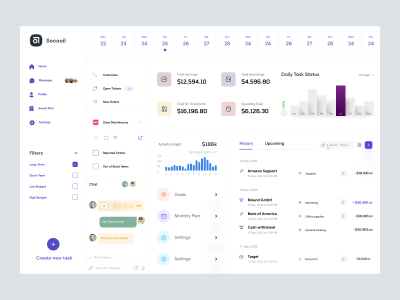
Project Management App Concept
410
U
UI Dux
Figma
XD
Free
Dashboard Top Nav
835
U
UI Dux
Free
Dashboard Top Nav
442
U
UI Dux
Yalla - FInance App Dashboard UI Template
253
U
UI Dux
Figma
XD
Mine and Shine - Bitcoin Mining Dashboard UI Concept Dark Version
209
U
UI Dux
Figma
XD

Banking Dashboard UI
584
U
UI Dux
Figma
XD