Premium
v1.0
Darcy - Smart Home Management Dashboard
Modern smart home dashboard UI design in Figma for easy customization. Enjoy intuitive controls, a sleek look, and hassle-free integration.
About Darcy - Smart Home Management Dashboard
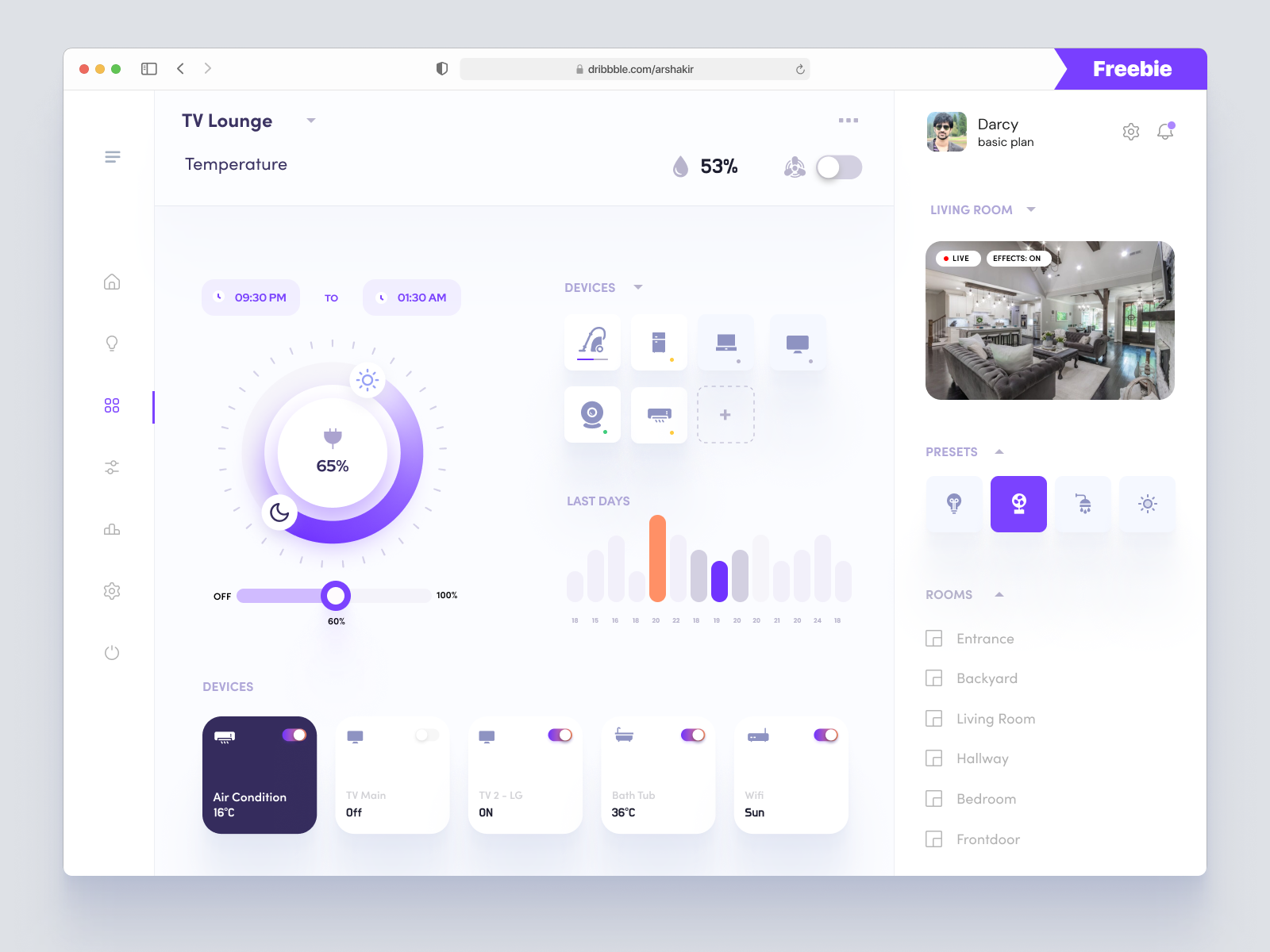
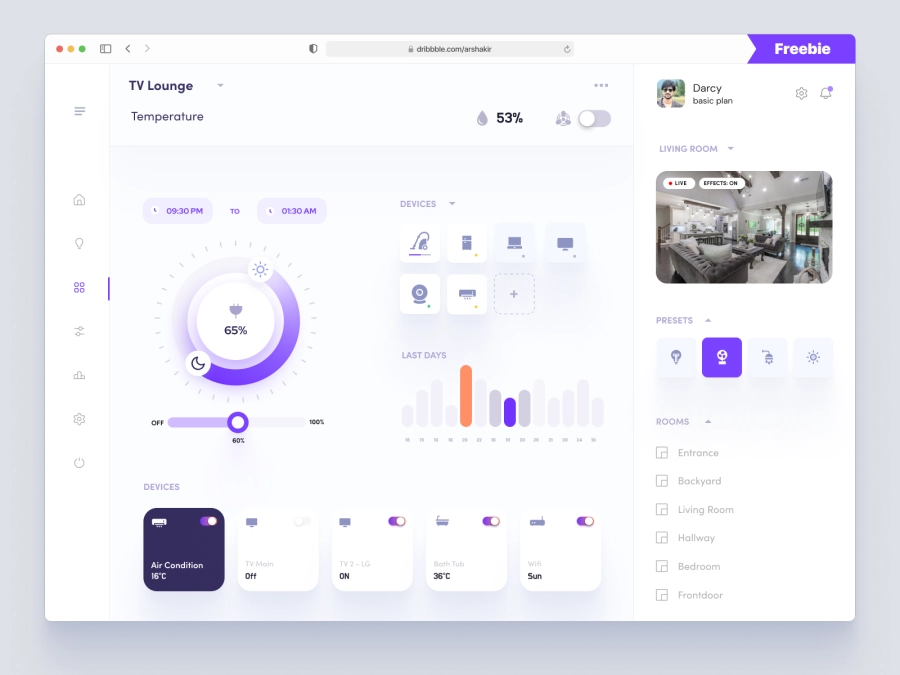
Introducing a sleek, modern smart home dashboard UI design, tailor-made for seamless integration into any home automation system. This Figma template boasts an intuitive, user-friendly layout that emphasizes functionality and aesthetic appeal. The design features a central control dial for temperature settings, allowing users to adjust room conditions with precision. Additionally, a sidebar offers access to different rooms, presets, and device statuses, creating a comprehensive hub for managing your smart home components. The color palette mixes calming purples and greys to promote a sense of tranquility and modernity, perfect for any stylish home. With interactive graphs to track energy consumption and real-time device monitoring, this design ensures a seamless user experience. Download it as a Figma file and easily customize to fit your needs, offering straightforward drag-and-drop functionality without any additional downloading required.
Features
- Easy Customization
- Modern Aesthetic
- Intuitive Navigation
- Centralized Control
- Real-Time Monitoring
- Responsive Design
- Seamless Integration
- Comprehensive Components
Frequently Asked Questions
What is the file format?
The design is provided in a Figma file format.
Can I customize the colors?
Yes, you can easily customize colors in Figma.
Is this design mobile-friendly?
The design is optimized for desktop, but can be adapted for mobile.
Do I need to download additional software?
No, you can use this directly in Figma without additional downloads.
What components are included?
Includes device monitoring, temperature control, and usage graphs.
How do I integrate this into my project?
Simply copy and paste the components directly into your Figma project.
Is support available after purchase?
Yes, you can contact support for any questions or issues.
Can I add more devices or rooms?
Yes, it’s easy to expand with more devices or rooms in Figma.
Is there a guide for customization?
Yes, a basic guide is included for easy customization.
Can I use this for commercial projects?
Yes, you can use it for personal or commercial projects.
Premium License
Unknown Size
More like this
View all
NFT Dashboard
452
U
UI Dux
Figma
XD
Bangroo - Daily Tasks Management Dashboard
833
U
UI Dux
Figma
XD
Free
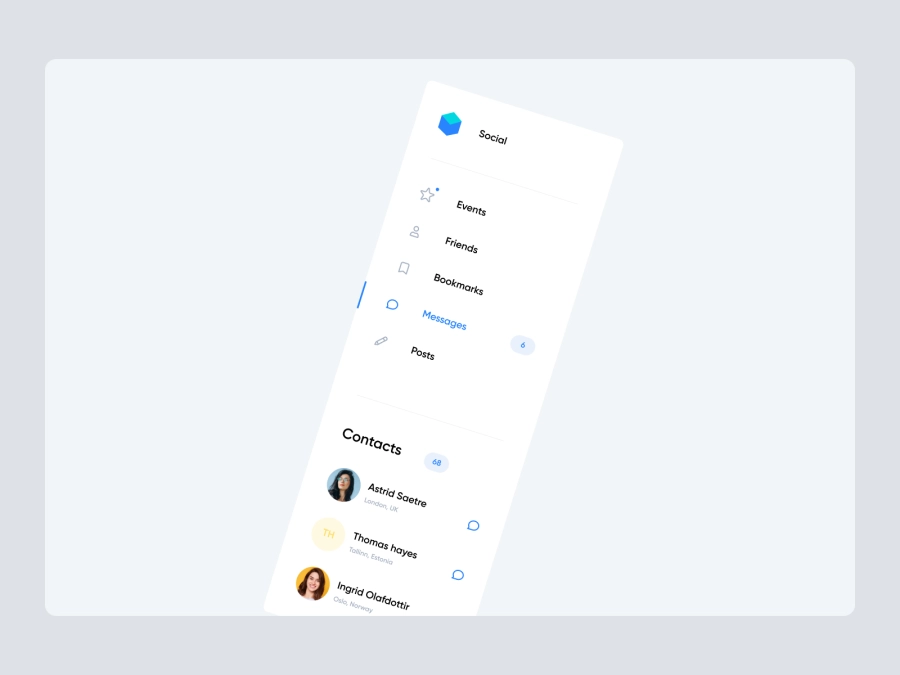
Dashboard Sidebar Navigation
736
U
UI Dux
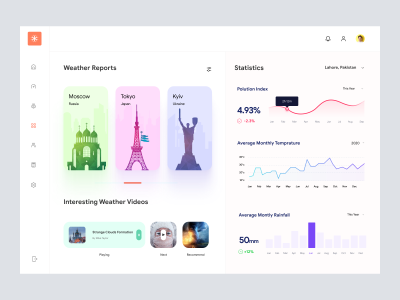
Weather App Dashboard UI
886
U
UI Dux
Figma
XD

Ecommerce Store Dashboard
712
U
UI Dux
Free
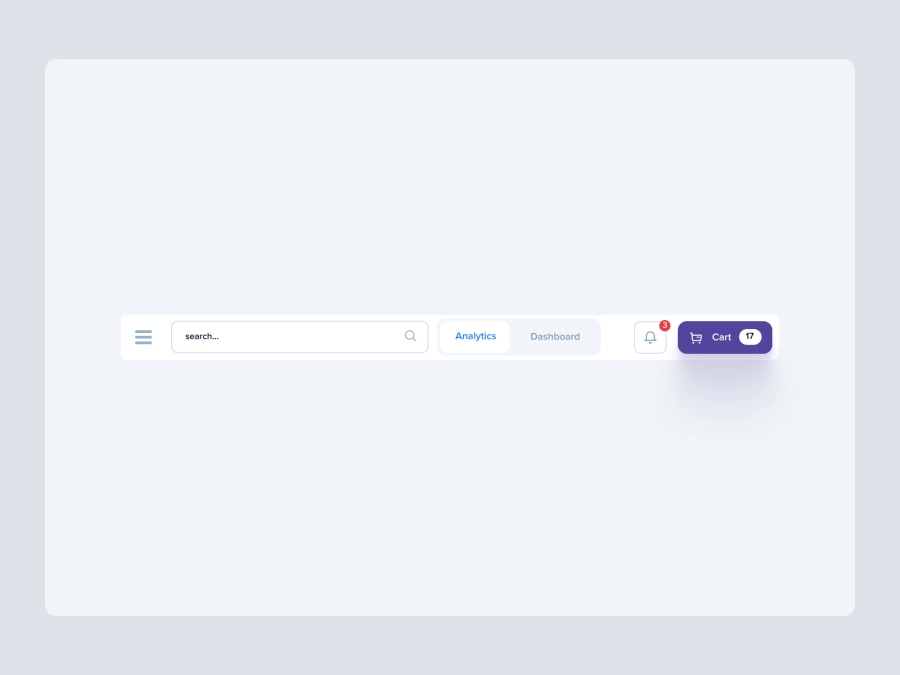
Dashboard Top Nav
778
U
UI Dux

Modern Incident Management Dashboard UI Design
700
U
UI Dux
Figma
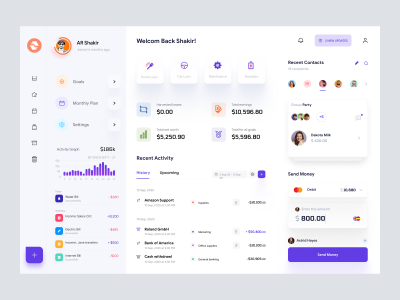
Finance app ui
270
U
UI Dux
Figma
XD

Finance Dashboard UI Concept
959
U
UI Dux
Figma
XD

D - Banking Dashboard UI
502
U
UI Dux
Figma
XD
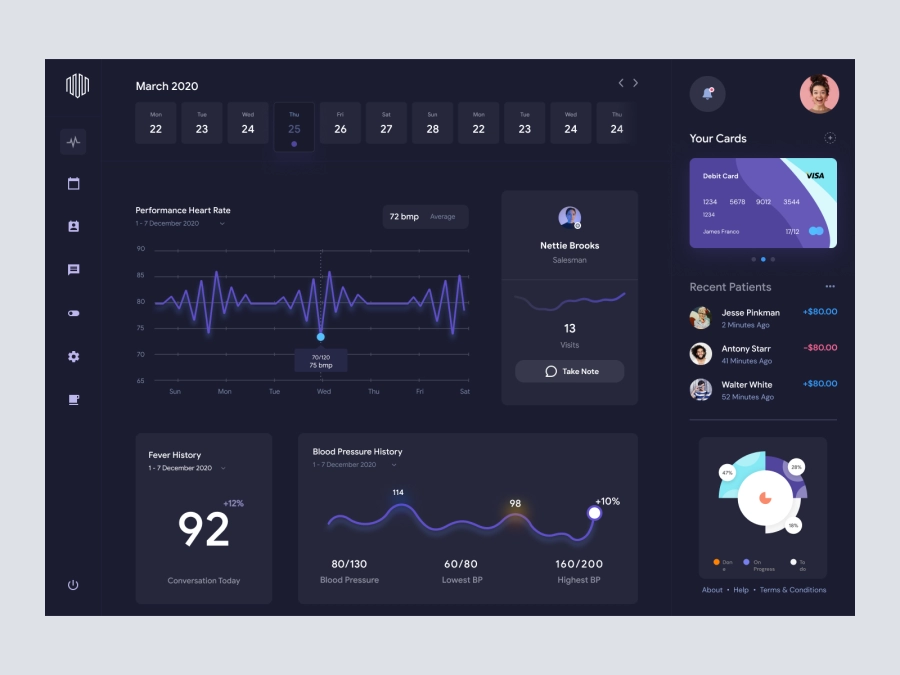
Dr.Du - Doctors Dashboard
676
U
UI Dux
Figma
XD

Project Management Dashboard UI Concept
187
U
UI Dux
Figma
XD
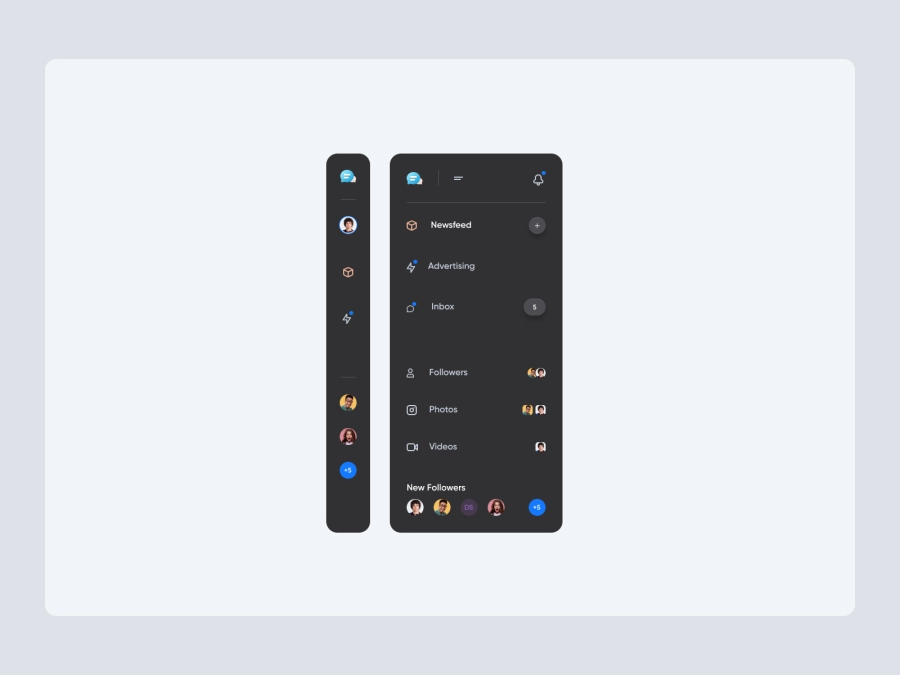
Free
Dashboard Sidebar Navigation
454
U
UI Dux

Sleek Incident Management Dashboard UI
969
U
UI Dux
Figma

Digital Wallat Web App Dashboard
912
U
UI Dux
Figma
XD