Premium
v1.0
Banking Dashboard UI
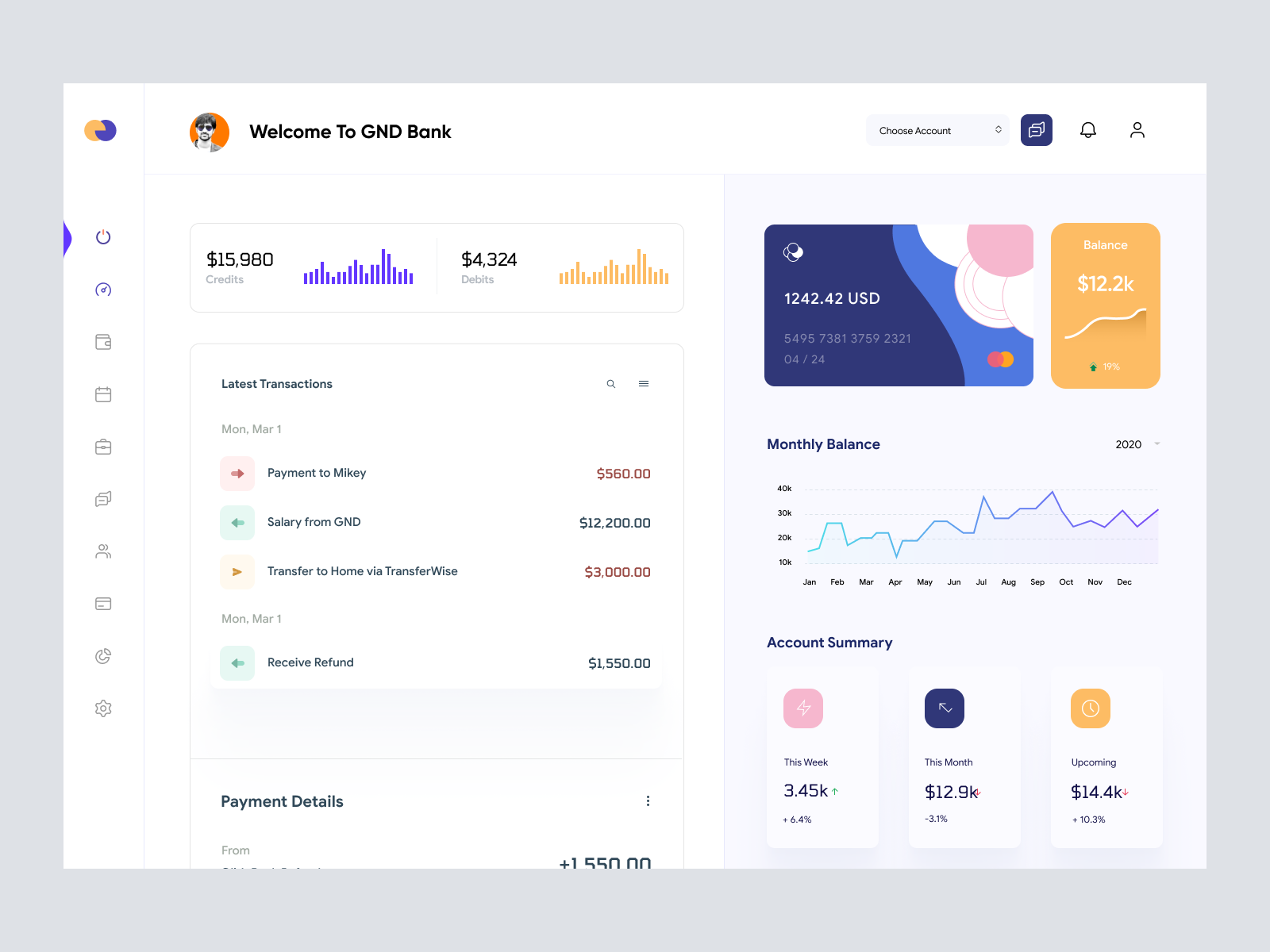
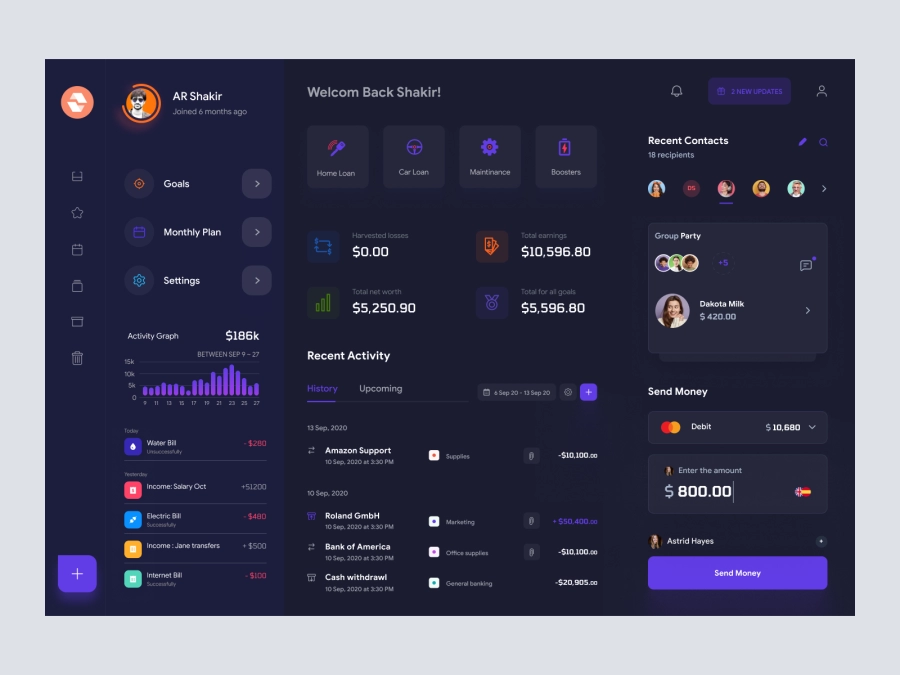
A sleek banking dashboard UI in Figma, featuring dynamic balance and transaction visuals, designed for intuitive navigation and data clarity.

About Banking Dashboard UI
This modern and visually appealing banking dashboard UI design is crafted for an intuitive user experience. Its clean, minimalist layout offers a comprehensive view of financial data with vibrant color schemes that enhance readability and organization. The design features a dynamic balance overview, latest transactions summary, and monthly balance graph, all accessible directly from the main screen. The use of iconography and clear typography ensures users can quickly process and interpret various sections. With interchangeable account options and responsive data visualization, this Figma file is ready for immediate integration into your design projects. Perfect for both desktop and mobile, it offers a smooth navigation experience that enhances user engagement and satisfaction. This design is ideal for modern financial applications looking to offer an elegant and efficient digital banking experience.
Features
- Intuitive Navigation
- Dynamic Visuals
- Customizable Design
- Responsive Layout
- Comprehensive Overview
- Easy Integration
- Engaging User Interface
- Efficient Account Management
Frequently Asked Questions
What format is the file provided in?
The file is provided as a Figma file.
Can I edit this design in Figma?
Yes, you can easily edit and customize this design in Figma.
Is this design responsive?
The design is created to be adaptable for responsive applications.
How is the navigation structured?
The navigation is intuitive with clear icons and a sidebar for easy access.
Are the color schemes customizable?
Yes, the color schemes can be fully customized to fit your branding.
Is there a section for viewing transactions?
Yes, there is a dedicated section displaying the latest transactions.
Does the dashboard include data visualization?
Yes, it features a monthly balance graph and summary visuals.
Can I copy and paste components directly in Figma?
Yes, the components can be copied and pasted directly in Figma.
What kind of projects is this design suitable for?
It's suitable for digital banking and financial applications.
Are there account management features included?
Yes, there are options to choose and manage accounts in the design.
Premium License
Unknown Size
More like this
View all
Freelancer Finance Dashboard
879
U
UI Dux
Free
Dashboard Top Nav
243
U
UI Dux

Free
Dashboard Sidebar Navigation
200
U
UI Dux
Raone - Cryptocurrency Dashboard UI Dark Version
558
U
UI Dux
Figma
XD

Weight Loss Dashboard UI Concept
570
U
UI Dux
Figma
XD
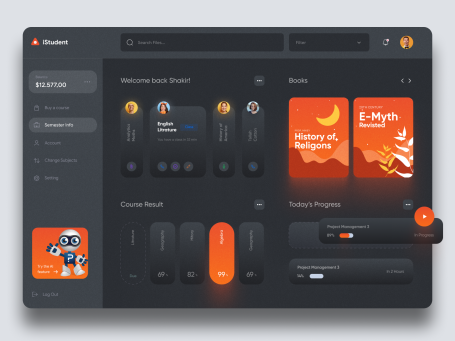
iStudy - University Dashboard UI Concept Dark Version
590
U
UI Dux
Figma
XD
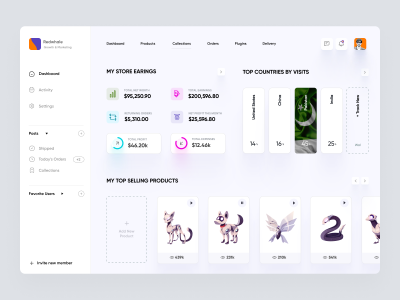
Ecommerece Dashboard UI Concept
371
U
UI Dux
Figma
XD

Edda - Online Learning Dashboard UI
654
U
UI Dux
Figma
XD

Project Management Dashboard UI
902
U
UI Dux
Figma
XD

Weight Loss Program Dashboard UI
267
U
UI Dux
Figma
XD
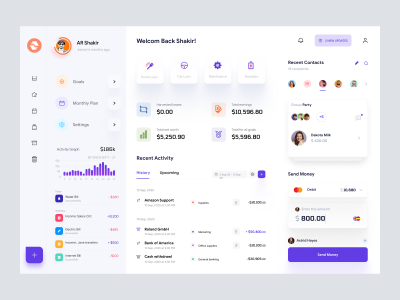
Finance app ui
210
U
UI Dux
Figma
XD
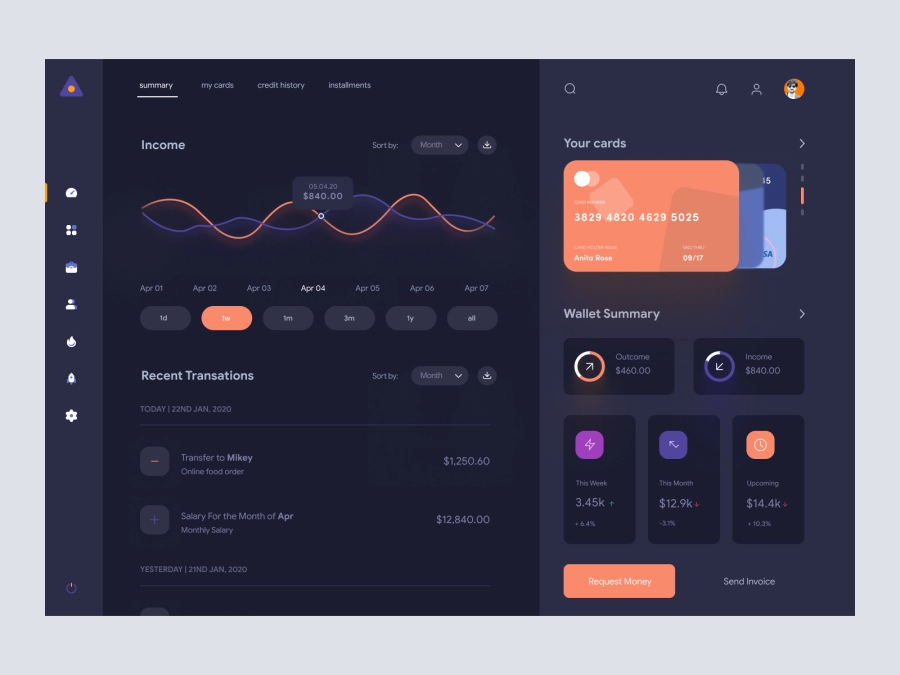
FinVerse - Finance Dashboard App UI Dark Layout
748
U
UI Dux
Figma
XD

Crypto Dashboard UI
110
U
UI Dux
Figma
XD
VaultVista - Finance Dashboard Clean UI - Dark Version
510
U
UI Dux
Figma
XD

Sleek Dashboard Design for System Health Monitoring
678
U
UI Dux