Premium
v1.0
BlockBond - Cryptocurrency Dashboard UI Concept Dark Version
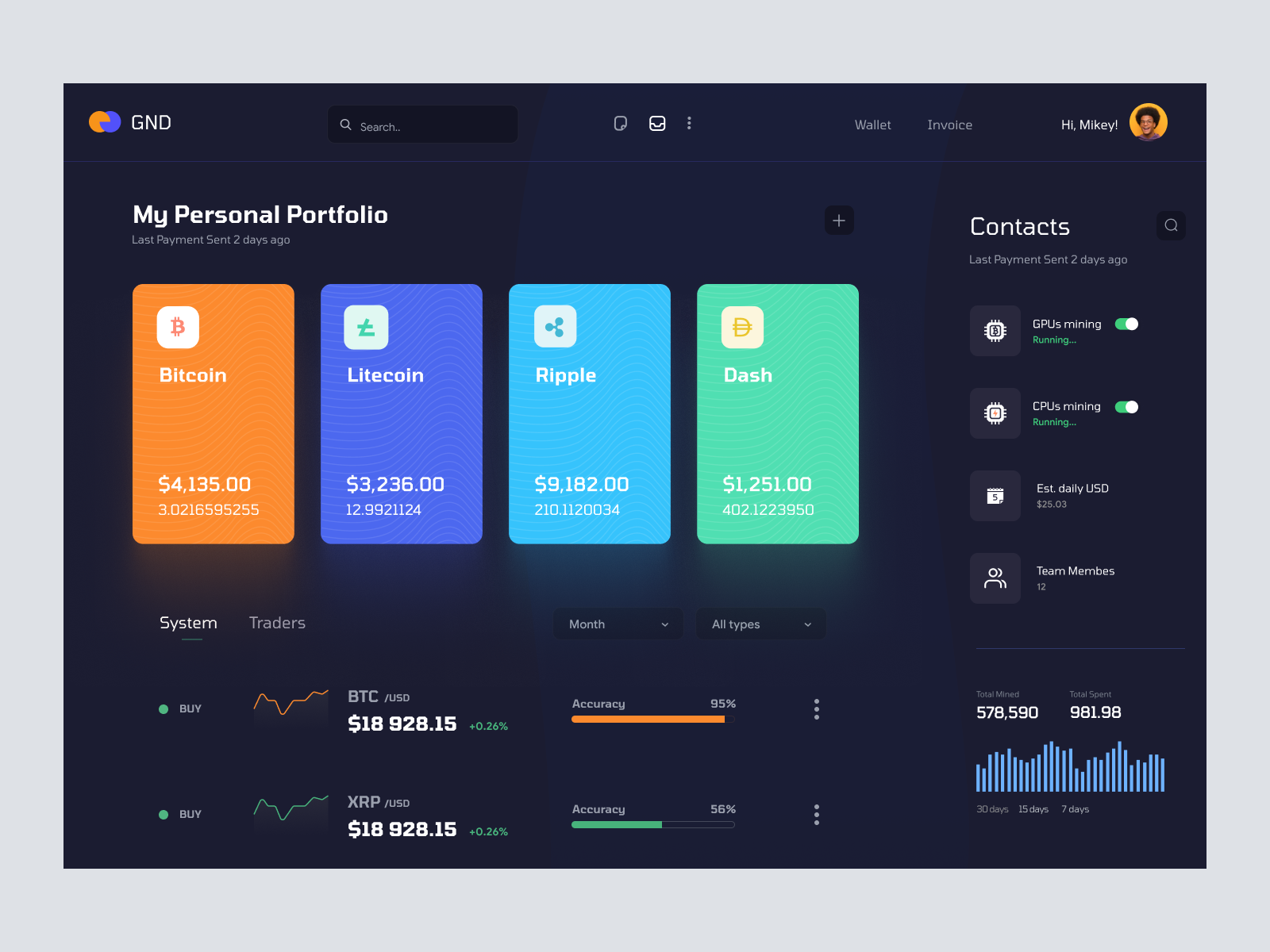
Modern cryptocurrency dashboard UI with real-time asset tracking. Instantly integrate via Figma for streamlined, visually engaging portfolio management.
About BlockBond - Cryptocurrency Dashboard UI Concept Dark Version
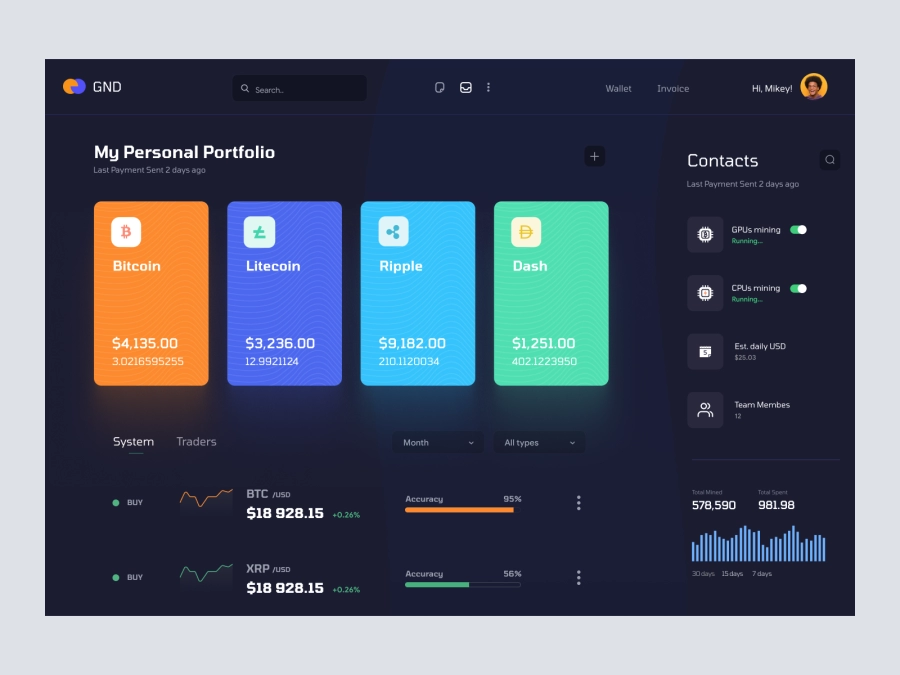
This UI design offers a sleek and modern interface tailored for cryptocurrency portfolio management. Featuring a dark themed dashboard, it vividly displays multiple crypto assets with real-time pricing, represented visually with bold, colorful cards. Users can easily track assets such as Bitcoin, Litecoin, Ripple, and Dash, with their respective market values and total holdings displayed prominently. To the right, a Contacts panel provides status updates on GPUs and CPUs mining operations, ensuring users are always informed of their current mining status. Below, a graph offers a glance at activities over a period, and a tab interface allows seamless switching between asset classes and timeframes. Everything is meticulously laid out to enhance both functionality and aesthetics, ensuring an intuitive user experience that resonates with both novice and seasoned traders. Available in a Figma file, you can instantly incorporate this design into your workspace, enhancing productivity and visual impact.
Features
- Real-Time Asset Monitoring
- User-Friendly Navigation
- Dark Theme Design
- Easy Integration
- Customizable Components
- Responsive Layout
- Contact and Mining Status
- Interactive Graphs
Frequently Asked Questions
What format is the design file?
The design is available in a Figma file format.
Can I customize the assets displayed?
Yes, you can customize the assets using Figma's tools and change labels, prices, and other details.
Is the design suitable for mobile view?
This design is currently optimized for desktop interfaces.
How do I import the file into Figma?
You can easily copy and paste the design directly into your Figma workspace.
Does the design support real-time data updates?
While the UI can display real-time data, actual implementation requires integration with data APIs.
Can I change the theme color?
You can personalize theme colors as per your brand standards using Figma.
Are animations included?
This design is static; animations need to be designed separately.
Is the design layer organized?
Yes, layers are well-organized, making customization intuitive and efficient.
Can I adjust the layout for more features?
Yes, the layout is flexible and can accommodate additional components.
Is there a support service for customization?
Please refer to Figma or your specific design service provider for customization support.
Premium License
Unknown Size
More like this
View all
Serverx - Cloud Server Management Dashboard
253
U
UI Dux
Figma
XD
Free
Dashboard Top Nav
580
U
UI Dux
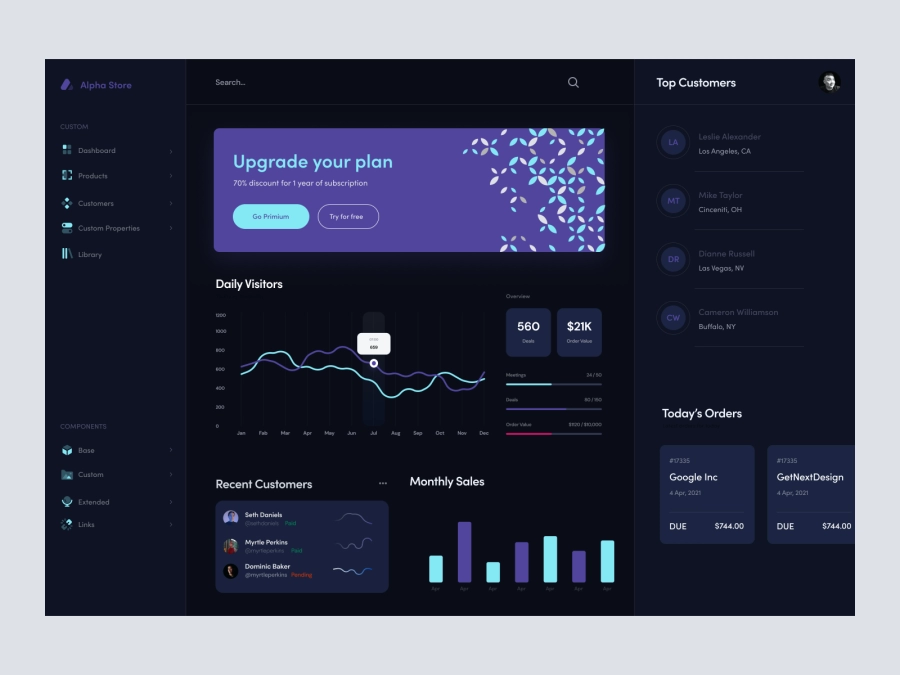
Alpha Store - Dashboard UI Concept Dark Version
649
U
UI Dux
Figma
XD
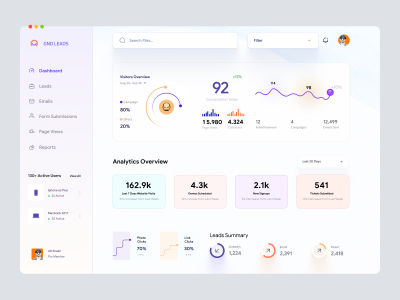
Leadgen Dashboard UI
536
U
UI Dux
Figma
XD
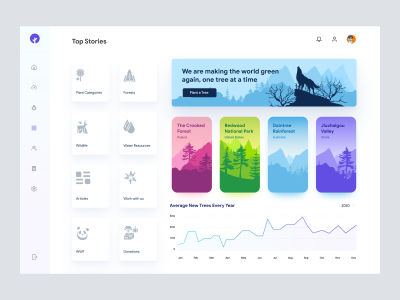
Save The Jungles - Dashboard UI Concept
477
U
UI Dux
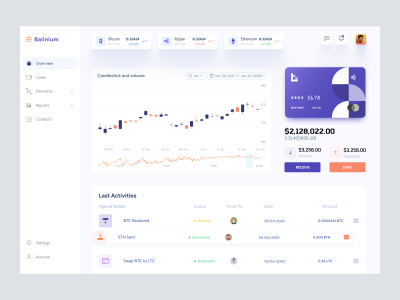
Cryptocurrency Dashboard UI
440
U
UI Dux
Figma
XD
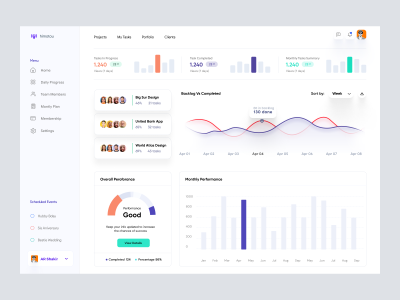
Project Management Dashboard
181
U
UI Dux
Figma
XD

Banking Dashboard UI Concept
230
U
UI Dux
Figma
XD
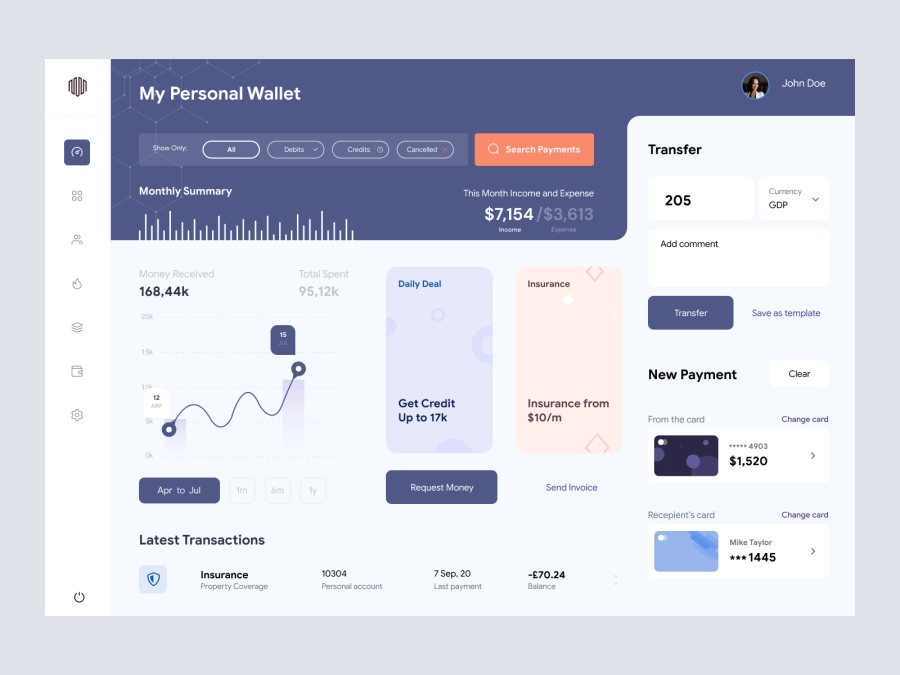
Arooba - Personal Wallet Dashboard UI
776
U
UI Dux
Figma
XD
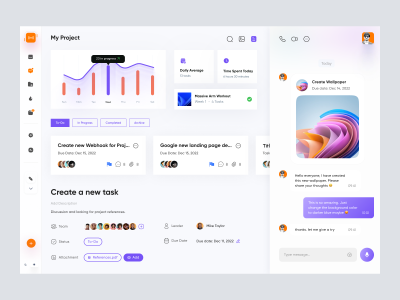
Project Managment App Dashboard UI
652
U
UI Dux
Figma
XD

Social Media Influencer Dashboard UI
575
U
UI Dux
Figma
XD
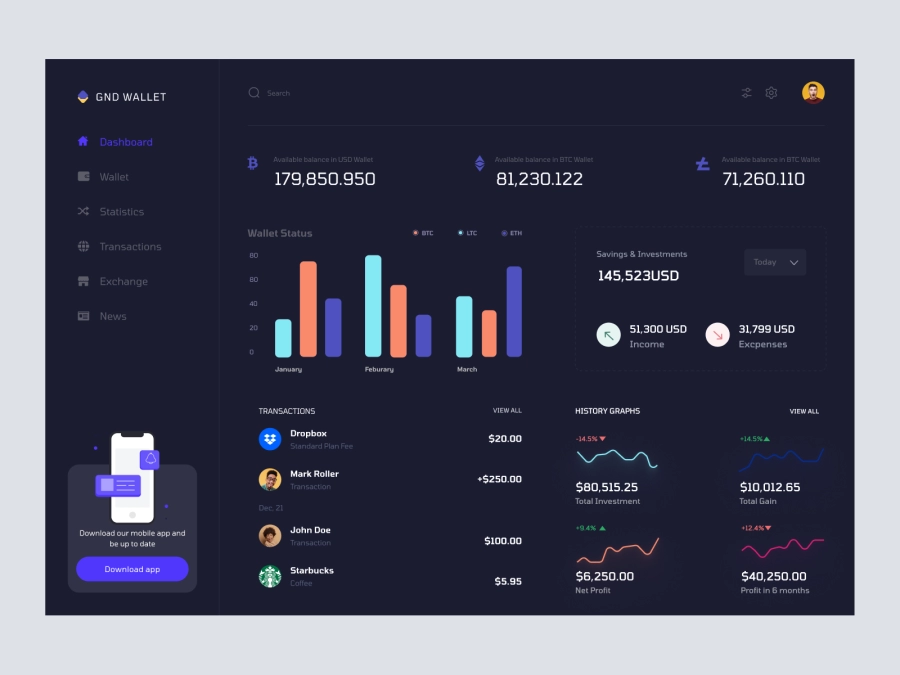
Dhoya - Cryptocurrency Dashboard UI Concept
158
U
UI Dux
Figma
XD
Free
Dashboard Sidebar Navigation
735
U
UI Dux

Banking Dashboard UI
373
U
UI Dux
Figma
XD
Job Board Dashboard Ui
543
U
UI Dux
Figma
XD