Premium
v1.0
Dhoya - Cryptocurrency Dashboard UI Concept
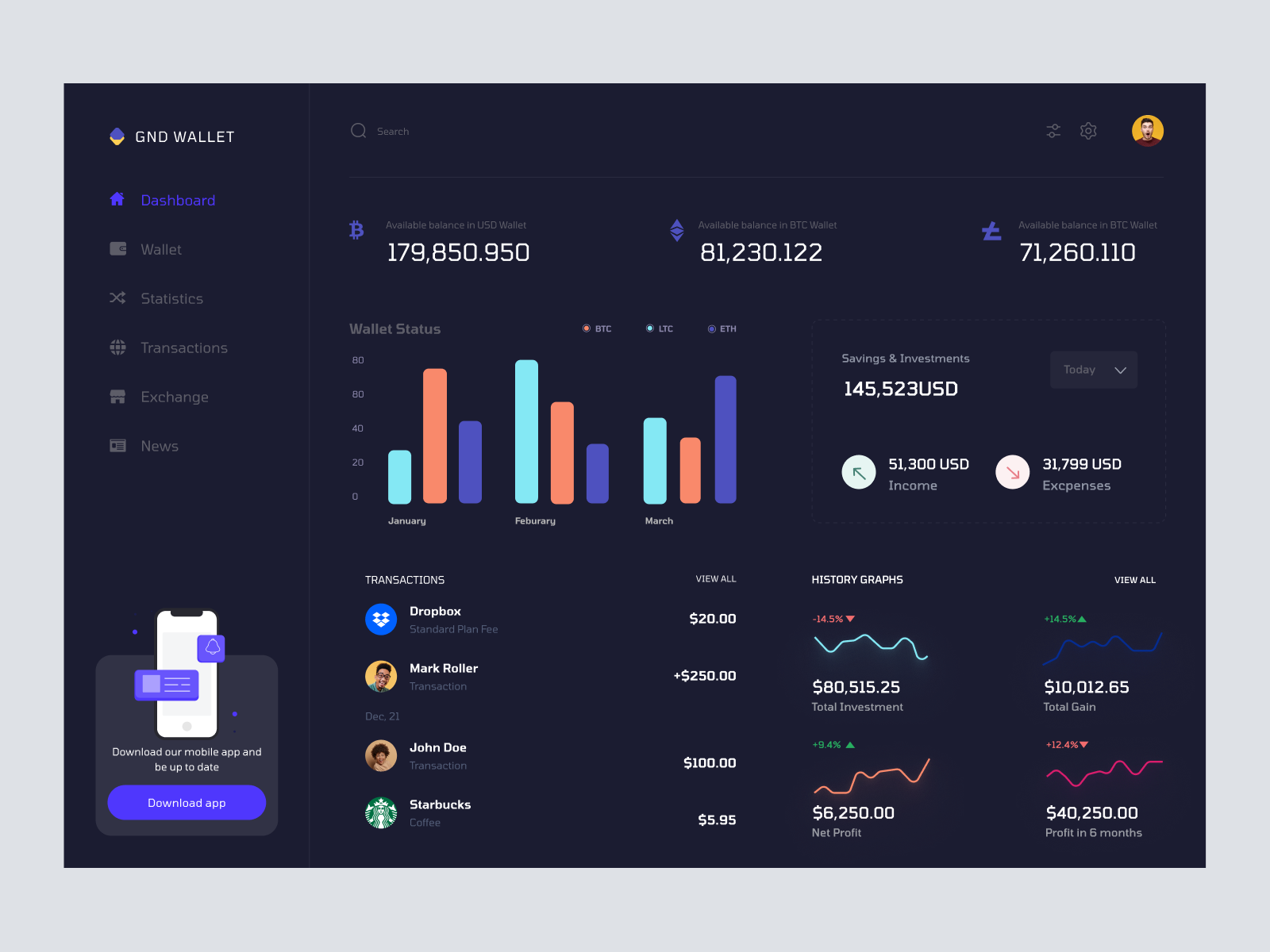
Modern UI design for digital wallets, emphasizing intuitive navigation and vivid data visualization, available in Figma for seamless integration.
About Dhoya - Cryptocurrency Dashboard UI Concept
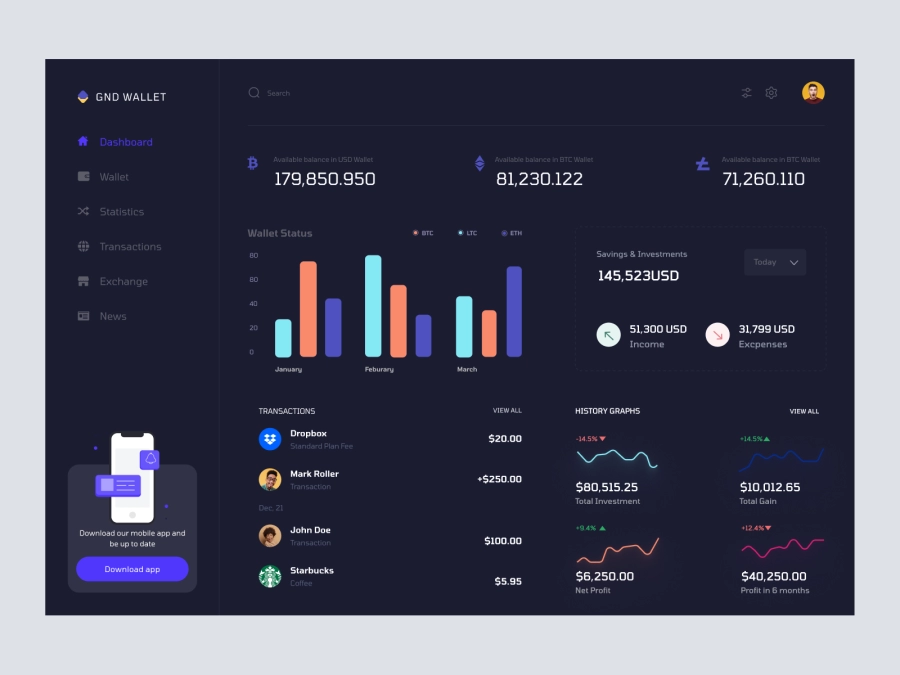
Transform your financial management interface with this sleek, modern UI design built for applications focused on digital wallets. The design's dark theme provides a visually appealing contrast that highlights essential data effectively. It features a comprehensive dashboard with clear sections for wallet balances, savings, transactions, and history graphs. The intuitive icons and structured layout enhance user experience by enabling easy navigation across different features such as statistics, transactions, and exchange rates. Designed in Figma, this interface allows for seamless integration by enabling direct copying and pasting into your projects. The sidebar includes an engaging call-to-action for mobile app downloads, ensuring users stay updated. Enhance your digital product with a high-contrast visual hierarchy and vivid data visualization elements that promise to improve user engagement and operational efficiency.
Features
- Intuitive Navigation
- Data Visualization
- High Contrast Design
- Easy Integration
- Customizable Interface
- Call to Action
- Comprehensive Dashboard
- User-Centric Design
Frequently Asked Questions
What file format is provided?
The design is provided as a Figma file.
Is customizability possible?
Yes, the design can be customized according to your needs within Figma.
Can I directly copy and paste this design?
Yes, you can copy and paste directly in Figma without downloading the file.
Does the design support dark mode?
Yes, it features a sleek dark theme for high contrast.
What sections are included in the dashboard?
It includes wallet balances, savings, transactions, and history graphs.
Is the design mobile-responsive?
The design encourages mobile app downloads, supporting a mobile-friendly approach.
Can I integrate this with existing projects?
Absolutely, especially with its easy Figma integration capabilities.
What makes this design user-friendly?
Intuitive icons and a structured layout enhance user navigation and experience.
Is there a tutorial for customizing the design?
Guidelines for customization can typically be found within Figma's documentation.
What makes this design unique?
The high-contrast visual hierarchy and vivid data visualization elements make it stand out.
Premium License
Unknown Size
More like this
View all
Free
Dashboard Sidebar Navigation
976
U
UI Dux
Racing Car Dashboard UI Concept
143
U
UI Dux
Figma
XD
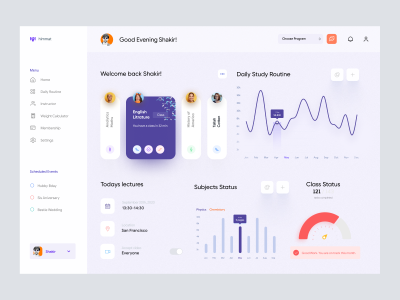
Online Class Dashboard UI
509
U
UI Dux
Figma
XD

Weight Loss Program Dashboard UI
323
U
UI Dux
Figma
XD
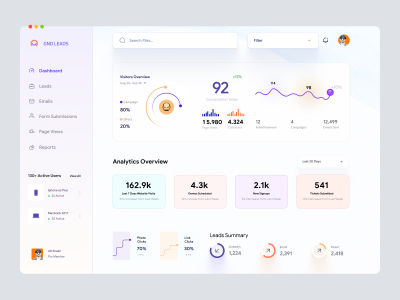
Leadgen Dashboard UI
262
U
UI Dux
Figma
XD
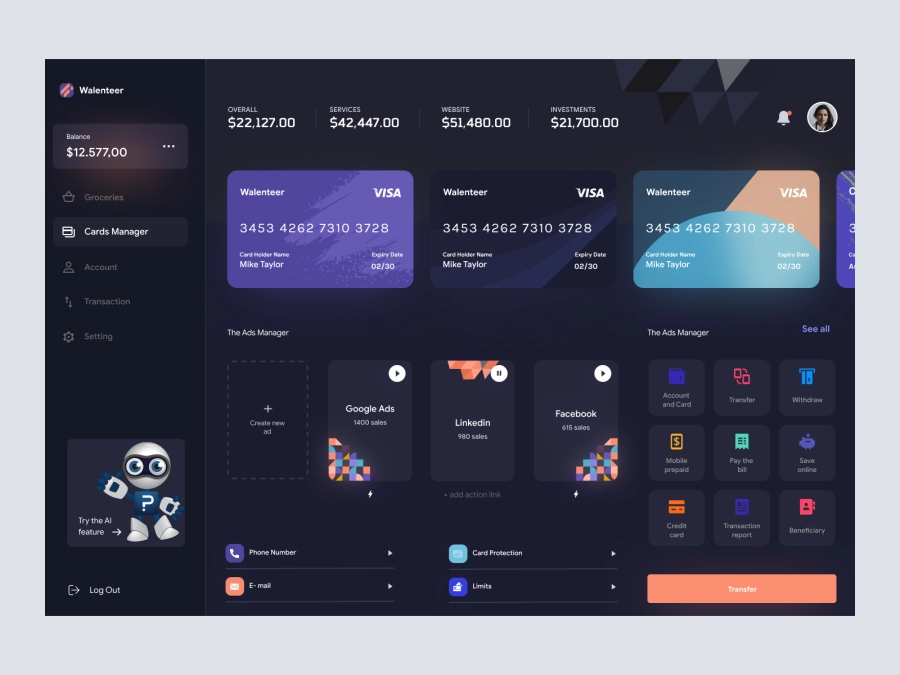
Wallenteer - Personal Wallet and Banking Dashboard User Interface Concept 1
530
U
UI Dux
Figma
XD

Music Dashboard UI Concept
125
U
UI Dux
Figma
XD
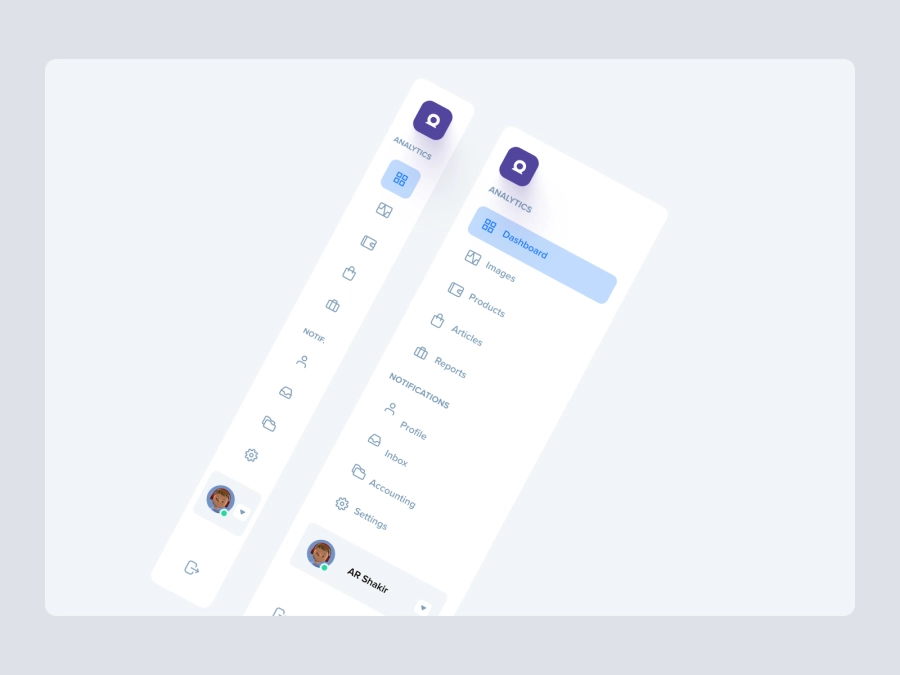
Free
Dashboard Top Nav
267
U
UI Dux
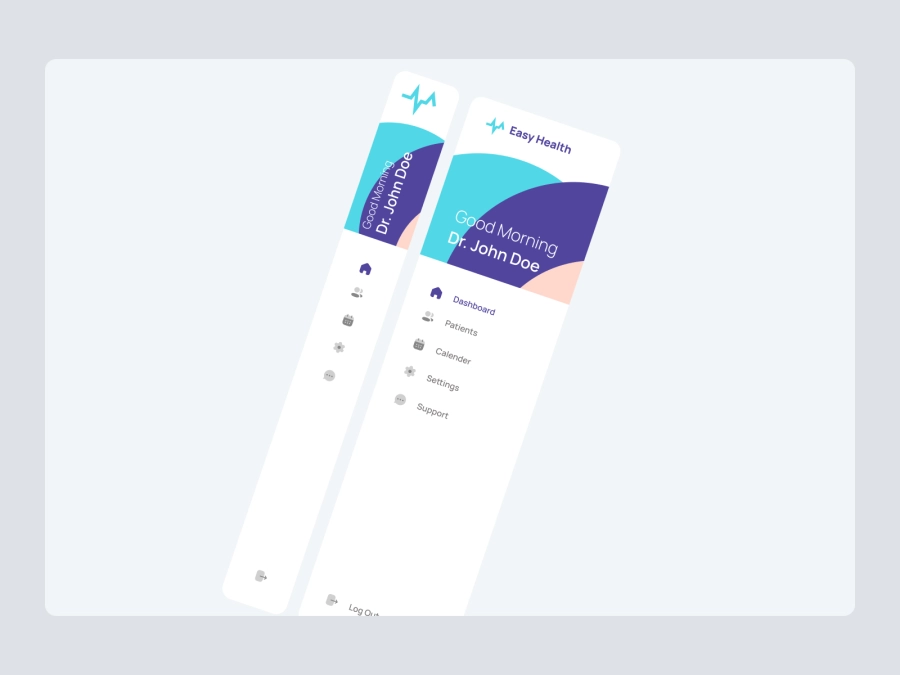
Free
Dashboard Sidebar Navigation
774
U
UI Dux
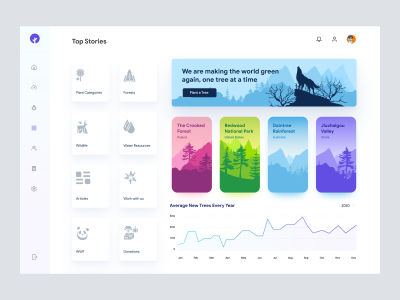
Save The Jungles - Dashboard UI Concept
882
U
UI Dux
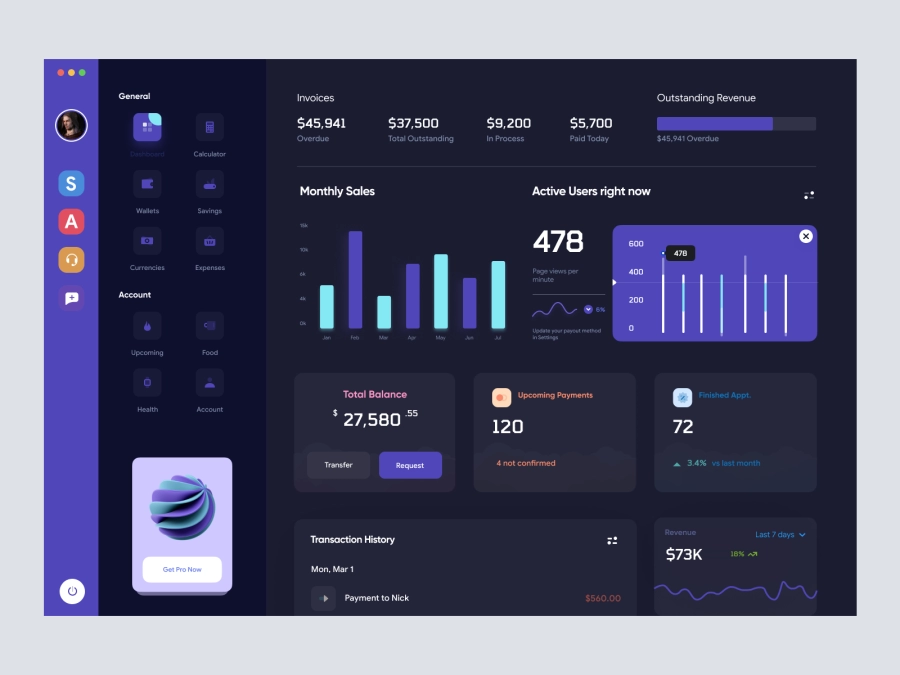
Walleta - Digital Wallat Web App Dashboard
436
U
UI Dux
Figma
XD
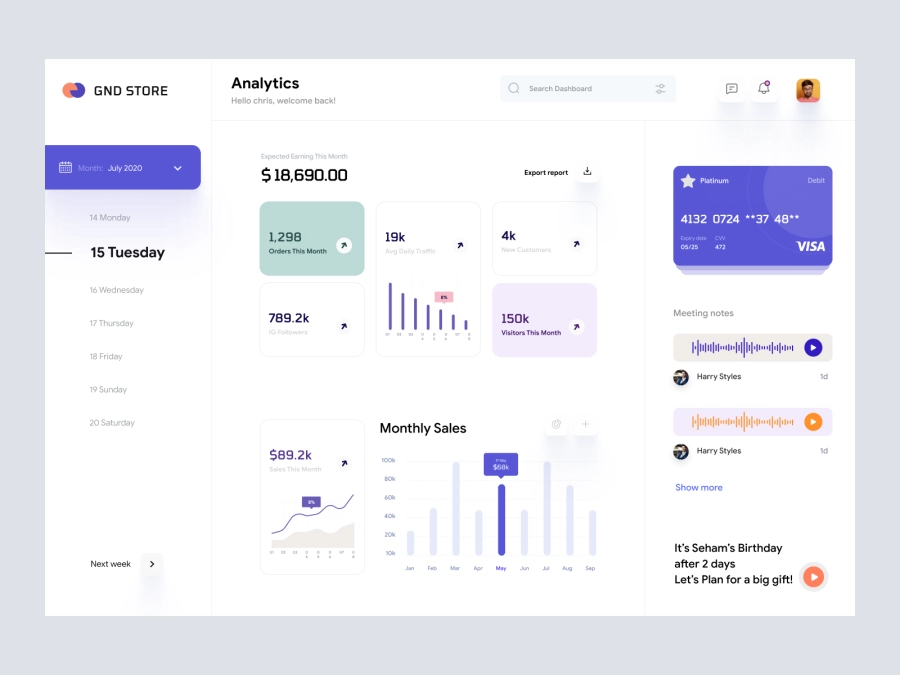
GND Store - Ecommerece Dashboard UI Concept
946
U
UI Dux
Figma
XD
Free
Dashboard Top Nav
832
U
UI Dux

Crypto Dashboard UI Concept
464
U
UI Dux
Figma
XD
Free
Dashboard Sidebar Navigation
684
U
UI Dux