Premium
v1.0
Project Management Dashboard
A modern, Figma-compatible UI dashboard perfect for project management. Features intuitive navigation, dynamic charts, and easy data filtering for enhanced productivity.
About Project Management Dashboard
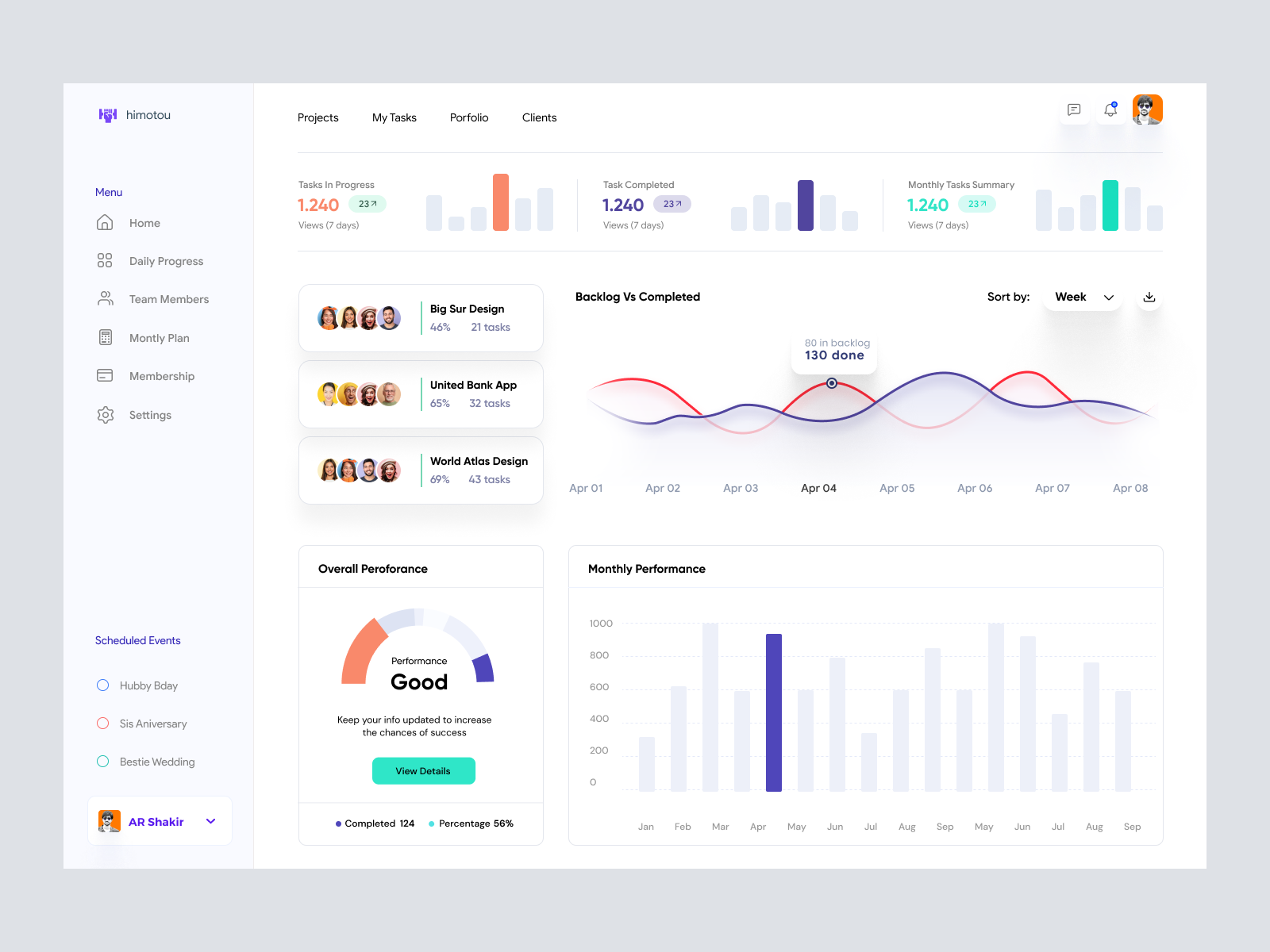
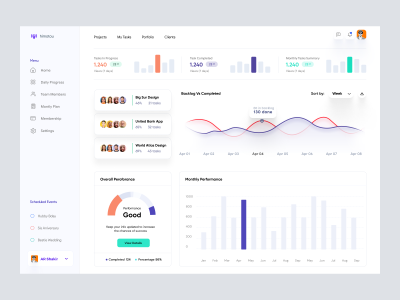
This meticulously designed UI dashboard is a perfect blend of aesthetics and functionality, designed for seamless integration into any project management or productivity suite. The layout is intuitive, featuring a top navigation bar for quick access to key areas like Projects, My Tasks, Portfolio, and Clients. The left sidebar menu offers additional navigation options with sleek icons for Home, Daily Progress, Team Members, Monthly Plan, Membership, and Settings, ensuring effortless user flow. The dashboard provides a visually rich overview of tasks with engaging charts and graphs that highlight 'Tasks in Progress', 'Tasks Completed', and 'Monthly Tasks Summary', all complemented by dynamic, interactive elements that visualize performance trends over time. Users can filter data by week for in-depth analysis. Additional features include a list of ongoing projects with status indicators and a performance card, bringing critical insights to the forefront. Offered in a Figma file format, this design allows for easy copying and pasting directly into Figma projects, saving time and enhancing productivity for designers.
Features
- Figma Compatibility
- Intuitive Navigation
- Dynamic Visualization
- Detailed Insights
- Customizable Components
- Modern Aesthetic
- Performance Monitoring
- Team Collaboration Ready
Frequently Asked Questions
What format is the file in?
The design is available in a Figma file format.
Can I edit the design in Figma?
Yes, you can easily copy and paste the design directly in Figma for editing.
Is this design suitable for project management tools?
Absolutely, the layout is perfect for project management and productivity suites.
Does the design include interactive elements?
Yes, it includes dynamic charts and graphs that visualize performance trends.
Is it possible to filter data by time period?
Users can filter data by week for a detailed analysis of performance metrics.
What navigation options are available?
The design includes top navigation for Projects, My Tasks, Portfolio, and Clients, plus a sidebar for additional options.
How can I integrate this design into my project?
Simply copy and paste the elements directly into your Figma project.
Who is this design suitable for?
It's ideal for designers requiring a modern, functional dashboard for productivity tools.
Does the design support team collaboration features?
While it visually indicates team member tasks, collaboration depends on integration with your platform.
What insights does the performance card provide?
The card displays overall performance with completion rates and encourages keeping info updated for success.
Premium License
Unknown Size
More like this
View all
Khaal Drogo - Gaming Dashboard UI Concept
161
U
UI Dux
Figma
XD

Sleek Dashboard Design for Data Management
426
U
UI Dux
Figma
Finance app ui
625
U
UI Dux
Figma
XD

Viruses Information Dashboard UI
564
U
UI Dux
Figma
XD

Sleek Incident Management Dashboard UI
503
U
UI Dux
Figma

Personal Finance Manager App Dashboard
742
U
UI Dux
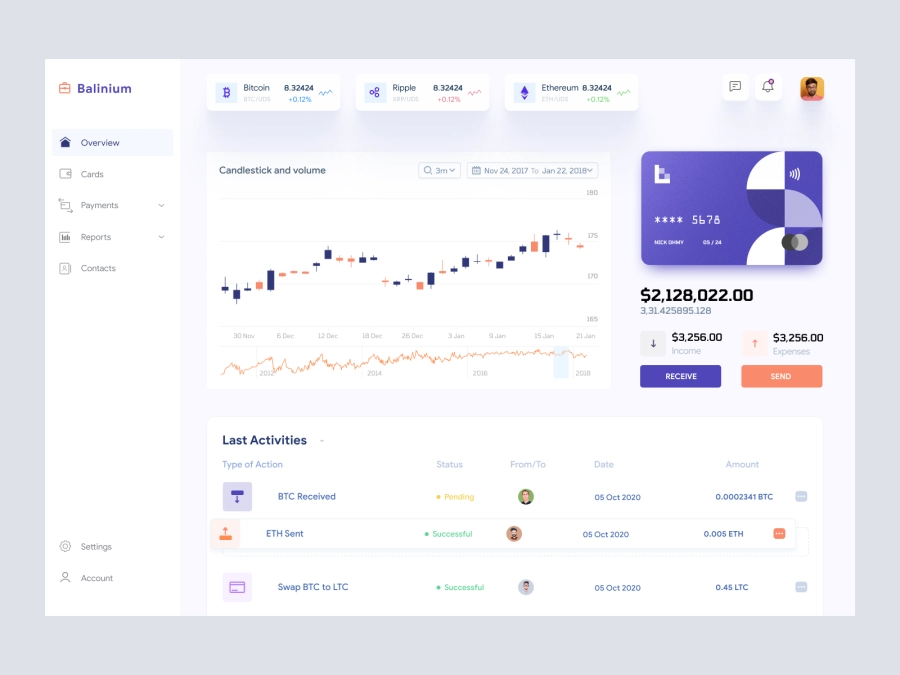
Balinium - Cryptocurrency Dashboard UI
242
U
UI Dux
Figma
XD

D - Banking Dashboard UI
968
U
UI Dux
Figma
XD

Finance Dashboard App UI
316
U
UI Dux
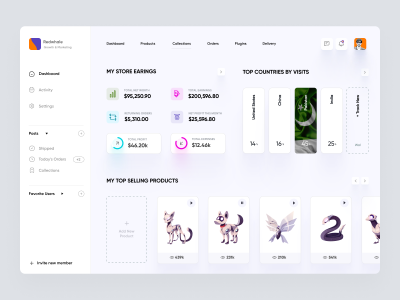
Ecommerece Dashboard UI Concept
724
U
UI Dux
Figma
XD
Free
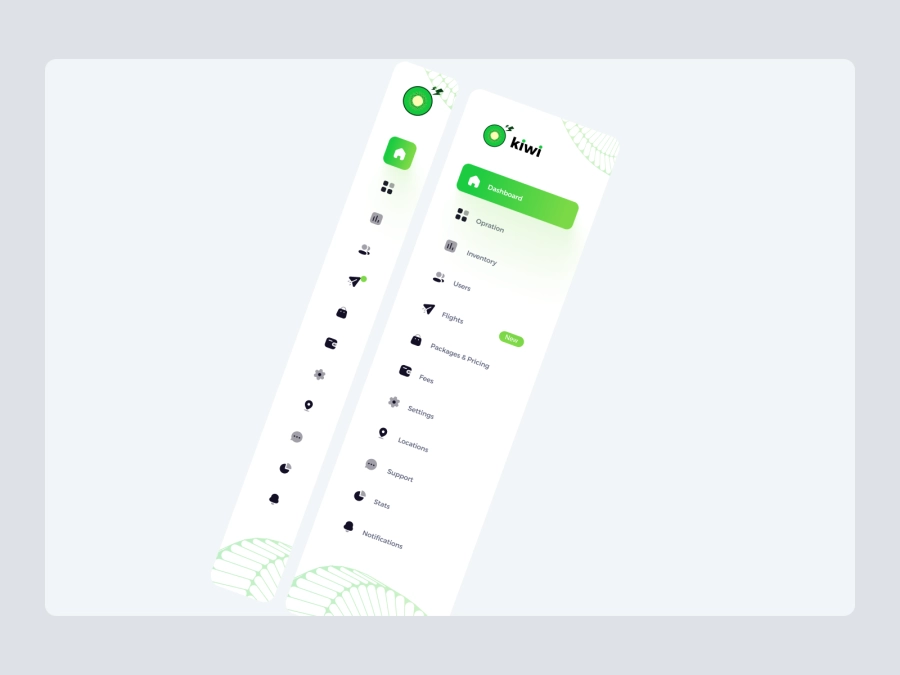
Dashboard Sidebar Navigation
707
U
UI Dux
Free
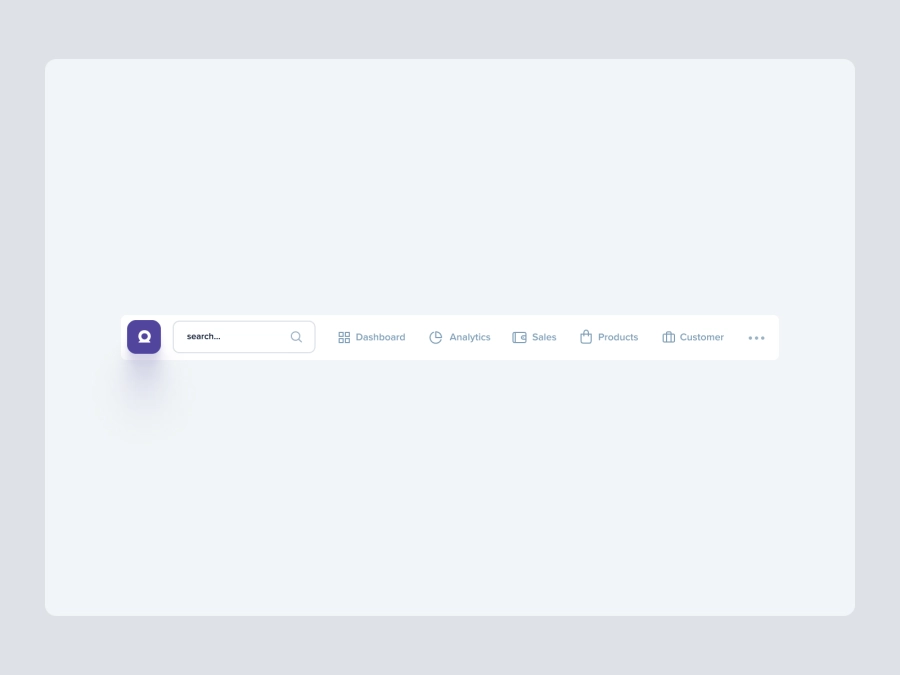
Dashboard Top Nav
814
U
UI Dux
Free
Dashboard Top Nav
642
U
UI Dux
Patient Management Dashboard UI
309
U
UI Dux
Figma
XD
Yalla - FInance App Dashboard UI Template
272
U
UI Dux
Figma
XD