Premium
v1.0
Ravind - Cryptocurrency Dashboard UI Dark Version
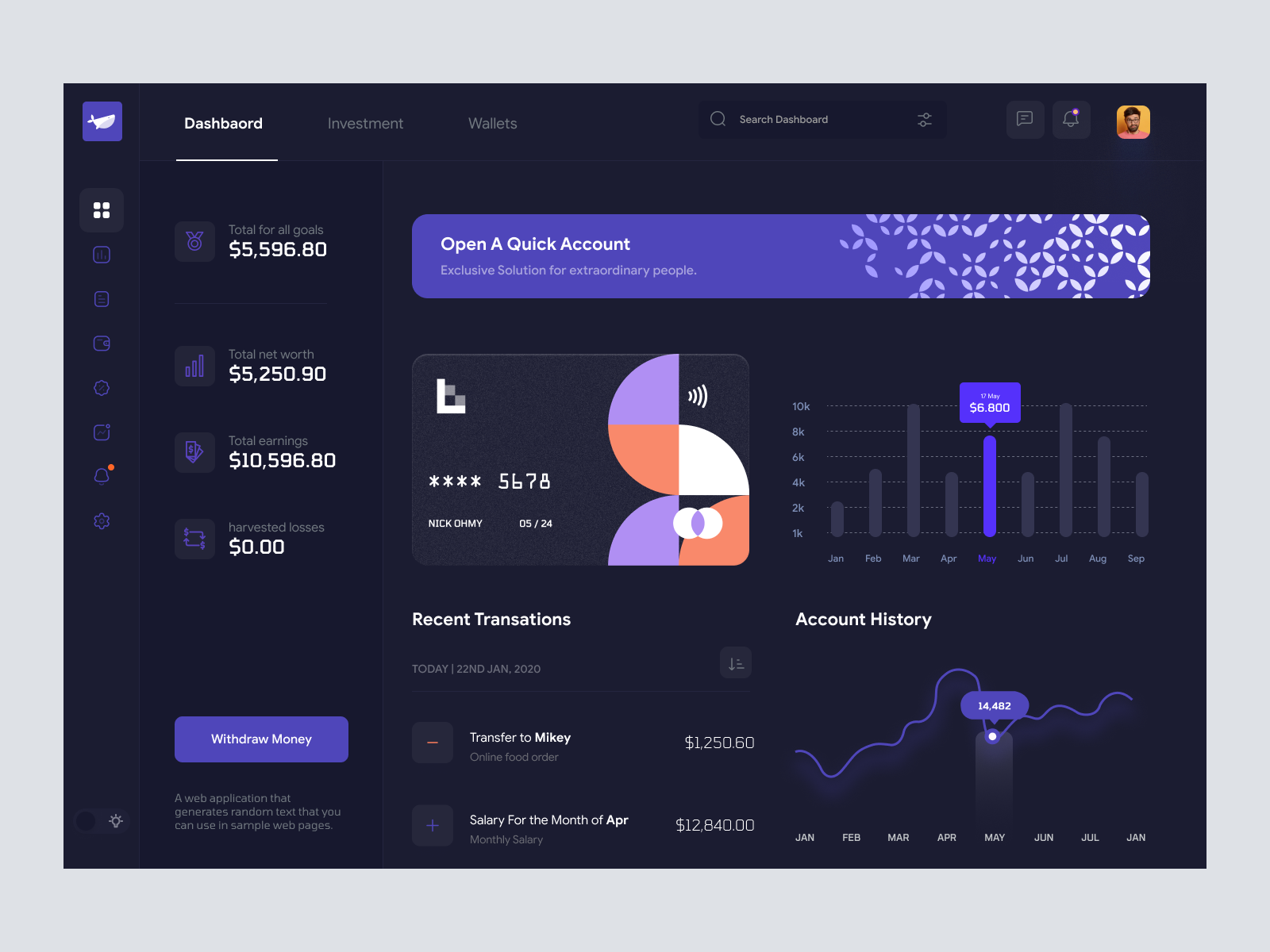
Elegant Figma UI dashboard with dark theme, vibrant accents, intuitive navigation, and engaging financial displays. Perfect for enhancing your financial app.
About Ravind - Cryptocurrency Dashboard UI Dark Version
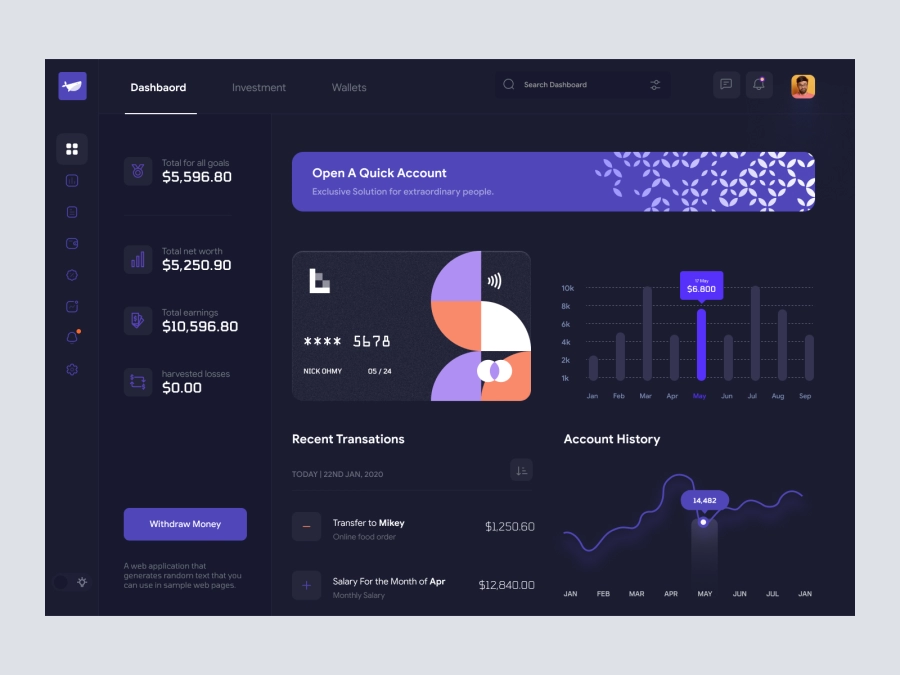
Introducing a sleek and sophisticated UI dashboard design that is perfect for financial applications. This layout, available in a Figma file, is ideal for designers who value both aesthetics and functionality. Its dark theme combined with vibrant purple accents makes it visually striking while maintaining a professional tone. Key features include an easy-to-navigate sidebar with iconographic navigation, a detailed account overview section, and an engaging graph display that tracks financial data over time. The main dashboard area incorporates both recent transactions and graphical data presentations, enhancing user interaction with intuitive information flow. The card display and call-to-action buttons are ergonomically designed to improve user engagement, ensuring a seamless experience for end-users. Available for direct integration into your Figma projects, this UI design will elevate your app's user interface with minimal effort.
Features
- User-Friendly Layout
- Modern Aesthetics
- Comprehensive Financial Display
- Direct Figma Integration
- Customizable Components
- Professional Tone
- Responsive Design Elements
- Ideal for Financial Apps
Frequently Asked Questions
What format is the design file?
The design is provided as a Figma file.
Can I customize this design?
Yes, you can easily customize elements directly in Figma.
Does it include any additional screens?
No, it includes only what you see in the image.
Is this design mobile responsive?
The current design is tailored for desktop applications.
Can it be used for other applications?
Yes, it can be adapted for various applications, though it's ideal for financial apps.
Does this design include interactive components?
The design shows static elements but can be made interactive in Figma.
How can I start using this design?
Simply copy and paste it into your Figma workspace.
Are fonts included?
The design uses standard Figma fonts; you can customize them.
Do I need to download any assets?
No downloads are required; everything is accessible via Figma.
Is there a support contact for further questions?
Support is available through the website's contact form.
Premium License
Unknown Size
More like this
View all
Free
Dashboard Sidebar Navigation
787
U
UI Dux
Atom - Finance App Dashboard UI Template
151
U
UI Dux
Figma
XD

Personal Finance Manager App Dashboard
749
U
UI Dux

Cryptocurrency Dashboard UI Concept
883
U
UI Dux
Figma
XD
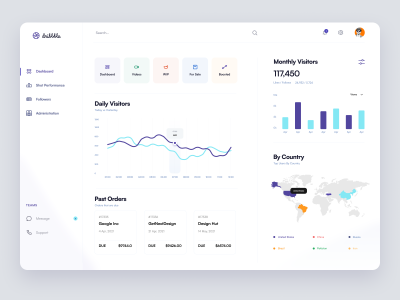
Dribbble Pro Dashboard UI Concept
651
U
UI Dux
Figma
XD
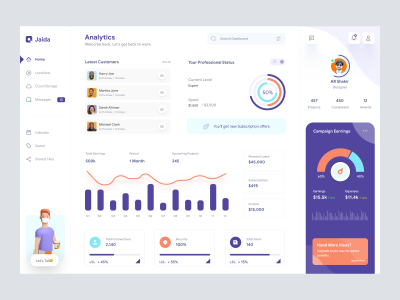
Dashboard UI Concept for a Freelance Designer
560
U
UI Dux
Figma
XD
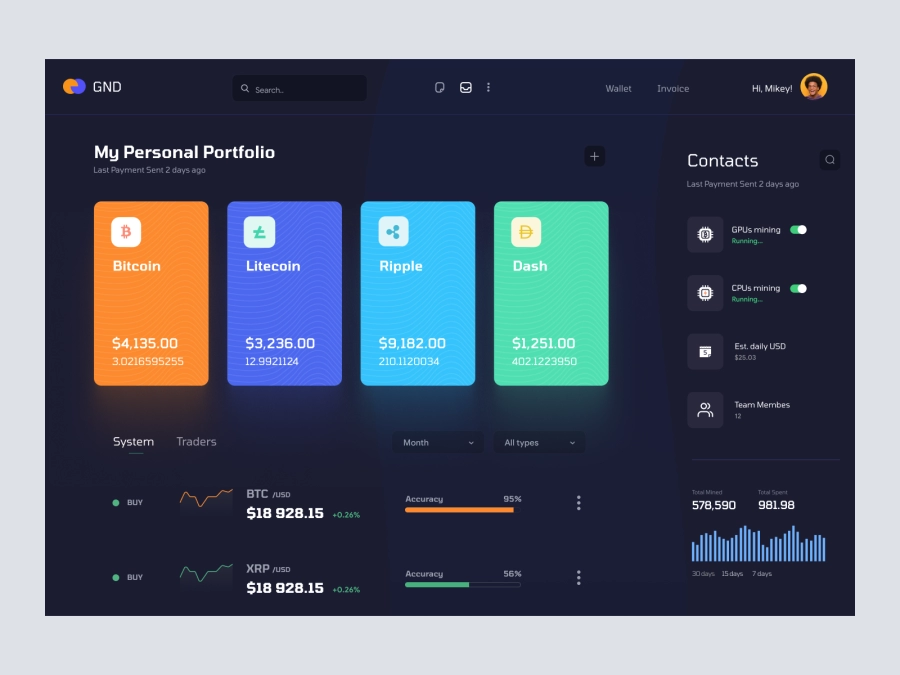
BlockBond - Cryptocurrency Dashboard UI Concept Dark Version
764
U
UI Dux
Figma
XD
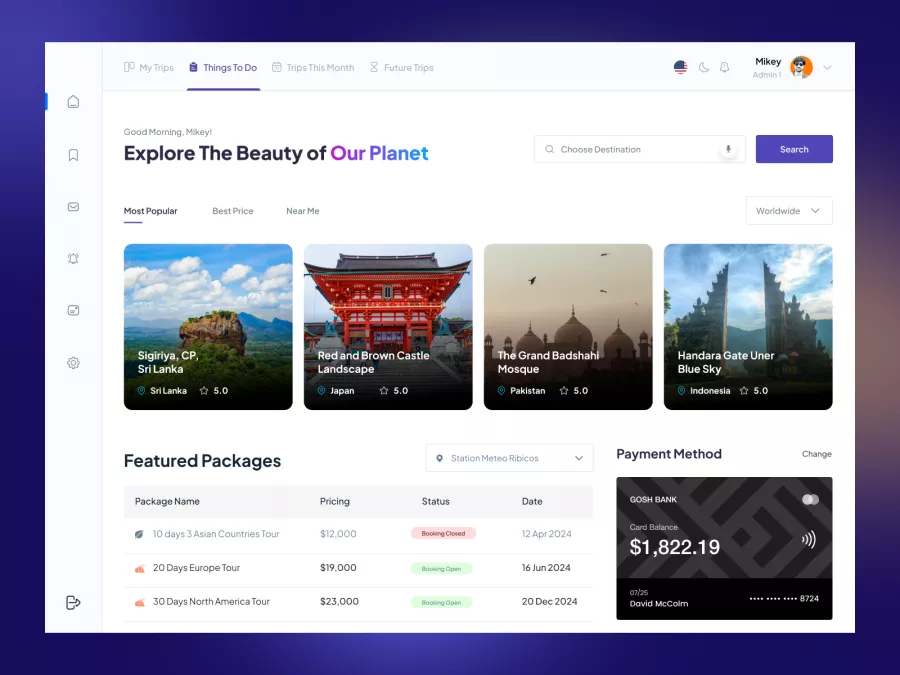
Zaini - Trips and Travel Company Dashboard UI
392
U
UI Dux
Figma
XD
Free
Dashboard Top Nav
644
U
UI Dux
Free
Dashboard Top Nav
683
U
UI Dux
Free
Dashboard Sidebar Navigation
925
U
UI Dux
Finance Dashboard
567
U
UI Dux
Figma
XD
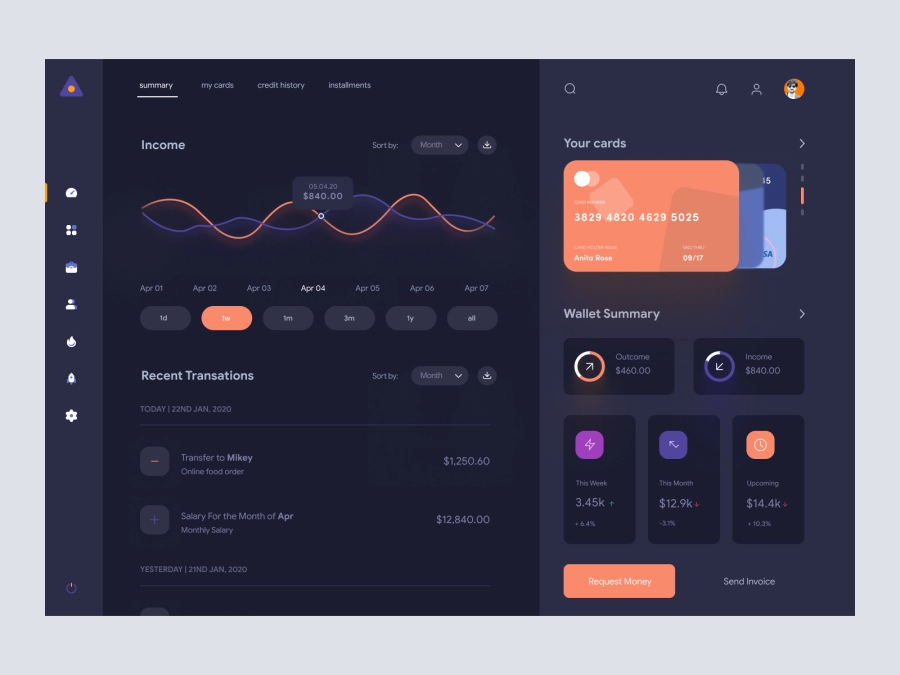
FinVerse - Finance Dashboard App UI Dark Layout
633
U
UI Dux
Figma
XD

Cryptocurrency Dashboard UI Concept 4
718
U
UI Dux
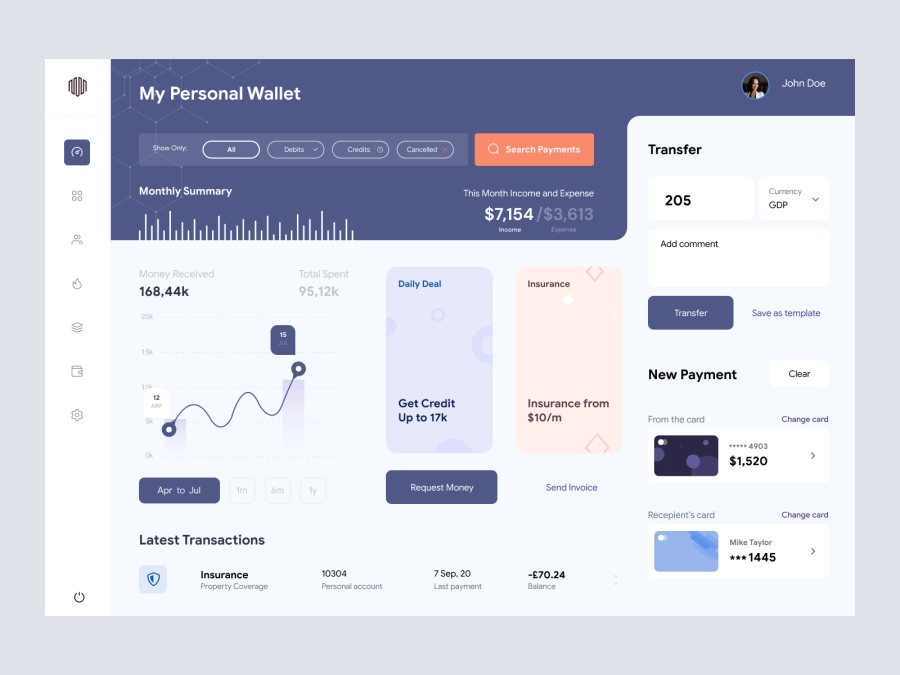
Arooba - Personal Wallet Dashboard UI
372
U
UI Dux
Figma
XD