Premium
v1.0
Dashboard UI For Cloud File Storage
Elevate your cloud storage platform with this modern UI design, featuring intuitive navigation, data visualization, and seamless Figma integration for easy customization.
About Dashboard UI For Cloud File Storage
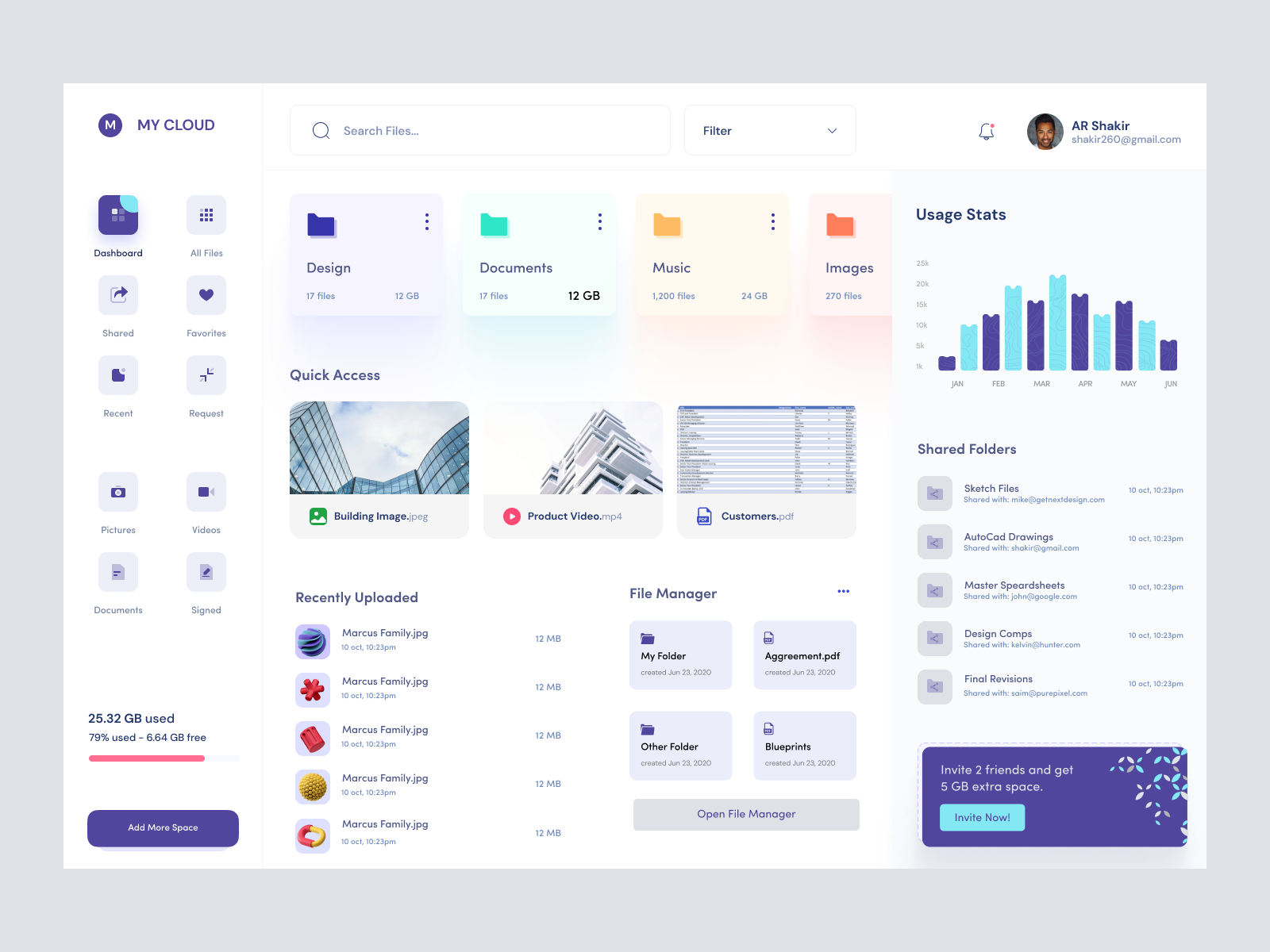
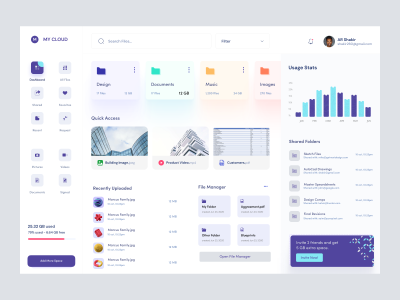
This sleek and modern UI design is a comprehensive package crafted for cloud storage platforms. With its minimalist aesthetic and user-friendly interface, it provides seamless navigation through various file categories such as Design, Documents, Music, and Images. The layout features intuitive elements like Quick Access thumbnails and Recently Uploaded sections, offering a streamlined user experience. The integration of data visualization with Usage Stats enhances functionality by providing clear insights into storage usage. Additionally, components like Shared Folders and interactive buttons ensure effective collaboration and immediate actions. Designed for maximum efficiency, this UI is fully compatible with Figma, allowing designers to easily copy and paste components without downloading files. Elevate your project with this adaptable and professional solution.
Features
- User-Friendly Interface
- Seamless Figma Integration
- Comprehensive Layout
- Data Visualization
- Customizable Components
- Enhanced Collaboration
- Modern Aesthetic
- Interactive Elements
Frequently Asked Questions
What file format is provided?
The design is provided as a Figma file.
Can I download this design?
You can copy and paste directly into Figma without downloading.
Is this design mobile responsive?
This specific component set is designed for desktop view.
Are the components customizable?
Yes, all components are fully customizable in Figma.
Does it include interactive elements?
Yes, it includes interactive buttons and elements to enhance the user experience.
What categories are included in the file manager?
Categories include Design, Documents, Music, and Images.
Can this design help in collaboration?
Yes, features like Shared Folders facilitate collaboration.
Is there a way to track storage usage?
Yes, the Usage Stats section provides clear insights into storage usage.
How do I access Quick Access features?
Quick Access thumbnails provide instant access to frequently used files.
What is the advantage of Figma integration?
Figma integration allows for easy copying and pasting of components without file downloads.
Premium License
Unknown Size
More like this
View all
Learning Platform App
952
U
UI Dux
Figma
XD

Weather App UI Concept
471
U
UI Dux
Figma
XD
Free
Dashboard Sidebar Navigation
315
U
UI Dux
Free
Dashboard Sidebar Navigation
670
U
UI Dux

Crypto Dashboard UI Concept
523
U
UI Dux
Figma
XD

Sleek Project Management Dashboard UI Design
497
U
UI Dux
Figma
Free
Dashboard Top Nav
998
U
UI Dux
SmileHR - SmileHR - HR Consultant Dashboard
134
U
UI Dux
Figma
XD
iFFee - Project Management Dashboard UI
940
U
UI Dux
Figma
XD
Doctors Dashboard
249
U
UI Dux
Figma
XD

Project Management Dashboard UI Concept
168
U
UI Dux
Figma
XD

Free
Dashboard Sidebar Navigation
540
U
UI Dux
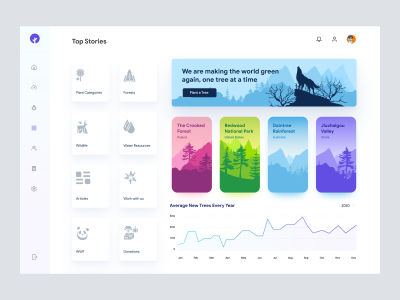
Save The Jungles - Dashboard UI Concept
509
U
UI Dux
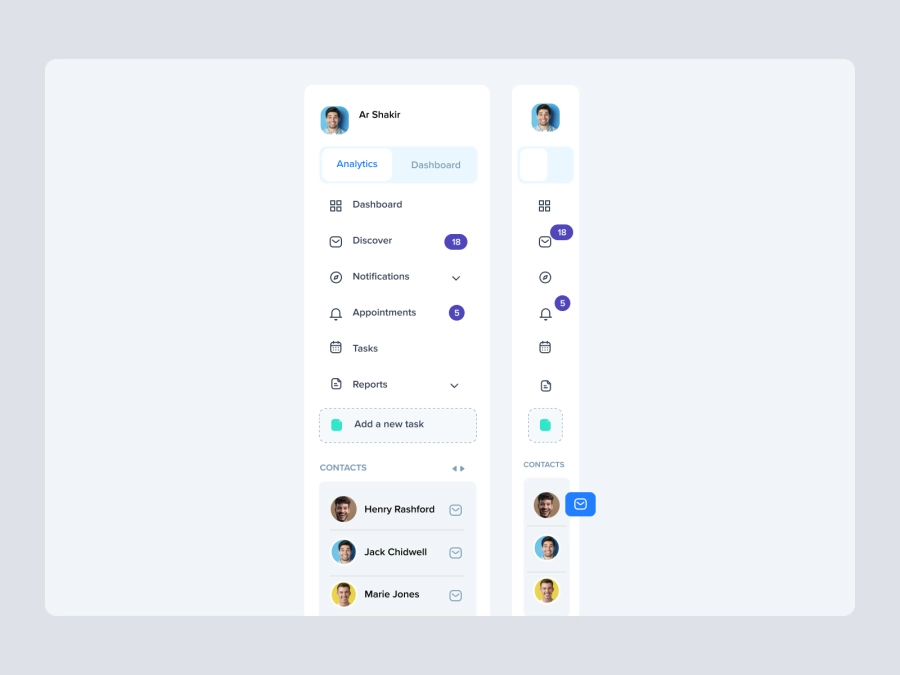
Free
Dashboard Top Nav
806
U
UI Dux
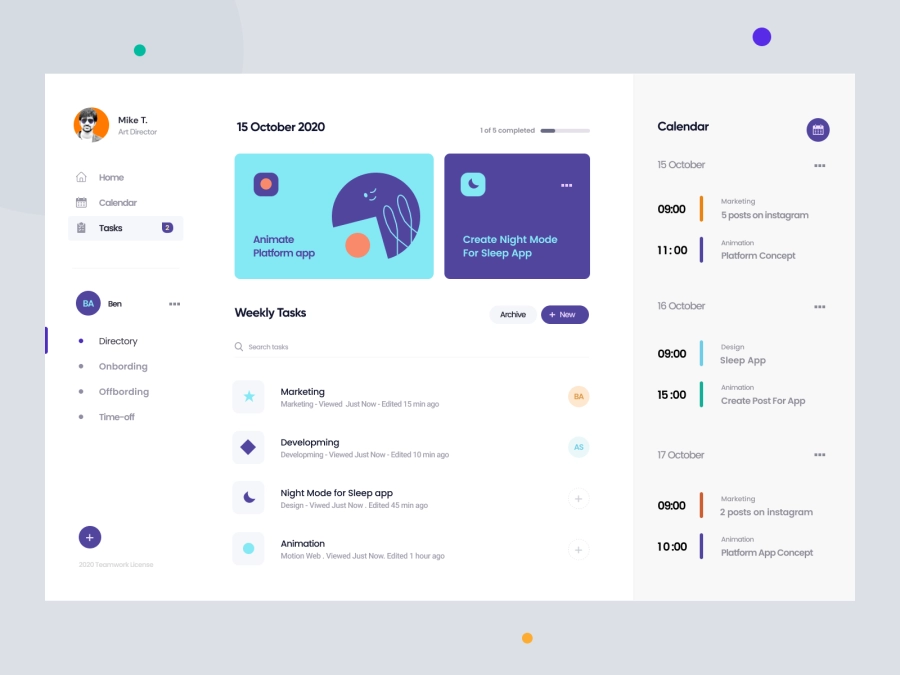
Bangroo - Daily Tasks Management Dashboard
724
U
UI Dux
Figma
XD