Premium
v1.0
Weather App UI Concept
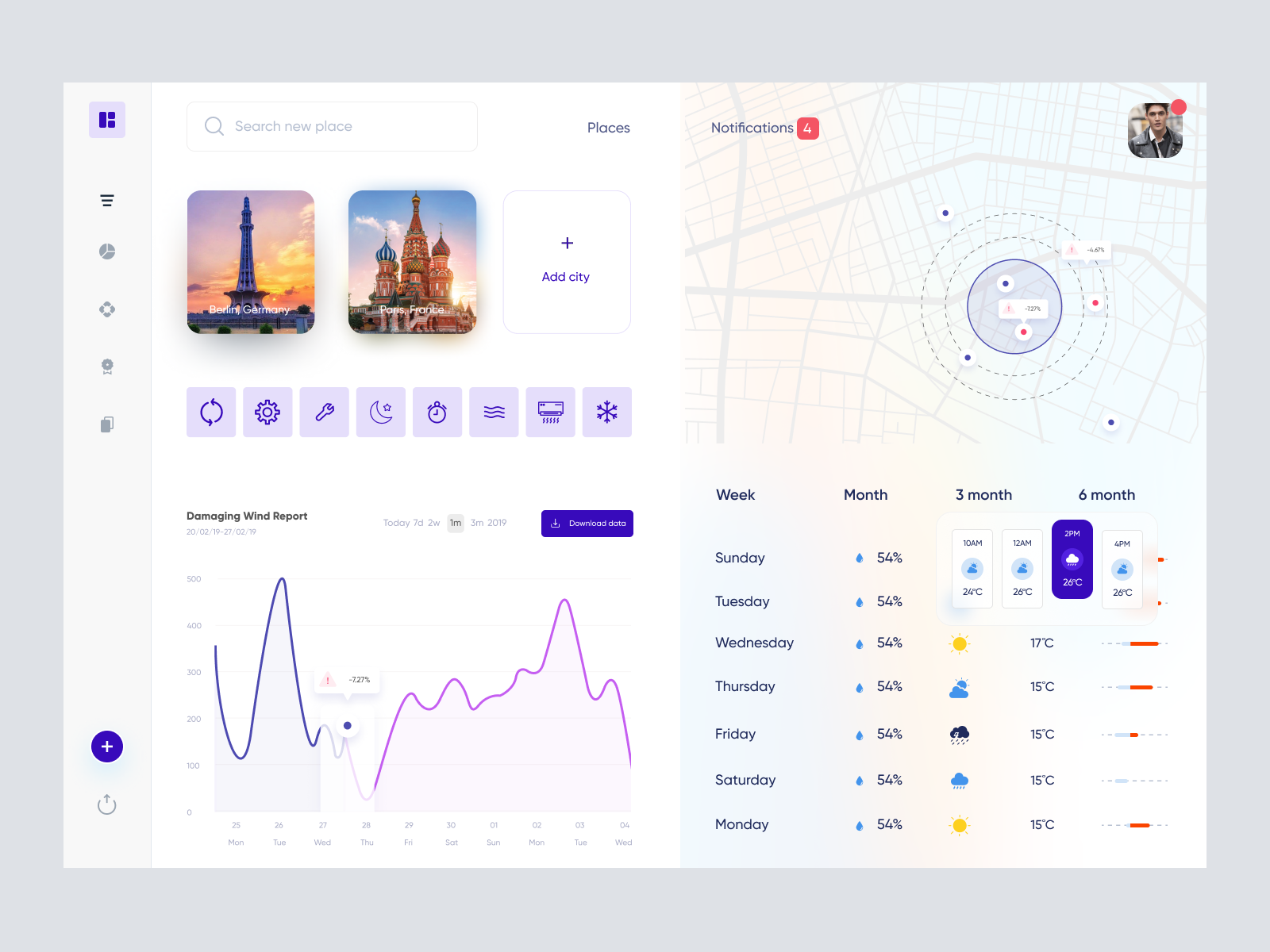
Modern UI for dynamic weather data presentation, featuring interactive graphs, maps, and customizable city locations. Easy Figma integration for seamless customization.

About Weather App UI Concept
Experience a sleek and modern UI design tailored for weather-related data presentation. This design offers a comprehensive overview of key weather metrics, smoothly integrating detailed graphs, location-based data, and customizable time frames to forecast weather-related occurrences efficiently. The intuitive interface features a visually appealing color palette that enhances usability, ensuring that users can effortlessly navigate through features. The interactive city selection images add a personal touch for location customization, while the graph and map components provide a dynamic, responsive interaction with real-time updates. Delivered as a Figma file, you can seamlessly integrate and customize the design directly within your projects without the hassle of downloading additional files.
Features
- Interactive Design
- Customizable Elements
- Seamless Integration
- Dynamic Weather Presentation
- User-Friendly Interface
- Location Customization
- Scalable Graphics
- Elegant Aesthetic
Frequently Asked Questions
What type of file format is this design available in?
This design is available as a Figma file.
Can I easily import this design into my existing project?
Yes, you can copy and paste the design directly into Figma without downloading.
Does this design support real-time updates?
Yes, the design is structured to allow for the integration of real-time data.
Is the design customizable?
Absolutely, all elements in the Figma file are fully editable to suit your needs.
Can I add more cities to the template?
Yes, the template is designed for easy customization and addition of new city data.
Are the icons and graphics vector-based?
Yes, all icons and graphics are vector-based for scalable quality.
Does the design include graphical elements?
Yes, it includes graphs, maps, and interactive city selections.
What makes this design ideal for weather apps?
Its intuitive layout, dynamic interactive elements, and real-time data integration make it perfect for weather apps.
Is the design mobile-responsive?
The design layout is primarily for desktop but can be adapted for mobile responsiveness.
How many theme colors are available?
The current design uses a cohesive color palette but can be customized to any theme.
Premium License
Unknown Size
More like this
View all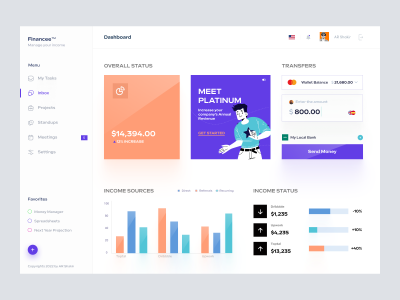
Freelancer Finance Dashboard
455
U
UI Dux
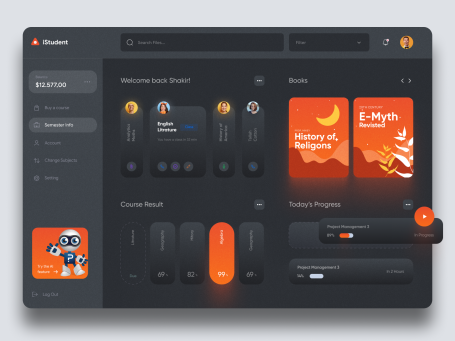
iStudy - University Dashboard UI Concept Dark Version
966
U
UI Dux
Figma
XD
Free
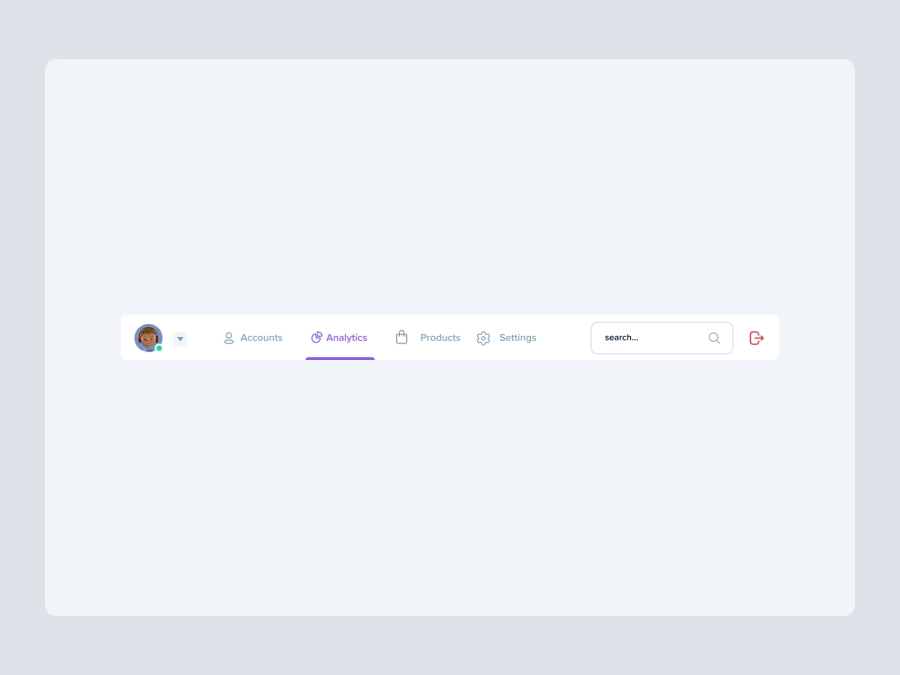
Dashboard Top Nav
742
U
UI Dux
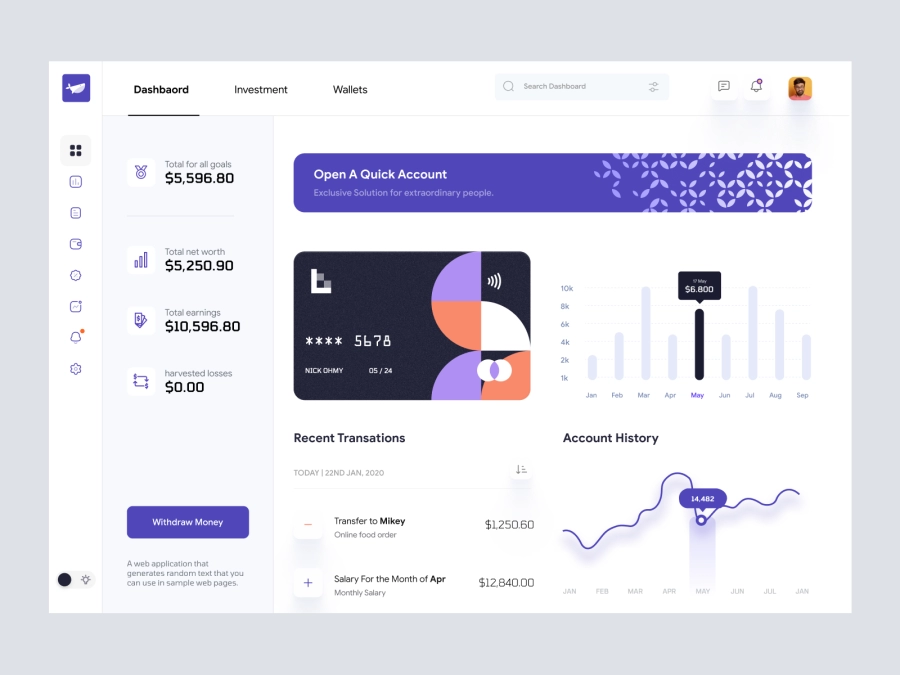
RW - Cryptocurrency Dashboard UI
987
U
UI Dux
Figma
XD
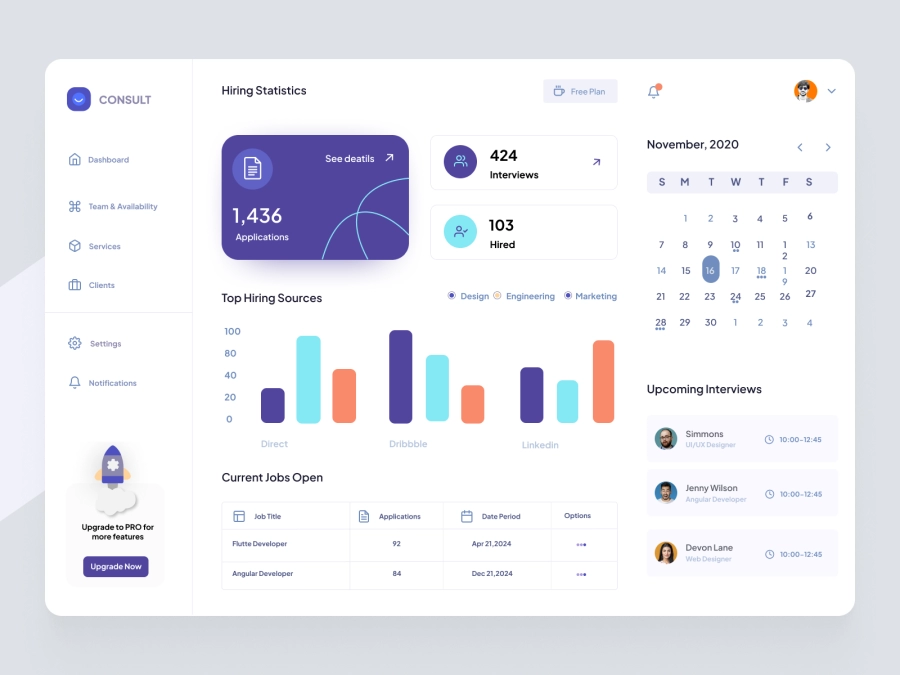
SmileHR - SmileHR - HR Consultant Dashboard
934
U
UI Dux
Figma
XD

Banking Dashboard UI Concept
634
U
UI Dux
Figma
XD
Free
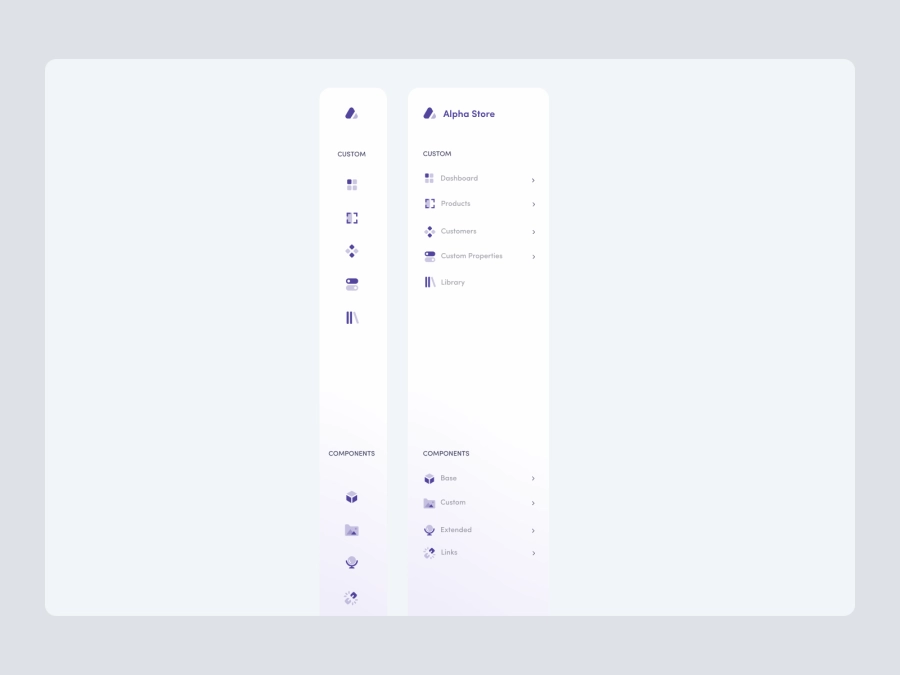
Dashboard Sidebar Navigation
413
U
UI Dux
Free
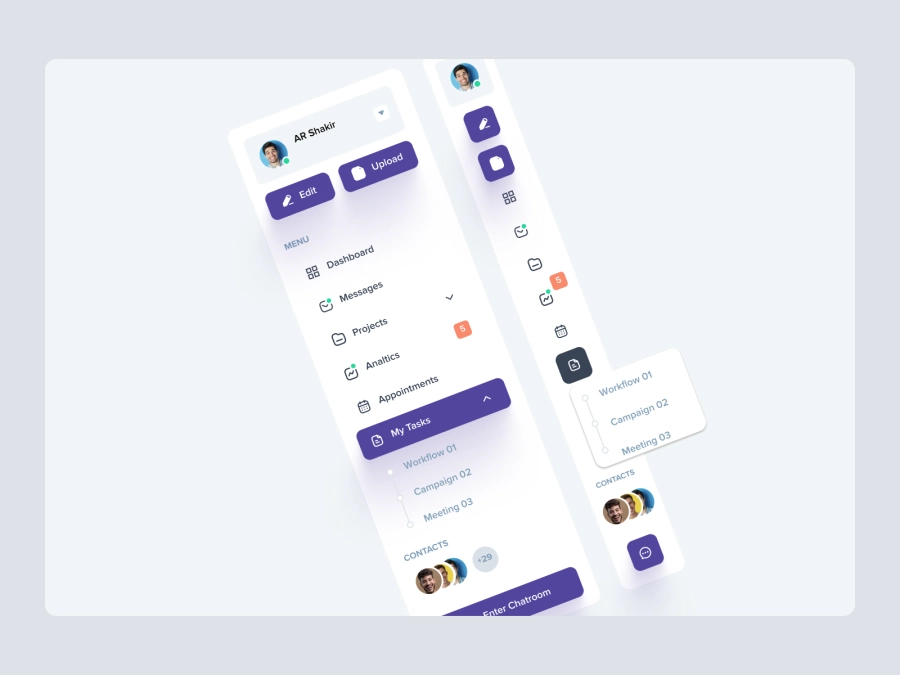
Dashboard Top Nav
139
U
UI Dux
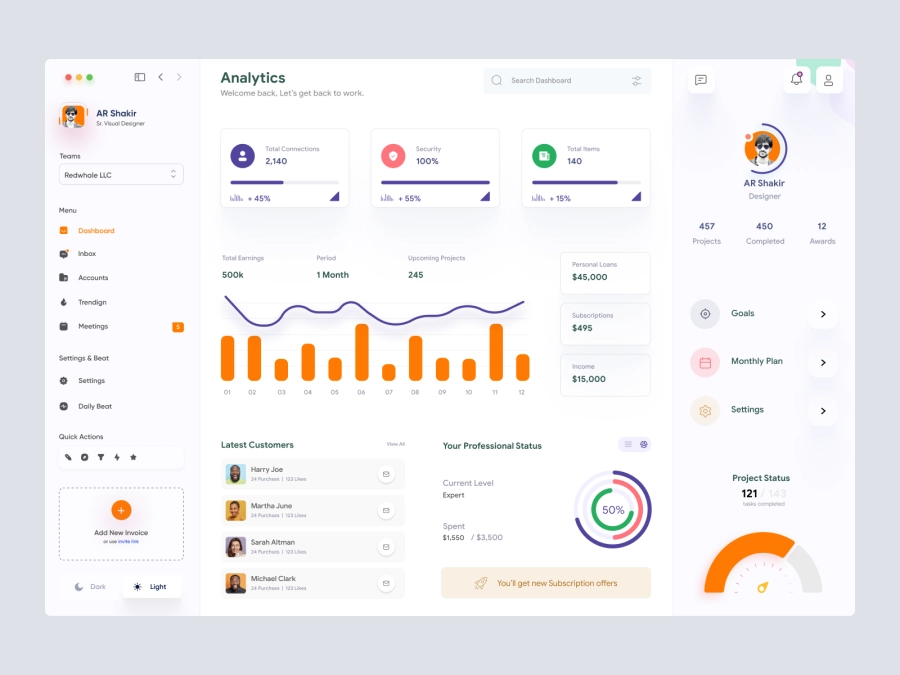
Jaida - Personal Dashboard UI Concept for a Freelance Designer
695
U
UI Dux
Figma
XD
Alpha Store - Dashboard UI Concept
286
U
UI Dux
Figma
XD
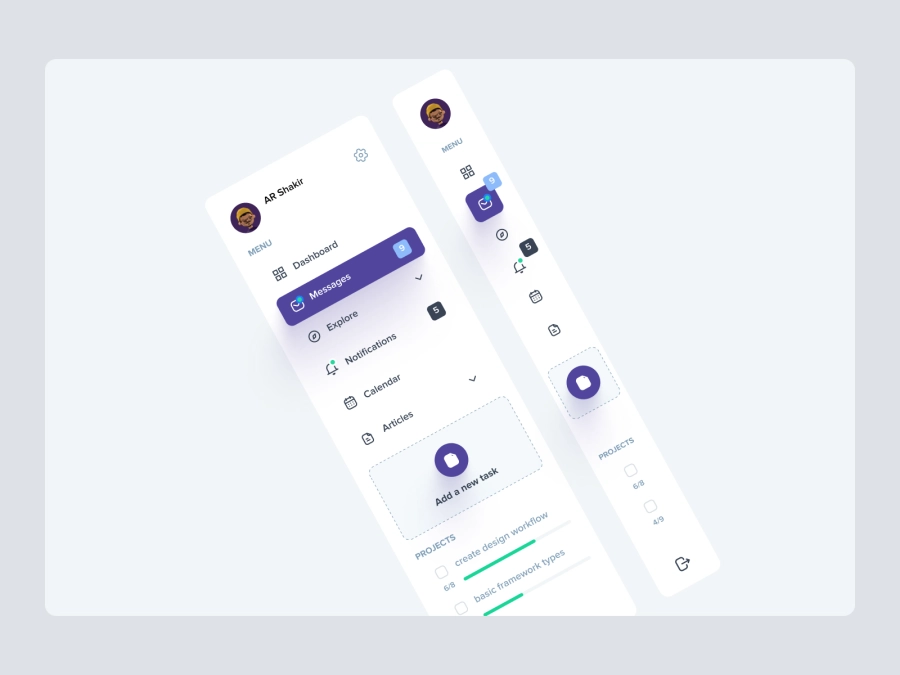
Free
Dashboard Top Nav
391
U
UI Dux
Save The Jungles - Dashboard UI Concept
135
U
UI Dux
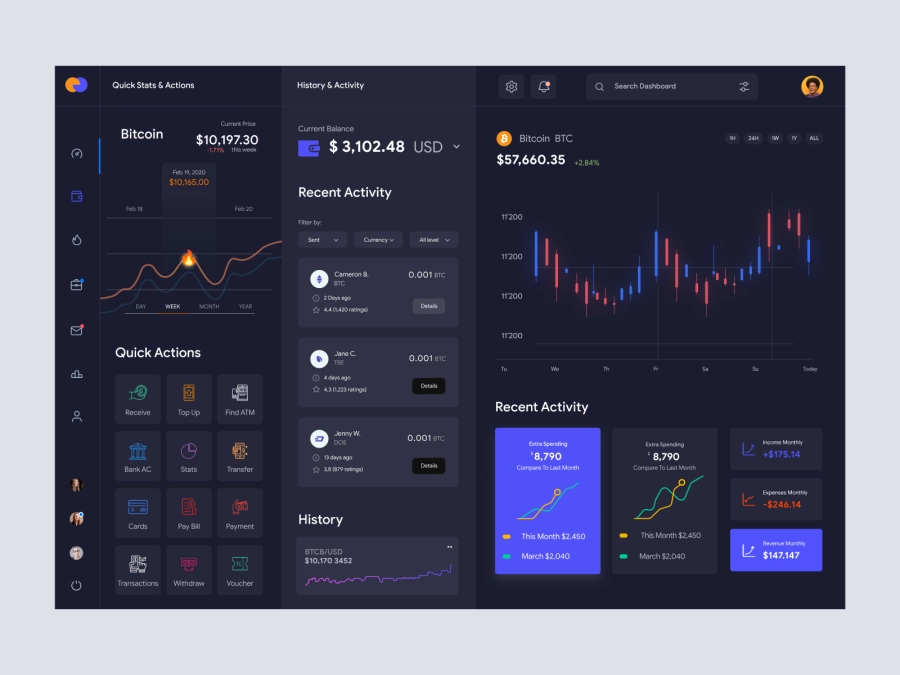
Jaiz - Cryptocurrency Dashboard UI Concept Dark Version
433
U
UI Dux
Figma
XD
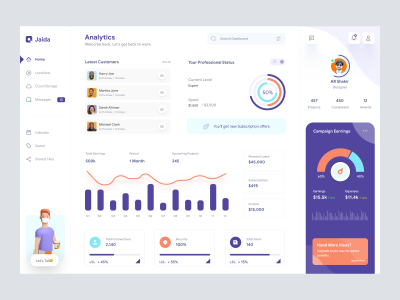
Dashboard UI Concept for a Freelance Designer
721
U
UI Dux
Figma
XD

Free
Credit Card
127
U
UI Dux