Premium
v1.0
MyCloud - Dashboard UI For Cloud File Storage Dark UI
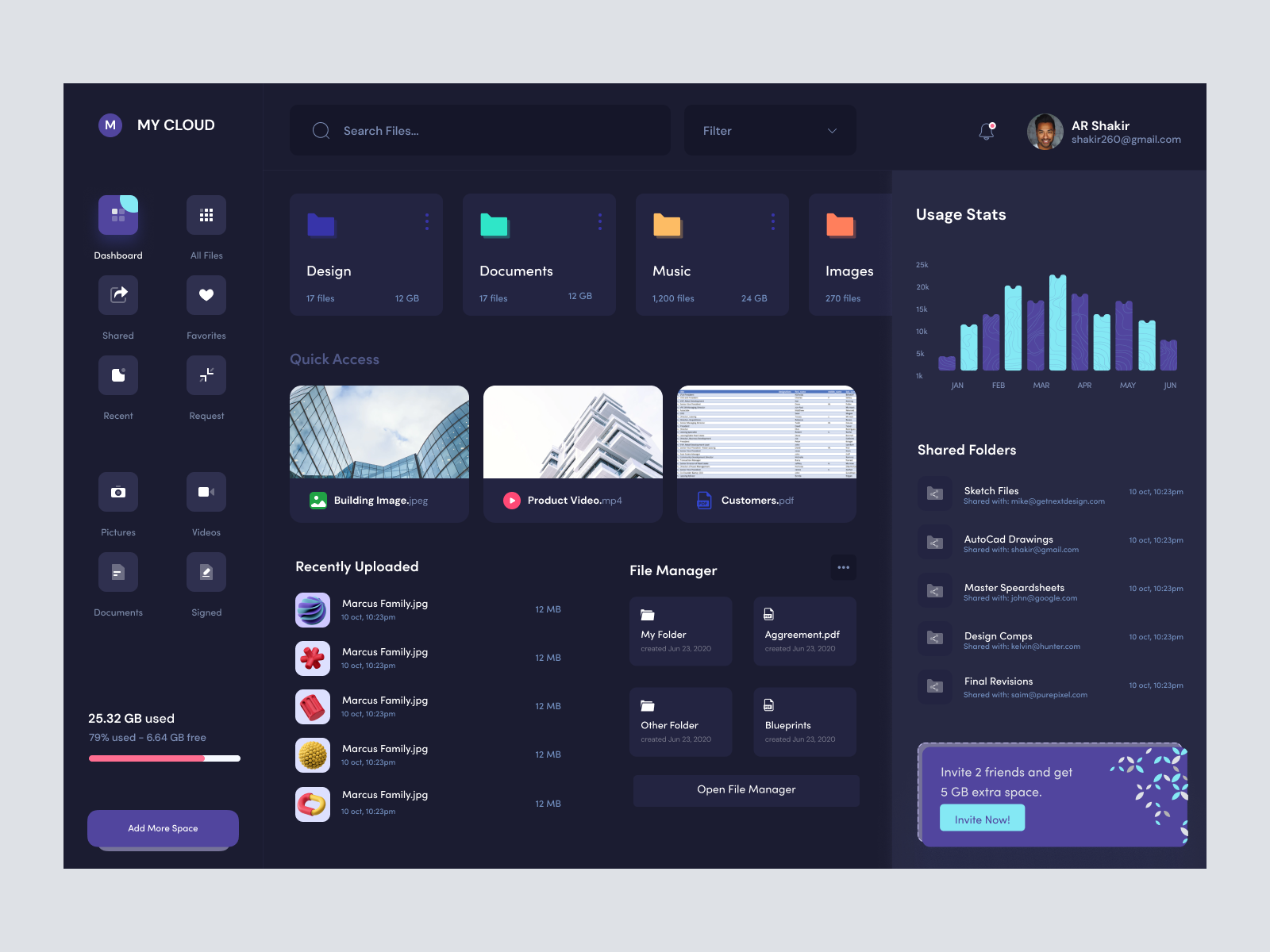
Modern UI design for cloud storage, offering seamless Figma integration. Includes intuitive navigation, usage stats, and a sleek dark theme for a pleasant user experience.
About MyCloud - Dashboard UI For Cloud File Storage Dark UI
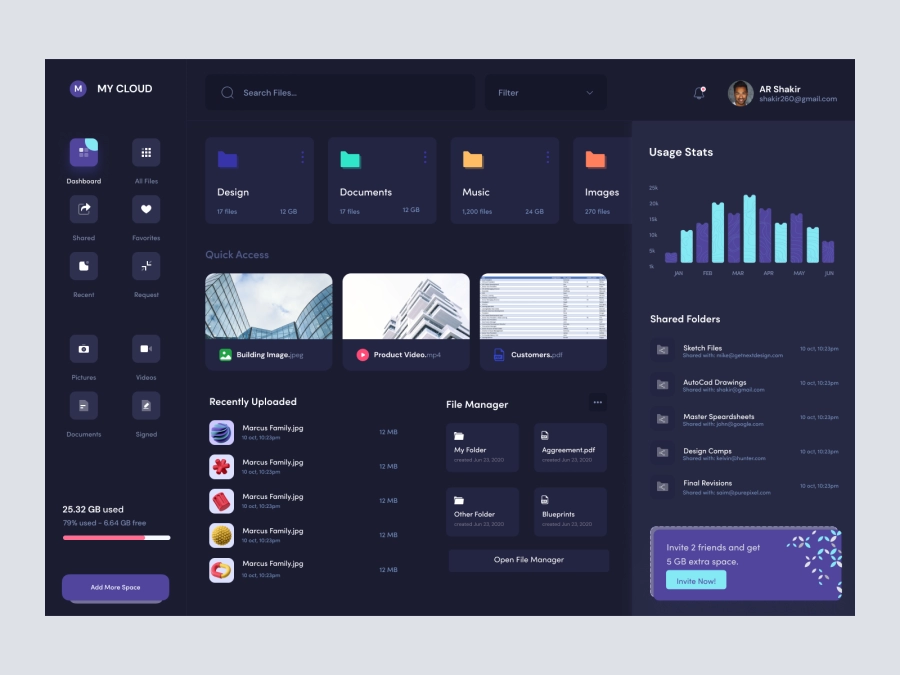
Introducing our sleek and contemporary cloud storage UI design, crafted with a modern aesthetic and intuitive layout, perfect for designers looking to enhance user experience on their platforms. This Figma file offers seamless integration, allowing you to conveniently copy and paste elements directly into your project. The design features a clean, dark theme with contrasting text, making viewing easy and pleasant. It includes a comprehensive dashboard with customizable cards for quick access to files and folders, detailed usage statistics, and an organized sidebar menu for effortless navigation. Users can efficiently manage shared folders and recently uploaded files, with visual graphs offering insight into storage use and activity over time. Additional user incentives include a referral program for extra storage. Our design not only looks great but is also functional, providing a streamlined experience for users to engage with their cloud storage tools effectively.
Features
- Seamless Figma Integration
- Dark Theme Design
- Customizable Components
- Intuitive Navigation
- Detailed Usage Statistics
- Efficient File Management
- User Referral Program
- Quick Access Cards
Frequently Asked Questions
Can I use this design in Figma?
Yes, you can easily copy and paste the elements directly in Figma.
Is the file customizable?
Yes, every element in the design is customizable to fit your needs.
Does the design include statistics?
Yes, it includes visual graphs displaying usage statistics over time.
Can I manage shared folders with this design?
Yes, the UI allows for efficient management of shared folders.
Is there a dark mode available?
The design is presented in a sleek dark theme for optimal viewing.
Do I need to download additional files?
No downloads are necessary, as you can copy and paste directly in Figma.
Does it support a referral program?
Yes, the design includes a section for a referral program to extend storage.
Is the sidebar menu customizable?
Yes, the sidebar menu is fully customizable to fit various functionalities.
How can I access recently uploaded files?
Recently uploaded files are accessible through a dedicated section for easy management.
What is the main visual theme of the design?
The design features a modern, minimalist aesthetic with a focus on clear visuals and ease of navigation.
Premium License
Unknown Size
More like this
View all
Digital Wallat Web App Dashboard
416
U
UI Dux
Figma
XD
Banki - Banking Dashboard Dark UI
856
U
UI Dux
Figma
XD
Project Management Dashboard UI
973
U
UI Dux
Figma
XD
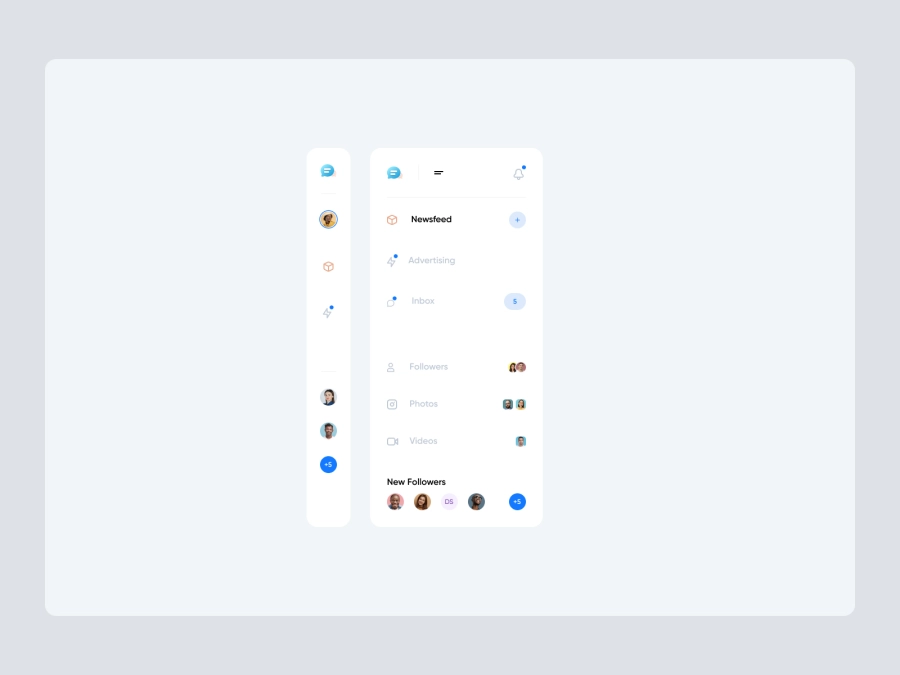
Free
Dashboard Sidebar Navigation
277
U
UI Dux
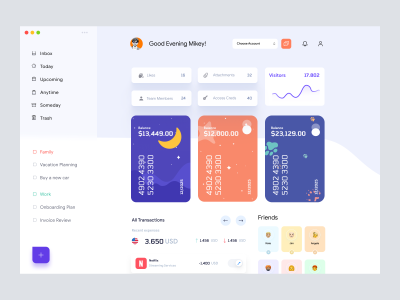
Banking Dashboard UI
920
U
UI Dux
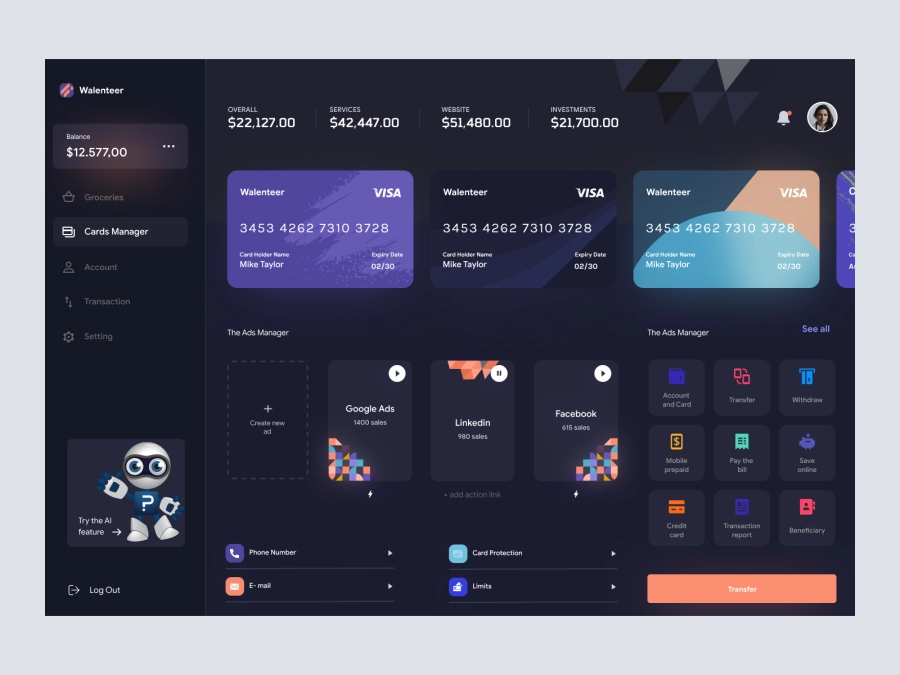
Wallenteer - Personal Wallet and Banking Dashboard User Interface Concept 1
798
U
UI Dux
Figma
XD
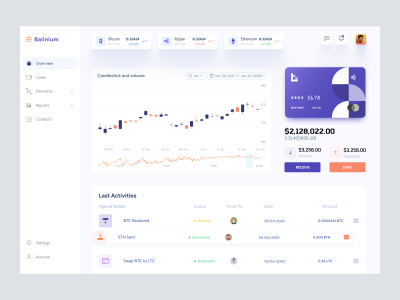
Cryptocurrency Dashboard UI
938
U
UI Dux
Figma
XD
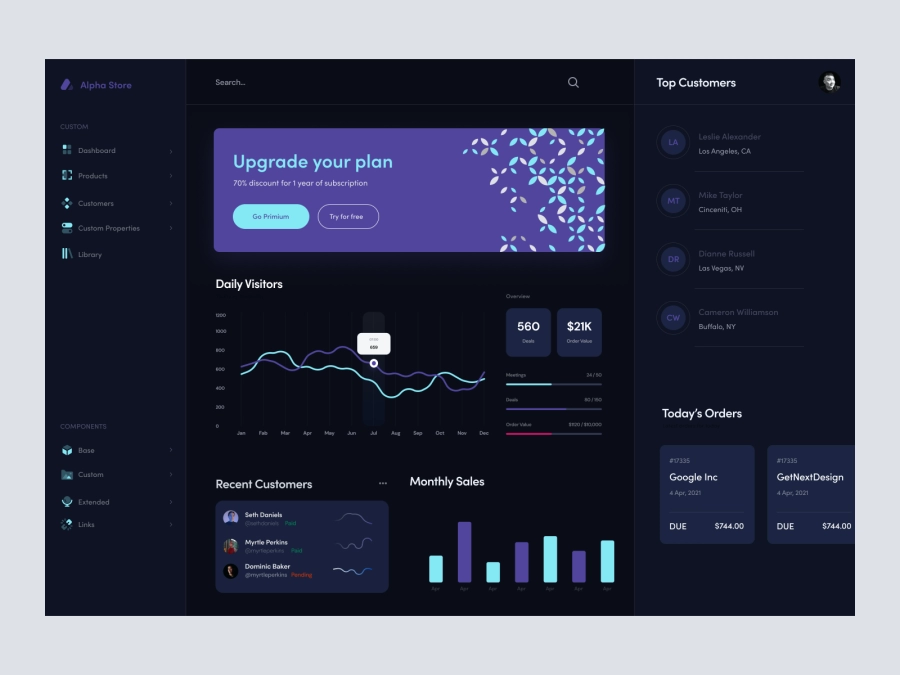
Alpha Store - Dashboard UI Concept Dark Version
672
U
UI Dux
Figma
XD
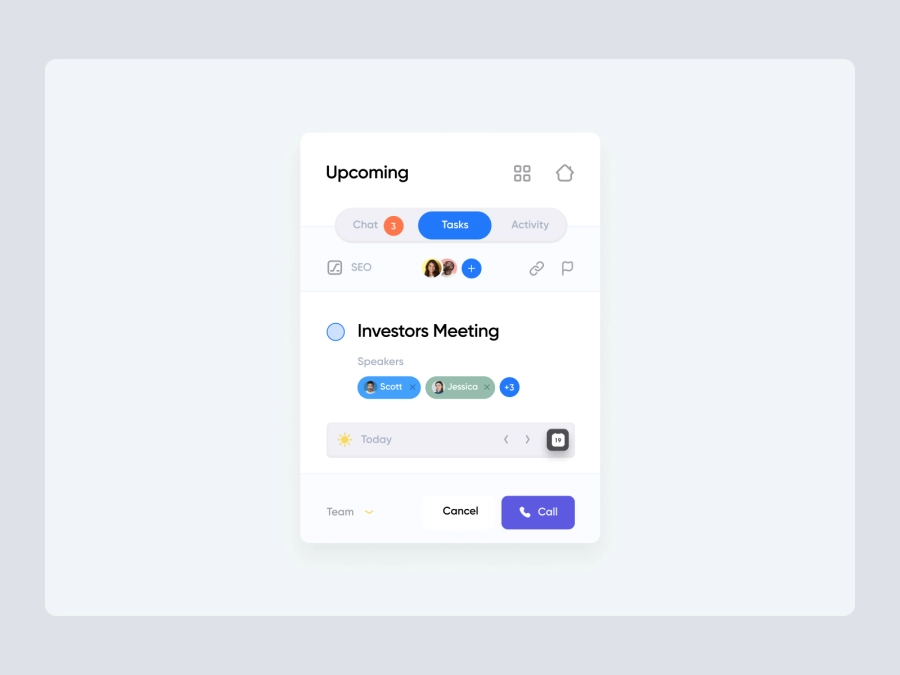
Free
Dashboard Sidebar Navigation
735
U
UI Dux

Crypto Dashboard UI
860
U
UI Dux
Figma
XD
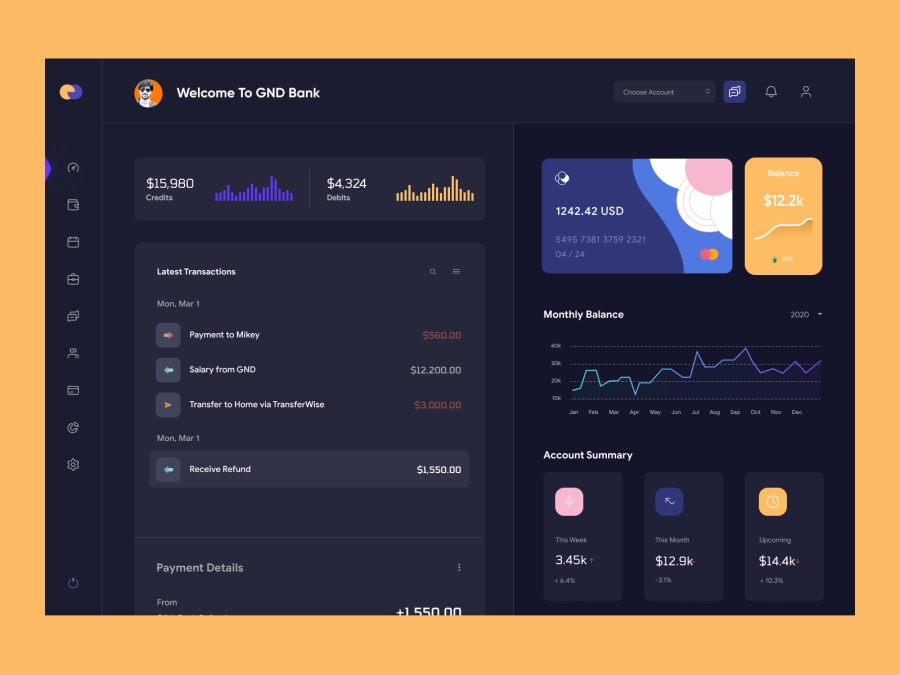
QuantumCash - Banking Dashboard UI - Dark Version
781
U
UI Dux
Figma
XD
Finance app ui
617
U
UI Dux
Figma
XD
Free
Dashboard Sidebar Navigation
283
U
UI Dux
Dribbble Pro Dashboard UI Concept
875
U
UI Dux
Figma
XD

Modern Incident Management Dashboard UI Design
828
U
UI Dux
Figma