Premium
v1.0
eLearning Platform Dashboard UI
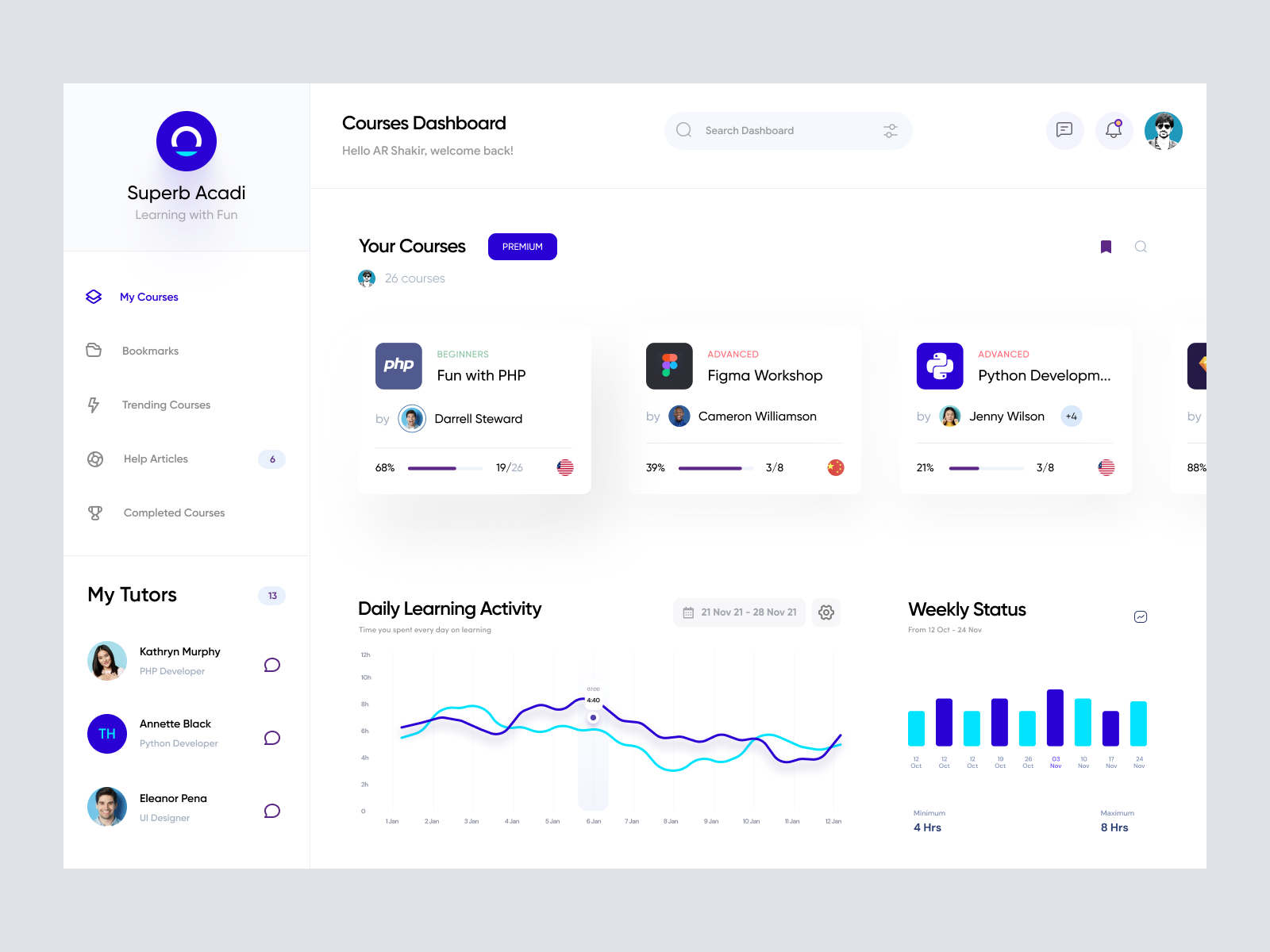
A sleek, intuitive UI design for educational platforms, featuring organized course display, tutor profiles, and interactive learning graphs, compatible with Figma.

About eLearning Platform Dashboard UI
Experience a seamless and modern learning interface with our cutting-edge Courses Dashboard UI design. Crafted with precision, this design offers an intuitive and visually appealing layout, perfect for educational websites and platforms. It features a sleek dashboard view that prioritizes user engagement through an organized display of courses, tutors, and learning activities. The sidebar menu offers easy navigation with quick access to bookmarks, trending courses, help articles, and completed courses. The design also includes a prominent search bar for quick course discovery. Engaging visual graphs illustrate daily learning activities and weekly status in a clear, interactive manner. The design is fully customizable, provided as a Figma file, allowing designers to effortlessly integrate it into their projects by copying and pasting directly, eliminating the need for downloads.
Features
- User-Friendly Interface
- Figma Compatible
- Customizable Design
- Interactive Visualization
- Organized Dashboard
- Search Functionality
- Responsive Layout
- Modern Aesthetic
Frequently Asked Questions
What format is the design file?
The design is provided as a Figma file.
Can I customize the design?
Yes, the design is fully customizable in Figma.
Is downloading required?
No, you can copy and paste directly within Figma.
What elements are included?
The design includes course displays, a dashboard, tutor profiles, and interactive graphs.
How is the design organized?
It features a sidebar for easy navigation and a main dashboard for course overview.
Is the design device responsive?
The Figma file can be adjusted to suit various device dimensions.
Can I change the color scheme?
Yes, colors can be easily adjusted in Figma.
How are learning activities displayed?
Through engaging visual graphs and a clear weekly status display.
What is the primary use of this design?
It's ideal for educational websites and learning management systems.
How do I access my courses?
Courses are accessible via the main dashboard and searchable through the search bar.
Premium License
Unknown Size
More like this
View all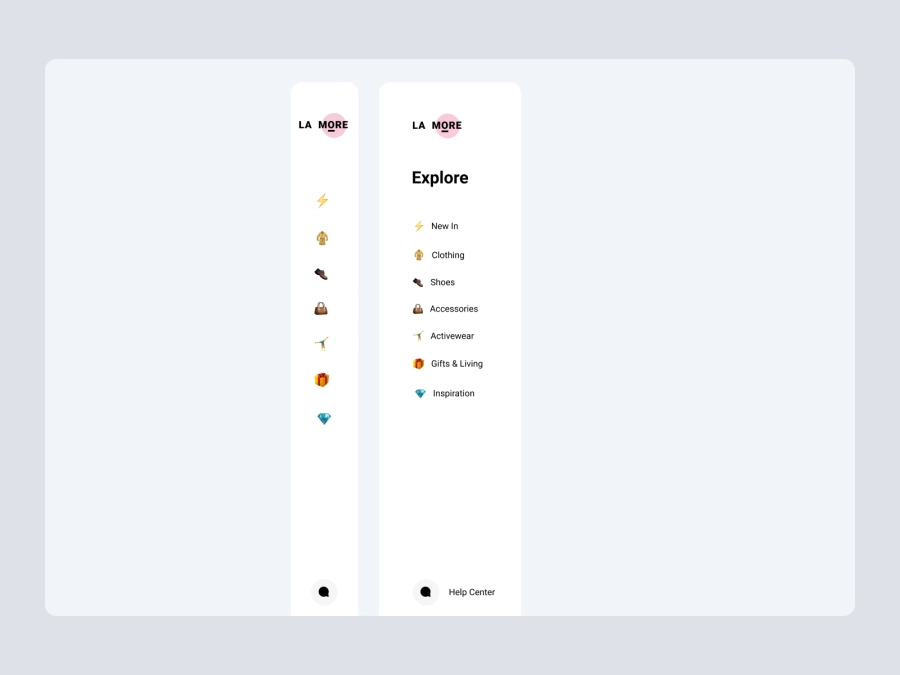
Free
Dashboard Sidebar Navigation
899
U
UI Dux
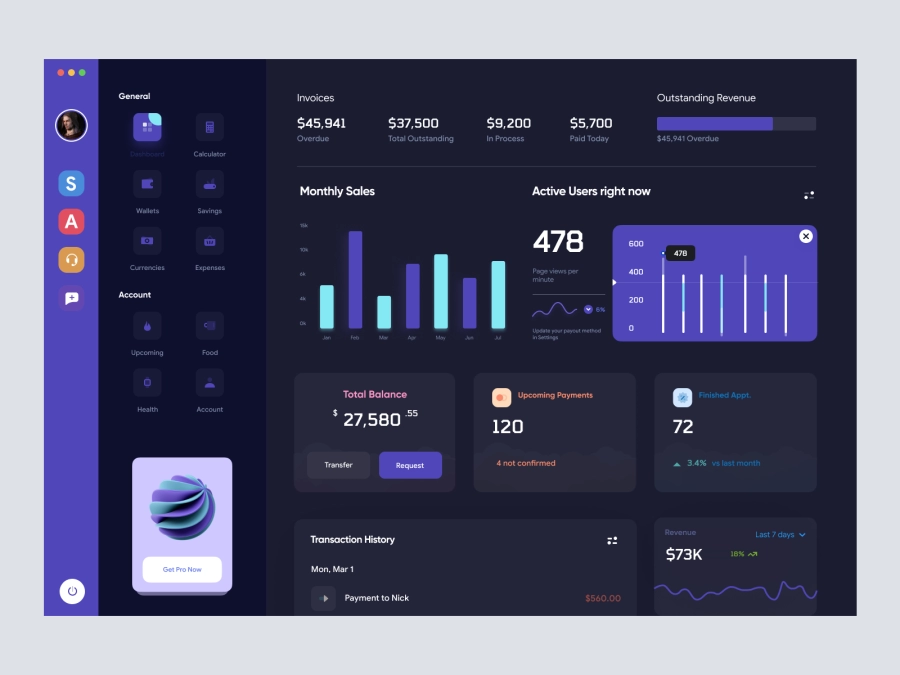
Walleta - Digital Wallat Web App Dashboard
923
U
UI Dux
Figma
XD

Fintech app Dashboard UI
877
U
UI Dux
Figma
XD
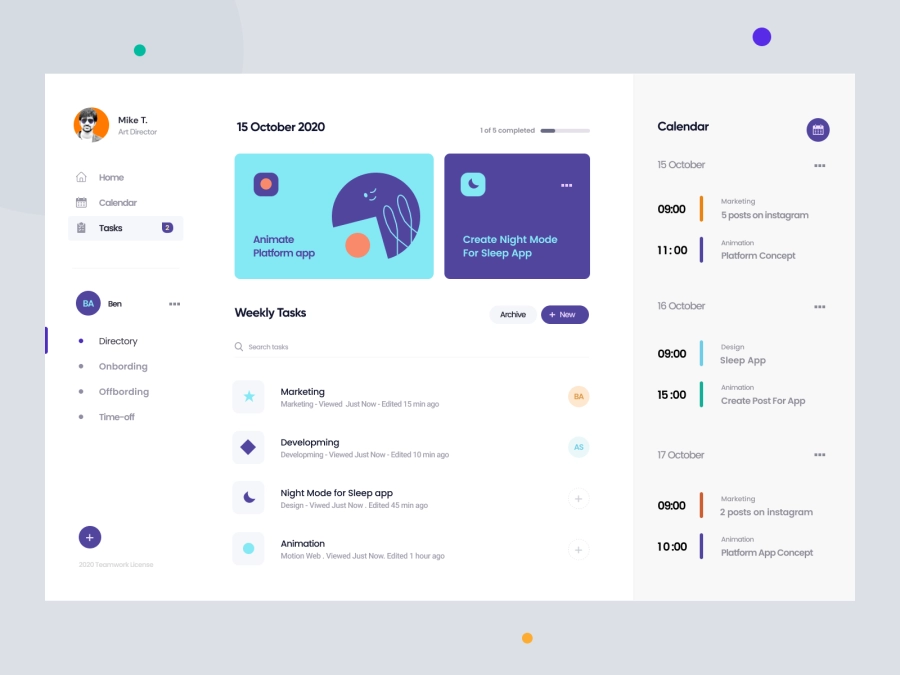
Bangroo - Daily Tasks Management Dashboard
198
U
UI Dux
Figma
XD

Free
Credit Card
425
U
UI Dux
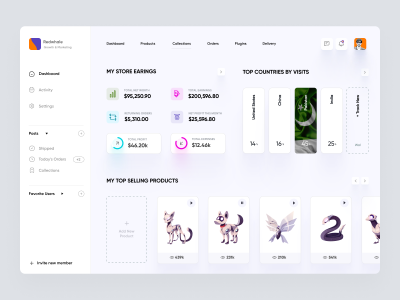
Ecommerece Dashboard UI Concept
577
U
UI Dux
Figma
XD
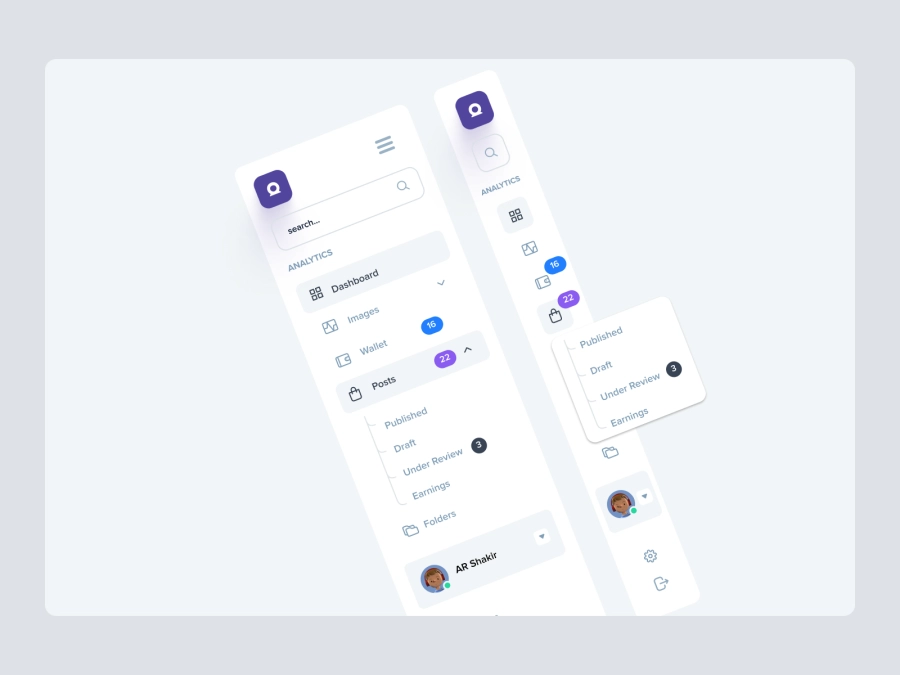
Free
Dashboard Top Nav
615
U
UI Dux
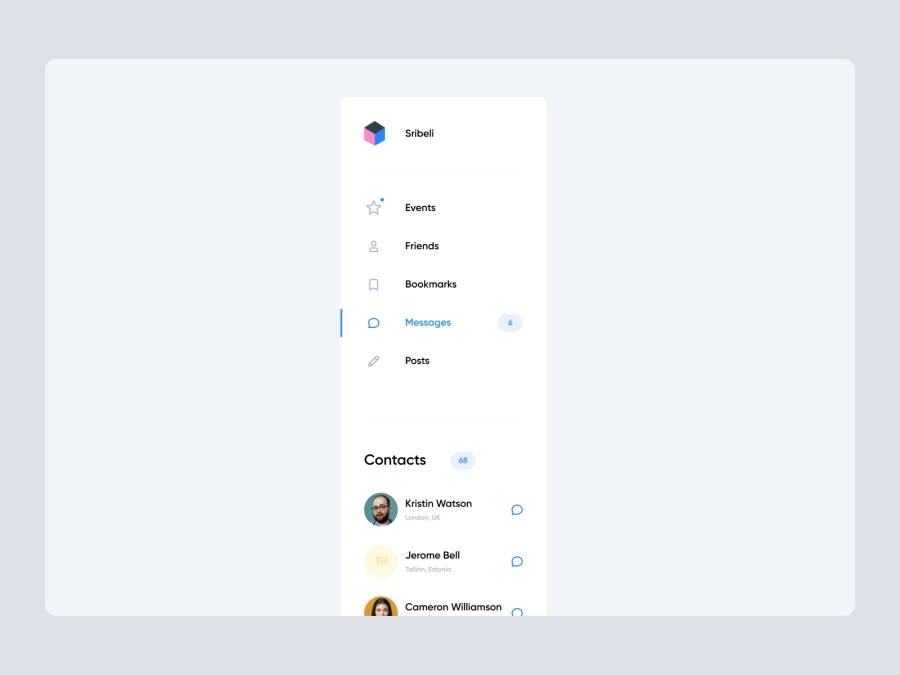
Free
Dashboard Sidebar Navigation
361
U
UI Dux
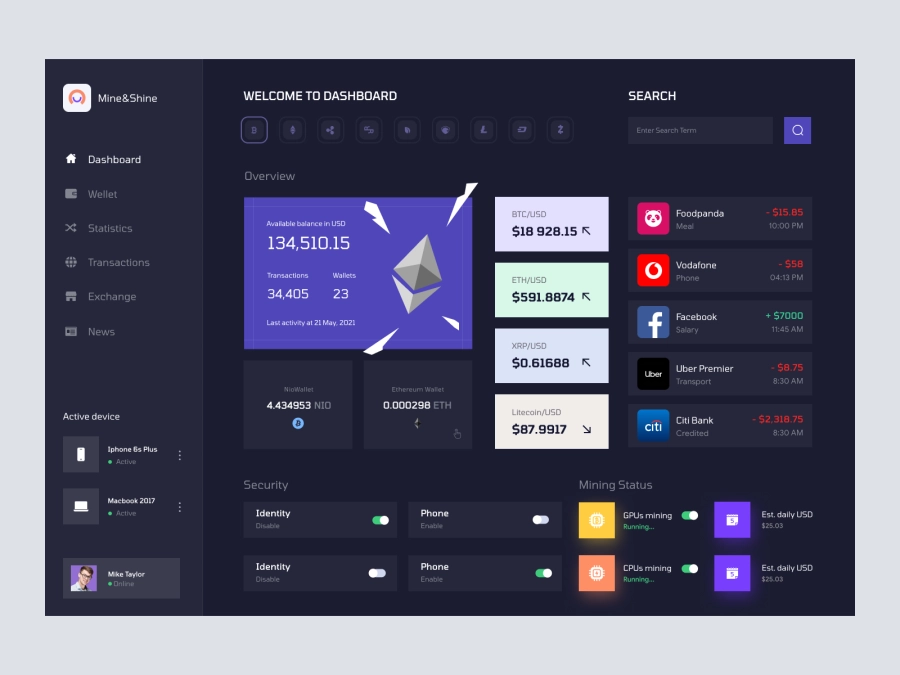
Mine and Shine - Bitcoin Mining Dashboard UI Concept Dark Version
555
U
UI Dux
Figma
XD

Social Media Influencer Dashboard UI
677
U
UI Dux
Figma
XD
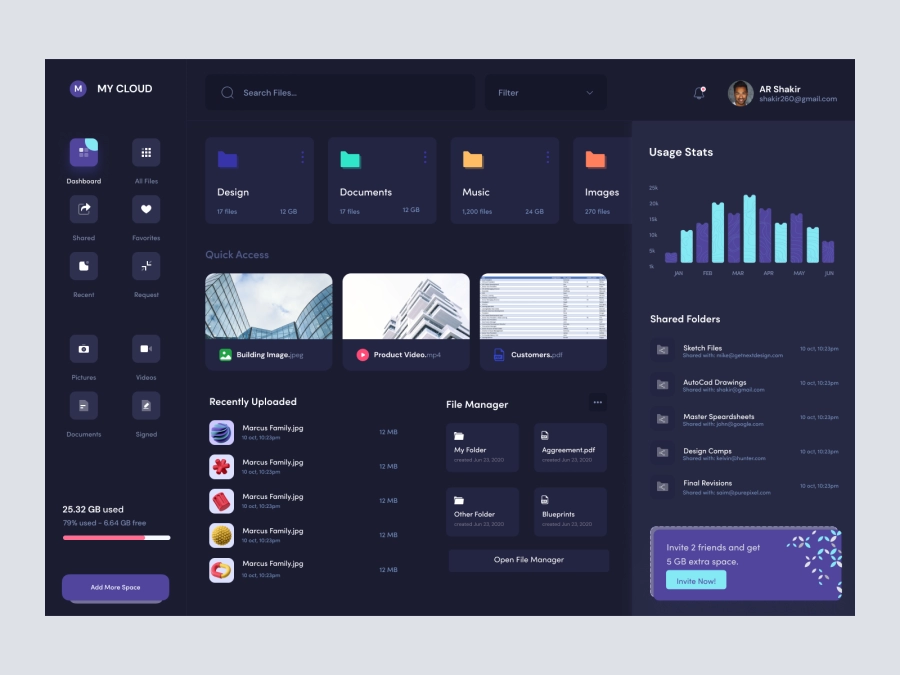
MyCloud - Dashboard UI For Cloud File Storage Dark UI
393
U
UI Dux
Figma
XD
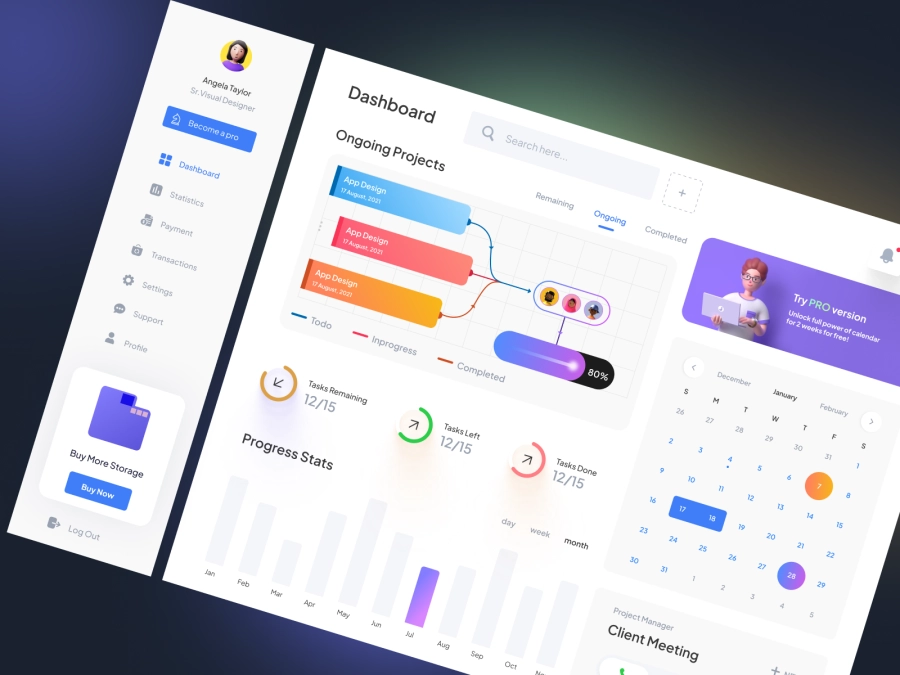
Project Management Dashboard UI
143
U
UI Dux
Figma
XD
Dashboard UI For Cloud File Storage
667
U
UI Dux
Figma
XD
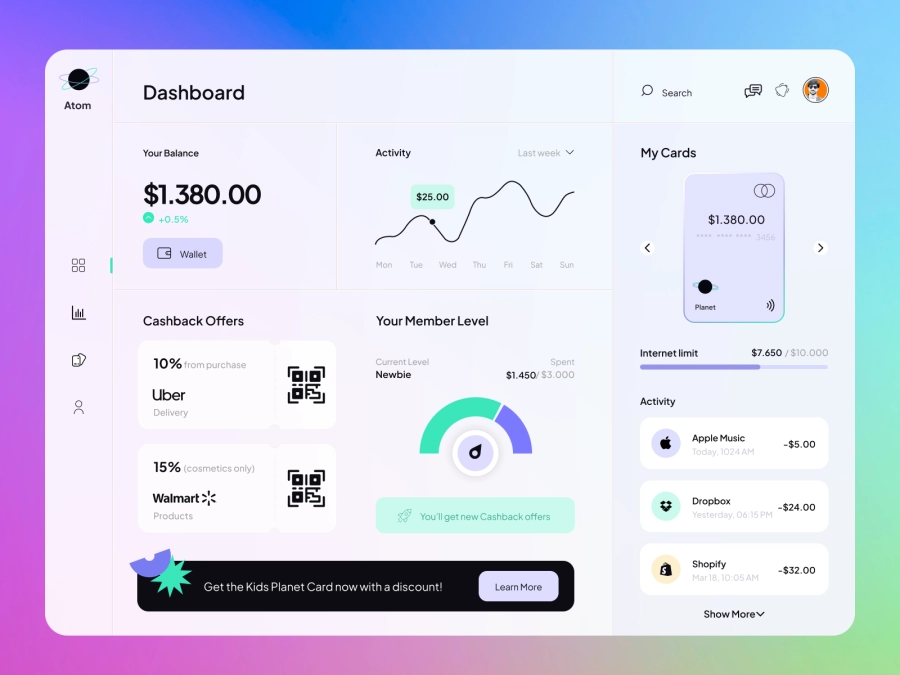
Atom - Finance App Dashboard UI Template
743
U
UI Dux
Figma
XD
Free
Dashboard Top Nav
650
U
UI Dux