Free
v1.0
Testimonial Section Design
Sleek minimal UI design for authentic client testimonials. Seamless integration with Figma, ideal for photographers or designers showcasing client feedback.
About Testimonial Section Design
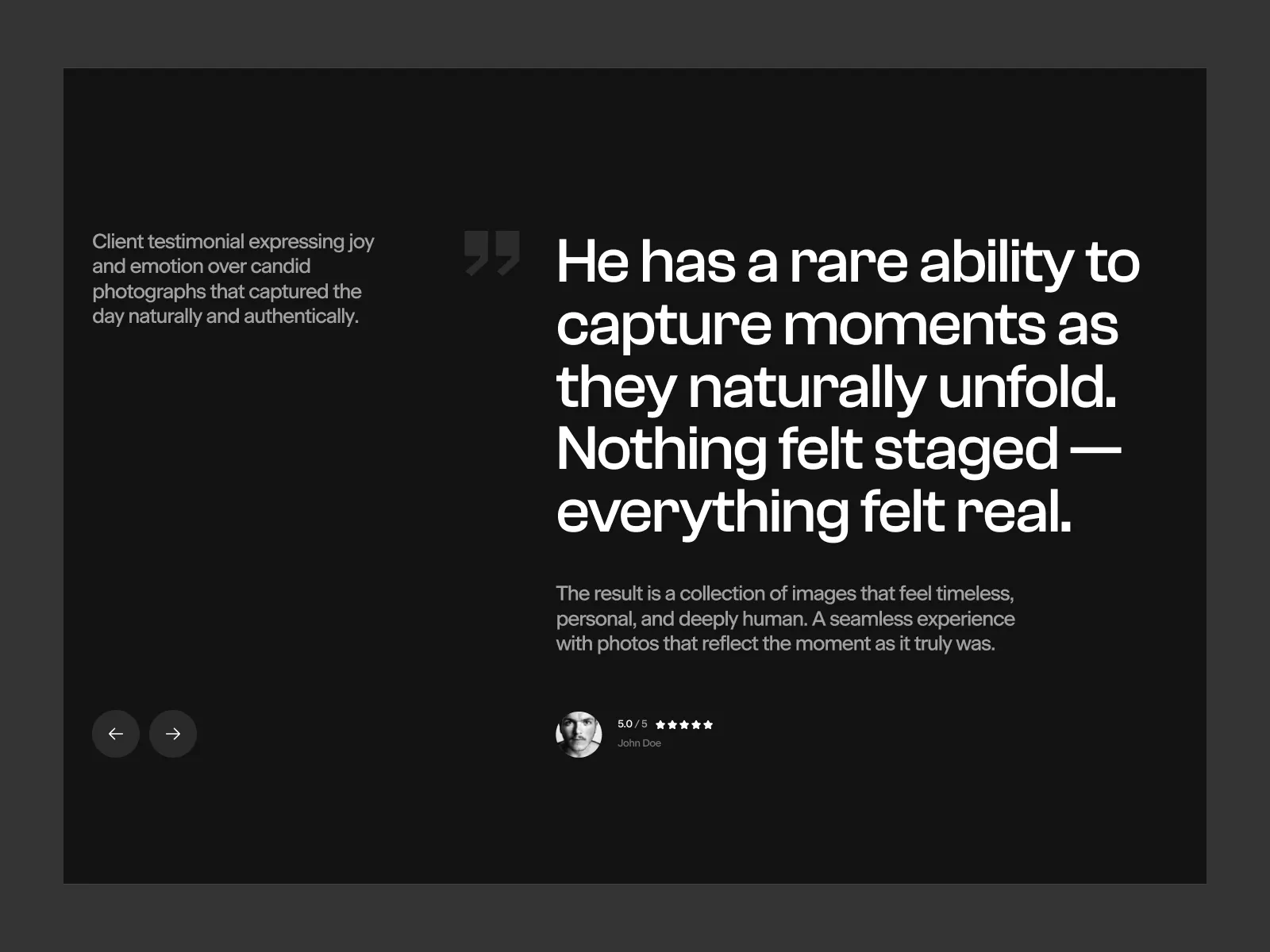
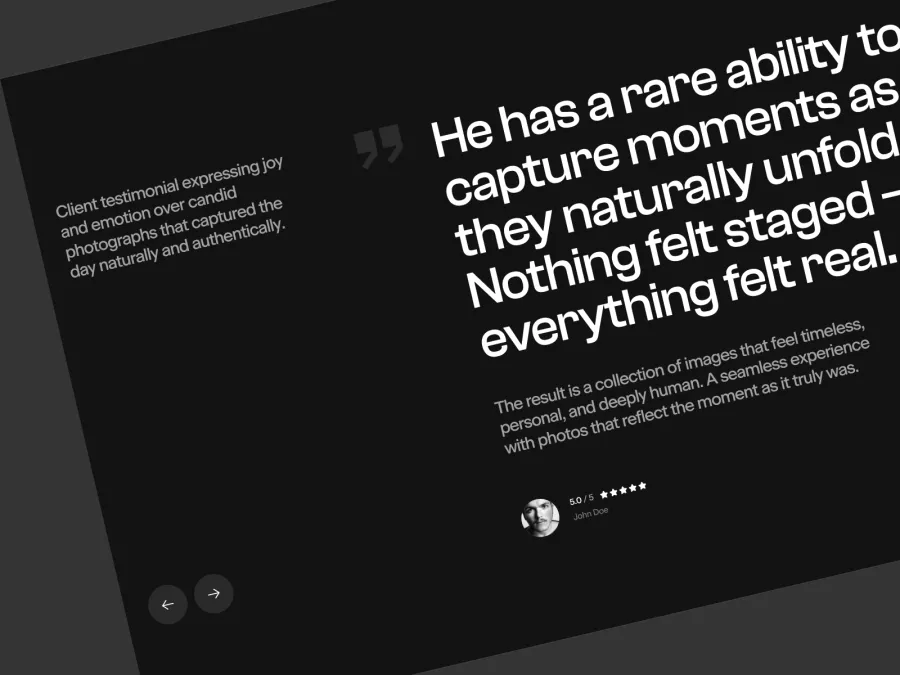
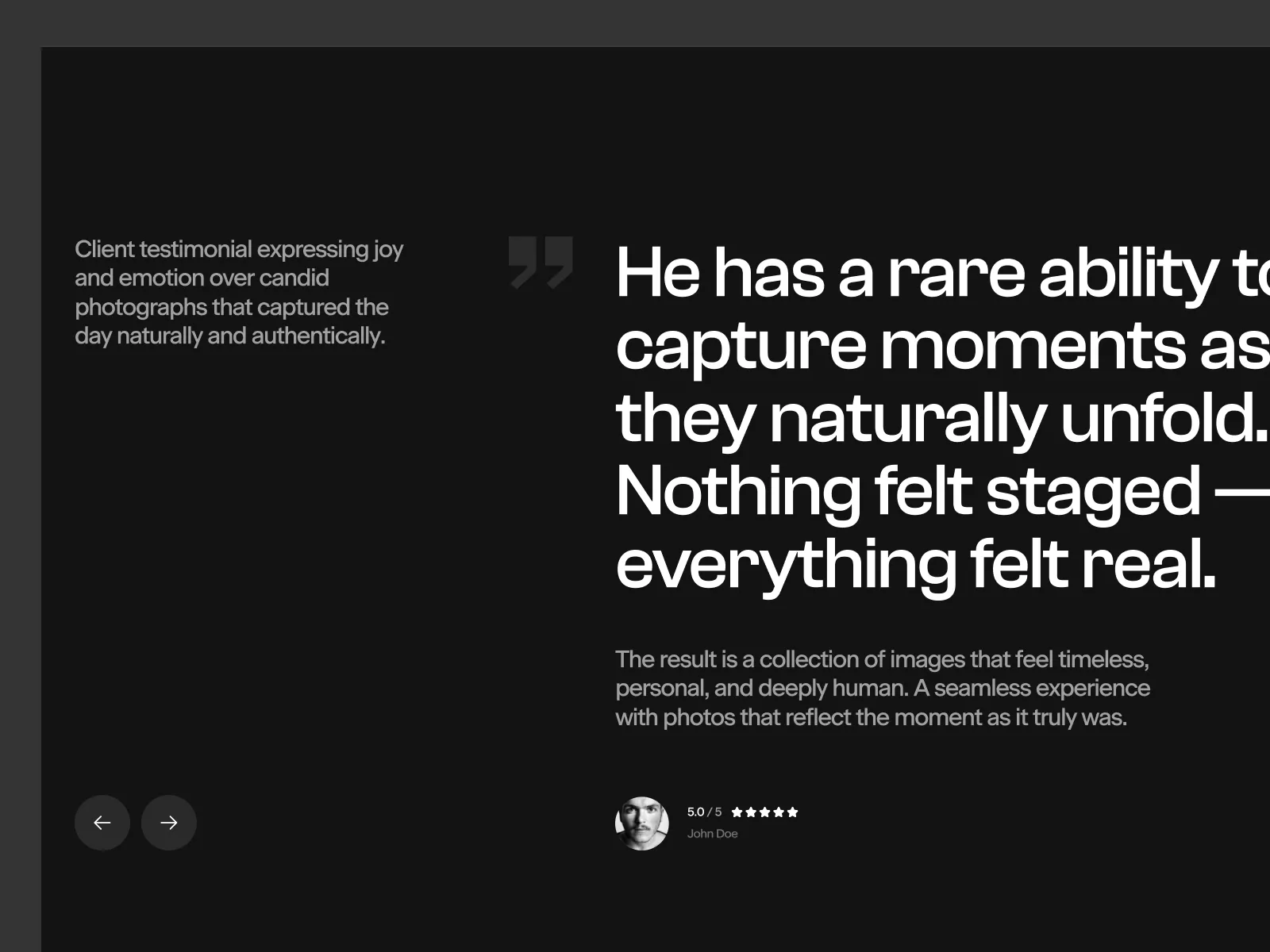
This elegant UI design is a testament to minimalist sophistication, perfectly crafted for showcasing client testimonials that radiate authenticity and emotion. The layout is sleek, with a dark theme that effortlessly draws attention to the meaningful text displayed. This design leverages simplicity to highlight the profound messages of clients, making it a perfect choice for photographers, designers, or anyone who wants their client's voice to take center stage. Each testimonial is presented in a large, bold font, ensuring readability and impact. Alongside the main quote, there is a beautifully positioned smaller text providing additional details or context. Navigation buttons are subtly placed, allowing visitors to browse through testimonials with utmost ease, maintaining focus on the content itself. The visually appealing combination of fonts, space, and color adds an air of professionalism and trustworthiness. Available as a Figma file, users can easily integrate it into their projects by copying and pasting it directly without the need to download. This is an indispensable UI component for those who wish to showcase genuine feedback that speaks volumes about their service quality or product excellence.
Features
- Easy Integration
- Minimalist Design
- Customizable
- Responsive Layout
- Enhanced Readability
- Emotional Appeal
- Professional Aesthetic
- Versatile Use
Frequently Asked Questions
What is included in the file?
You'll receive a Figma file ready for easy integration into your projects.
How do I import this design?
Simply copy and paste the design directly into your Figma workspace.
Is it customizable?
Yes! The design can be easily customized within Figma to fit your needs.
What is the primary use of this design?
It's ideal for showcasing client testimonials with a focus on authenticity and emotion.
Can I change the colors?
Absolutely, colors can be adjusted using Figma's color editing tools.
Is it suitable for all industries?
While it's versatile, it's particularly well-suited for creative and service-oriented industries.
Does it support responsive design?
The design is adaptable and can be made responsive within Figma.
How do I navigate the testimonials?
The design includes intuitive navigation buttons for browsing through testimonials.
Is there a recommended font?
The design includes modern fonts, which can be changed if required.
Can I integrate it into an existing project?
Yes, the Figma format allows for seamless integration into any project.
Free for personal use
Unknown Size
More like this
View all
Vitalsis - Fitness & Bio-Hacking Hero Section
628
U
UI Dux
Free
About Us
424
U
UI Dux
Figma
XD
Courtly - Basketball Booking Hero Section
355
U
UI Dux
PrimalBrush - Modern Digital Art Hero Section
590
U
UI Dux
Free
Featured Products
139
U
UI Dux
Figma
XD

Free
Content Left Image Right Section
798
U
UI Dux
Free
CTA Section
784
U
UI Dux
Verdant - Fashion Website Hero Section
257
U
UI Dux
Free
How It Works Section
106
U
UI Dux
OpticAR - Eyewear and Eye Care Hero Section
605
U
UI Dux
Free
Image Left Content Right Section
863
U
UI Dux
Free
Services Section
841
U
UI Dux
Figma
XD
Free
Blog Section
366
U
UI Dux
Figma
XD
Free
Benefits
267
U
UI Dux
Figma
XD
Free
Featured Products
804
U
UI Dux
Figma