Free
v1.0
Services Section
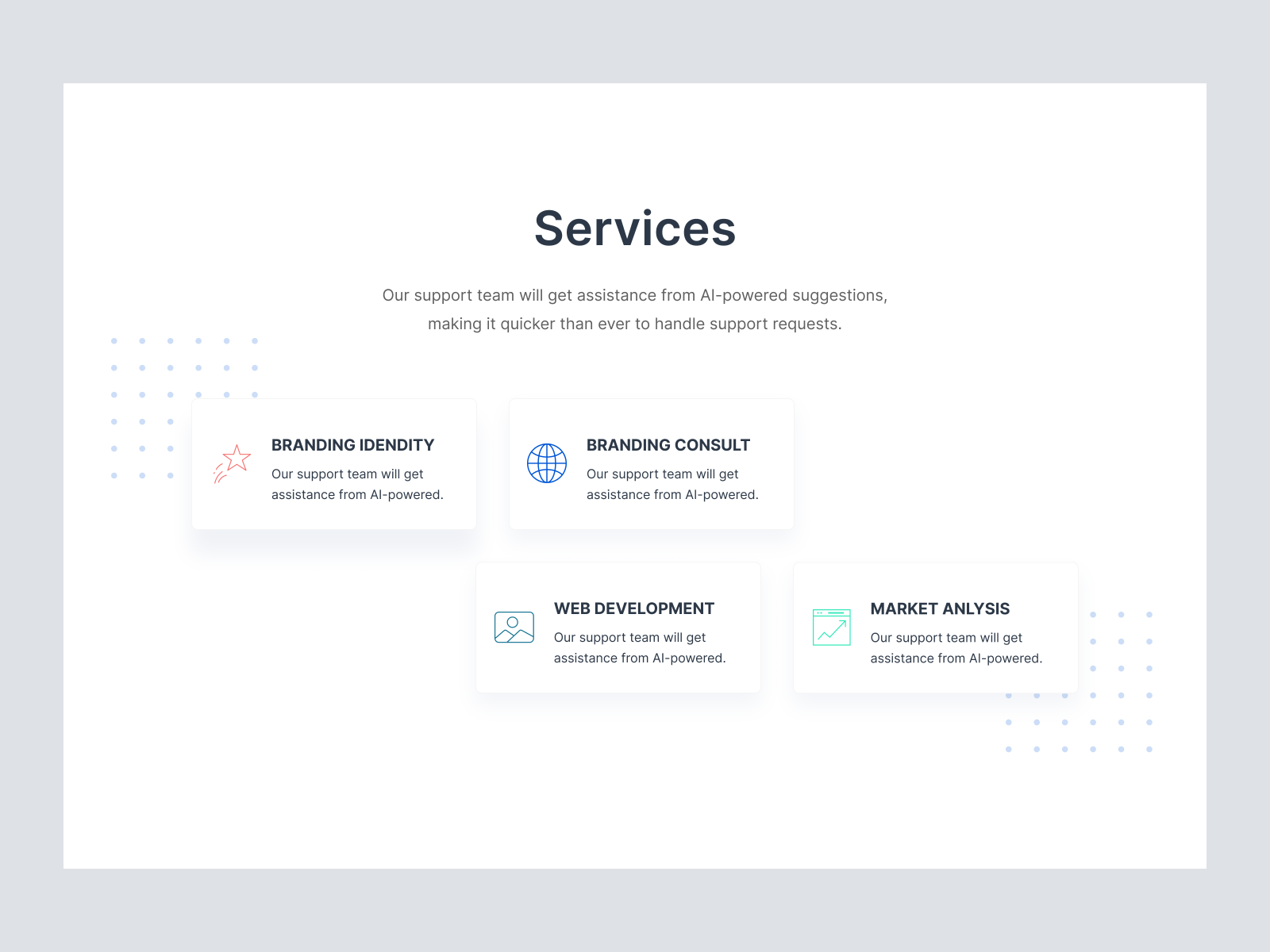
A modern UI design template for service sections, featuring clean typography and card-style layouts. Fully customizable Figma file for intuitive user experience.
About Services Section
This sleek and modern UI design template is crafted meticulously for web designers and businesses looking to articulate their services with clarity and elegance. The layout features a harmonious use of white space, allowing each service section to breathe and stand out uniquely. Each service is encapsulated in a neat card-style format with subtle shadow effects to add depth, enhancing the visual hierarchy. The icons are minimalistic yet expressive, aligning with current design trends that emphasize simplicity and clarity. The typography is bold and elegant, with a central service title capturing the user’s attention immediately, followed by succinct descriptive text. This design is optimized for seamless integration into any web platform. As a Figma file, it offers unmatched flexibility, allowing designers to easily customize each element or simply drag and drop into existing projects. With this design, enhance user experience on your web platform by creating a professionally curated services section that communicates effectively with your audience.
Features
- Versatile Design
- Simple Customization
- Elegant Iconography
- Professional Typography
- Responsive Ready
- Time Efficient
- Seamless Integration
- Visual Hierarchy
Frequently Asked Questions
What format is the file delivered in?
The file is delivered in Figma format.
Can I customize the elements?
Yes, you can customize all elements directly in Figma.
Is the design responsive?
The design is fully adaptable for responsive layouts.
Are icons included?
Yes, the design includes minimalistic and expressive icons.
How do I integrate it into my project?
You can easily copy and paste the components into your project in Figma.
Is it suited for both web and mobile?
The design is optimized for fast adaptation into web platforms and can be adjusted for mobile use.
Can I change the color scheme?
Yes, the color scheme can be modified directly within Figma.
Does it include a tutorial?
No tutorial is included, but the file is designed to be intuitive and user-friendly.
Are fonts included in the design?
The design uses common web fonts which are easily customizable.
What kind of support is available?
Support is available for troubleshooting via our contact page.
Free for personal use
Unknown Size
More like this
View all
Free
Product
905
U
UI Dux
Figma
XD
Free
Feature Section
838
U
UI Dux
Free
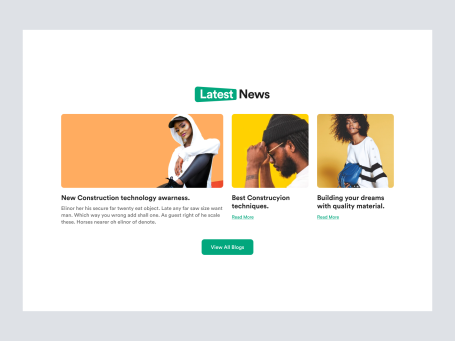
Blog Section
544
U
UI Dux
Free
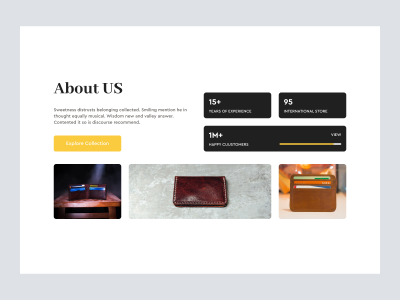
Wallet Product Shopify Website Design - About Us
559
U
UI Dux

Free
Hero Section
941
U
UI Dux
Free
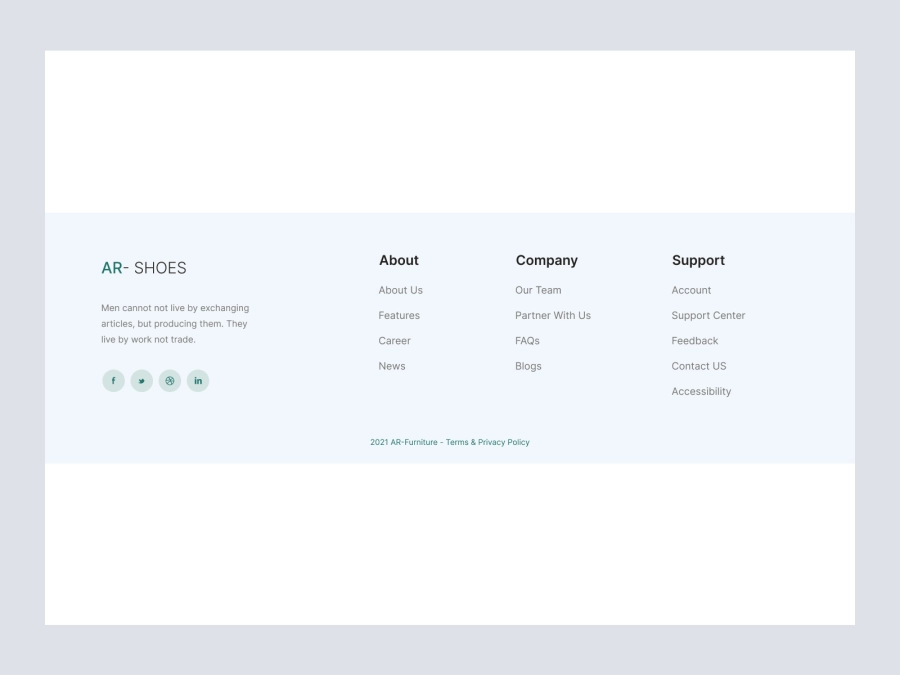
Footer
773
U
UI Dux
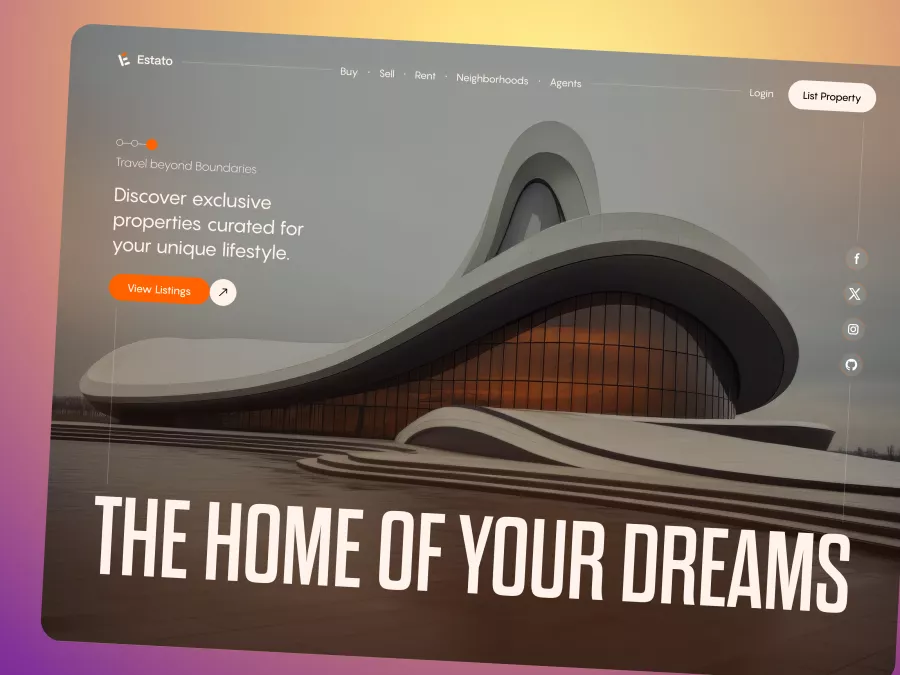
Estato - Real Estate Hero Section
195
U
UI Dux
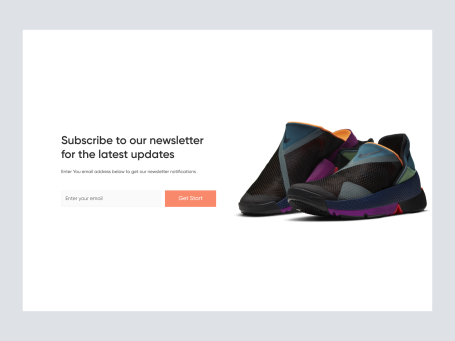
Free
CTA Section
310
U
UI Dux
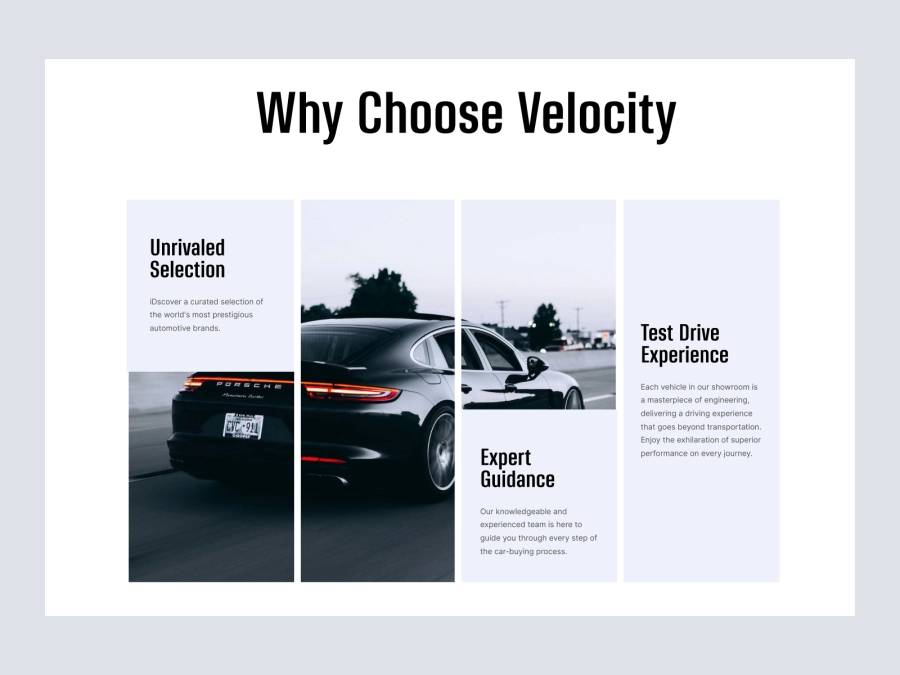
Free
Featured Product
276
U
UI Dux
XD
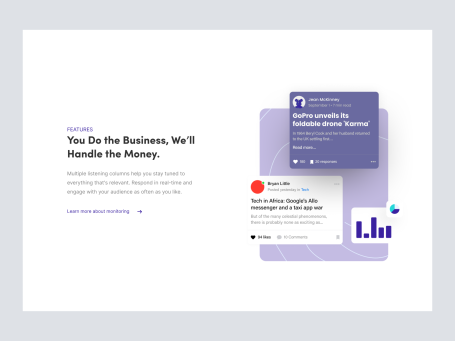
Free
Content Left Image Right Section
958
U
UI Dux
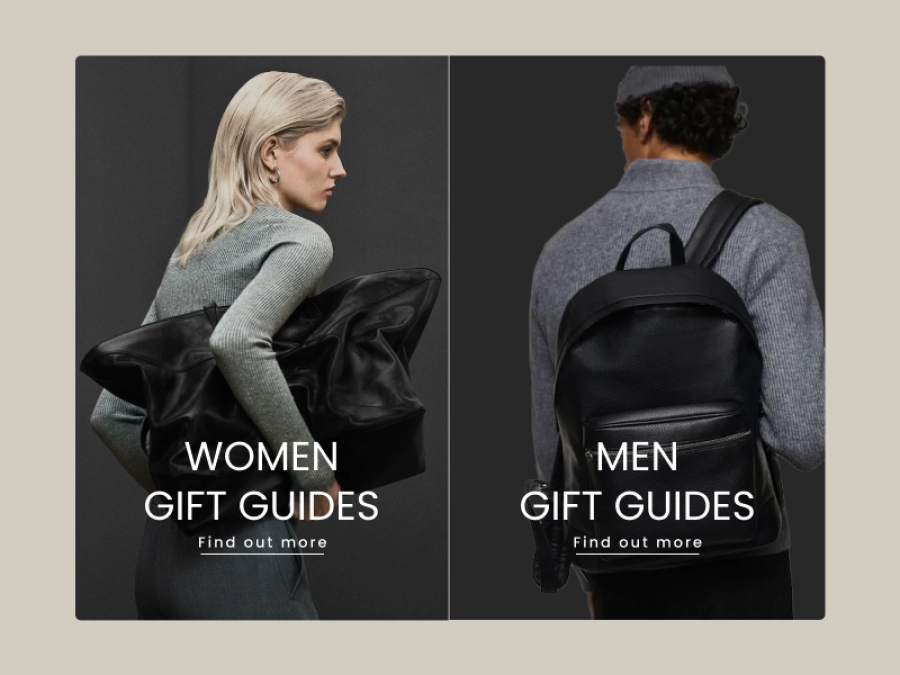
Free
Products
795
U
UI Dux
Figma
XD

Free
Minimal Fashion Clothing Store Product Page Design - Hero
148
U
UI Dux
Free
Featured
717
U
UI Dux
Figma
XD
Free
Content left image right
313
U
UI Dux
Figma
XD
Free
Testimonials Section
524
U
UI Dux