Free
v1.0
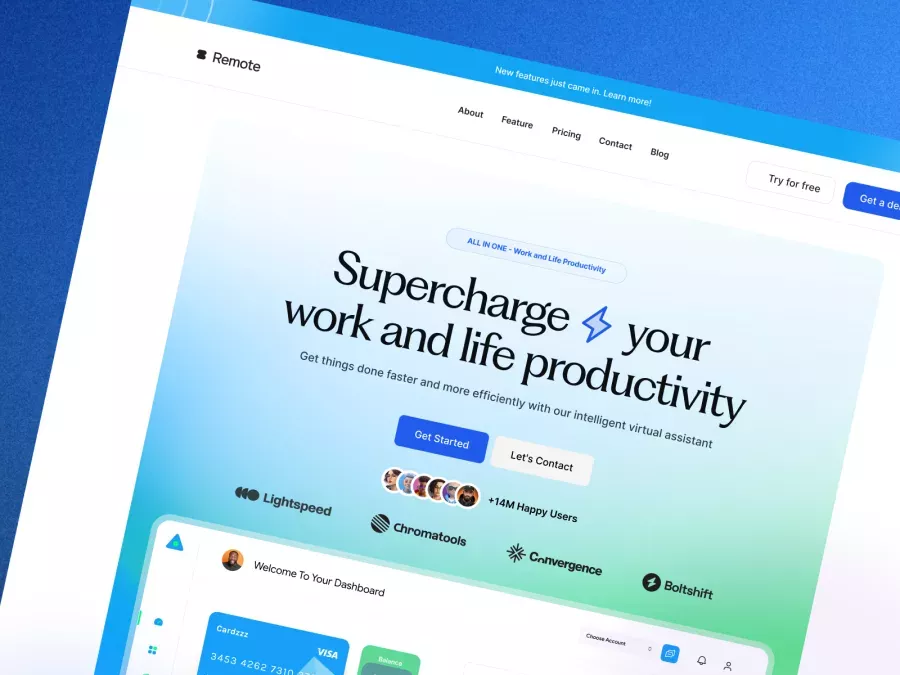
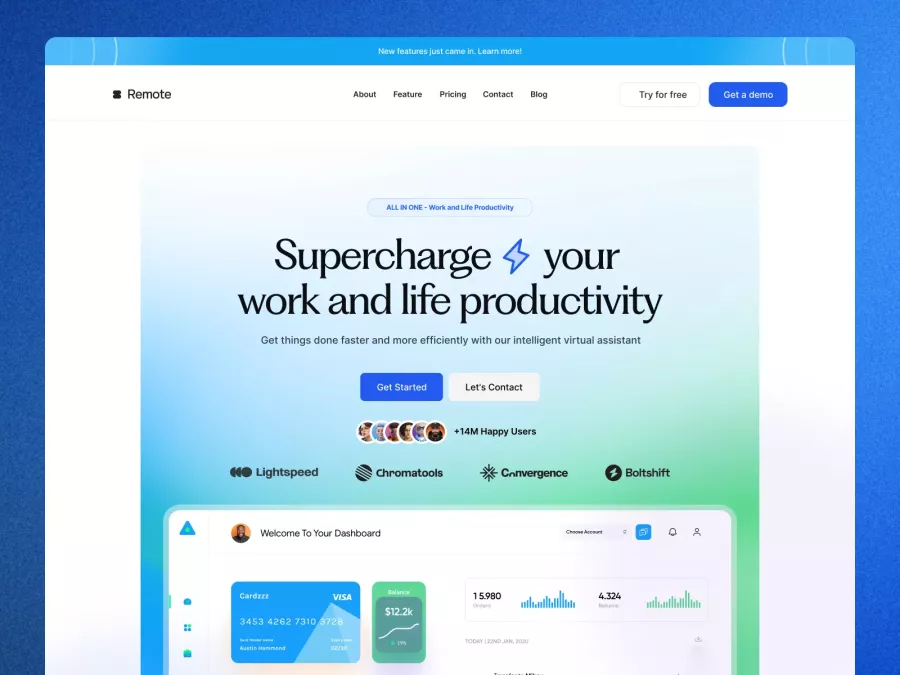
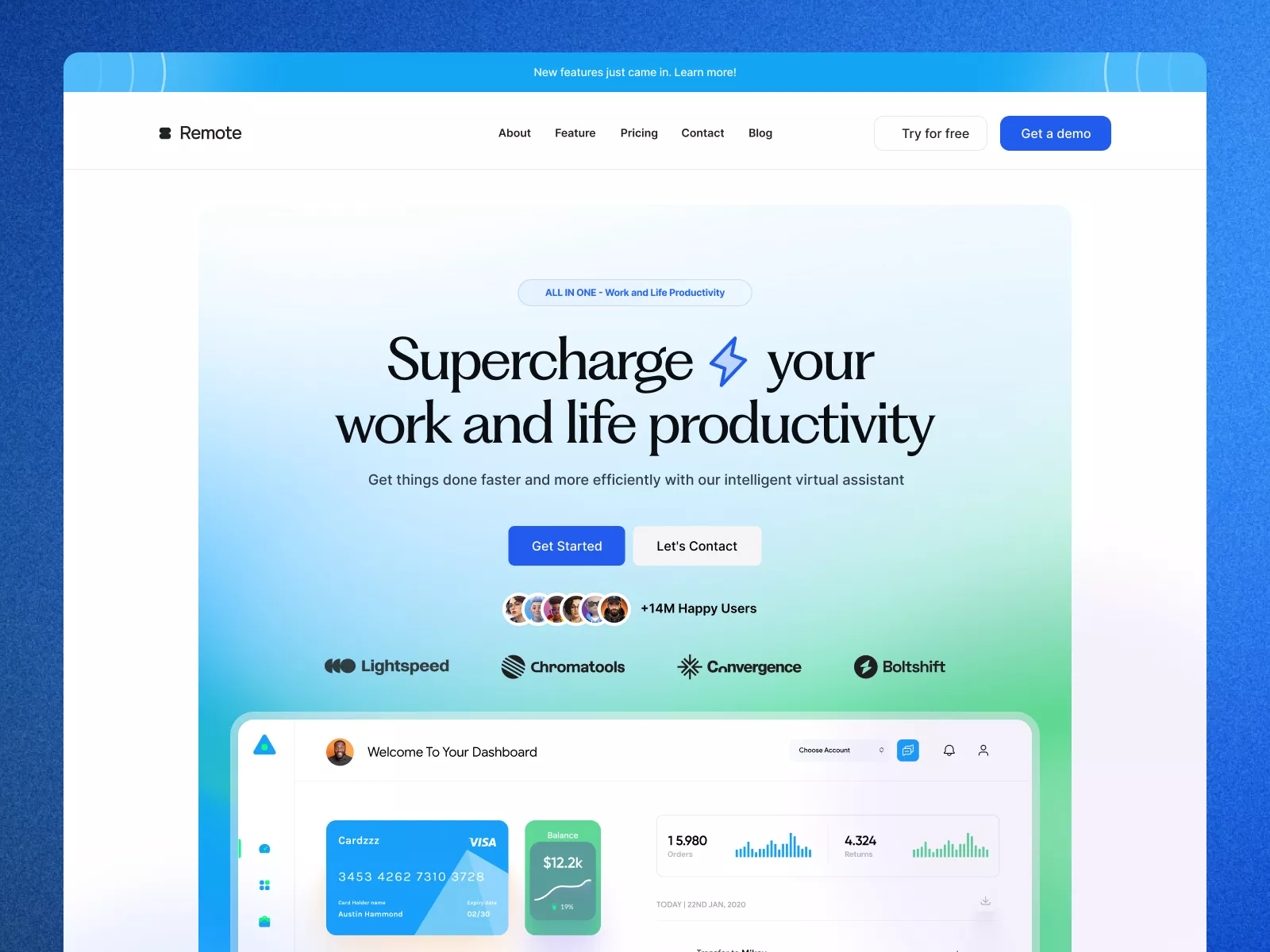
Productivity App Header Section
Sophisticated UI design in Figma format, enhancing engagement and productivity with a minimalist aesthetic. Perfect for digital product innovation.
About Productivity App Header Section
Introducing our cutting-edge UI design, meticulously crafted to enhance user engagement and streamline user interaction. This layout features a minimalist, yet sophisticated design language that focuses attention on core content. As a complete package offered in a Figma file, it's ready to be seamlessly integrated into your workflow, requiring no additional downloads. The design emphasizes elegance and functionality, incorporating modern fonts and a harmonious color scheme that balances aesthetics with usability. Perfect for businesses looking to boost productivity and user satisfaction, the layout showcases clean navigation, strategically placed call-to-action buttons, and information hierarchy that guides users effortlessly throughout their journey. With an emphasis on user experience, this UI design integrates interactive elements that are both intuitive and aesthetically pleasing, providing significant value for professional designers aiming to create outstanding digital products. Experience the perfect blend of style and substance with a design that sets you apart from the competition.
Features
- Figma Ready
- Enhanced Productivity
- Elegant Aesthetics
- Versatile Design
- User Engagement
- Customizable Elements
- Interactive Components
- Strategic Layout
Frequently Asked Questions
What file format is provided?
The design is available in Figma format for easy integration.
Do I need to download the file?
No download is necessary; you can copy and paste directly in Figma.
Is the design suitable for all industries?
Yes, it features a versatile design that can adapt to various industries.
Does it include call-to-action buttons?
Yes, the design includes strategically placed call-to-action buttons.
Can this design increase user engagement?
Absolutely, it is designed to enhance user engagement and productivity.
Is the color scheme customizable?
Yes, you can easily customize the color scheme within Figma.
Is the design mobile-friendly?
While this layout is for desktop, it can be adapted for mobile.
Does it include interactive elements?
Yes, interactive elements are thoughtfully integrated into the design.
Who can benefit from this design?
Professional designers and businesses looking to innovate their digital products.
How does this design stand out?
It offers a modern, minimalist aesthetic combined with practical usability.
Free for personal use
Unknown Size
More like this
View all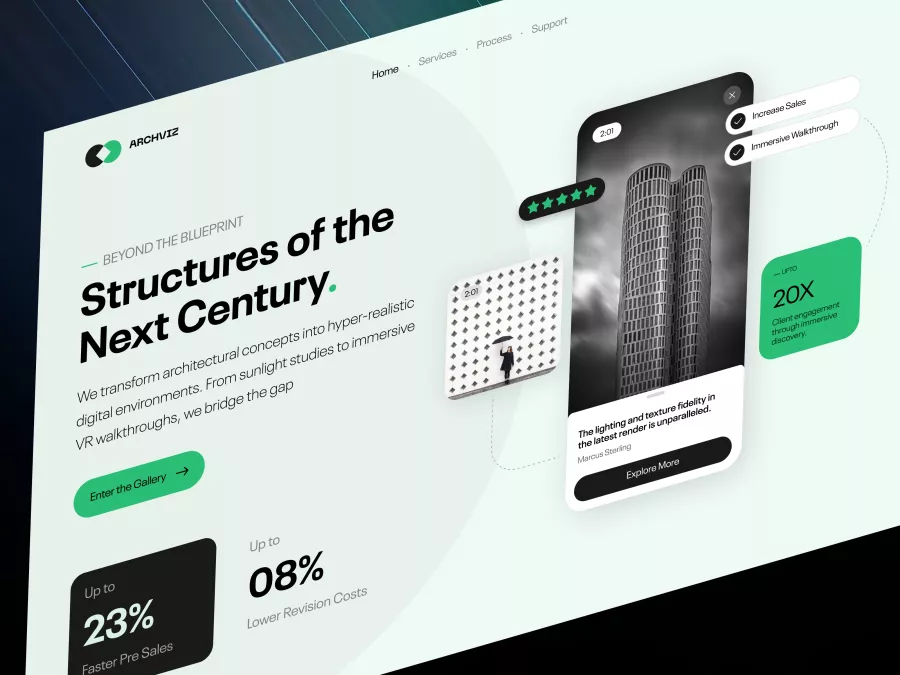
Archviz - Real Estate Hero Section
522
U
UI Dux

Free
Product Section
863
U
UI Dux
Free
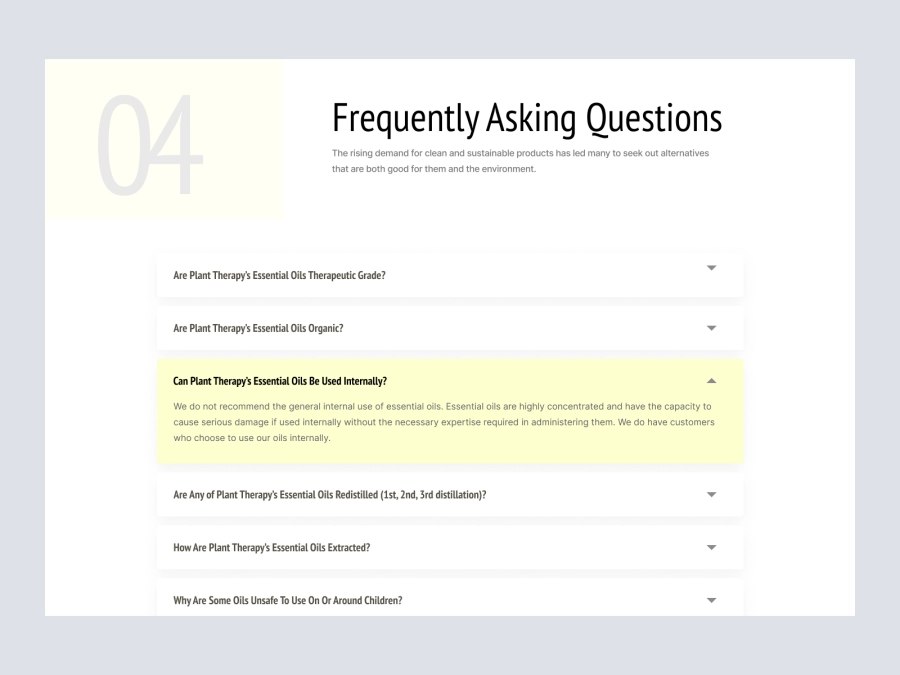
FAQs
847
U
UI Dux
Figma
XD
Free
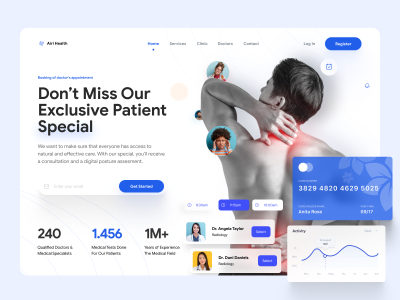
Doctors Clinic Website UI Hero Section Design
650
U
UI Dux
Free
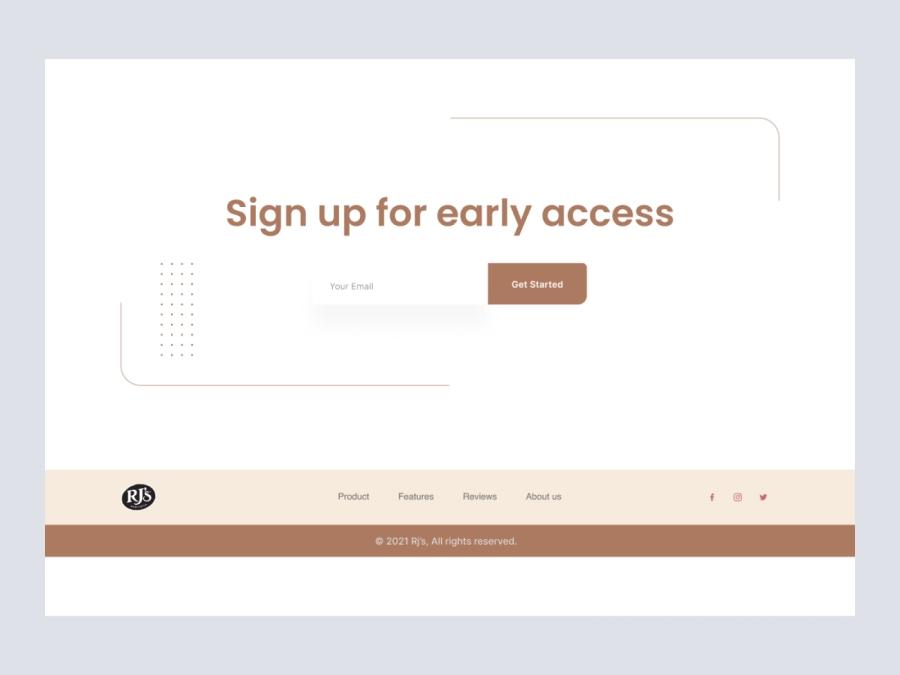
CTA Section
414
U
UI Dux
Free
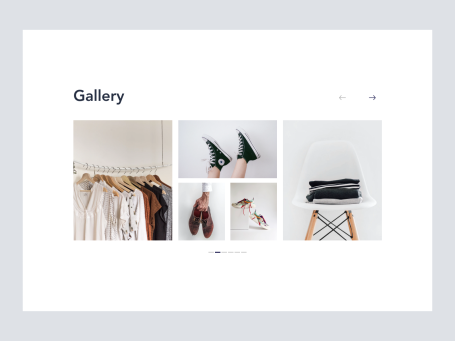
Gallery Section
730
U
UI Dux
Free
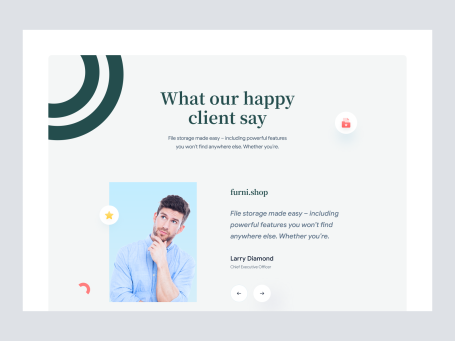
Testimonials Section
244
U
UI Dux
Free
CTA
579
U
UI Dux
Figma
XD
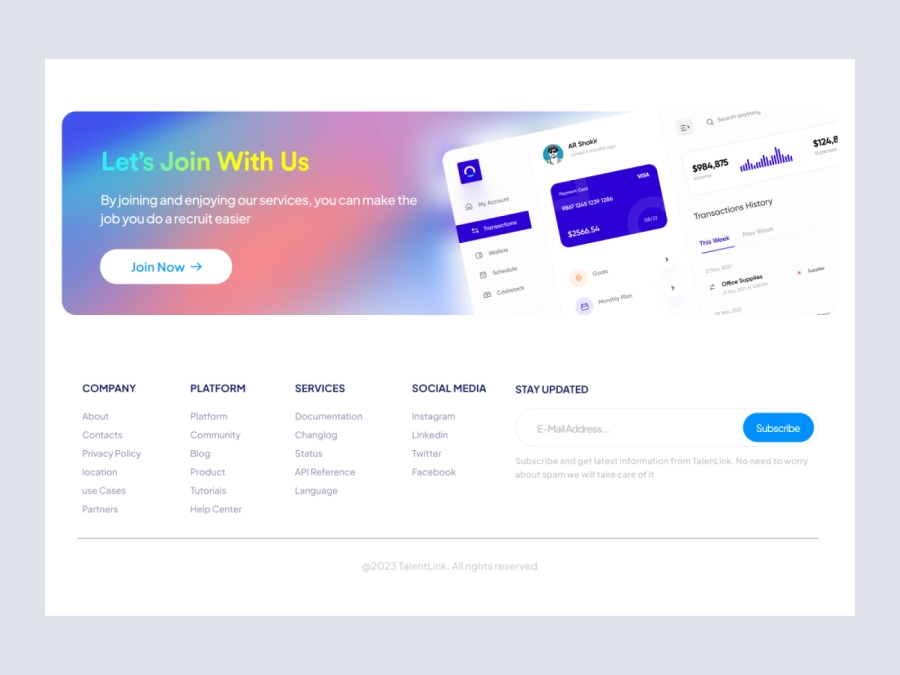
Footer
606
U
UI Dux
Figma
XD
Free
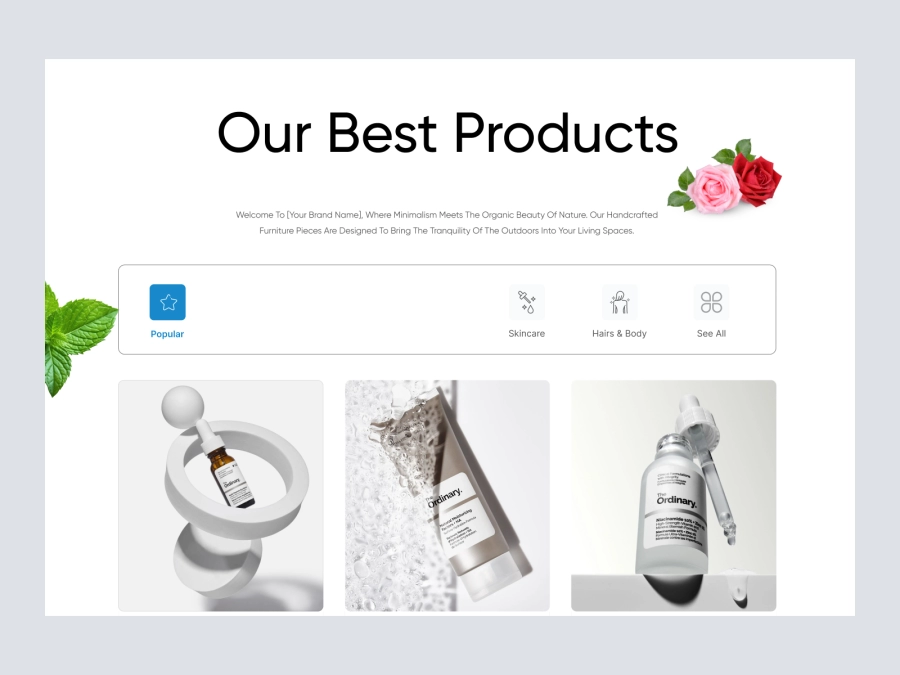
Product
396
U
UI Dux
Figma
XD
Free
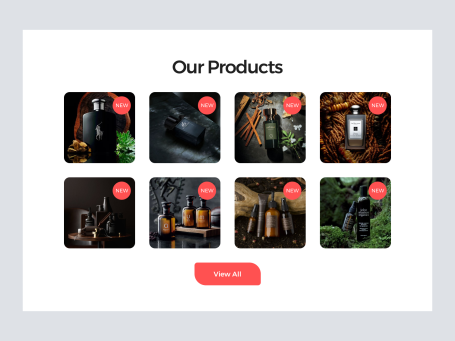
Product Section
606
U
UI Dux
Free
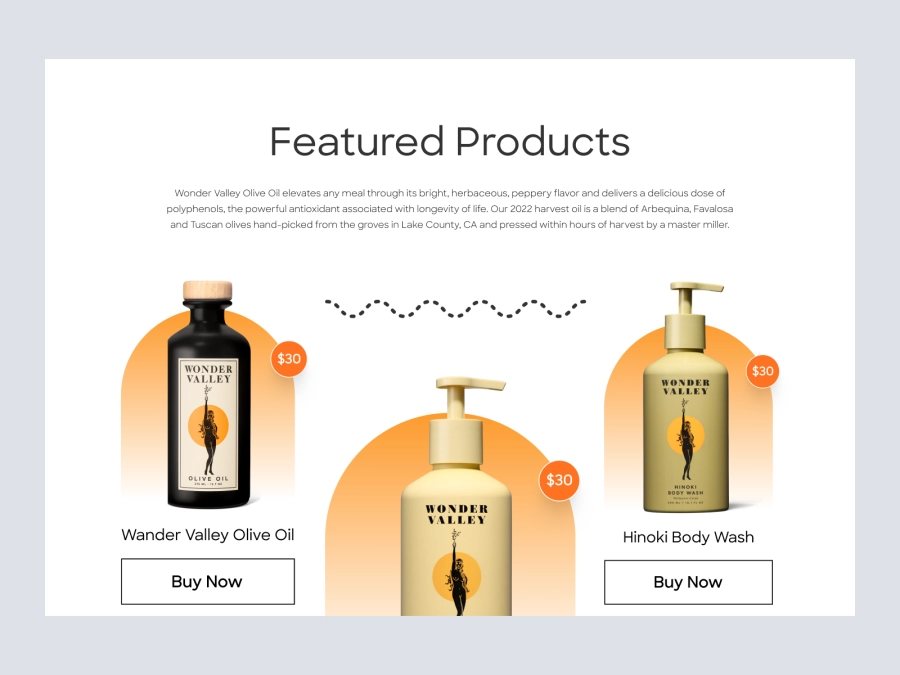
Featured Products
358
U
UI Dux
Figma
XD
Free
Testimonials Section
102
U
UI Dux
Free
Luxora funiture - Features Section
611
U
UI Dux

Free
Shopify Store - Footer
869
U
UI Dux