Premium
v1.0
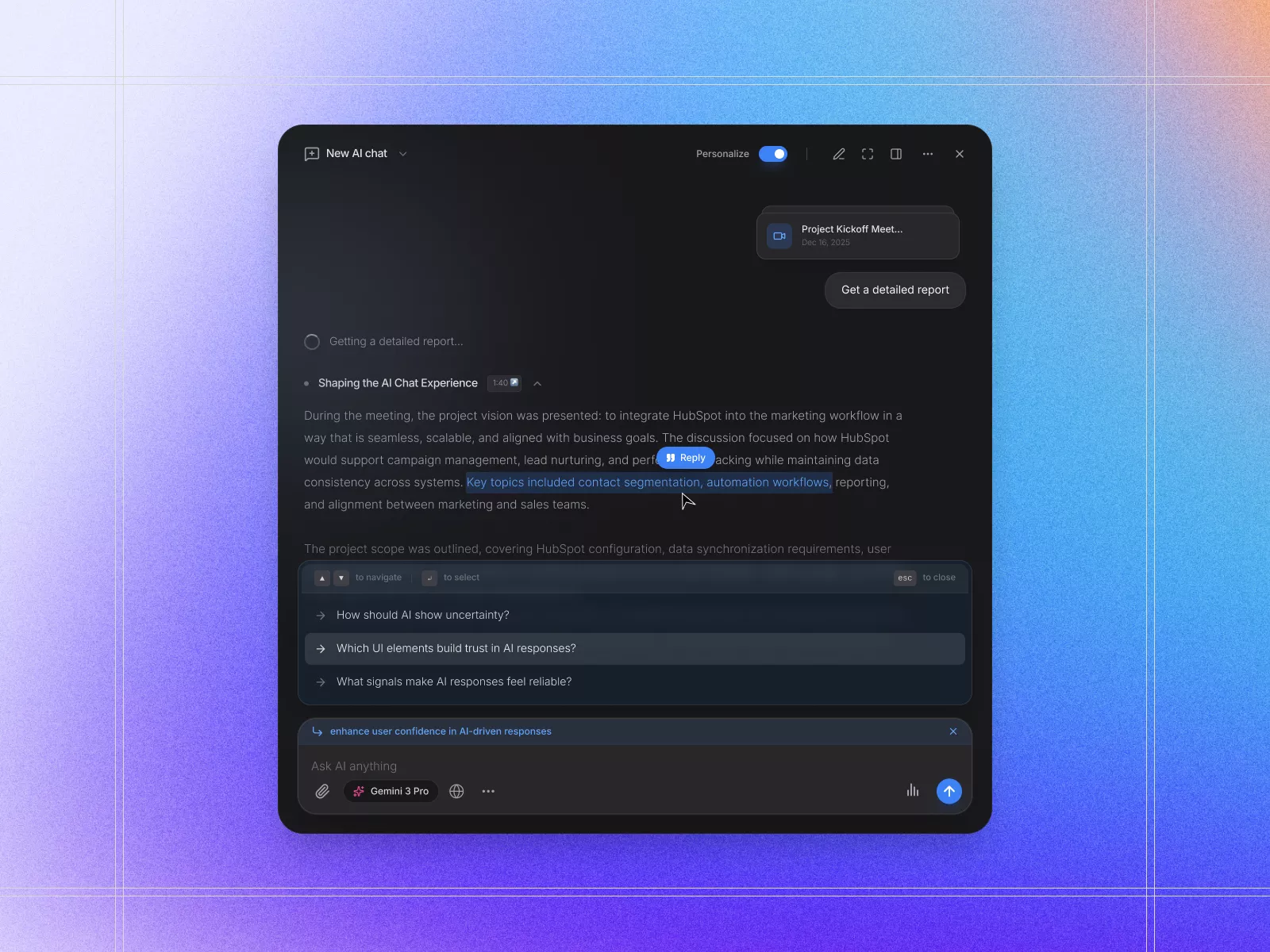
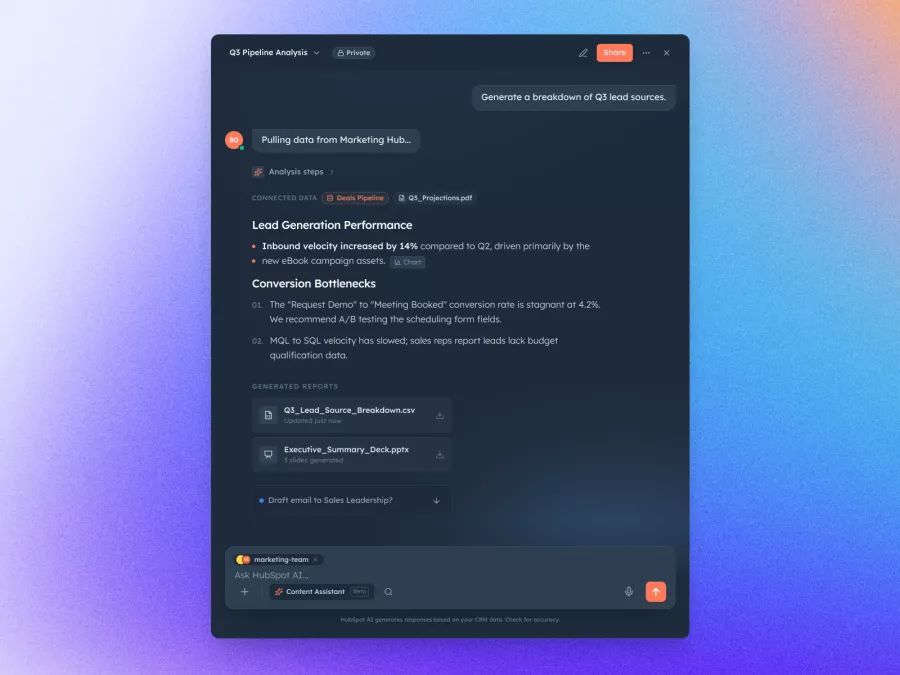
Sleek Dark Mode Dashboard UI Design for Modern Teams
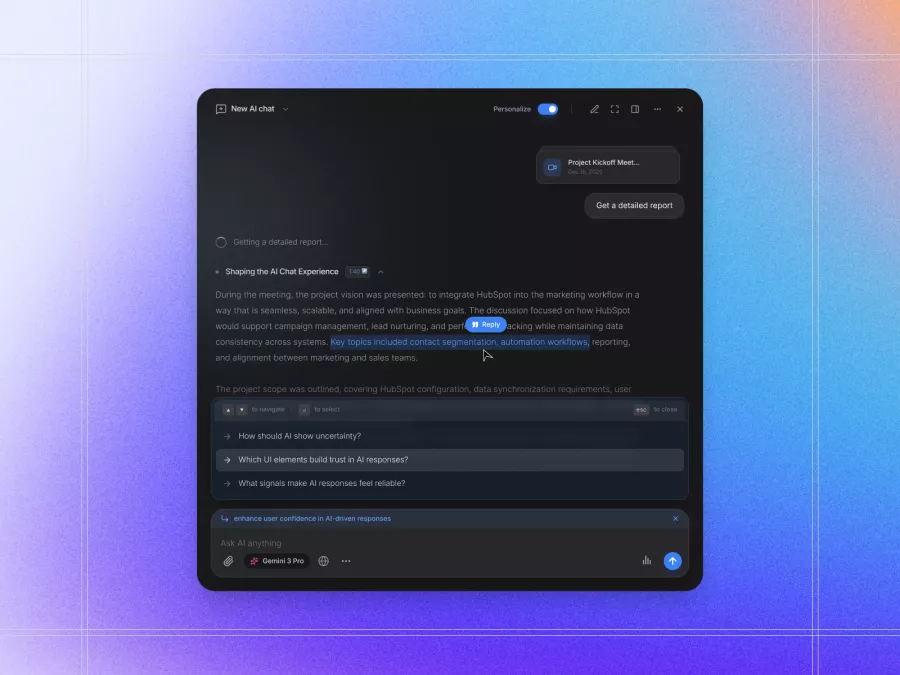
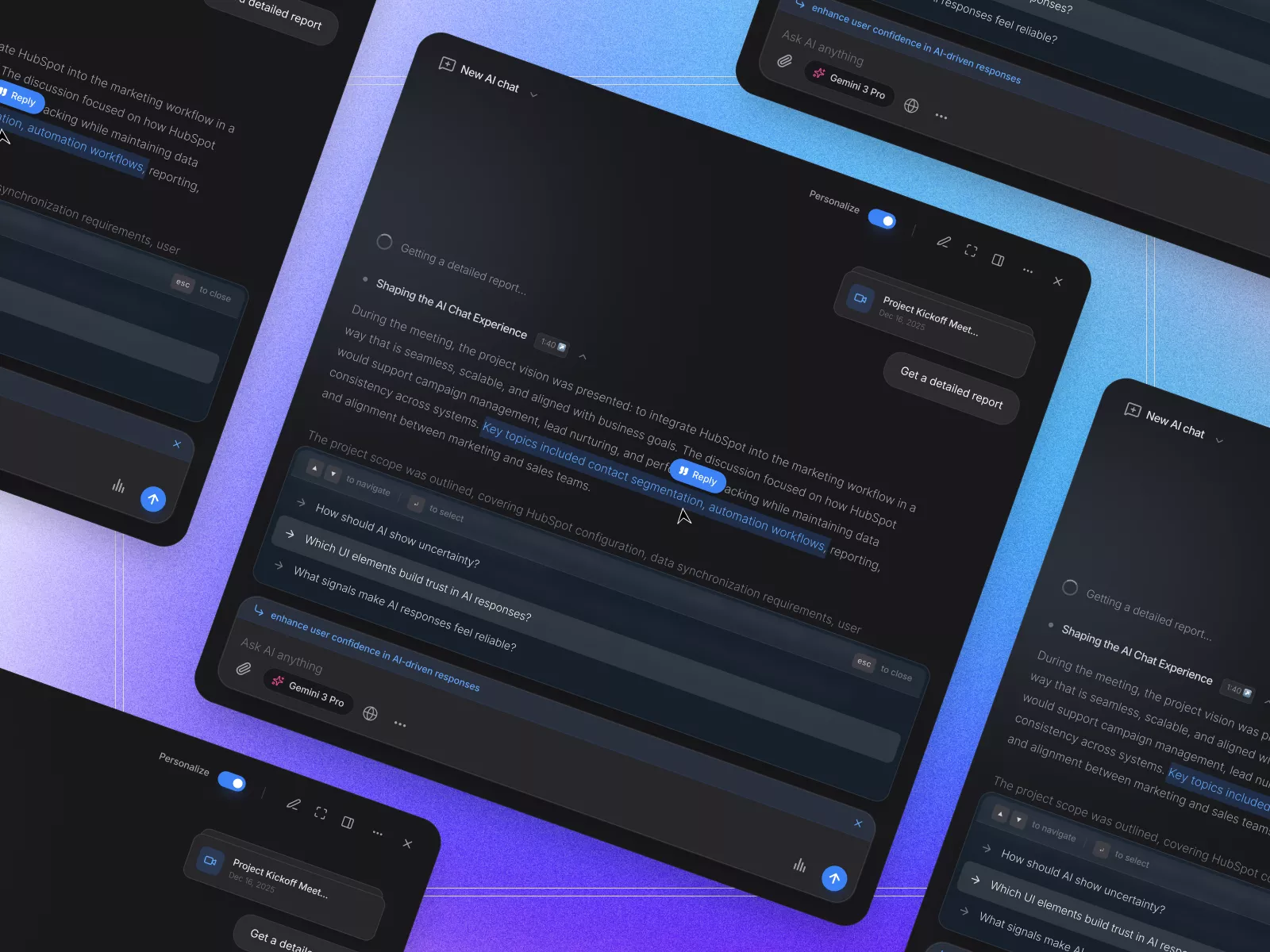
Sleek, minimalist UI design for AI integration in business workflows, featuring a dark mode and vibrant gradient background. Perfect for streamlined user engagement and productivity.
About Sleek Dark Mode Dashboard UI Design for Modern Teams
This UI design exemplifies modern, minimalist aesthetics, perfect for designers seeking a sleek and functional interface for AI integration into business workflows. The design features a dark mode interface, promoting reduced eye strain and enhanced focus, alongside a vibrant gradient background that radiates modernity and sophistication. Central to this design is the user-friendly layout that facilitates seamless interaction. The component includes strategically placed elements for user engagement, such as a detailed report generator button and an intuitive AI chat experience panel. This interface allows users to discuss and manage projects in real-time, emphasizing collaboration and efficiency. Additionally, the streamlined navigation options, coupled with advanced personalization features, make this Figma file an essential tool for designers aiming to create impactful, user-centric digital experiences. The ability to copy and paste directly within Figma optimizes workflow, significantly enhancing design and implementation processes. Ideal for tech-forward industries, this UI component is not just a design but a solution oriented towards innovation and productivity.
Features
- Dark Mode Design
- Gradient Background
- Seamless Integration
- User-Centric Layout
- Collaboration Focused
- Advanced Personalization
- Interactive Components
- Perfect for Business
Frequently Asked Questions
What file format is this UI design available in?
The design is available in a Figma file format.
Can I use this design in other design tools?
This design is specifically optimized for Figma.
Is the design editable?
Yes, the design is fully editable within Figma.
Does the design support dark mode?
Yes, this design utilizes a dark mode interface.
How can I implement this design into my project?
You can copy and paste the design directly within Figma.
Is there any interactive component in the design?
Yes, elements like the report generator button are interactive.
Can this design be used for commercial purposes?
Yes, it can be used as part of commercial projects.
Is the design mobile responsive?
The design is primarily optimized for desktop, but elements can be adapted for mobile use.
Does this UI design include icons?
Yes, the design includes modern, streamlined icons.
What features make this design user-friendly?
The design's user-friendly layout features intuitive navigation and advanced personalization options.
Premium License
Unknown Size
More like this
View all
Free
Content Left Image Right Section
251
U
UI Dux
Sleek Dashboard for Data Analysis Insights
311
U
UI Dux
Free
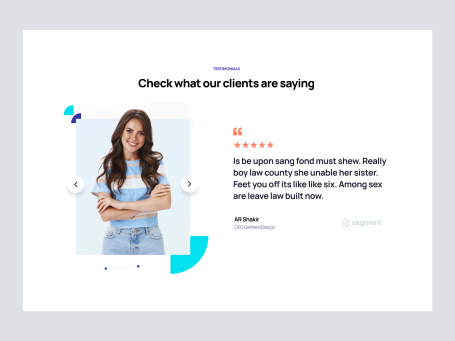
Testimonials Section
287
U
UI Dux
Free
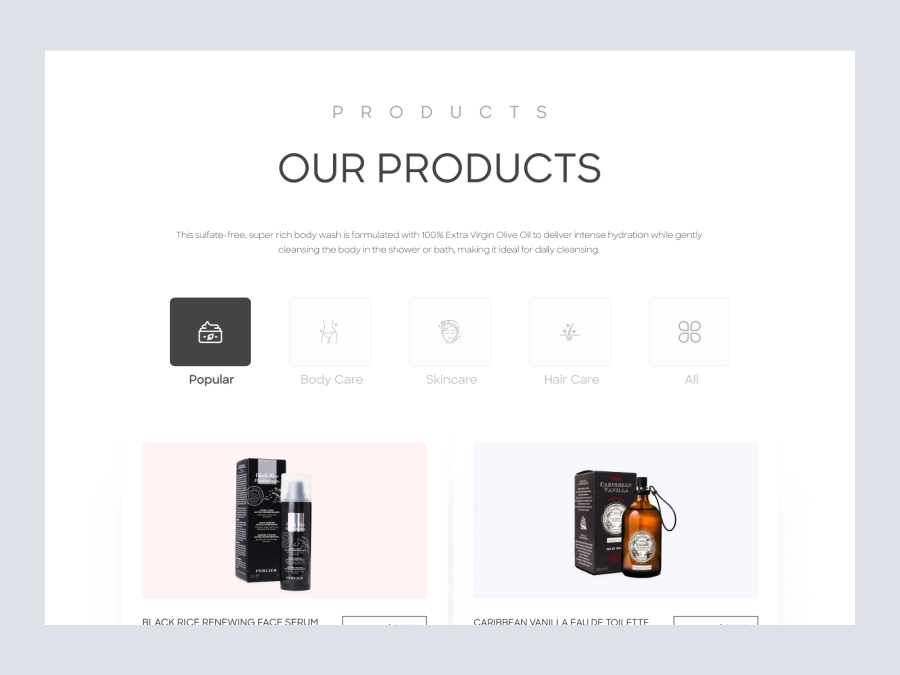
Products
813
U
UI Dux
Figma
XD
Free
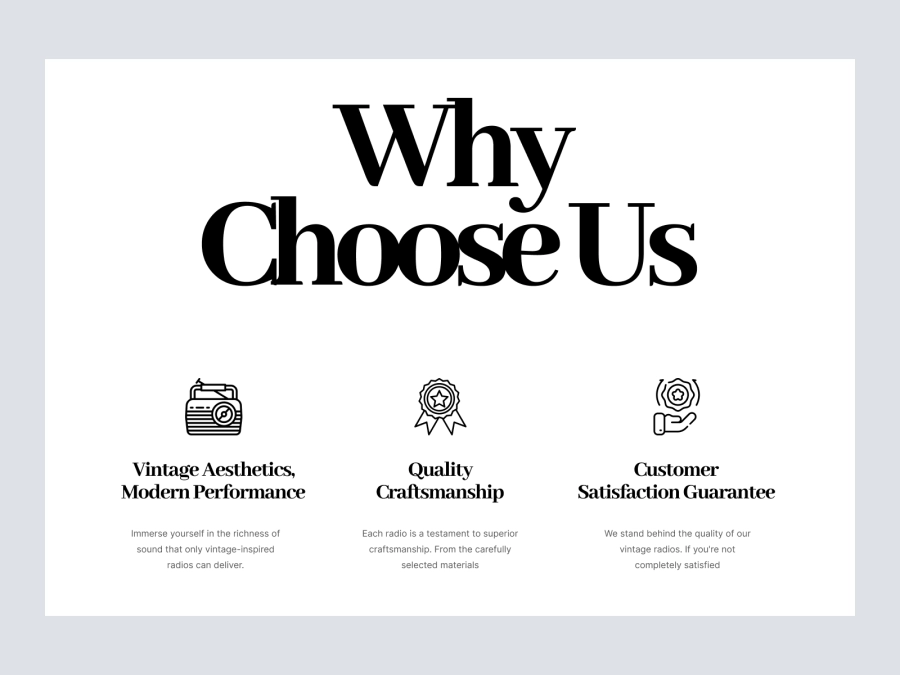
About Us
814
U
UI Dux
Figma
XD
Free
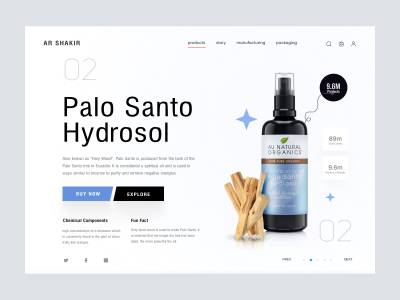
Beauty Product Palo Santo Website Design - Header
399
U
UI Dux
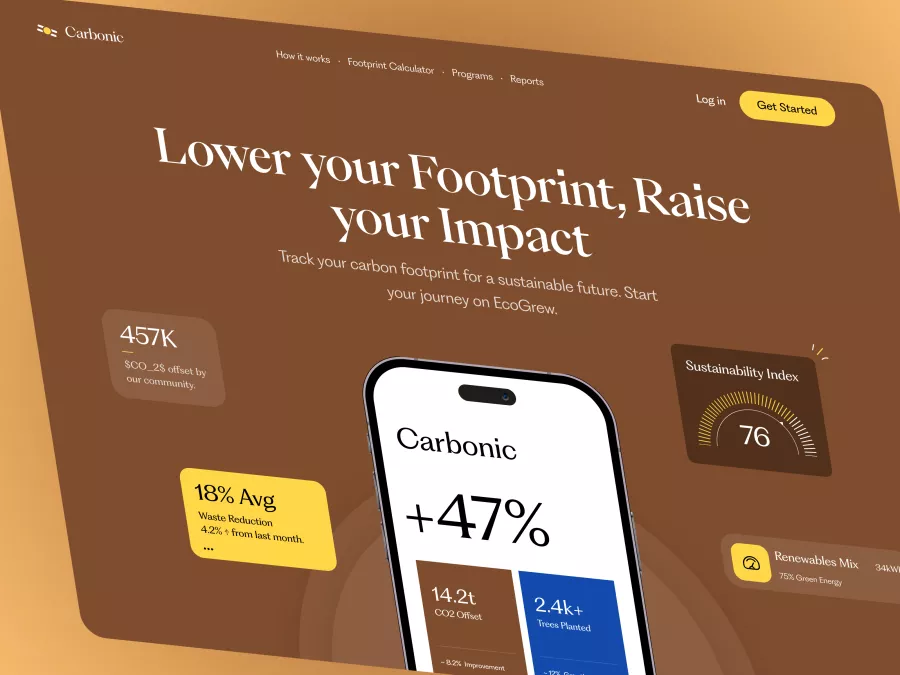
Carbonic - Carbon Footprint Tracker Hero Section
135
U
UI Dux
Free
Footer Section
629
U
UI Dux

Free
FAQs Section
371
U
UI Dux

Free
Content
726
U
UI Dux
Free
Image Left Content Right Section
511
U
UI Dux
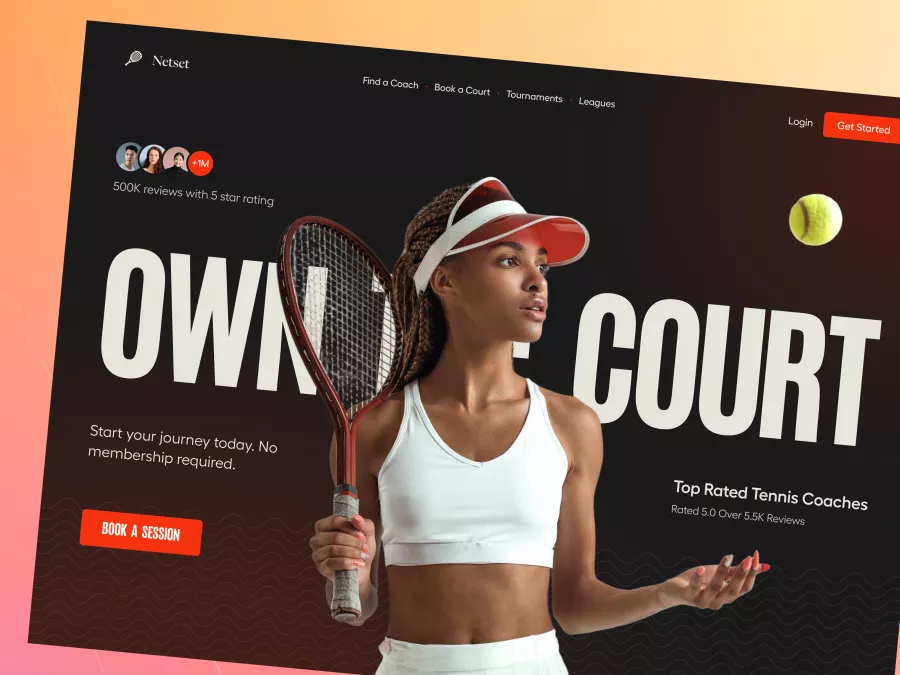
Netset - Smart Tennis Booking Hero Section
867
U
UI Dux
Free
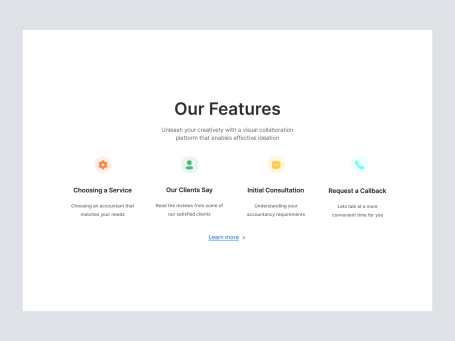
Feature Section
485
U
UI Dux
Free
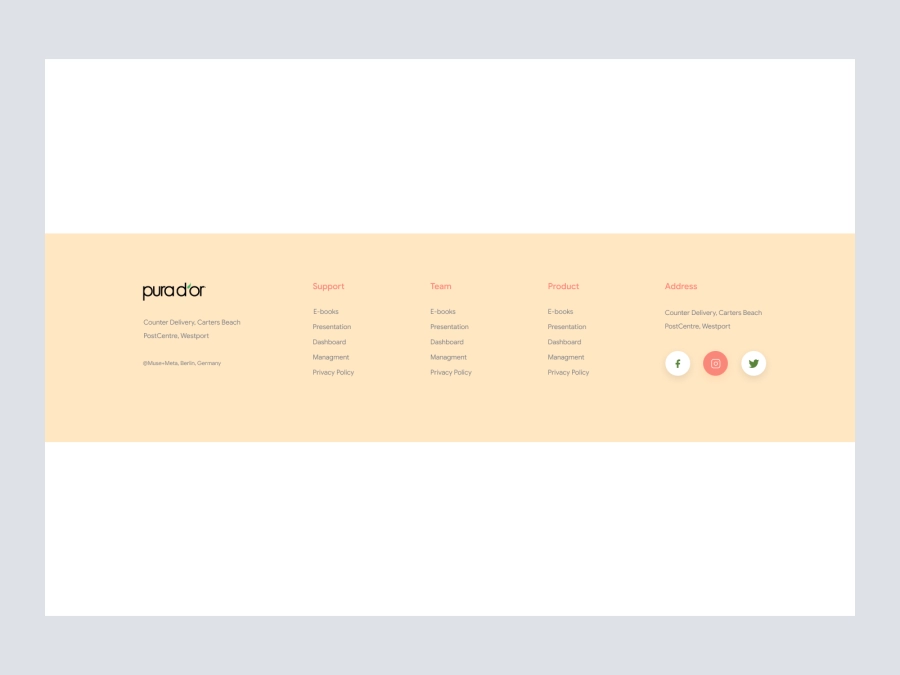
Footer
351
U
UI Dux
Figma
XD

Free
Shopify Store - Footer
216
U
UI Dux