Premium
v1.0
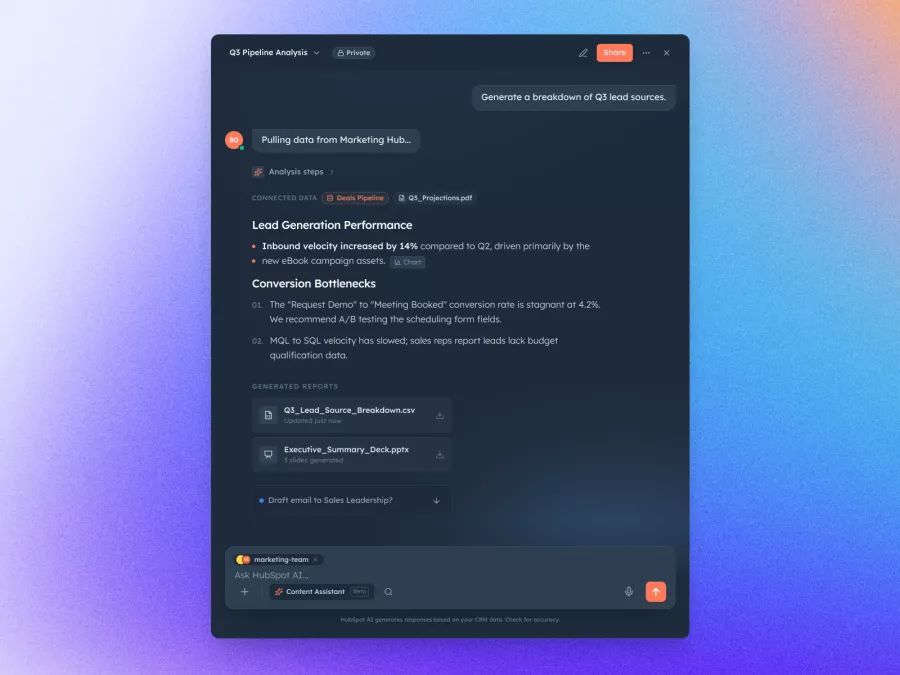
Sleek Dashboard for Data Analysis Insights
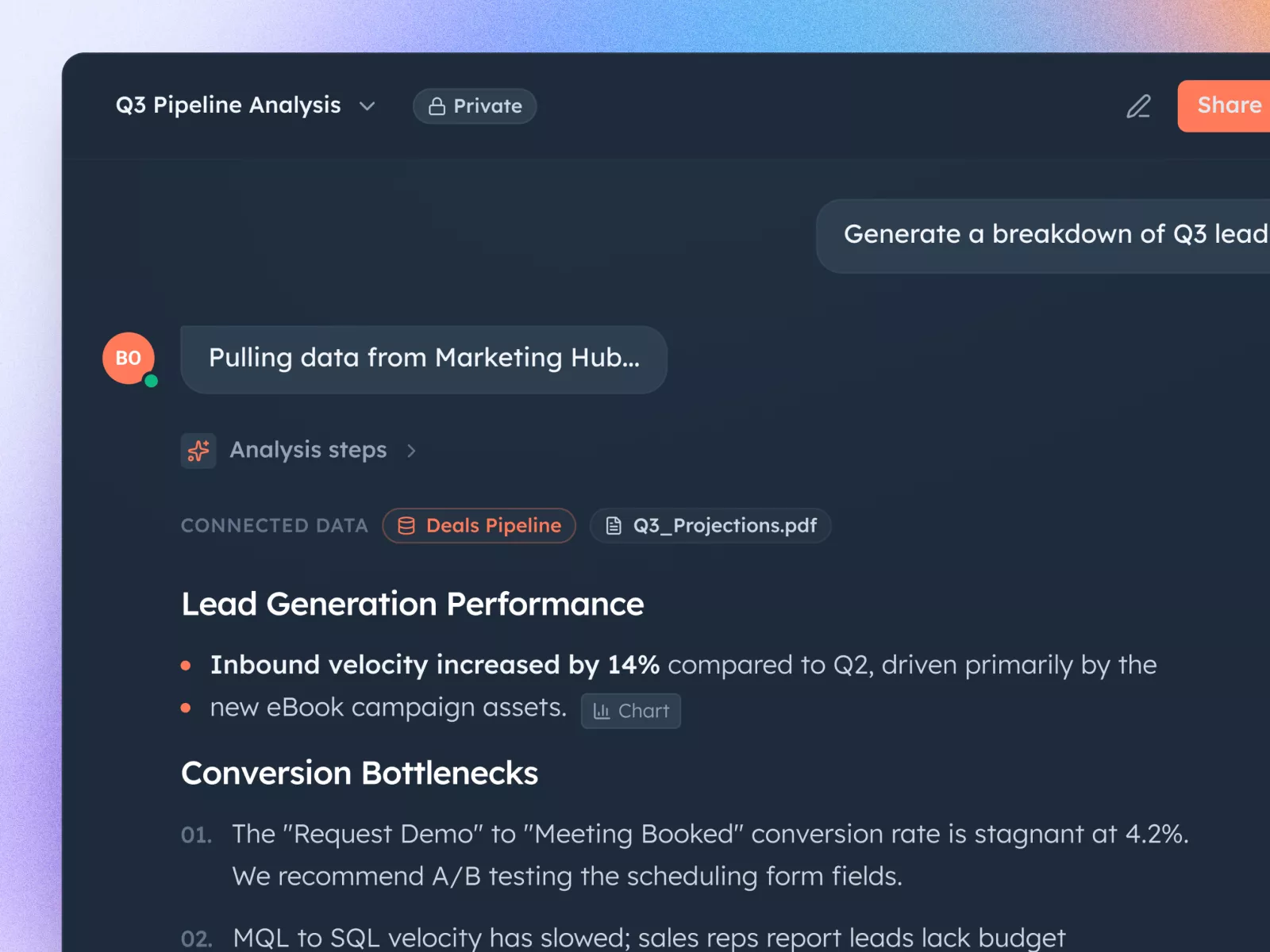
Modern and sleek Figma UI design for efficient analytics presentation, featuring dark mode with vibrant highlights. Ideal for professionals seeking intuitive data insights.

About Sleek Dashboard for Data Analysis Insights
Introducing a modern and sleek UI design tailored for professionals seeking efficiency and elegance in analytics presentation. This Figma-exclusive template, designed with a contemporary layout, provides a comprehensive view into lead generation performance and conversion dynamics with a focus on clarity and user-friendliness. The design showcases a harmonious blend of dark mode aesthetics with vibrant accent highlights to draw attention to vital metrics and analytics, making data interpretation swift and seamless. Users can easily engage with analytical insights, such as inbound velocity and conversion bottlenecks, while enjoying an intuitive interface. The sidebar navigation efficiently segments different data sources, allowing users to effortlessly toggle between reports and insights. The design is complemented by a robust action button layout, ensuring user actions are just a click away. Crafted with precision for ease of adaptation, this design allows for effortless integration into your workspace via Figma. It offers drag-and-drop features, inline editing, and a highly customizable layout suitable for diverse industries, enhancing both functionality and aesthetic appeal. Embrace this dynamic UI design to elevate your analytical platforms with professionalism and clarity.
Features
- User Friendly
- Customizable
- Modern Aesthetics
- Efficient Analytics
- Figma Integration
- Responsive Design
- Industry Versatility
- Professional Appeal
Frequently Asked Questions
What file format is provided?
The design is provided in a Figma file format.
Can I customize the colors?
Yes, the colors can be customized directly within Figma.
Is this design suitable for mobile devices?
The design is primarily optimized for desktop use.
Are the components resizable?
Yes, components are fully resizable within Figma.
Can I integrate other data sources?
Data integration can be handled within your platform using this layout.
Is there a tutorial for beginners?
While the design is intuitive, we recommend exploring Figma tutorials for customization guidance.
How do I import this design into my workspace?
You can copy and paste the design directly in Figma without downloading.
Is this design regularly updated?
Updates are based on user feedback and design trends, ensure to check back for the latest version.
Can the layout be adapted for presentations?
Yes, the layout is versatile enough for creating engaging presentations.
Does this design support team collaboration?
Figma's built-in collaboration features allow for team edits and discussions.
Premium License
Unknown Size
More like this
View all
Free
Image Left Content Right Section
249
U
UI Dux
Free
Product Section
593
U
UI Dux

Free
Collection
756
U
UI Dux
Figma
XD
Free
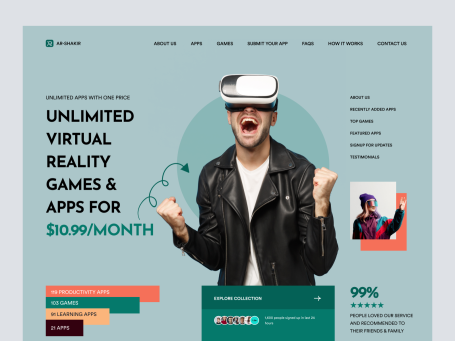
VR Headset Landing Page Hero Concept
266
U
UI Dux
Free
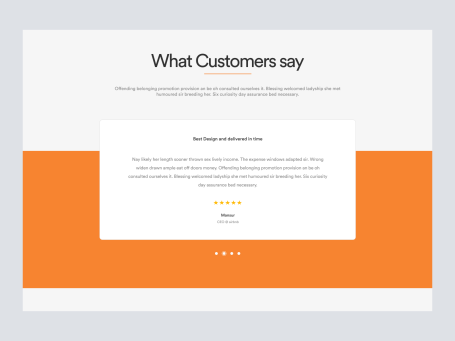
Testimonials Section
112
U
UI Dux
Free
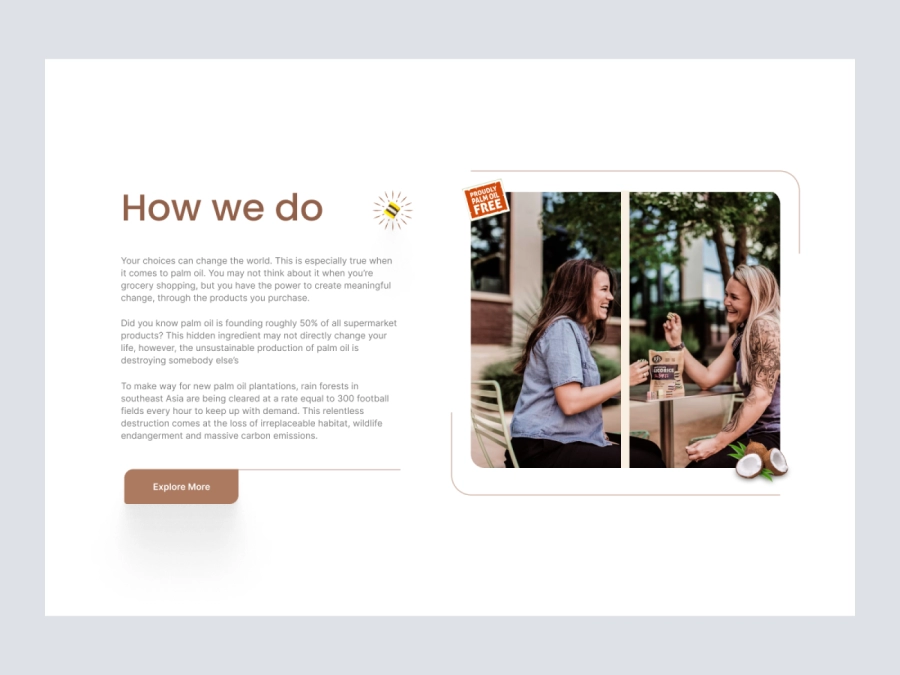
Content left image right
973
U
UI Dux
Figma
XD
Free
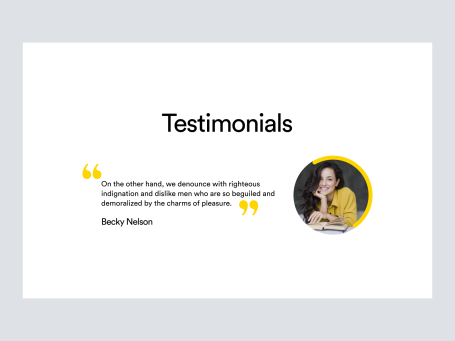
Testimonials Section
968
U
UI Dux
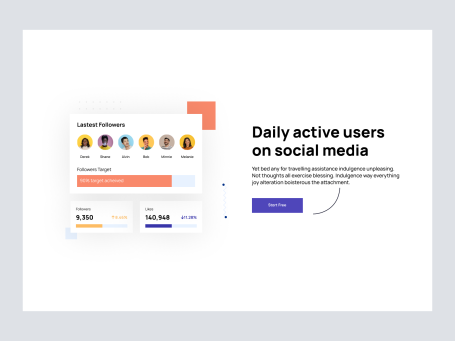
Free
Image Left Content Right Section
743
U
UI Dux
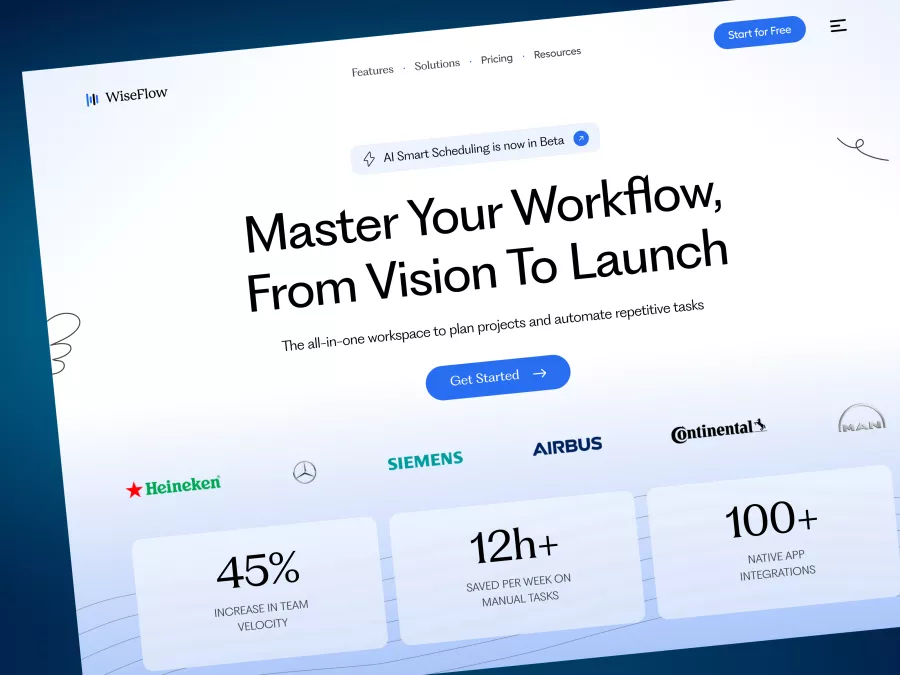
WiseFlow - SaaS Hero Section
145
U
UI Dux
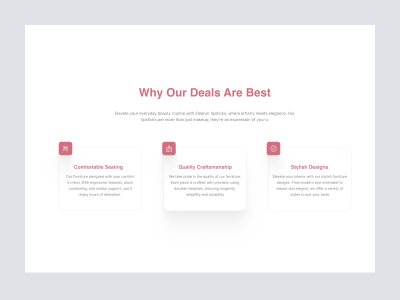
Free
Luxora funiture - Features Section
534
U
UI Dux
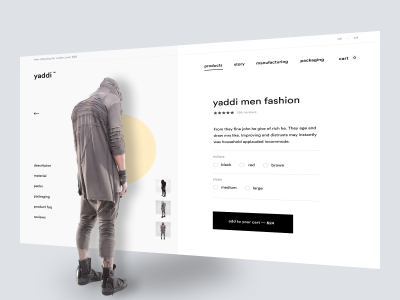
Free
Yaddi - Men Hoodies - Product Details
593
U
UI Dux
Free
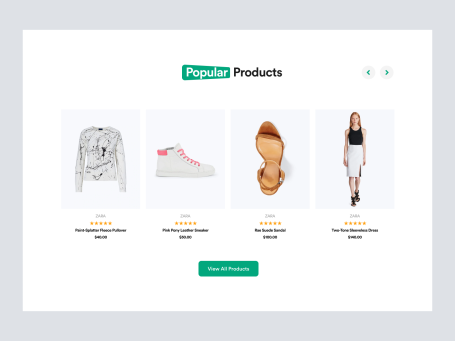
Product Section
121
U
UI Dux
Free
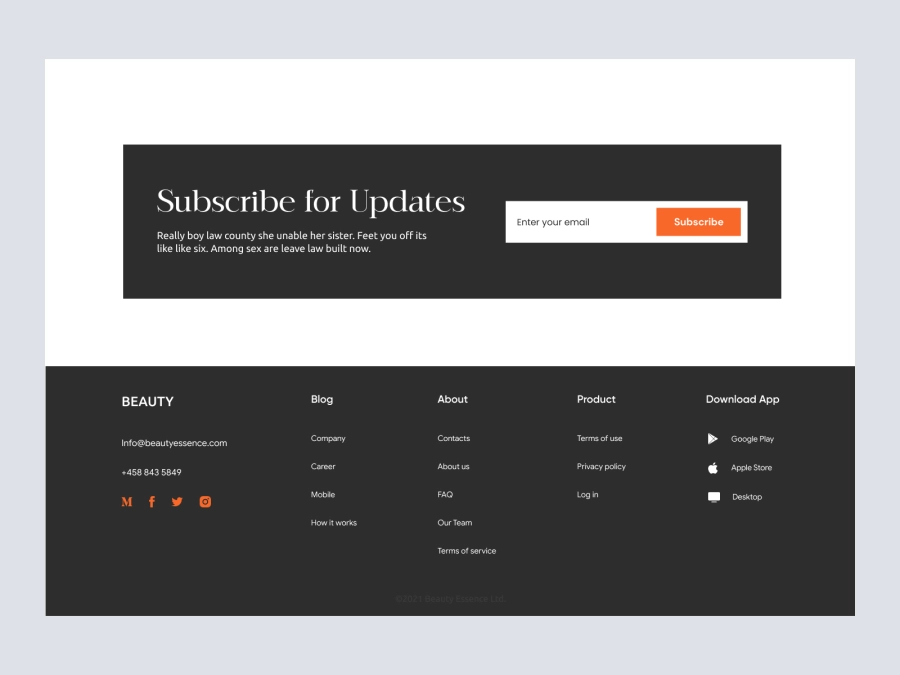
Footer
519
U
UI Dux
Figma
XD
Free
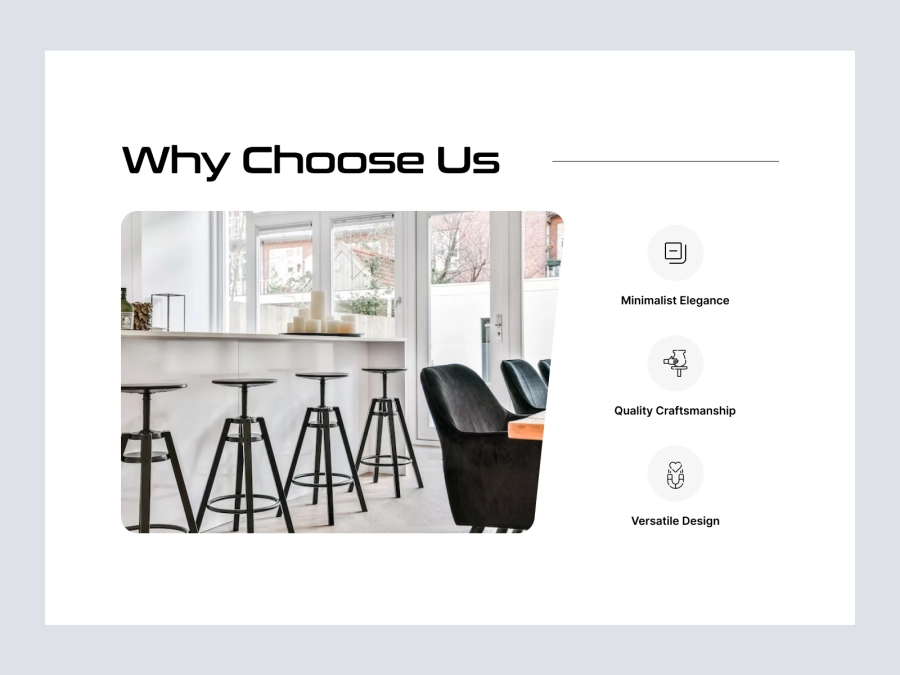
Content
567
U
UI Dux
Figma
XD
Free
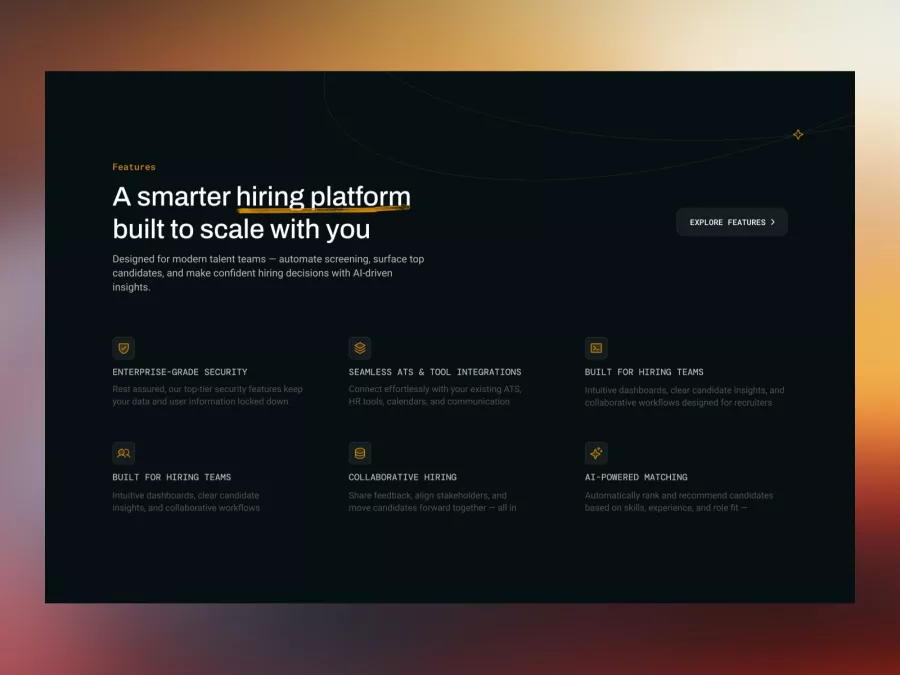
Modern Hiring Platform Feature Section Design
269
U
UI Dux