Free
v1.0
Sleek FAQ Interface for Photographers
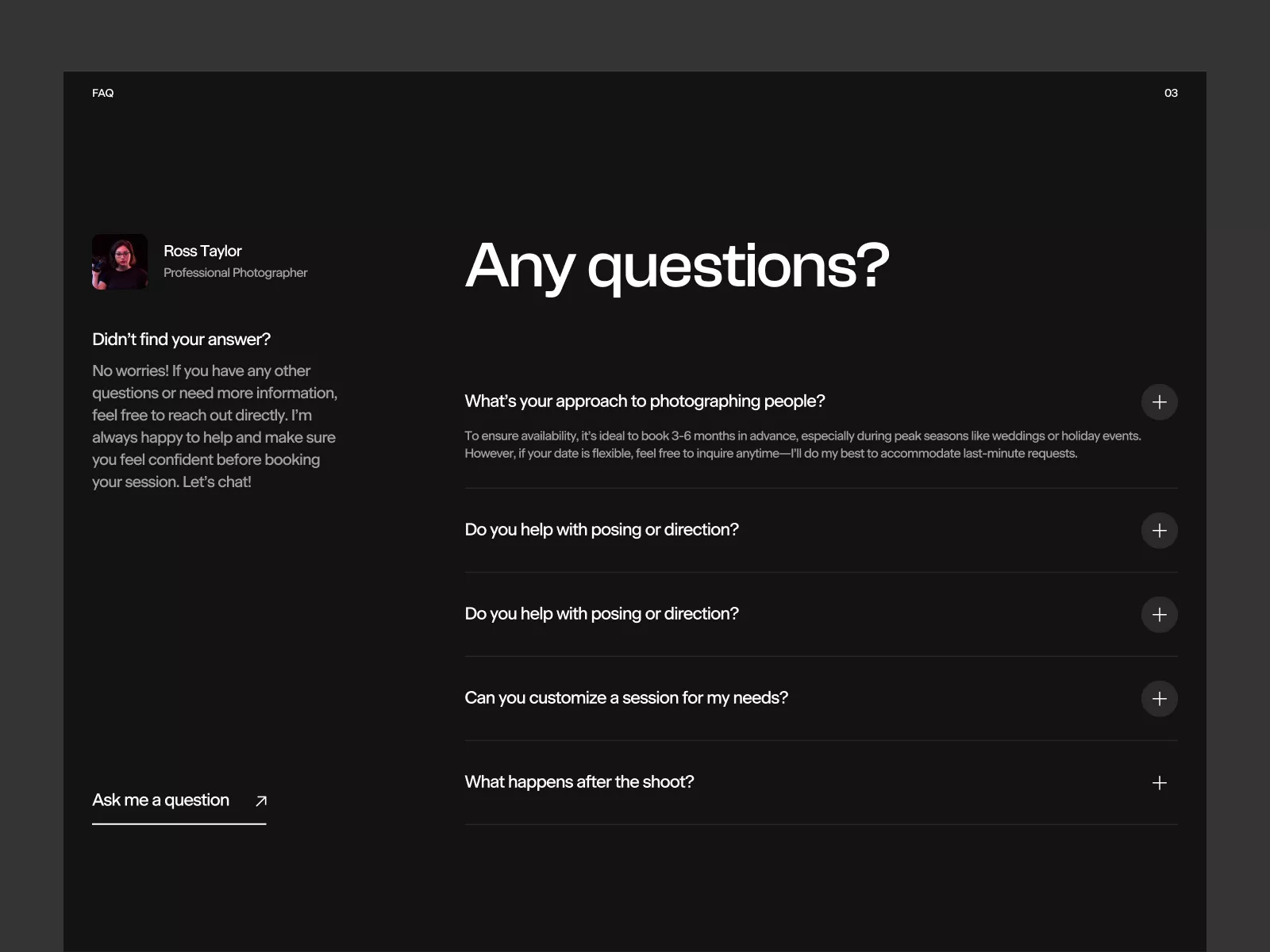
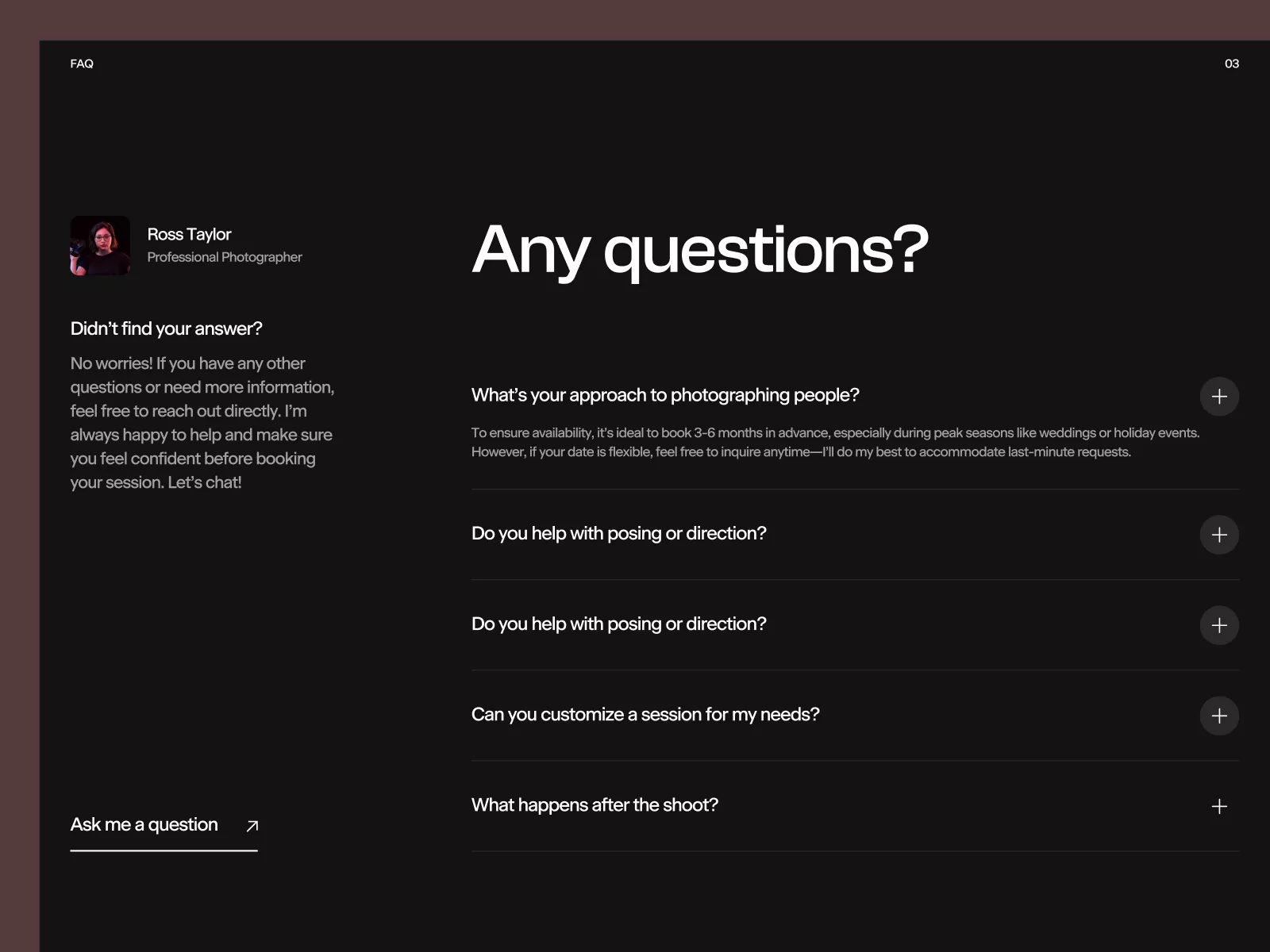
A sleek, modern FAQ UI design for designers, featuring a dark theme, effective typography, and interactive elements. Easily integrate it directly into Figma projects.
About Sleek FAQ Interface for Photographers
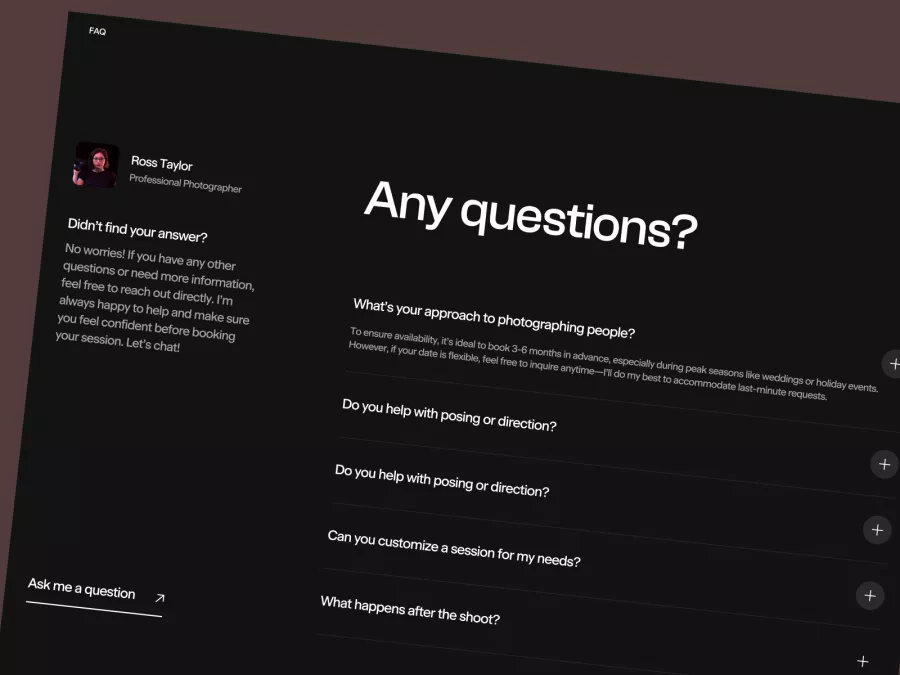
Explore a sleek, modern FAQ page UI design crafted specifically for UI designers and enthusiasts seeking to elevate their digital projects. This design delivers a refined and professional look suited for any website looking to provide insightful and accessible information through an FAQ section. The interface features a dark theme, promoting readability and eye comfort, while the use of subdued yet effective typography adds a touch of elegance. The layout is designed for easy navigation, with prominent headers and a clean alignment of text and icons. Each question is paired with a '+' icon, inviting users to click for expanded answers in an interactive, accordion style. The left sidebar offers a personalized touch with an avatar, name, and designation, reminding users they can always reach out for more personalized information. This template is available as a Figma file, ensuring seamless integration. Once acquired, this UI can be directly copied and pasted into any Figma project without the need to download additional files, allowing for immediate customization and deployment.
Features
- Easy Integration
- Modern Design
- Customizable
- Interactive Elements
- Personalized Sidebar
- Responsive Ready
- Versatile Use
- Unlimited Usage
Frequently Asked Questions
Can I integrate this with Figma easily?
Yes, you can directly copy and paste it into Figma without any downloads.
Is this design responsive?
While it's optimized for desktop, minor adjustments may be needed for mobile.
What file format is provided?
The design is available as a Figma file.
Can the colors be customized?
Yes, all colors are fully customizable within Figma.
Is there support for animations?
You can add animations within Figma to make the experience more dynamic.
Can I change the font?
Fonts can be customized in Figma to match your brand.
Are there any usage restrictions?
There are no restrictions; once purchased, you can use it in unlimited projects.
Is this suitable for e-commerce sites?
Yes, it can be adapted to suit various website types, including e-commerce.
How many questions can it display?
It can display multiple questions with the accordion expanding feature.
Can I add images or icons?
Yes, you can easily integrate images or icons to enhance the design.
Free for personal use
Unknown Size
More like this
View all
Free
Services Section
739
U
UI Dux
Figma
XD
Free
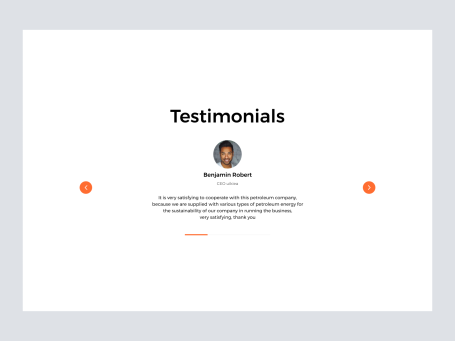
Testimonials Section
735
U
UI Dux
Free
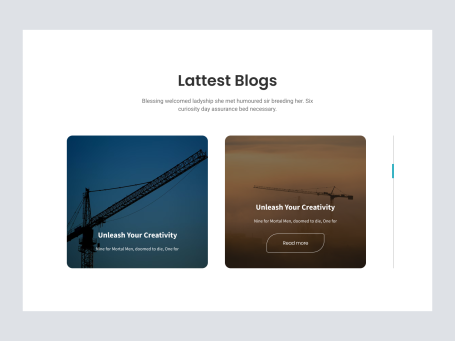
Blog Section
527
U
UI Dux

Free
CTA Section
903
U
UI Dux
Figma
XD
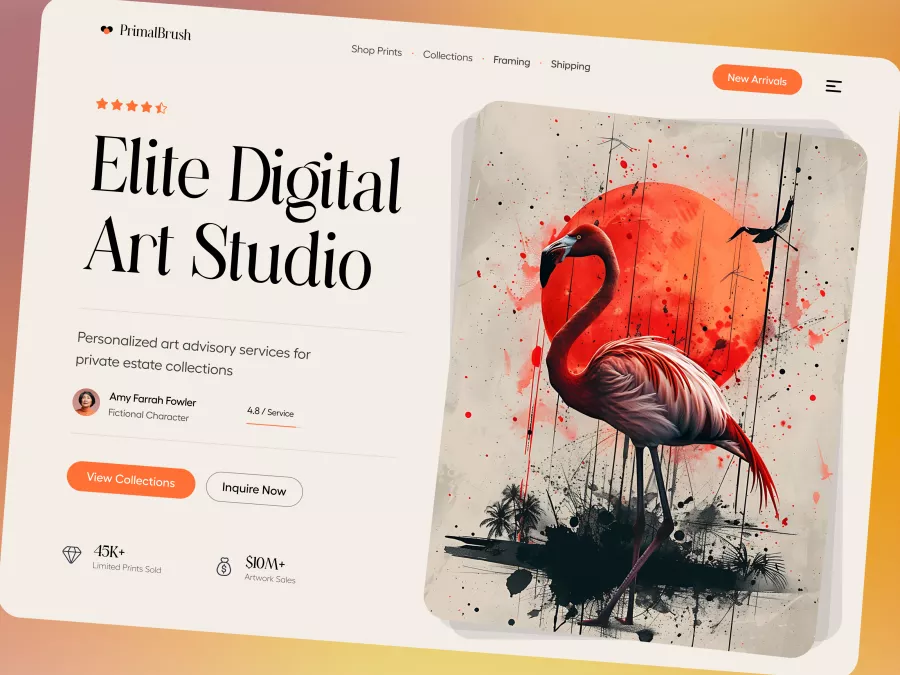
PrimalBrush - Modern Digital Art Hero Section
799
U
UI Dux

Free
Footer with CTA
160
U
UI Dux
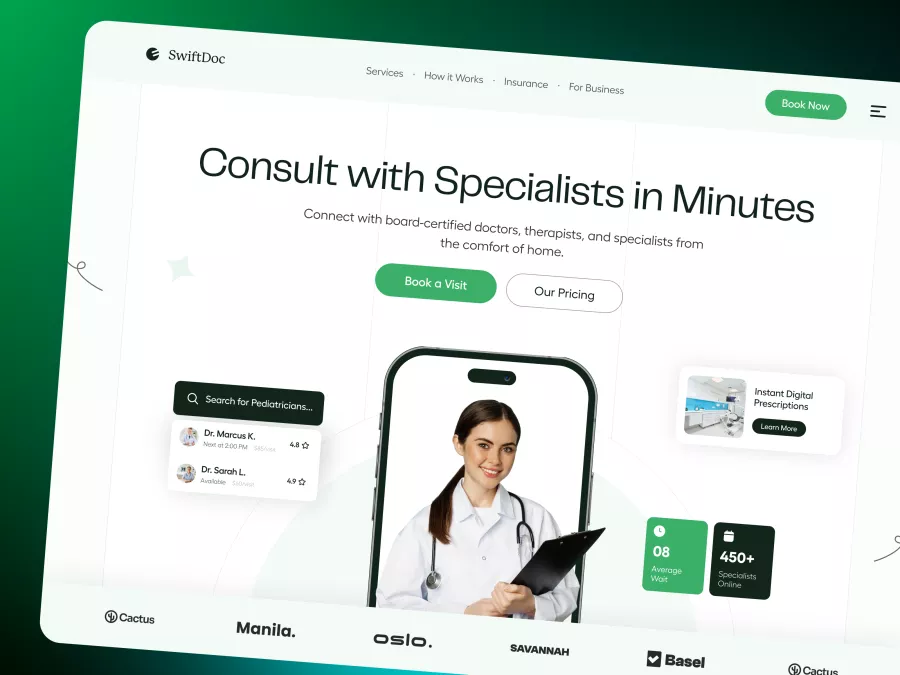
SwiftDoc - Telehealth Hero Section
727
U
UI Dux
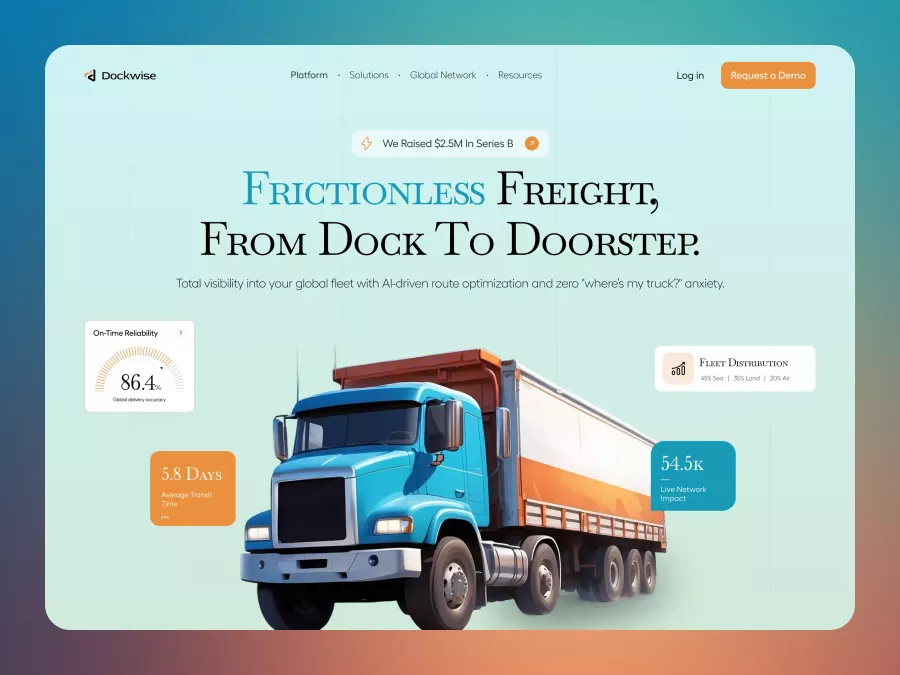
Dockwise - Logistics & Supply Chain Hero Section
361
U
UI Dux
Free
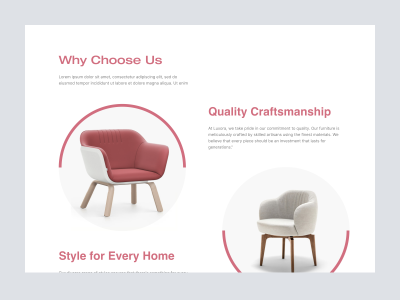
Luxora funiture - About Section
948
U
UI Dux
Free
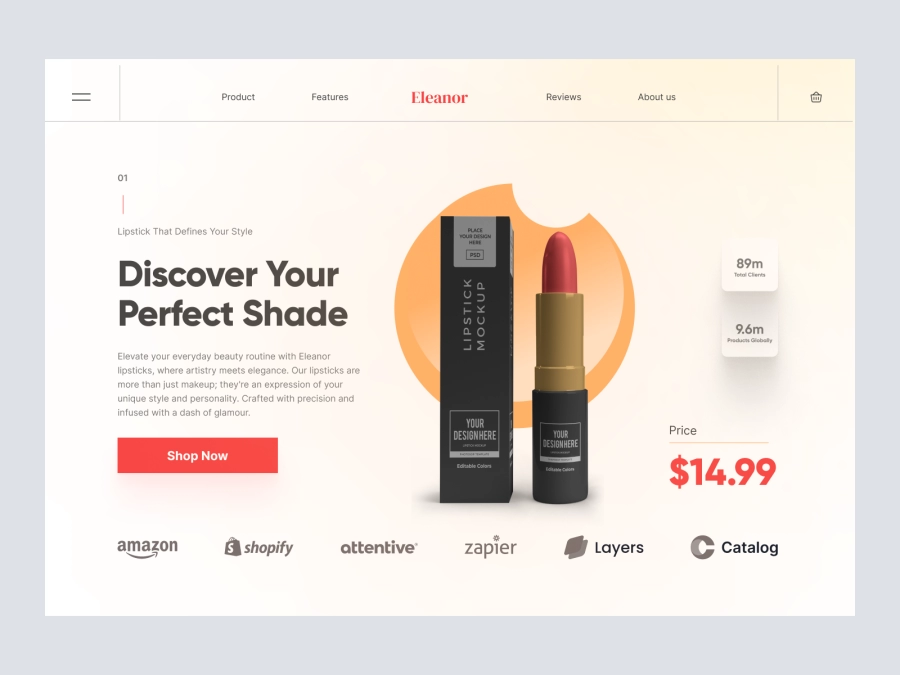
Hero Section Design for Cosmetics Product
419
U
UI Dux
Free
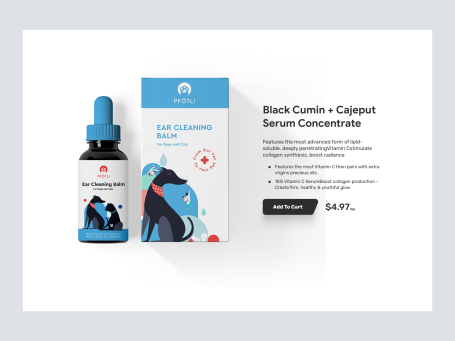
Product Section
213
U
UI Dux
Free
Footer
404
U
UI Dux
Figma
XD
Free
Our Work Section
773
U
UI Dux
Free
Image Left Content Right Section
226
U
UI Dux
Free
Pricing Section
567
U
UI Dux
Figma
XD