Premium
v1.0
D - Banking Dashboard UI
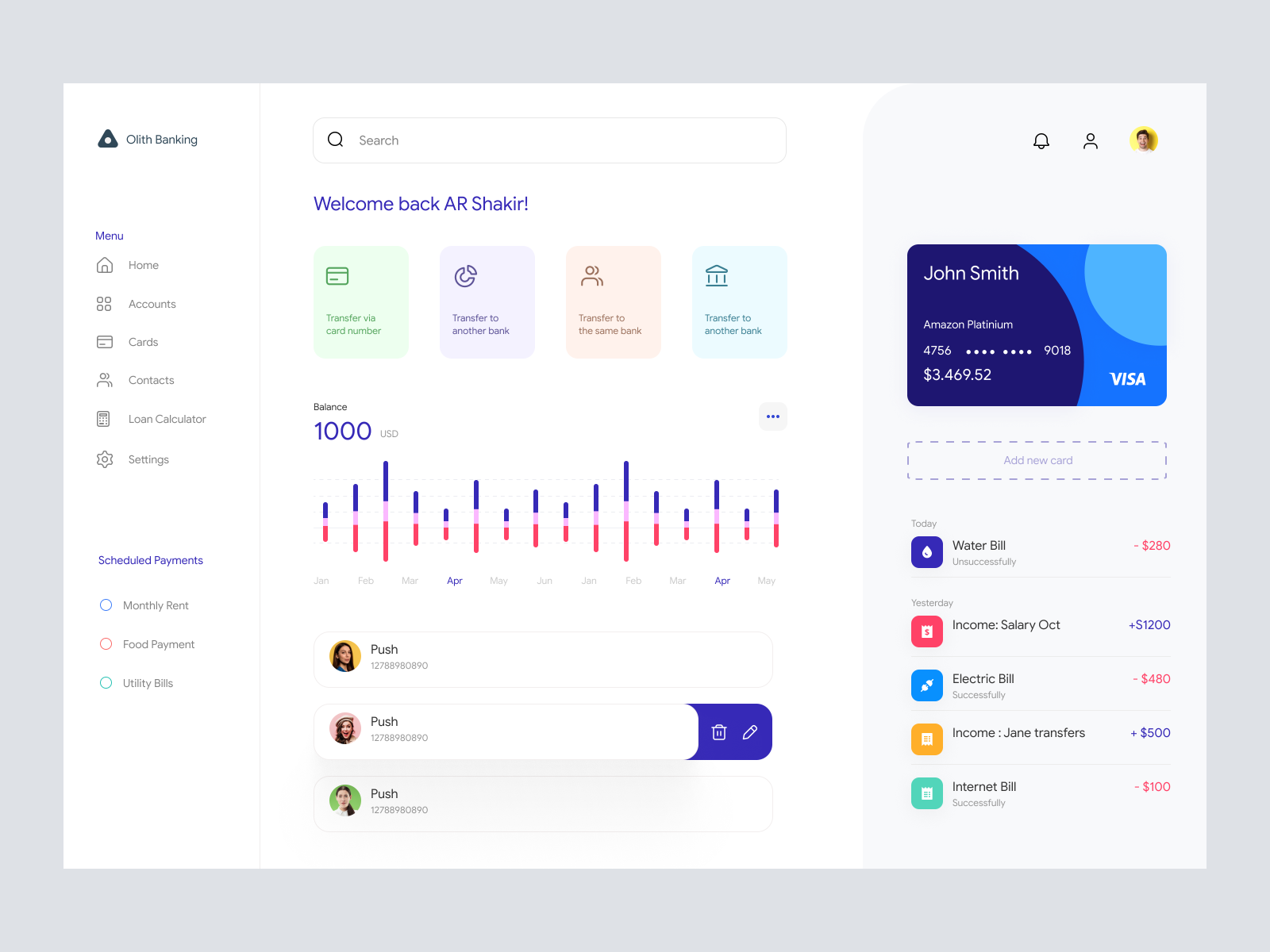
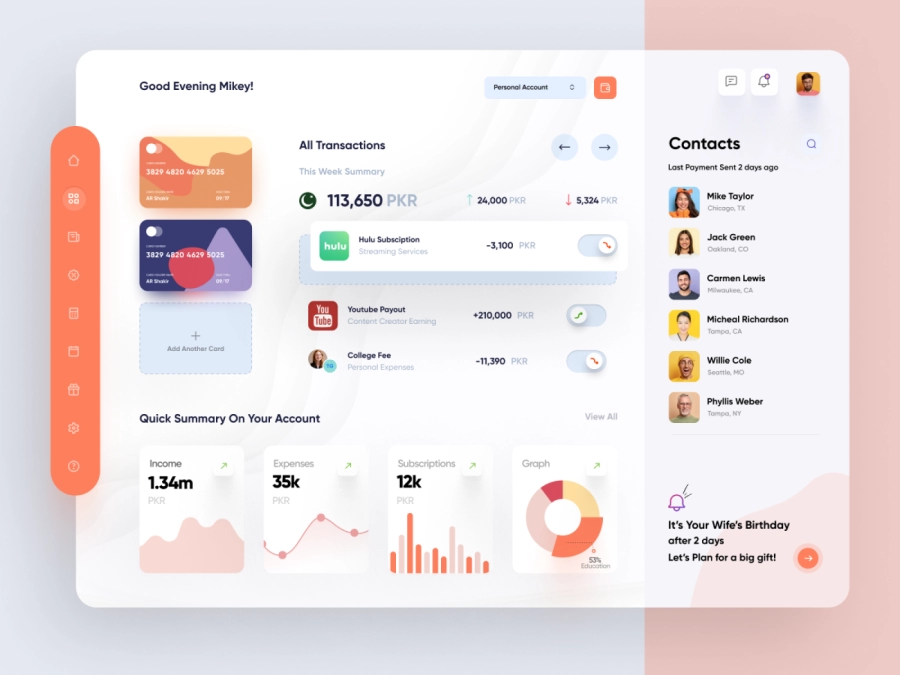
Optimize fintech apps with this modern UI design. Features include seamless navigation, vibrant icons, and easy customizability in Figma, enhancing user engagement.

About D - Banking Dashboard UI
Discover a cutting-edge UI design perfect for fintech applications, tailored specifically for modern banking systems. This intuitive design offers a seamless user experience, leveraging a clean and minimalistic layout, making navigation effortless. The dashboard is thoughtfully organized with vibrant cards and icons that enhance functionality while maintaining an elegant aesthetic. Key features include a detailed account overview, recent transactions, scheduled payments, and easy fund transfer options. The design is optimized for user engagement with interactive elements that encourage action without overwhelming the user. Delivered in a Figma file format, this UI component is easily customizable; users can copy and paste directly into their projects, streamlining workflow processes. Enhance your financial application with this sophisticated design, aimed at elevating user satisfaction and increasing retention.
Features
- Easy Customization
- Modern Aesthetics
- Responsive Layout
- User-Centric Design
- Comprehensive Dashboard
- Time-Saving
- Secure Framework
- Figma Integration
Frequently Asked Questions
What file format is provided?
The file is provided in Figma format for easy editing and integration.
Can I customize the design?
Yes, the design is fully customizable to meet your specific needs.
Is this design suitable for mobile apps?
The design is optimized for web applications but can be adapted for mobile use.
What features does this design include?
It includes account overview, transaction history, and payment scheduling.
What makes this design unique?
The minimalist and intuitive layout increases user engagement and satisfaction.
Is this design ready for production?
The design is ready to be integrated into your development process.
How can I integrate this into my project?
You can directly copy and paste the components into your Figma project.
Does it support localization?
The design is flexible and can be adapted for localization.
Can I use this for commercial projects?
Yes, the design can be used in commercial projects without restrictions.
What design principles does it follow?
It follows modern design principles focusing on usability and aesthetics.
Premium License
Unknown Size
More like this
View all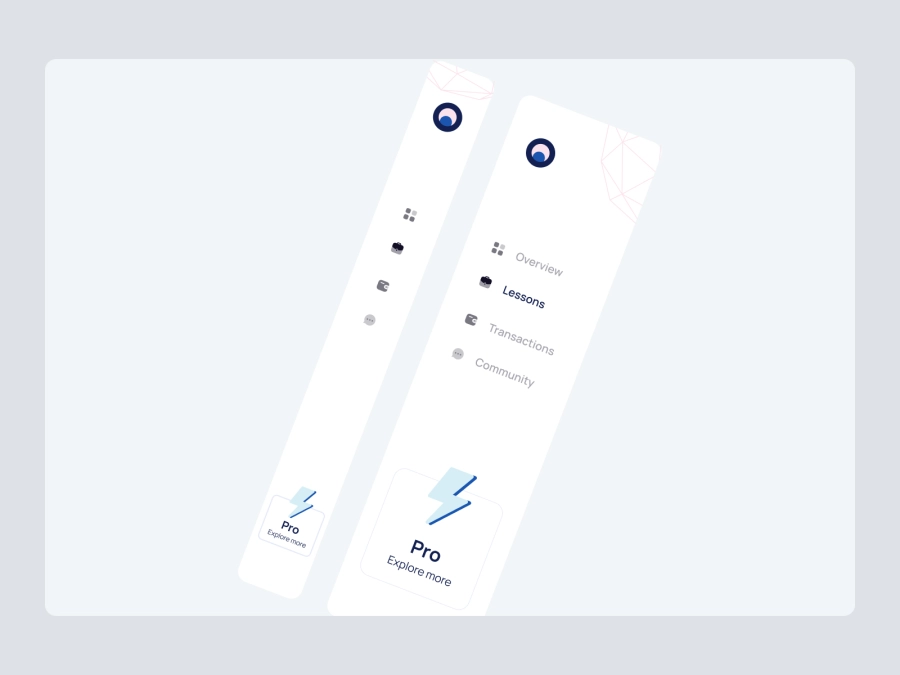
Free
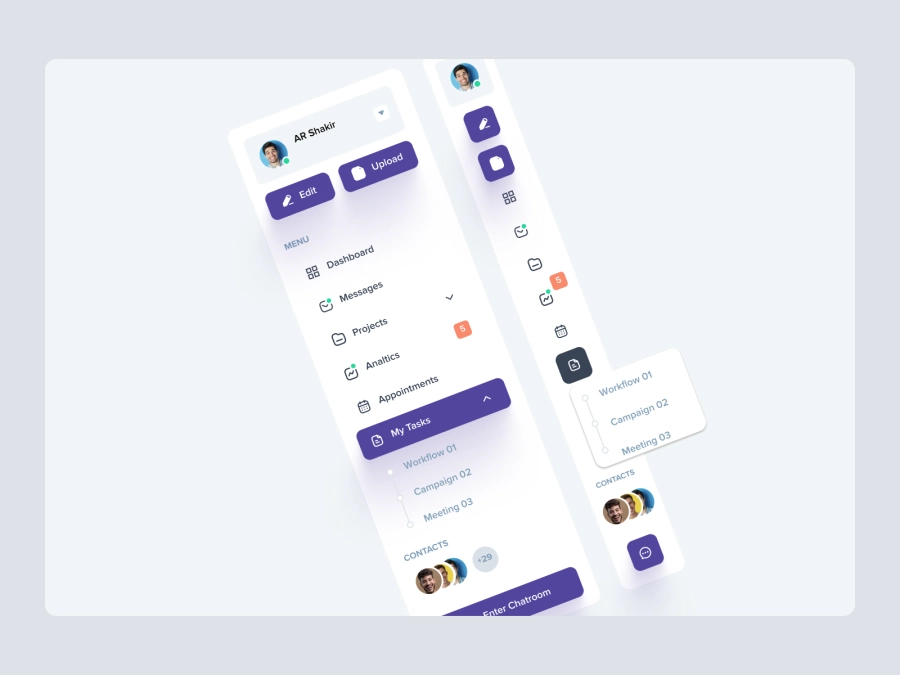
Dashboard Sidebar Navigation
340
U
UI Dux
iStudy - University Dashboard UI Concept Dark Version
203
U
UI Dux
Figma
XD
Free
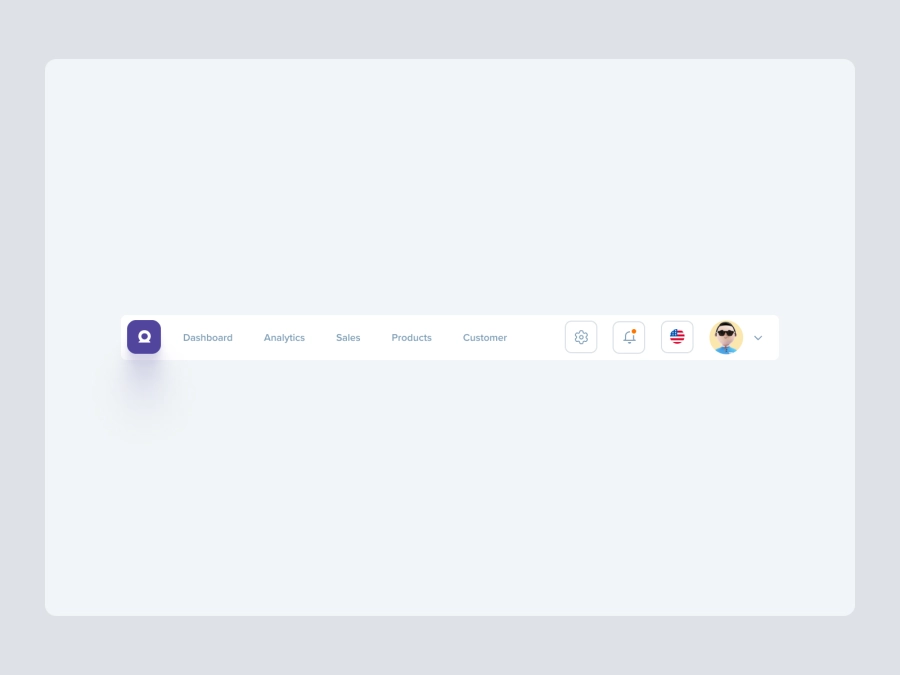
Dashboard Top Nav
149
U
UI Dux
Free
Dashboard Top Nav
490
U
UI Dux

Cryptocurrency Dashboard UI Concept
836
U
UI Dux
Figma
XD
Free
Dashboard Sidebar Navigation
280
U
UI Dux

Ecommerce Store Dashboard 2
810
U
UI Dux
Alpha Store - Dashboard UI Concept
388
U
UI Dux
Figma
XD
Free
Dashboard Sidebar Navigation
181
U
UI Dux

Finance Dashboard Clean UI
963
U
UI Dux
Figma
XD
Xoya - FInance App Dashboard UI Template
973
U
UI Dux
Figma
XD
Free
Dashboard Top Nav
323
U
UI Dux
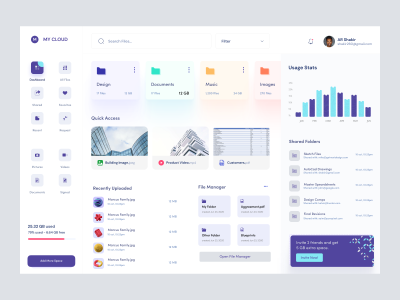
Dashboard UI For Cloud File Storage
254
U
UI Dux
Figma
XD
Free
Dashboard Sidebar Navigation
118
U
UI Dux

Sleek Project Management Dashboard UI Design
386
U
UI Dux
Figma