Premium
v1.0
Event Finder Dashboard
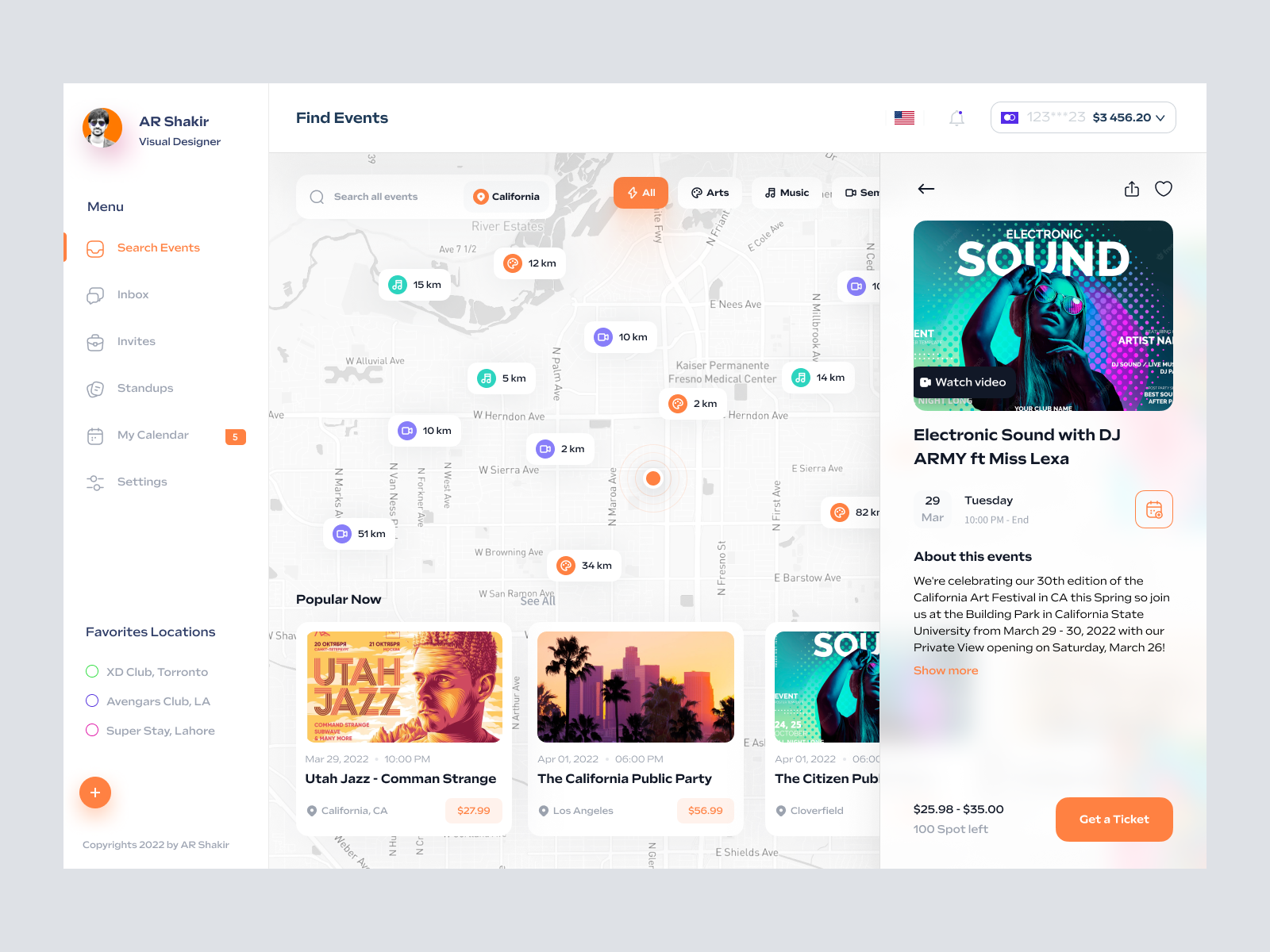
A modern and intuitive UI design for event-finding platforms, featuring a user-friendly map, sidebar navigation, and rich event details for enhanced user experience.
About Event Finder Dashboard
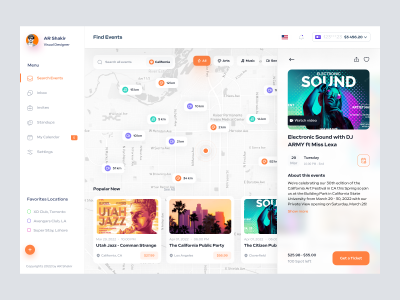
Explore an exceptional UI design crafted specifically for event-finding platforms, ideal for enhancing user interaction and navigational efficiency. This layout features a sleek, modern interface with an intuitive map and insightful event information. Users can effortlessly select event categories, view detailed locations, and access event specifics from a sidebar menu. The vibrant color palette coupled with clean typography ensures a visually appealing user experience. This Figma file offers designers an advanced template where elements can be quickly copied and pasted, ensuring seamless integration within existing or new projects. Designed to optimize user engagement, this UI facilitates a streamlined search and ticket-purchasing experience, making it indispensable for developers aiming to deliver superior digital services.
Features
- Figma Ready
- Interactive Map
- Dynamic UI
- Seamless Navigation
- Customizable Elements
- Rich Event Details
- Ticketing Integration
- Versatile Design
Frequently Asked Questions
What format is the design file in?
The design file is in Figma format, allowing seamless integration and modifications.
Can elements be copied directly in Figma?
Yes, elements can be copied and pasted directly in Figma without needing additional downloads.
Is this UI design suitable for all event types?
Yes, the design is versatile and can be adapted for various event types across diverse sectors.
Does it support multi-language options?
The design can be adapted to support multiple languages as per the user requirements.
Is the navigation customizable?
Yes, the sidebar navigation is fully customizable to fit specific application needs.
Can this design be used for mobile applications?
While designed for desktop, it can be adapted for mobile applications with development adjustments.
What is the primary color scheme used?
The design uses a vibrant and dynamic color scheme to enhance visual appeal and user engagement.
Are event details presented in a clear manner?
Yes, event details are displayed prominently with clear call-to-actions for a seamless user journey.
Does it include a ticket purchasing feature?
Yes, the design incorporates a ticket purchasing feature for streamlining user transactions.
Is the map feature interactive?
Yes, the map feature is interactive, allowing users to view events based on geographical locations.
Premium License
Unknown Size
More like this
View all
Free
Dashboard Top Nav
147
U
UI Dux
Free
Dashboard Top Nav
723
U
UI Dux
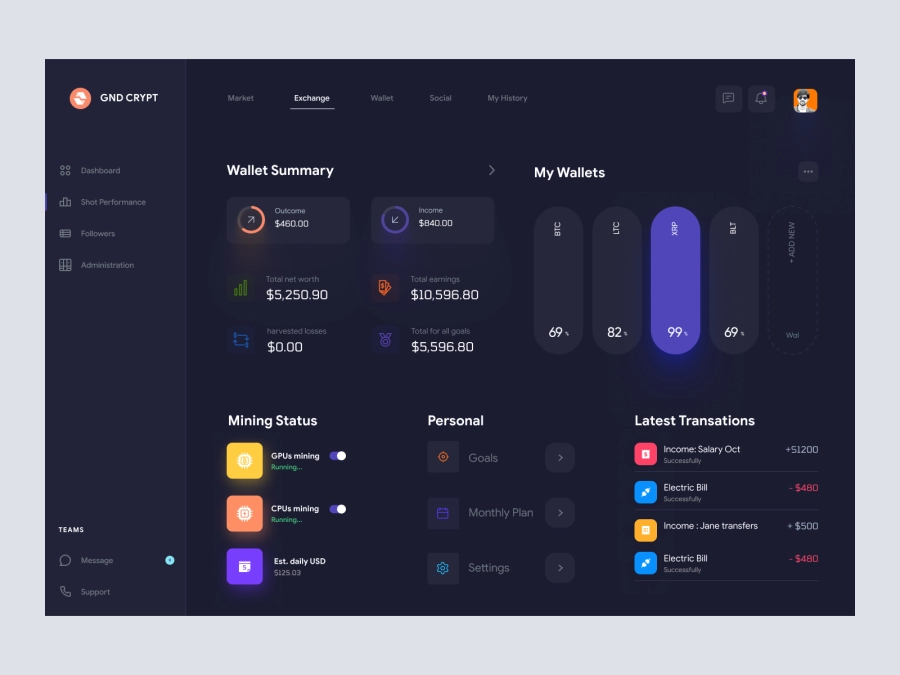
GND CRYPT - Cryptocurrency Dashboard UI Dark Version
275
U
UI Dux
Figma
XD
Dribbble Pro Dashboard UI Concept
643
U
UI Dux
Figma
XD
Job Board Dashboard Ui
788
U
UI Dux
Figma
XD

Music Dashboard UI
855
U
UI Dux
Figma
XD
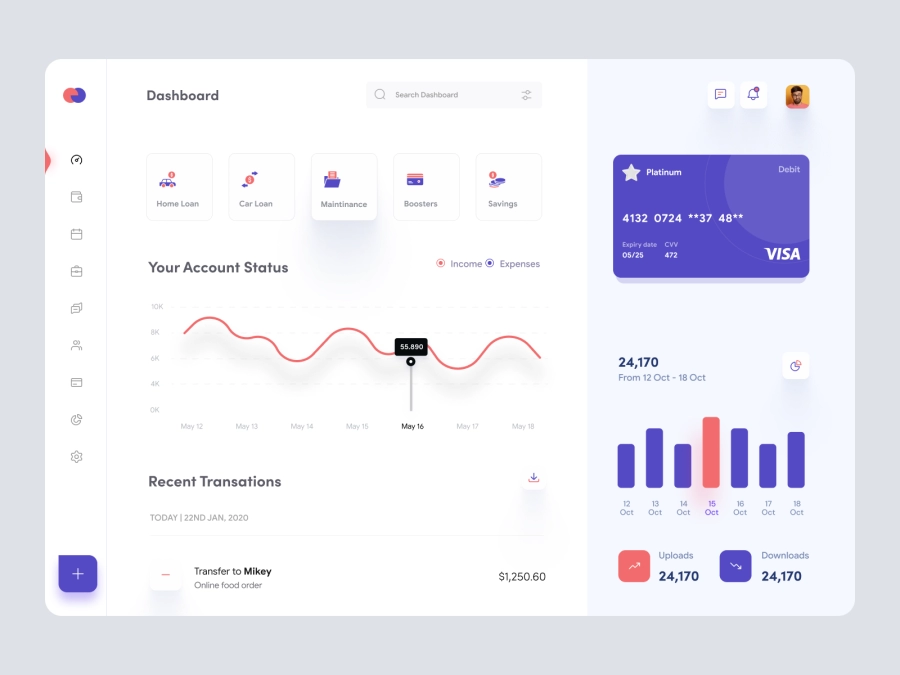
Yalla - FInance App Dashboard UI Template
414
U
UI Dux
Figma
XD

Weight Loss Dashboard UI Concept
429
U
UI Dux
Figma
XD
Free
Dashboard Sidebar Navigation
487
U
UI Dux
Doctors Dashboard
954
U
UI Dux
Figma
XD
Banki - Banking Dashboard Dark UI
458
U
UI Dux
Figma
XD
Command CRYPT - Cryptocurrency Dashboard UI Dark Version
510
U
UI Dux
Figma
XD
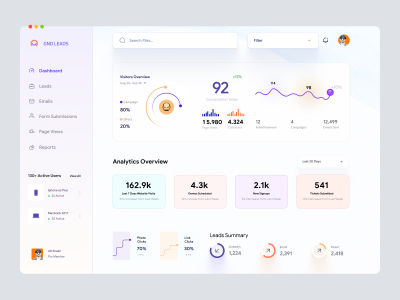
Leadgen Dashboard UI
778
U
UI Dux
Figma
XD
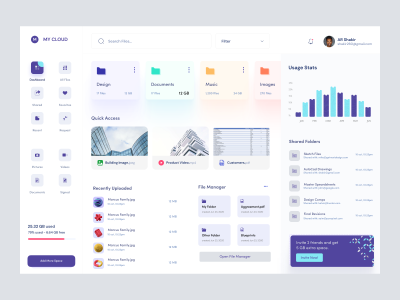
Dashboard UI For Cloud File Storage
549
U
UI Dux
Figma
XD

Fintech app Dashboard UI
900
U
UI Dux
Figma
XD