Premium
v1.0
Fintech app Dashboard UI
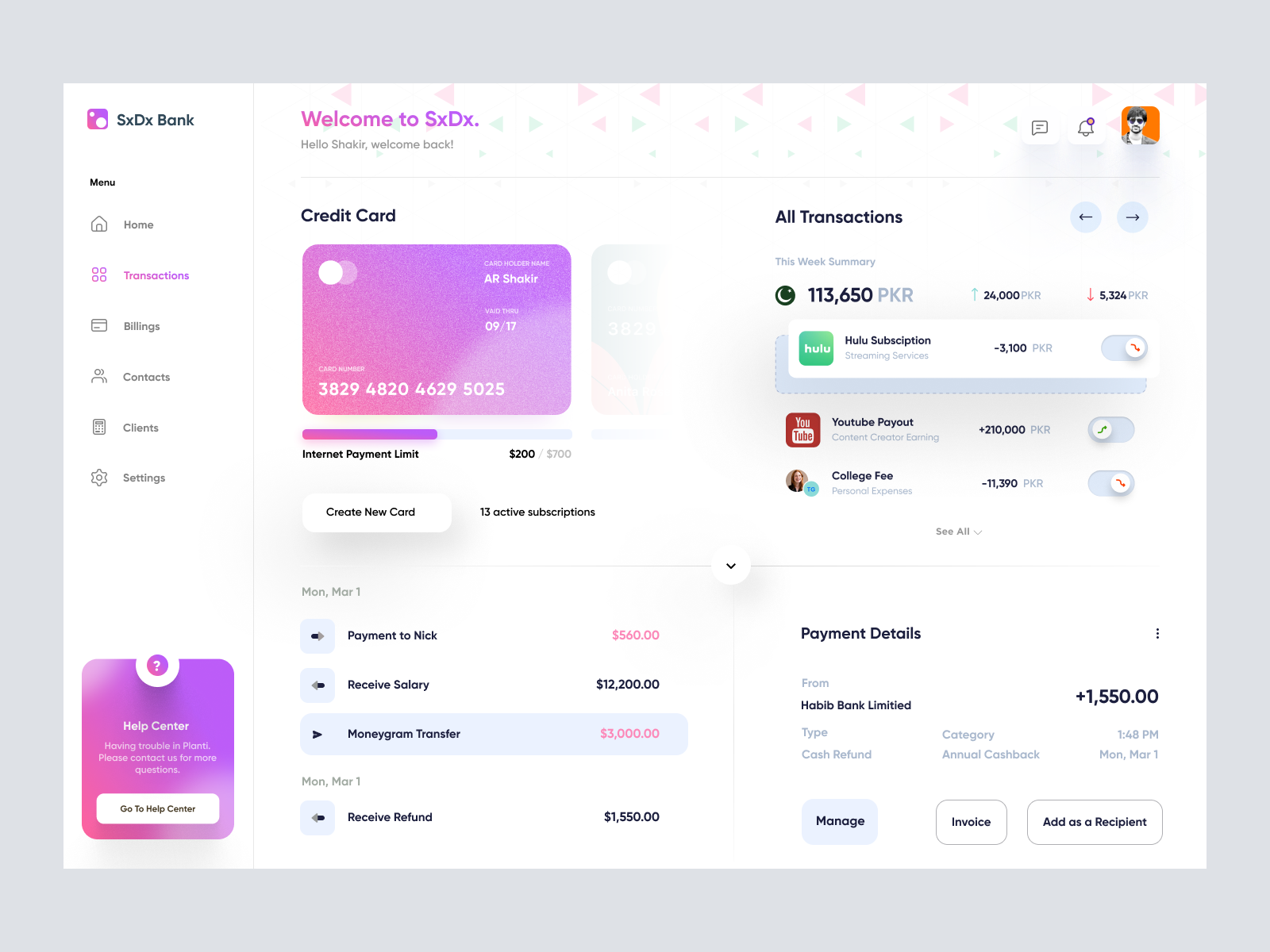
This modern Figma UI design offers a sleek financial management dashboard with intuitive layouts and vibrant aesthetics, perfect for seamless user interactions.

About Fintech app Dashboard UI
Introducing a sleek and modern UI design tailored for financial management. This Figma design is a quintessential representation of user-friendly interfaces, featuring a dynamic dashboard that combines both functionality and aesthetic appeal. The design offers a seamless blend of colors and intuitive layouts, making financial data easily accessible to users. The left-hand sidebar allows quick navigation through sections like Home, Transactions, Billings, Contacts, Clients, and Settings. The main dashboard showcases a visually appealing credit card preview with essential details and an internet payment limit tracker. Users can effortlessly manage transactions, monitor weekly summaries, and view active subscriptions. The design also incorporates a helpful 'Help Center' to assist users with any inquiries. Featuring a minimalistic yet vibrant theme, this UI is perfect for designers looking to add sophisticated, easy-to-use components to their arsenal. Download the Figma file and integrate this seamless design into your projects immediately!
Features
- Modern Aesthetic
- User-Friendly
- Figma Ready
- Customizable
- Dynamic Dashboard
- Interactive Elements
- Comprehensive Navigation
- All-in-One Solution
Frequently Asked Questions
What formate is the file provided in?
The file is provided in a Figma format.
Can I copy and paste this design into a Figma project?
Yes, you can directly copy and paste it into Figma without downloading.
Is this design suitable for mobile applications?
This design is optimized for web applications but can be adapted for mobile.
What sections are included in this design?
Sections include Home, Transactions, Billings, Contacts, Clients, and Settings.
Does the design include interactive elements?
Yes, interactive elements like navigation tabs and buttons are included.
Are color schemes customizable?
Yes, colors can be easily customized within Figma.
Is this design ready for immediate implementation?
Yes, it can be implemented directly into projects after customization.
Can this design be used for commercial projects?
Yes, it is designed for use in both commercial and personal projects.
How do I access the Help Center in the design?
The Help Center can be accessed via the prominent tab on the left sidebar.
What makes this design user-friendly?
Its intuitive layout, clear navigation, and vibrant color scheme enhance usability.
Premium License
Unknown Size
More like this
View all
NFT Dashboard
543
U
UI Dux
Figma
XD
Free
Dashboard Sidebar Navigation
319
U
UI Dux
Serverx - Cloud Server Management Dashboard
201
U
UI Dux
Figma
XD
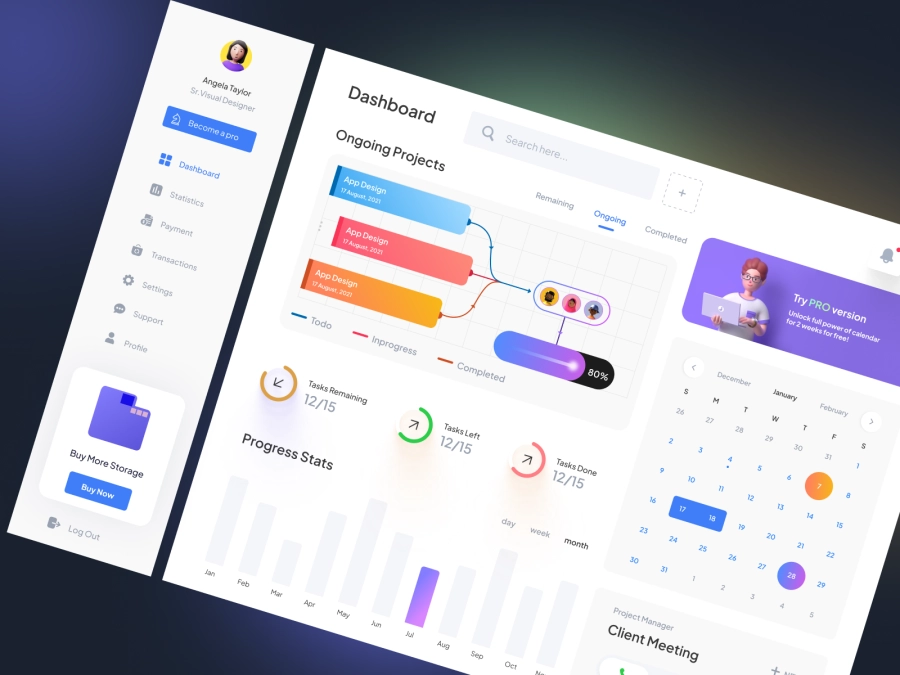
Project Management Dashboard UI
919
U
UI Dux
Figma
XD

Learning Dashboard
642
U
UI Dux
Figma
XD
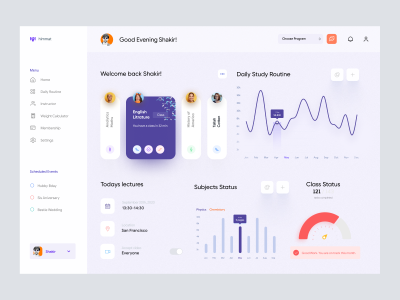
Online Class Dashboard UI
273
U
UI Dux
Figma
XD
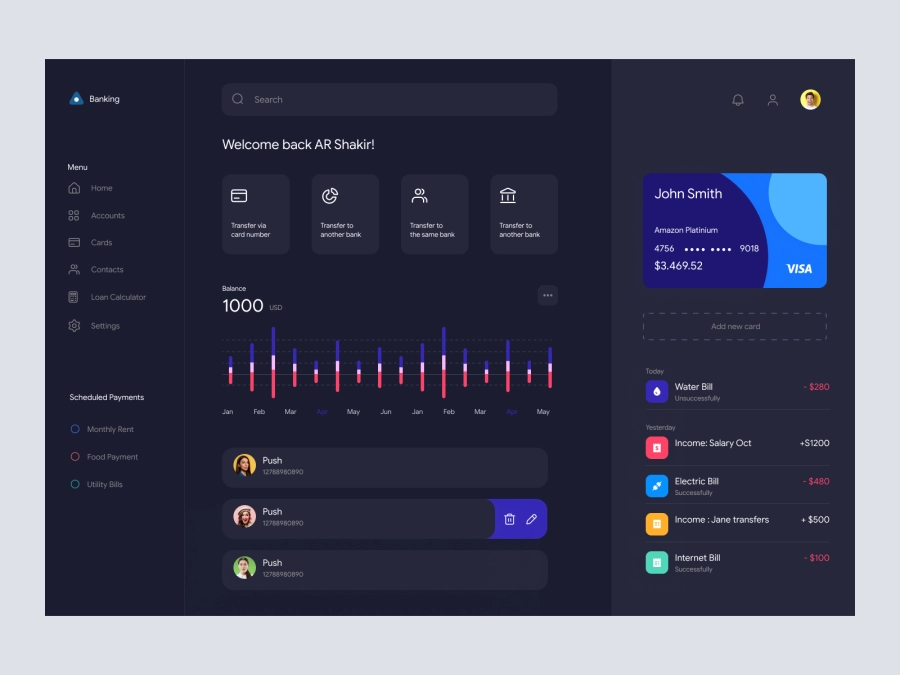
PixelPay - Banking Dashboard UI Dark Version
345
U
UI Dux
Figma
XD

Freelancer Personal Investment Dashboard UI
675
U
UI Dux
Figma
XD
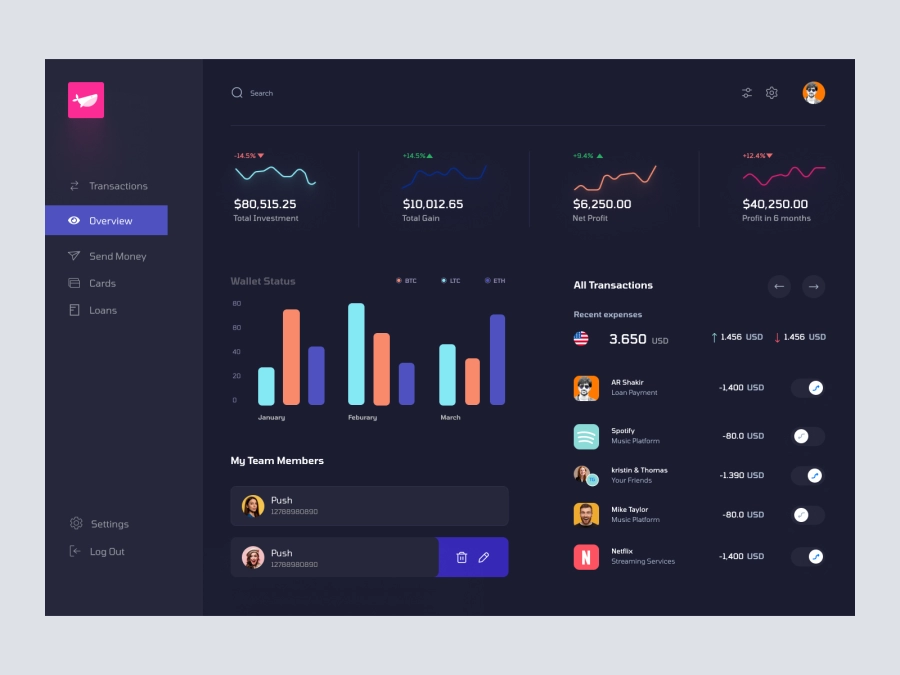
FinFusion - Cryptocurrency Dashboard UI Concept - Dark Layout
439
U
UI Dux
Figma
XD
Free
Dashboard Sidebar Navigation
775
U
UI Dux
Weather App Dashboard UI
601
U
UI Dux
Figma
XD

Cryptocurrency Dashboard UI Concept
564
U
UI Dux
Figma
XD

Growth and Analytics Dashboard UI
373
U
UI Dux
Wallenteer - Personal Wallet and Banking Dashboard User Interface Concept 1
441
U
UI Dux
Figma
XD
Fatehi - FInance App Dashboard UI Template
914
U
UI Dux
Figma
XD