Premium
v1.0
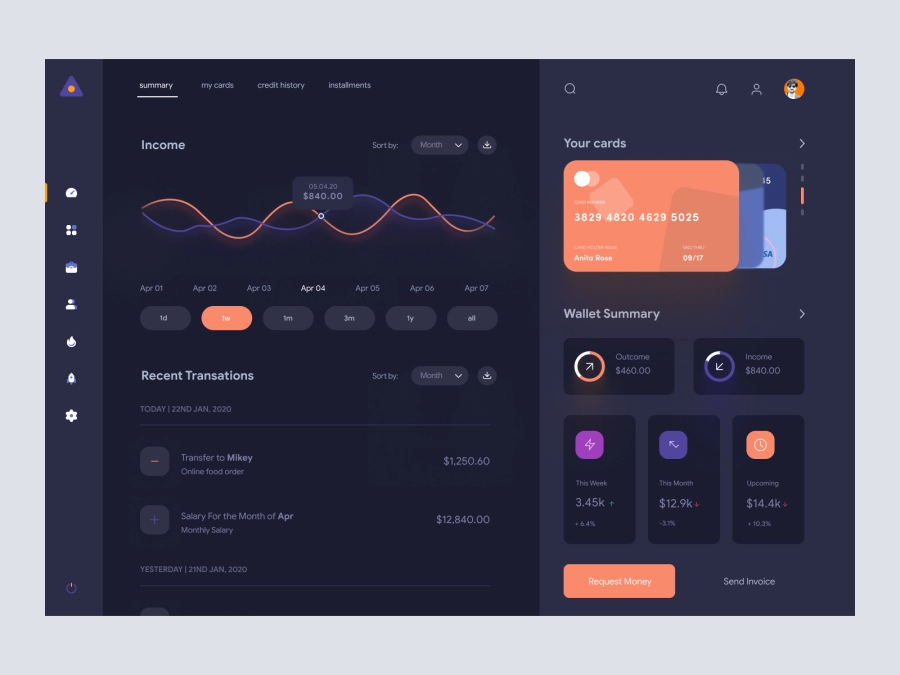
BitBridges - Finance Dashboard Clean UI - Dark Version
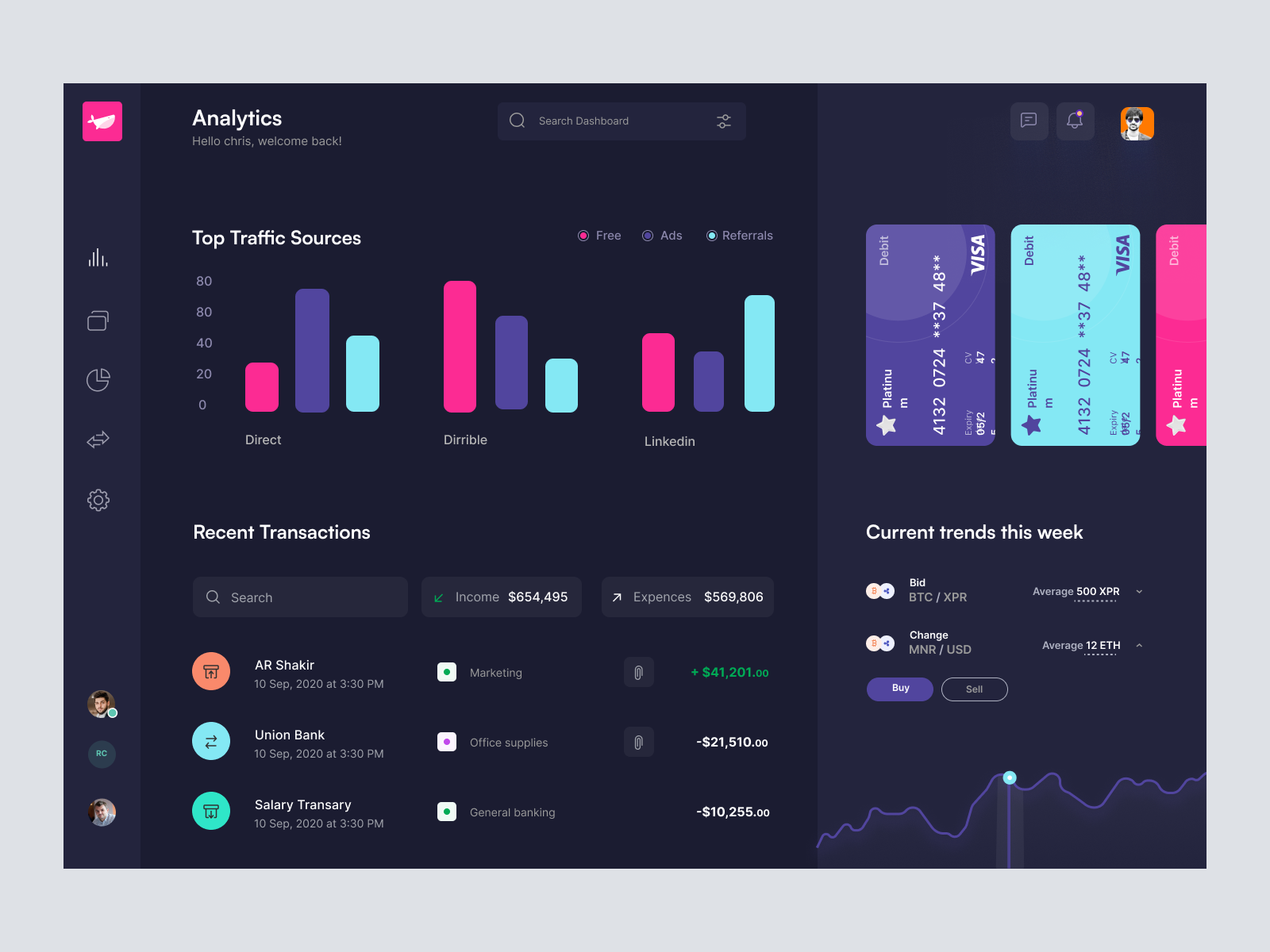
Explore this modern, dark-themed dashboard UI design for analytics and finance, featuring data tracking and transaction management. Perfect for seamless customization in Figma.
About BitBridges - Finance Dashboard Clean UI - Dark Version
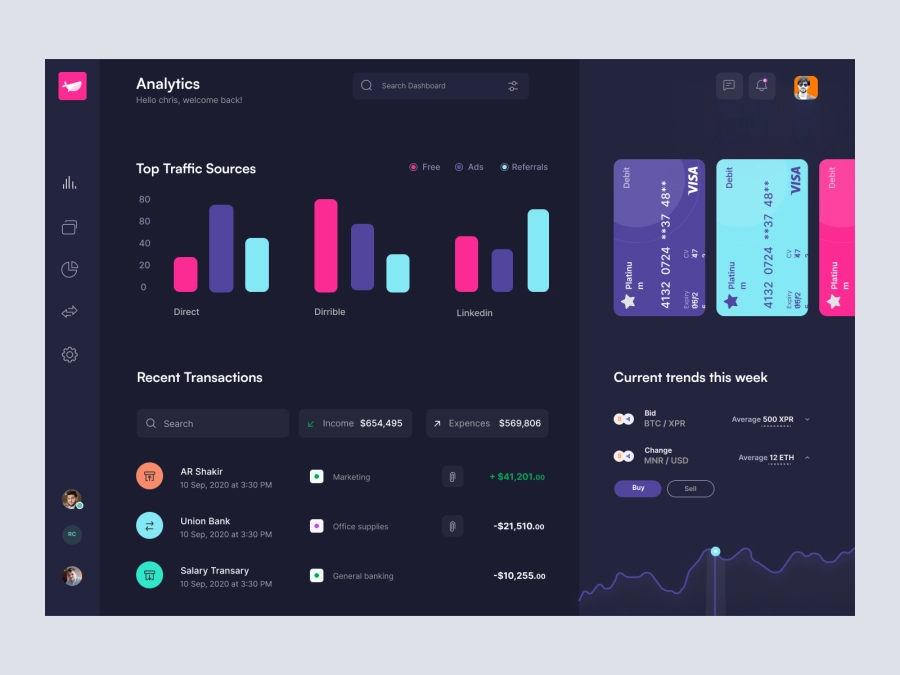
This meticulously crafted UI design template showcases a modern and intuitive dashboard ideal for analytics applications and financial monitoring systems. With its sleek dark theme and vibrant accent colors, the design ensures a visually engaging user experience while maintaining clarity in information presentation. The layout features comprehensive sections including Top Traffic Sources, Recent Transactions, and Current Trends, all meticulously organized to facilitate quick insights and data analysis. Users can seamlessly manage financial data, track trends, and explore transaction histories. This readily customizable Figma template allows designers to effortlessly integrate it into their projects, enabling rapid design iterations and optimal performance in applications. The responsive design is perfect for both web and mobile interfaces, ensuring a consistent user experience across all devices.
Features
- Modern Design
- Fully Customizable
- Responsive Layout
- Insightful Analytics
- Transaction Management
- Easy to Use
- Direct Integration
- High Flexibility
Frequently Asked Questions
What file format is available?
The design is available as a Figma file.
Can I customize this design?
Yes, it is fully customizable in Figma.
Is it suitable for mobile and web?
Yes, the design is responsive for both web and mobile use.
Is there support for integrating with other platforms?
Design can be integrated into any platform that supports Figma files.
How easy is it to use for a beginner?
The design is intuitive and easy to use for beginners familiar with Figma.
Does it include all visual elements shown?
Yes, all elements displayed are included in the file.
Can I copy and paste directly in Figma?
Yes, you can copy and paste elements directly in Figma without downloading.
Does it support different color schemes?
Yes, you can modify colors easily in Figma.
Is user interaction included?
This template is static but can be made interactive within Figma.
Is there customer support available?
Customer support depends on the platform policies where this design is sold.
Premium License
Unknown Size
More like this
View all
iStudy - University Dashboard UI Concept Dark Version
688
U
UI Dux
Figma
XD

Weather App UI Concept
130
U
UI Dux
Figma
XD
Finance app ui
745
U
UI Dux
Figma
XD
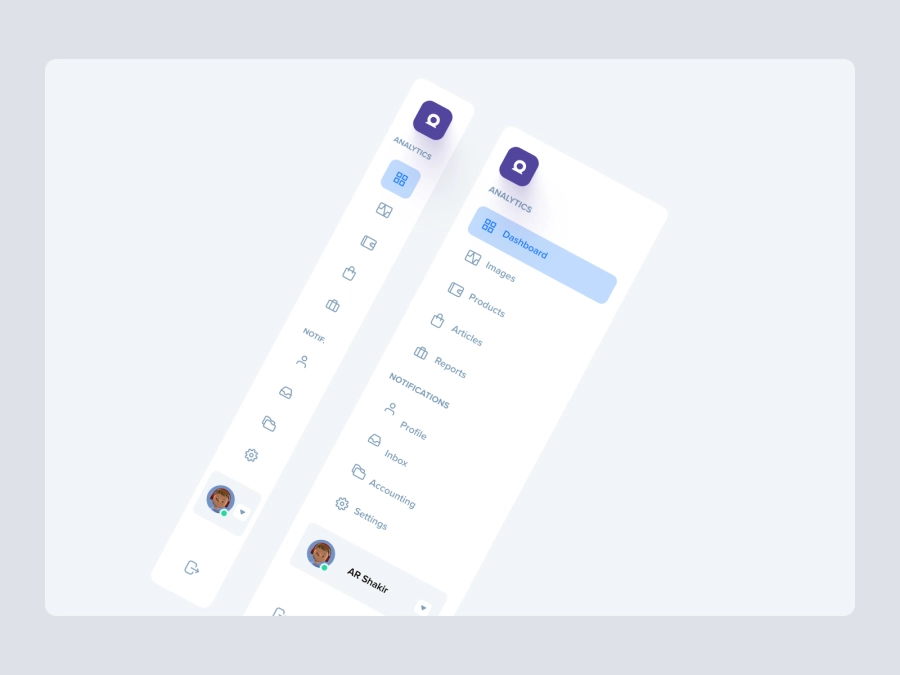
Free
Dashboard Top Nav
332
U
UI Dux

Project Management Dashboard UI
303
U
UI Dux
Figma
XD

Cryptocurrency Dashboard UI Concept 4
488
U
UI Dux
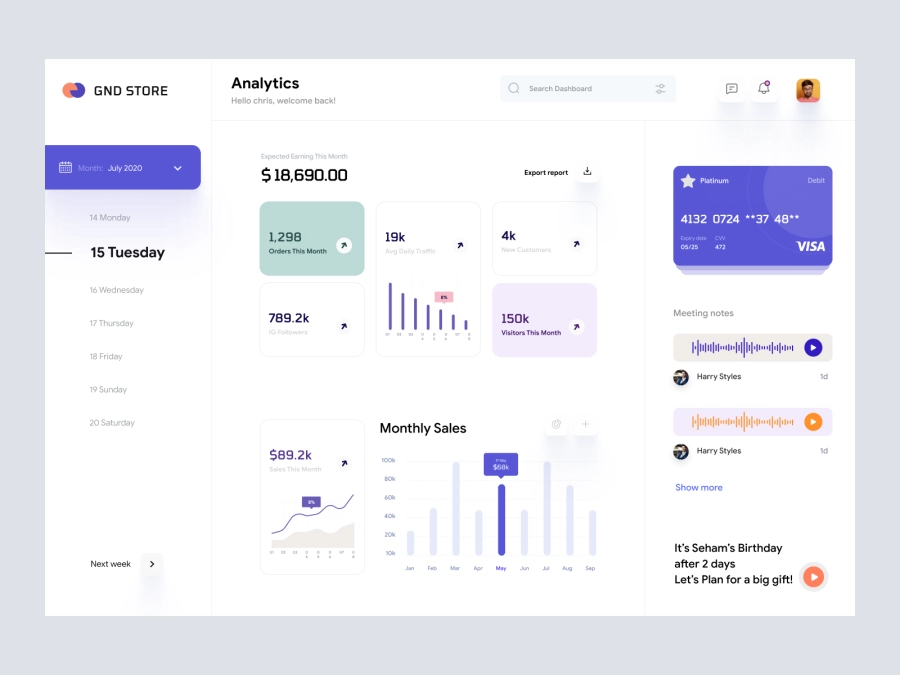
GND Store - Ecommerece Dashboard UI Concept
573
U
UI Dux
Figma
XD
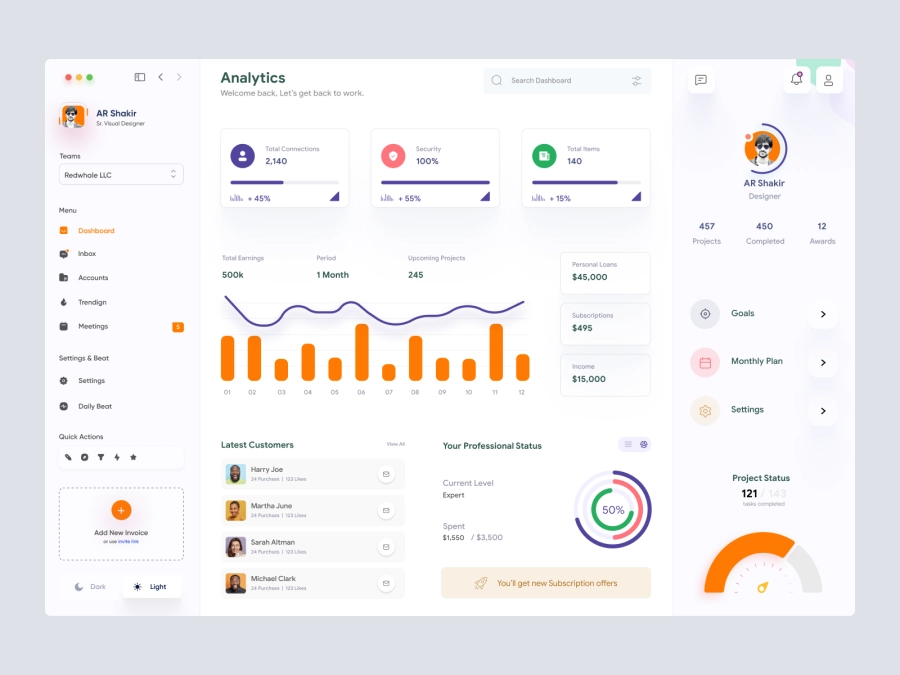
Jaida - Personal Dashboard UI Concept for a Freelance Designer
606
U
UI Dux
Figma
XD
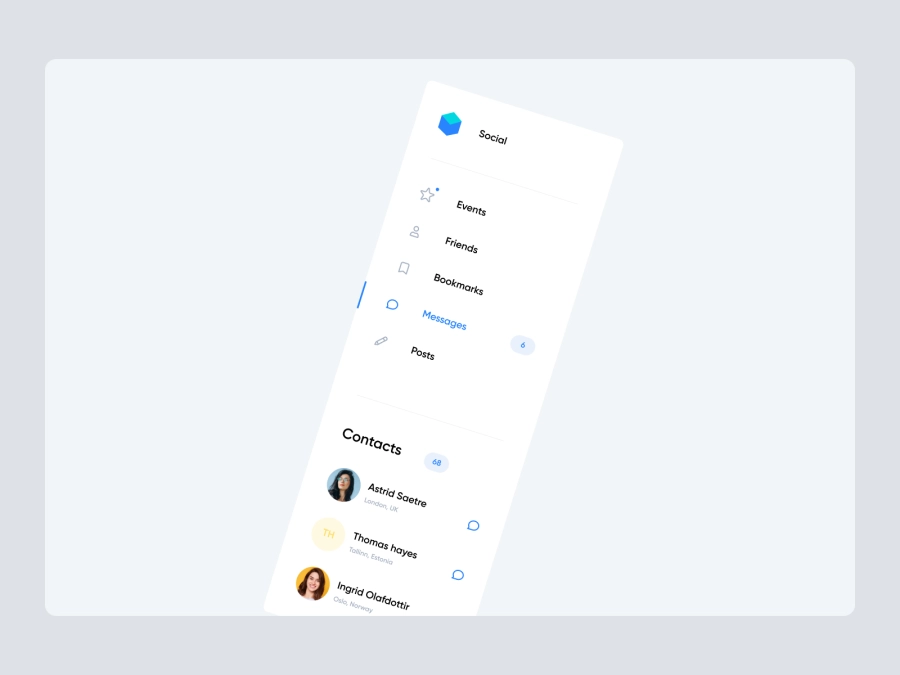
Free
Dashboard Sidebar Navigation
447
U
UI Dux
FinVerse - Finance Dashboard App UI Dark Layout
337
U
UI Dux
Figma
XD

Learning Dashboard
979
U
UI Dux
Figma
XD

Ecommerce Dashboard UI
798
U
UI Dux

Weight Loss Dashboard UI
654
U
UI Dux
Figma

Social Media Influencer Dashboard UI
740
U
UI Dux
Figma
XD

Banking Dashboard UI
849
U
UI Dux
Figma
XD