Premium
v1.0
Sleek Dashboard Design for Data Management
A streamlined web application dashboard design showcasing key metrics, system health, and knowledge base statuses. Features intuitive navigation and real-time data insights.

About Sleek Dashboard Design for Data Management
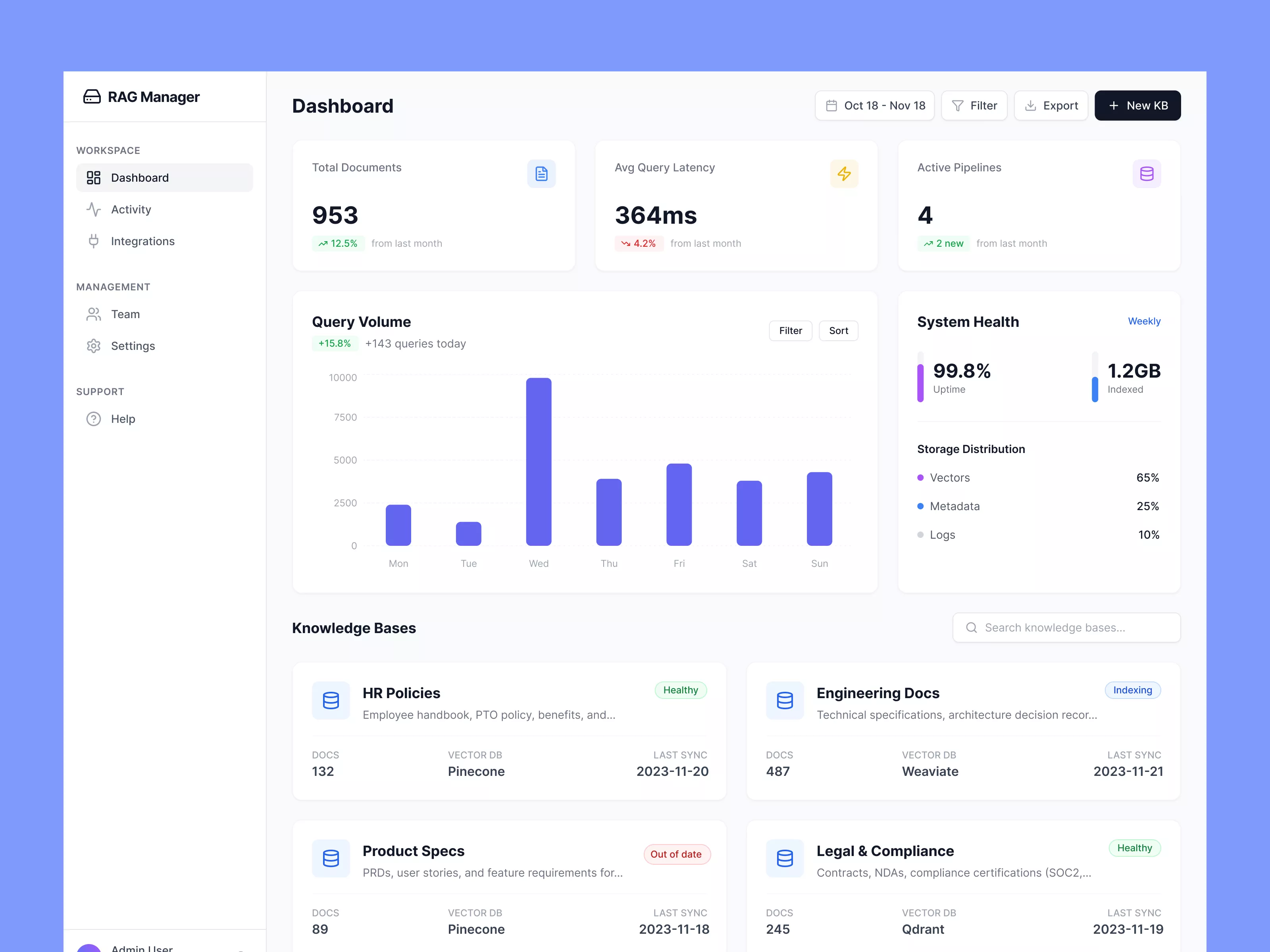
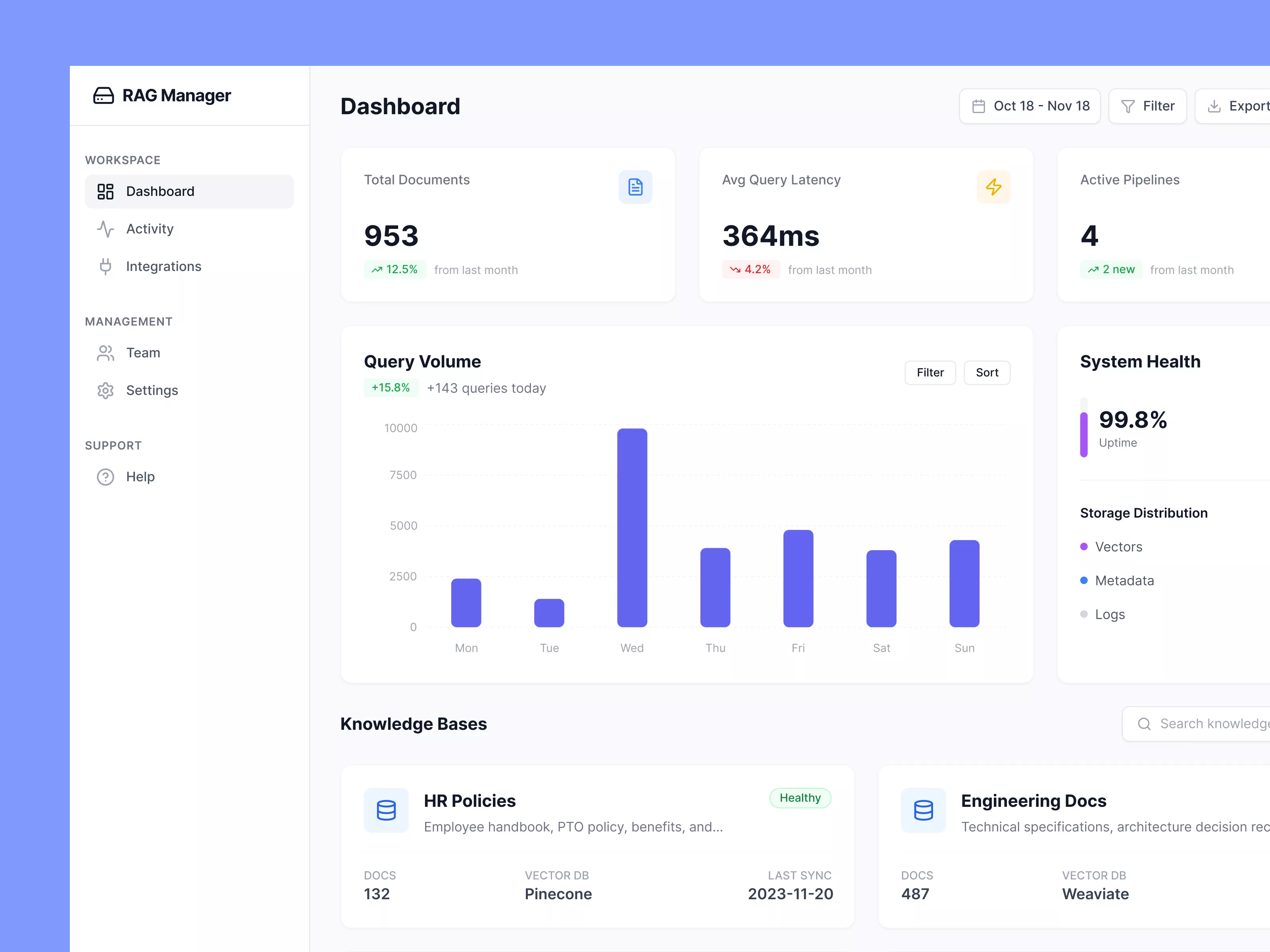
This UI design for a web application dashboard offers a clean and intuitive interface, aimed at providing users with comprehensive insights and easy navigation. The sidebar on the left serves as the primary navigation panel, featuring sections such as Workspace, Management, and Support. The 'Dashboard' tab is currently active, displaying critical metrics in a well-organized grid format in the main section. This includes Total Documents, Average Query Latency, and Active Pipelines, each highlighted with concise statistical data and trend indicators. The central graph dynamically illustrates weekly query volume, enabling users to visually track performance over time. On the right, 'System Health' and 'Storage Distribution' deliver real-time stats on uptime and data usage. Below, a Knowledge Bases section succinctly presents categorized documentation, with indicators for status and last sync dates enhancing the immediacy of information. Overall, this design effectively balances aesthetics and functionality to enhance user experience.
Features
- Intuitive Design
- Real-time Insights
- Comprehensive Metrics
- Dynamic Data Visualization
- Efficient Navigation
- Status Indicators
- Customizable Data Set
- Resource Allocation
Frequently Asked Questions
What does the 'Total Documents' metric indicate?
It shows the total number of documents processed within the system.
How is 'Average Query Latency' measured?
It is calculated based on the average time taken to process queries over the selected date range.
What does 'Active Pipelines' represent?
This metric shows the number of data processing pipelines currently running.
How often is 'System Health' updated?
System Health metrics are updated on a weekly basis to provide real-time performance feedback.
What does 'Storage Distribution' detail?
It displays the distribution of storage usage across Vectors, Metadata, and Logs.
Can I filter data in the 'Query Volume' graph?
Yes, the graph includes options to filter and sort data for custom analysis.
What information do 'Knowledge Bases' provide?
Knowledge Bases list categorized documents, including status and synchronization details.
How is the 'System Uptime' presented?
System Uptime is shown as a percentage representing system availability.
What are the sync statuses for Knowledge Bases?
Statuses such as 'Healthy', 'Indexing', or 'Out of date' indicate current document synchronization.
How do I navigate different sections?
Use the sidebar to switch between Workspace, Management, Support sections.
Premium License
Unknown Size
More like this
View all
Yalla - FInance App Dashboard UI Template
536
U
UI Dux
Figma
XD
Covid Analytics Dashboard UI
223
U
UI Dux
Figma
XD
Online Learning Course Dashboard UI
345
U
UI Dux
Figma
XD
Xoya - FInance App Dashboard UI Template
736
U
UI Dux
Figma
XD
Social Media Analytics Dashboard
783
U
UI Dux
Figma
XD

Weather App UI Concept
682
U
UI Dux
Figma
XD
Free
Dashboard Sidebar Navigation
708
U
UI Dux

Sleek Project Management Dashboard UI Design
661
U
UI Dux
Figma
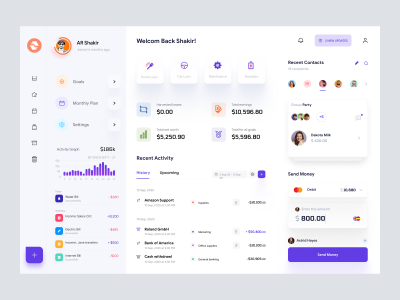
Finance app ui
710
U
UI Dux
Figma
XD
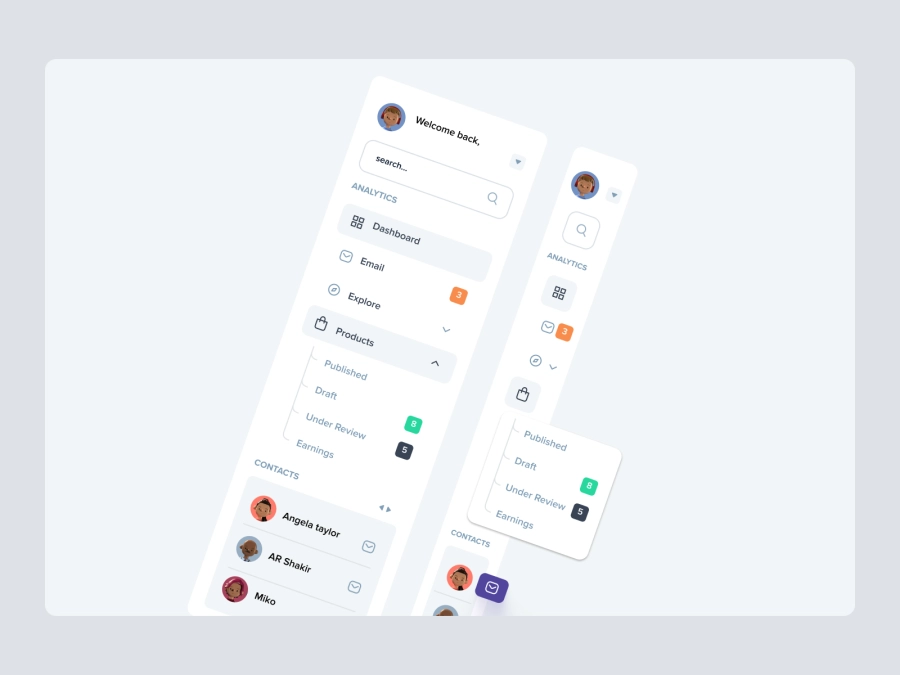
Free
Dashboard Top Nav
188
U
UI Dux
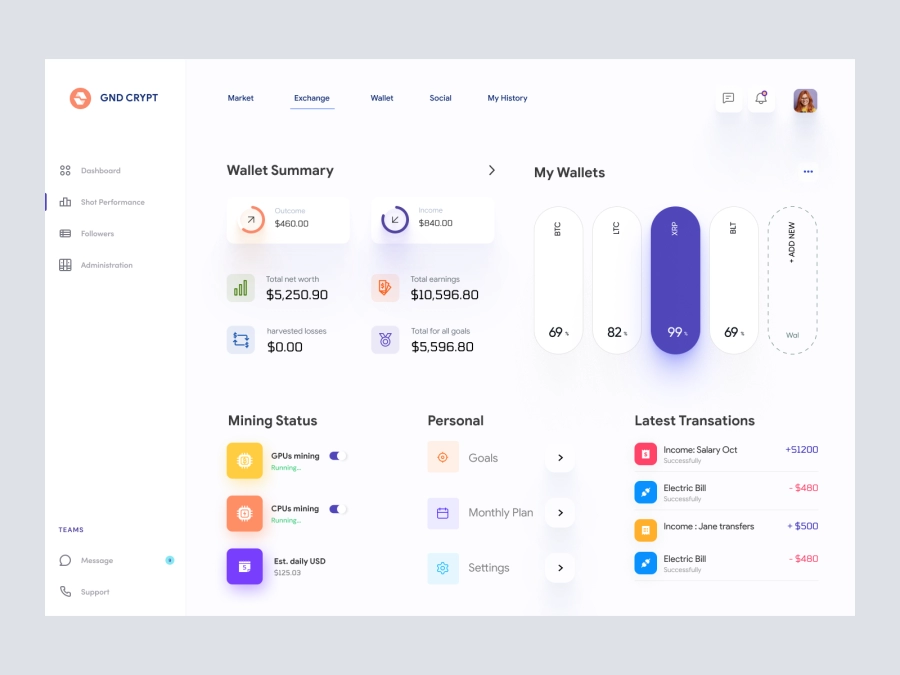
GND CRYPT - Cryptocurrency Dashboard UI
115
U
UI Dux
Figma
XD

Music Dashboard UI
839
U
UI Dux
Figma
XD
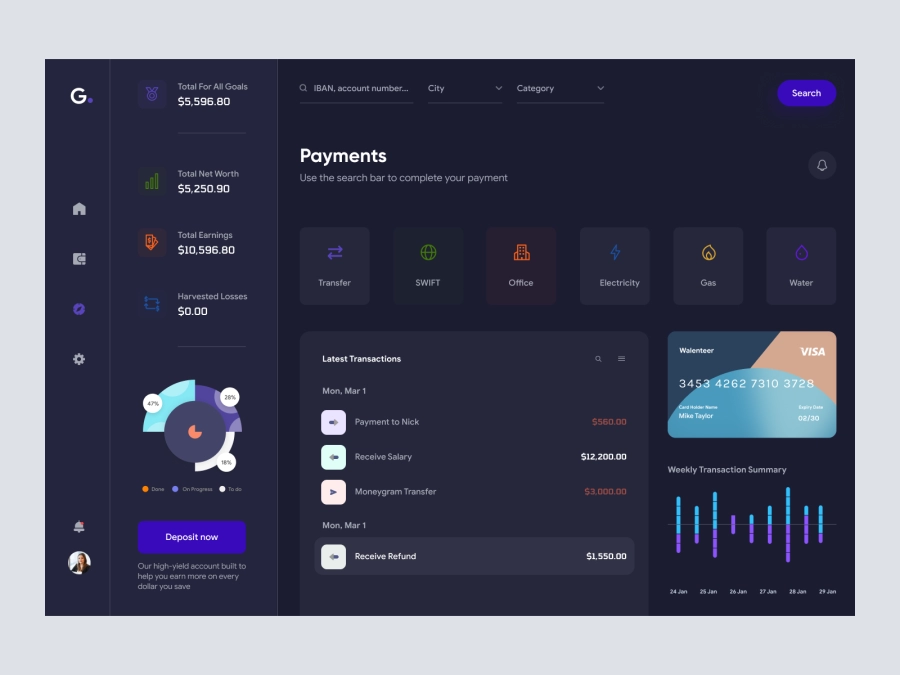
Groki - Finance Dashboard App UI Dark Version
750
U
UI Dux
Figma
XD
Free
Dashboard Sidebar Navigation
304
U
UI Dux
Balinium - Cryptocurrency Dashboard UI
538
U
UI Dux
Figma
XD