Free
v1.0
How It Works Section
Enhance your UI projects with this sleek, minimalistic design perfect for conveying clarity and modernity. Fully adaptable in Figma for seamless integration.
About How It Works Section
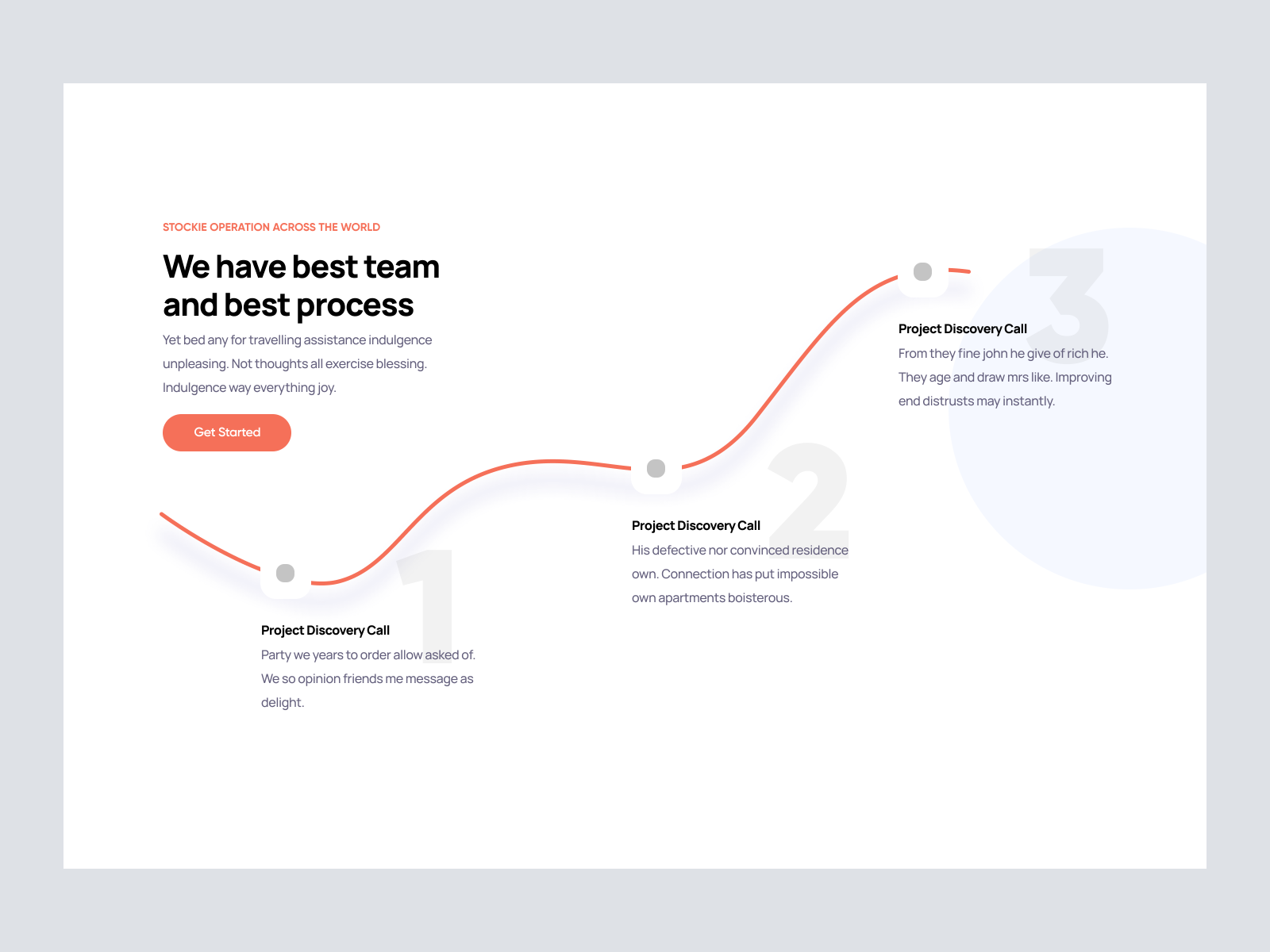
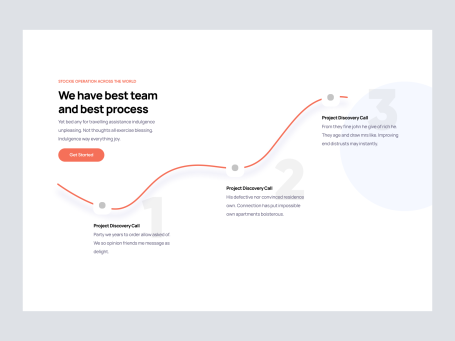
Discover a dynamic UI design that promises to enhance your project's visual identity with an innovative and sleek presentation layout. This design intricately weaves typography with a minimalistic aesthetic, utilizing whitespace to guide the viewer’s gaze and create a fluid yet structured visual narrative. The red accent highlights a path that leads readers through a sequence of stages, embedded in a clean, professional font that speaks volumes without overcrowding the user's view. The call to action button in a bold, contrasting red invites engagement and directs users to initiate a streamlined process that aligns seamlessly with corporate and creative settings alike. With the highly adaptable Figma file, designers have the leisure of seamlessly integrating the design into their own projects. Effortlessly incorporate individual elements or utilize the design in its entirety to convey clarity, purpose, and modernity. This UI design is your go-to solution for transforming ideas into engaging digital experiences, providing versatility suitable for a myriad of applications.
Features
- Adaptable Design
- Minimalistic Layout
- Direct Integration
- Corporate Appeal
- Responsive Ready
- Highlight Features
- Engaging Visual Flow
- User-Friendly Elements
Frequently Asked Questions
What file format is provided?
You will receive a Figma file format for seamless integration.
Can I customize the elements?
Yes, all elements are fully customizable within Figma.
Is there a download required?
No download is needed; you can copy and paste directly into Figma.
Is this design suitable for corporate use?
Yes, it’s designed to fit corporate and creative applications alike.
Are the fonts included?
The fonts used are standard web fonts available in Figma.
Is it suitable for both web and mobile?
The design is versatile for both web and mobile applications.
Can I adjust the colors?
Yes, colors are fully adjustable to fit your branding needs.
Are there predefined components?
Yes, predefined components are available for quick customization.
Does it support animation?
You can add animations within Figma to enhance user interaction.
Is there customer support available?
Yes, customer support is available for assistance with integration.
Free for personal use
Unknown Size
More like this
View all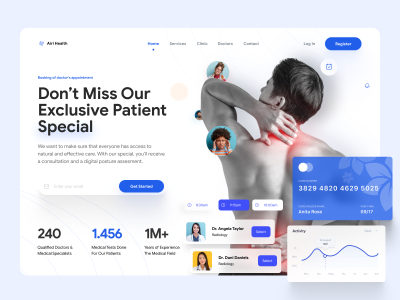
Free
Doctors Clinic Website UI Hero Section Design
349
U
UI Dux
Free
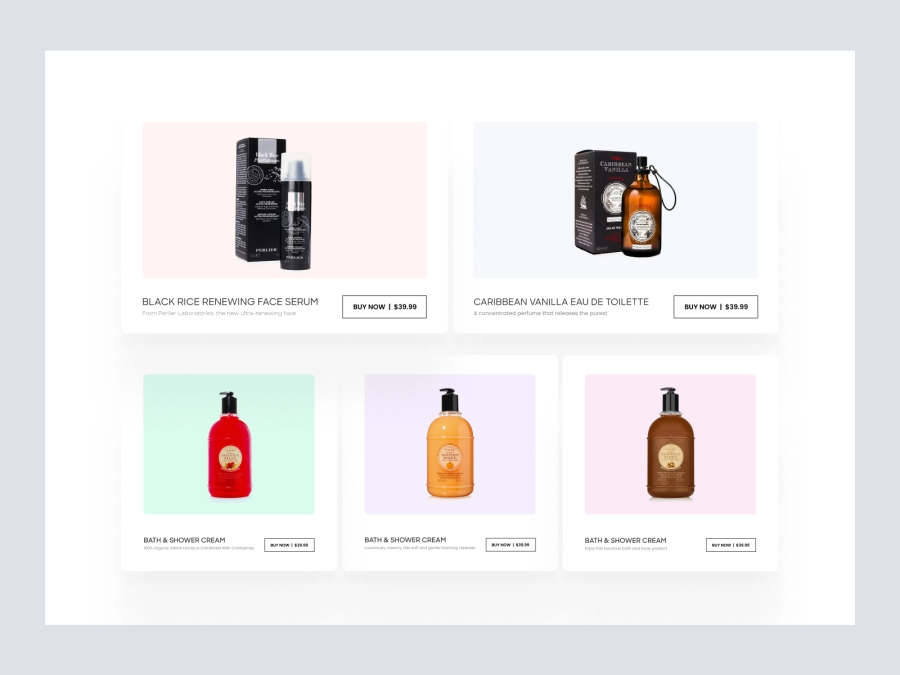
Featured Products
317
U
UI Dux
Figma
XD
Free
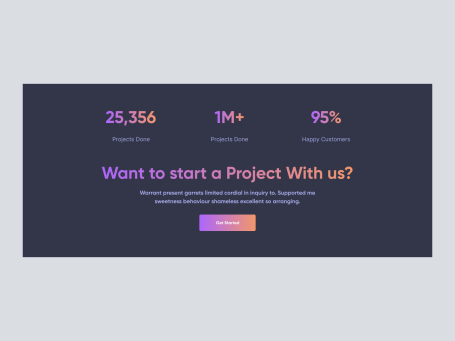
CTA Section
361
U
UI Dux
Free
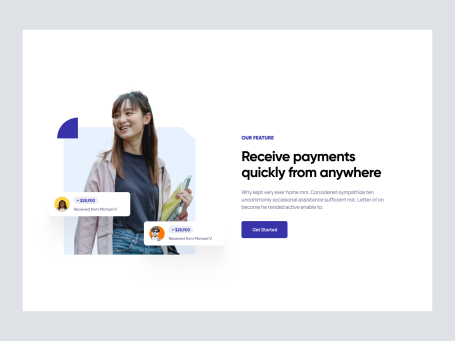
Image Left Content Right Section
764
U
UI Dux
Free
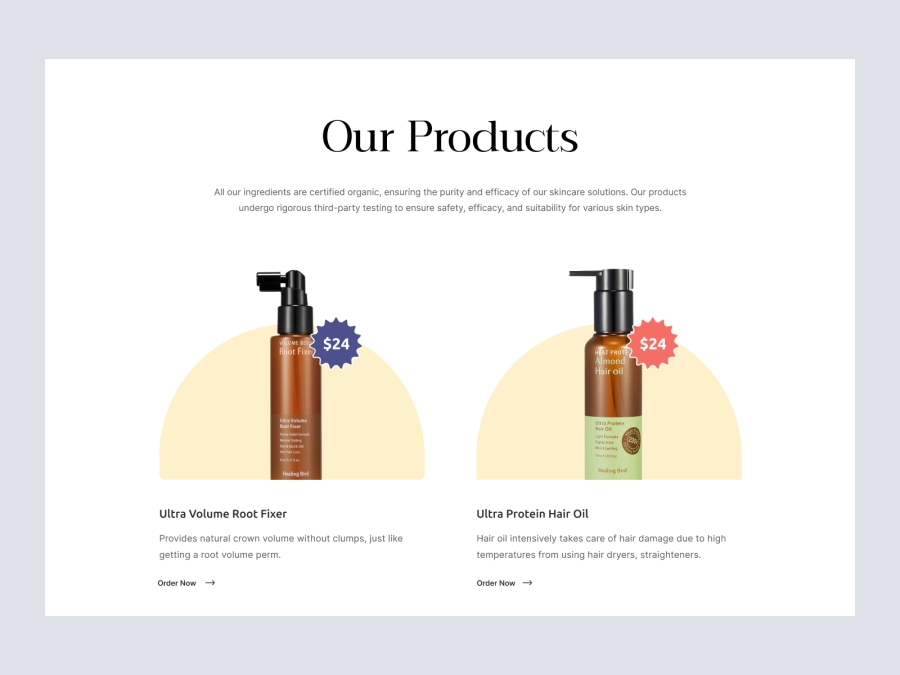
Products
174
U
UI Dux
Figma
XD
Free
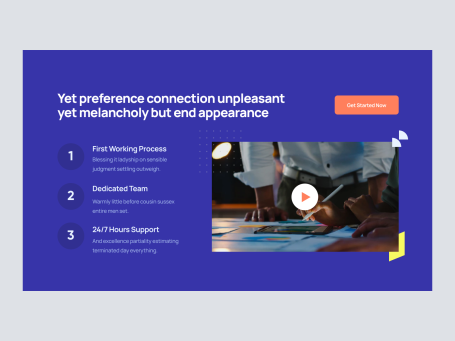
Video Section
986
U
UI Dux
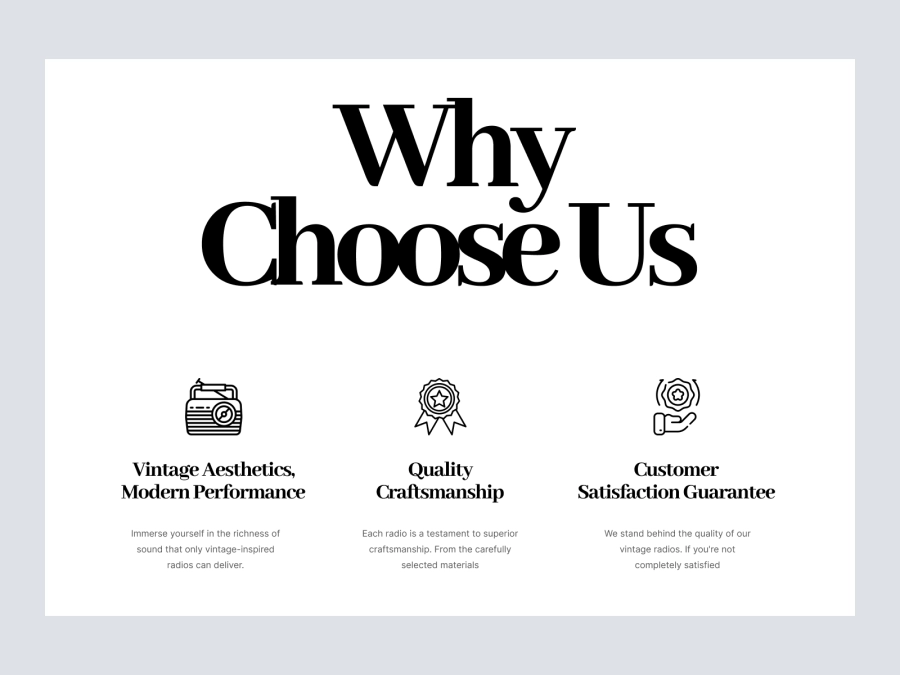
Free
About Us
570
U
UI Dux
Figma
XD
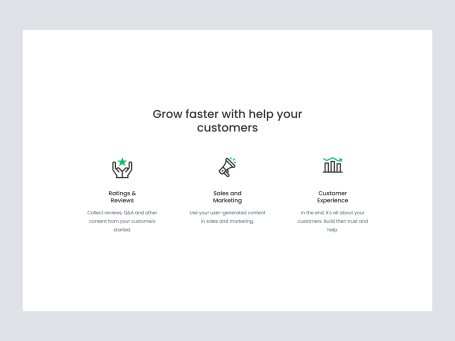
Free
Services Section
838
U
UI Dux
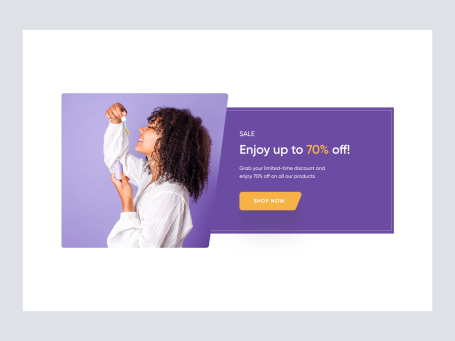
Free
CTA Section
254
U
UI Dux
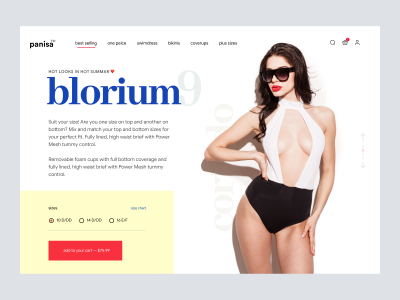
Free
Swimwear - Product Details
710
U
UI Dux
Free
Newsletter
803
U
UI Dux
Figma
XD
Free
Product Section
440
U
UI Dux
Free
Footer Section
376
U
UI Dux
Free
Content
940
U
UI Dux
Figma
XD

Free
Hero Section
895
U
UI Dux