Premium
v1.0
Finance Dashboard App UI
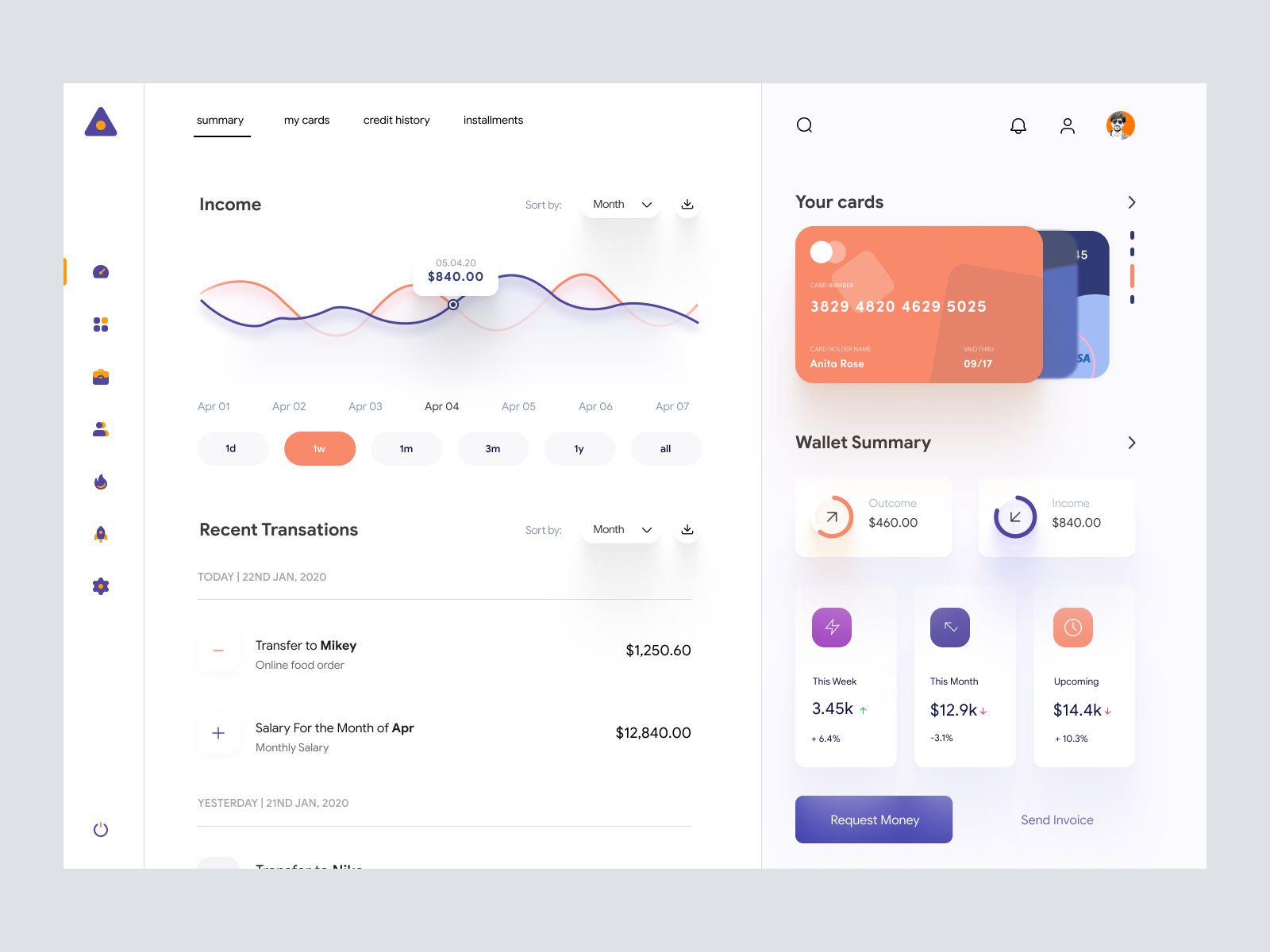
Modern, intuitive UI design in Figma for financial apps. Features income graphs, card management, and transaction tracking with a clean aesthetic.

About Finance Dashboard App UI
Discover a cutting-edge UI design tailored for financial applications, fully optimized to enhance user interaction and experience. This Figma file is meticulously crafted, showcasing an elegant, modern interface that is visually engaging and highly functional. The design integrates a clean, minimalist aesthetic with a harmonious color palette that appeals to contemporary users. Key features include a detailed income graph, card management, and recent transaction tracking to ensure that users can handle their finances with ease. The intuitive navigation and structured layout provide a seamless user experience. Each visual element is thoughtfully aligned to maintain the balance between aesthetics and utility, making it an indispensable asset for designers looking to elevate their project presentation. This UI component encapsulates the modern design ethos needed for today's competitive digital landscape.
Features
- Modern Design
- Fully Customizable
- User-Friendly Navigation
- Interactive Elements
- Seamless Integration
- Clear Visual Hierarchy
- Versatile Application
- Future-Proof Design
Frequently Asked Questions
What file format is provided?
The design is provided as a Figma file.
Can I edit the design directly in Figma?
Yes, you can directly copy and paste the design in Figma.
Is there any download required?
No, there's no need to download; copy and paste directly into Figma.
What kind of applications is this design suitable for?
This design is perfect for financial and banking applications.
Does the design support modern user interface practices?
Yes, it follows the latest design trends and UI practices.
Is there a detailed tutorial available?
The design is intuitive, but no specific tutorial is provided.
Can the color scheme be changed easily?
Yes, the color scheme is fully customizable in Figma.
How is the navigation structured?
The navigation is intuitive and easy to use, focusing on user experience.
Is the design scalable for different screen sizes?
The design is adaptable and can be optimized for various devices.
Can I request personalized modifications?
Personalized modifications can be done within Figma to suit specific needs.
Premium License
Unknown Size
More like this
View all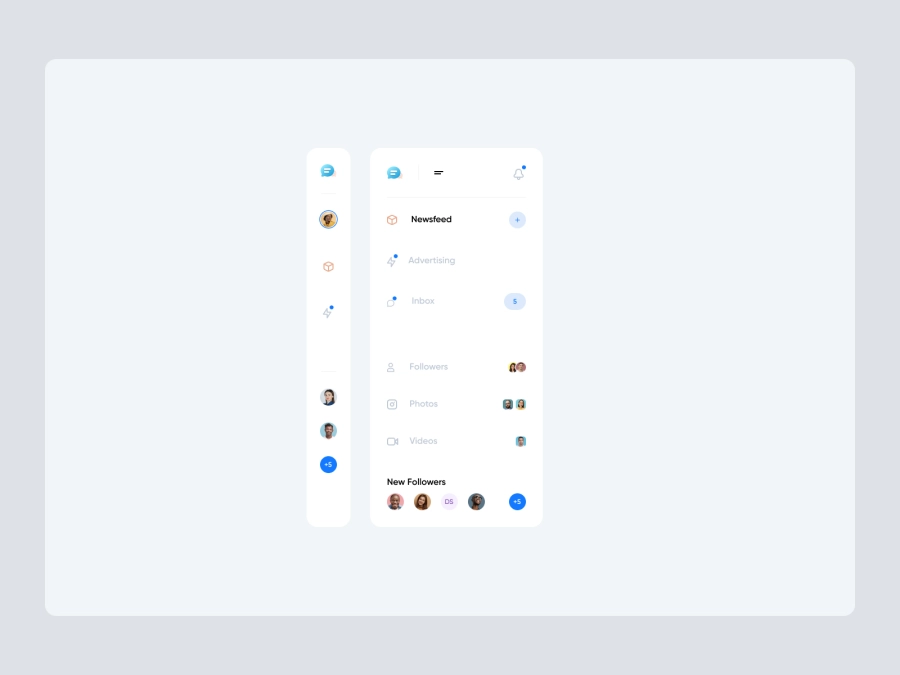
Free
Dashboard Sidebar Navigation
654
U
UI Dux
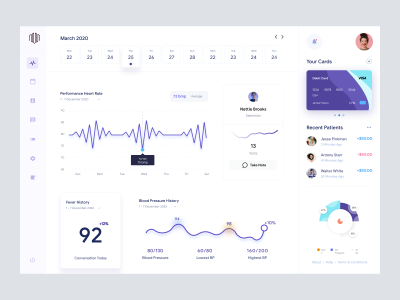
Doctors Dashboard
508
U
UI Dux
Figma
XD
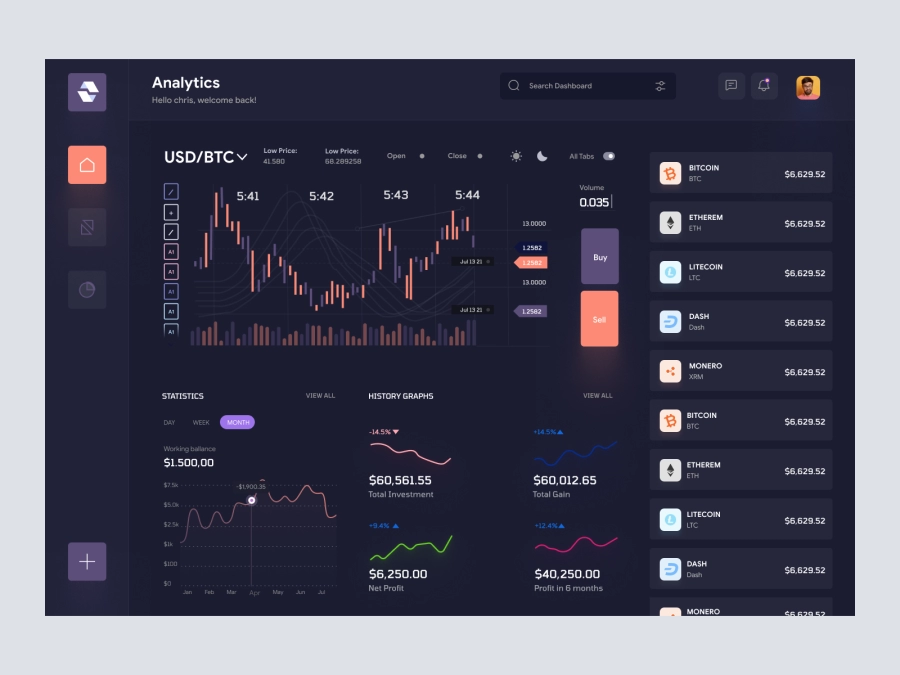
Raone - Cryptocurrency Dashboard UI Dark Version
763
U
UI Dux
Figma
XD
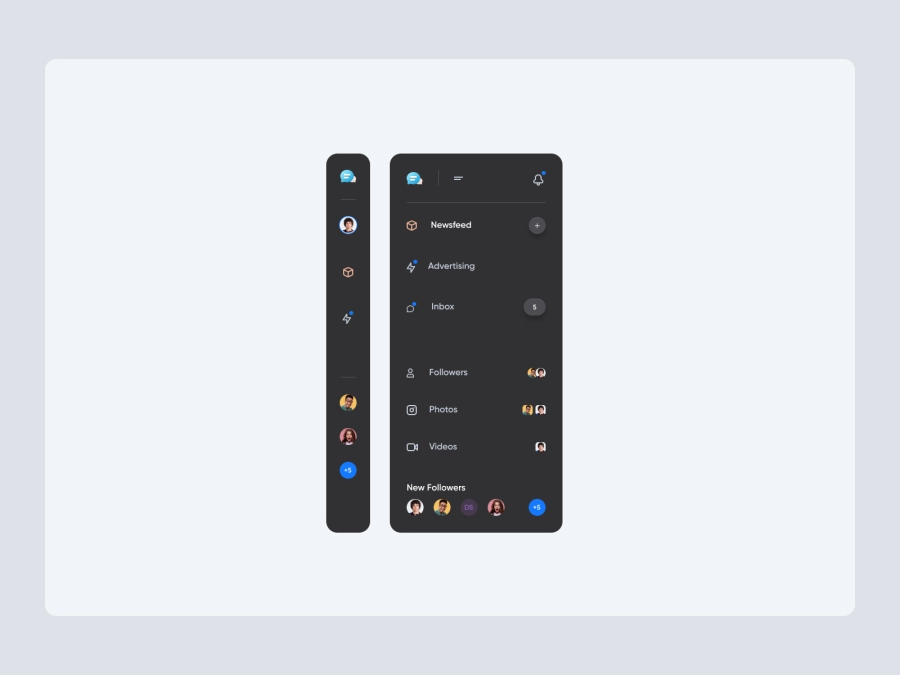
Free
Dashboard Sidebar Navigation
792
U
UI Dux
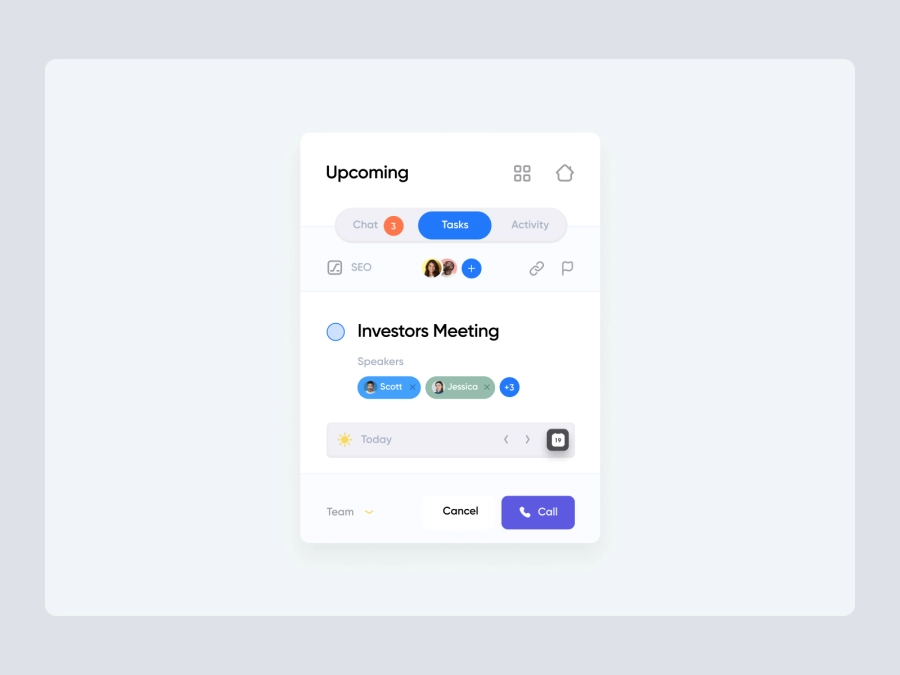
Free
Dashboard Sidebar Navigation
449
U
UI Dux
iStudy - University Dashboard UI Concept Dark Version
146
U
UI Dux
Figma
XD
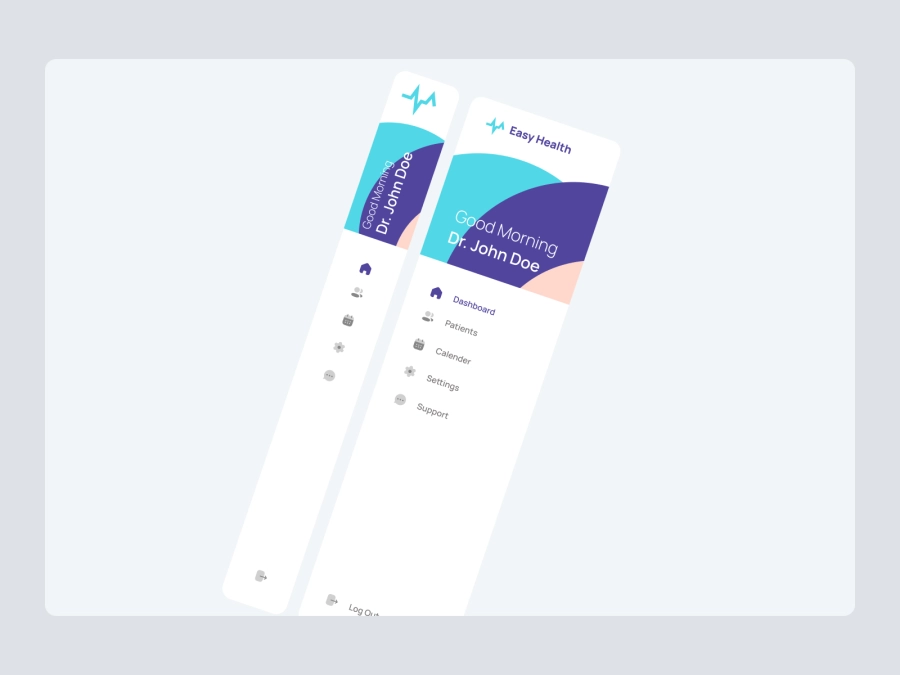
Free
Dashboard Sidebar Navigation
221
U
UI Dux
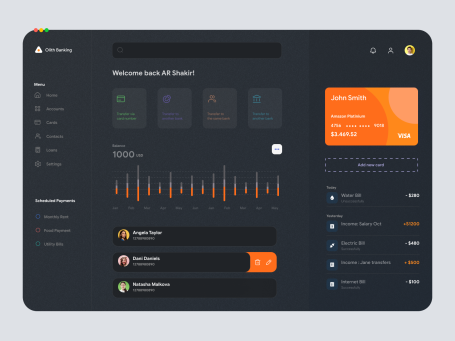
Banki - Banking Dashboard Dark UI
265
U
UI Dux
Figma
XD
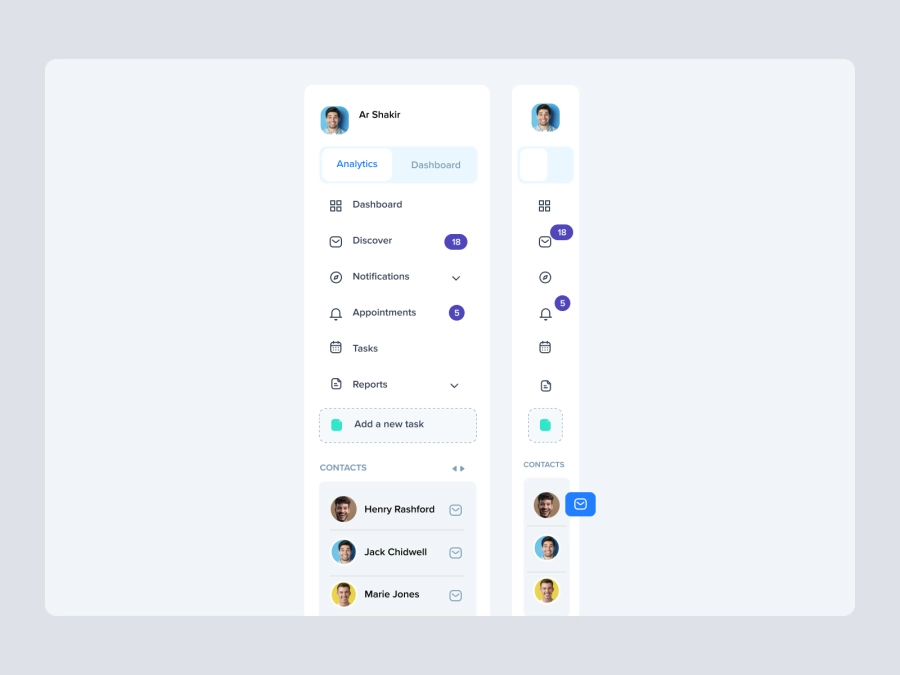
Free
Dashboard Top Nav
153
U
UI Dux
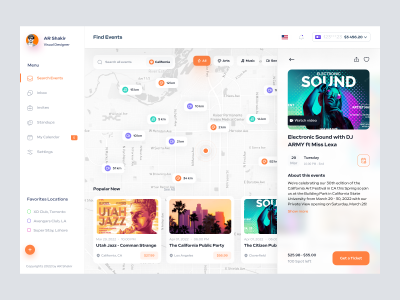
Event Finder Dashboard
287
U
UI Dux
Figma
XD

Free
Credit Card
272
U
UI Dux
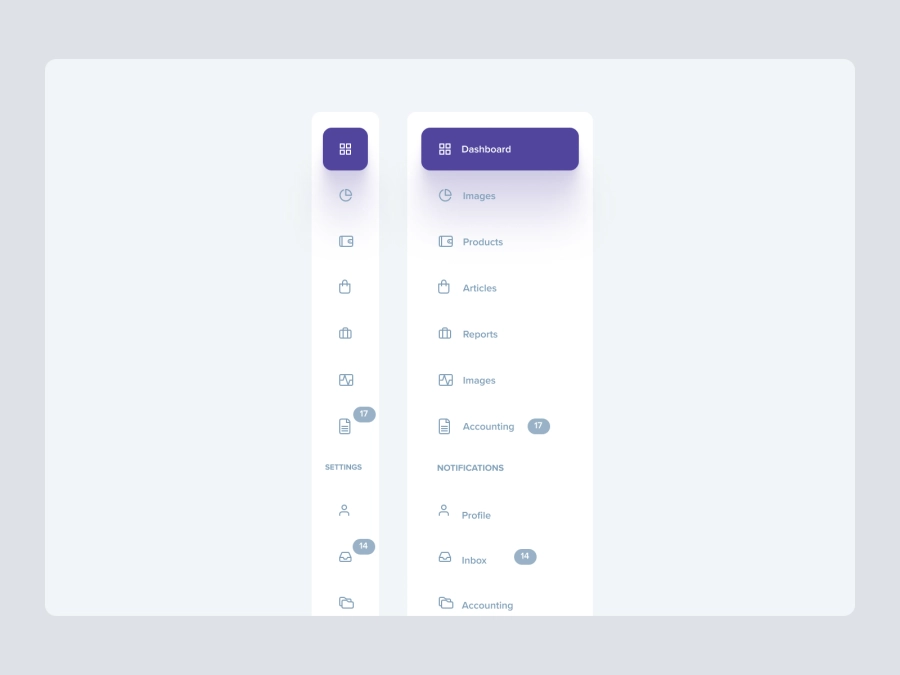
Free
Dashboard Top Nav
671
U
UI Dux
Leadgen Dashboard UI
588
U
UI Dux
Figma
XD

Digital Wallat Web App Dashboard
553
U
UI Dux
Figma
XD
Free
Dashboard Top Nav
979
U
UI Dux