Premium
v1.0
Ecommerce Store Dashboard 2
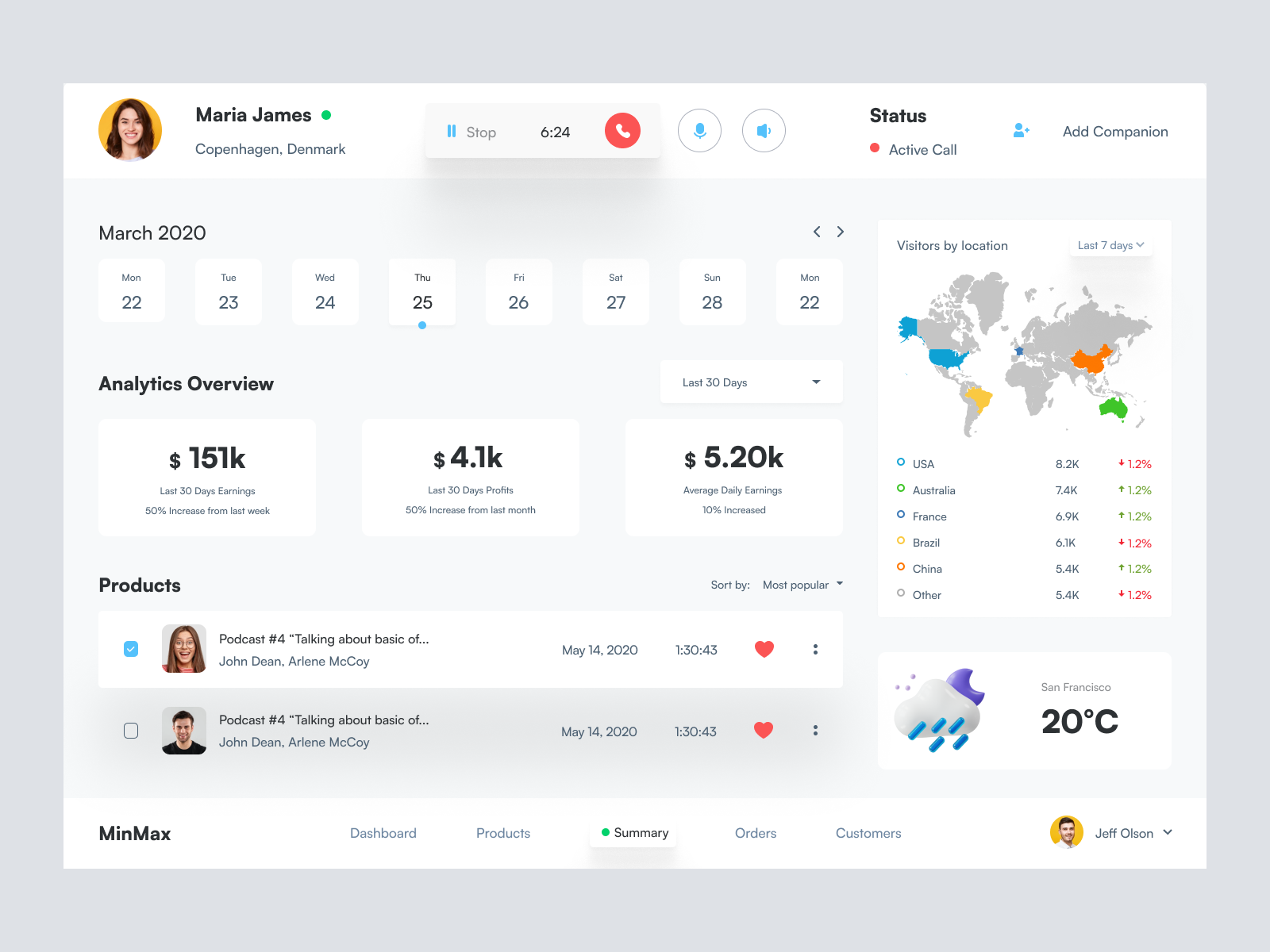
This clean, intuitive UI dashboard design provides analytics, product details, and user info in a seamless Figma file for easy integration.

About Ecommerce Store Dashboard 2
Elevate your design projects with this polished and intuitive UI dashboard design. Crafted for elegance and ease of use, it provides a comprehensive overview of analytics, products, and user information. Featuring a clean calendar interface, real-time analytics tracking, and a visually engaging world map indicating visitor locations, this UI is tailored for usability and aesthetics. The design is enhanced with crisp typography and a well-organized layout, facilitating quick navigation and ease of modification. Provided in a Figma file format, it allows seamless integration into your projects – just copy and paste directly into Figma without the hassle of download. This solution embodies contemporary design principles and is perfect for anyone looking to create intuitive user experiences.
Features
- Seamless Integration
- Customizable Design
- Clean Aesthetic
- Comprehensive Tracking
- User-Friendly Layout
- Versatile Applications
- Enhanced Usability
- Ready for Customization
Frequently Asked Questions
What format is the file available in?
The file is available in Figma format for easy integration.
Can I modify this design?
Yes, you can easily customize and modify the components in Figma.
Do I need to download the file?
No download is necessary; simply copy and paste into your Figma project.
Is the design suitable for mobile?
The design is currently tailored for desktop use, but can be adapted.
What are the main features of this UI?
It features analytics overview, calendar, visitor locations map, and product details.
Is support included?
The design includes documentation to assist you in using the components.
Can I use this design for commercial projects?
Yes, the design is suitable for both personal and commercial projects.
How customizable is the color scheme?
The color scheme is fully customizable within Figma.
What level of design experience is needed?
Basic familiarity with Figma is recommended to customize the design effectively.
Are the components compatible with other tools?
The components are optimized for Figma; compatibility with other tools may vary.
Premium License
Unknown Size
More like this
View all
Music Dashboard UI
868
U
UI Dux
Figma
XD
Free
Dashboard Sidebar Navigation
948
U
UI Dux
Free
Dashboard Sidebar Navigation
417
U
UI Dux
Save The Jungles - Dashboard UI Concept
191
U
UI Dux
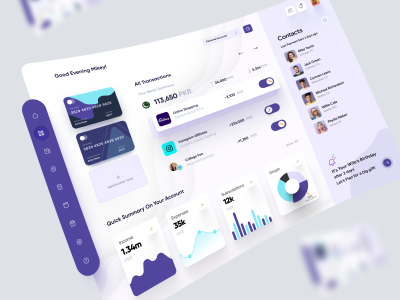
Finance Dashboard
276
U
UI Dux
Figma
XD
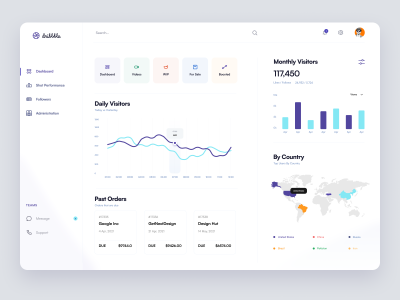
Dribbble Pro Dashboard UI Concept
773
U
UI Dux
Figma
XD
Free
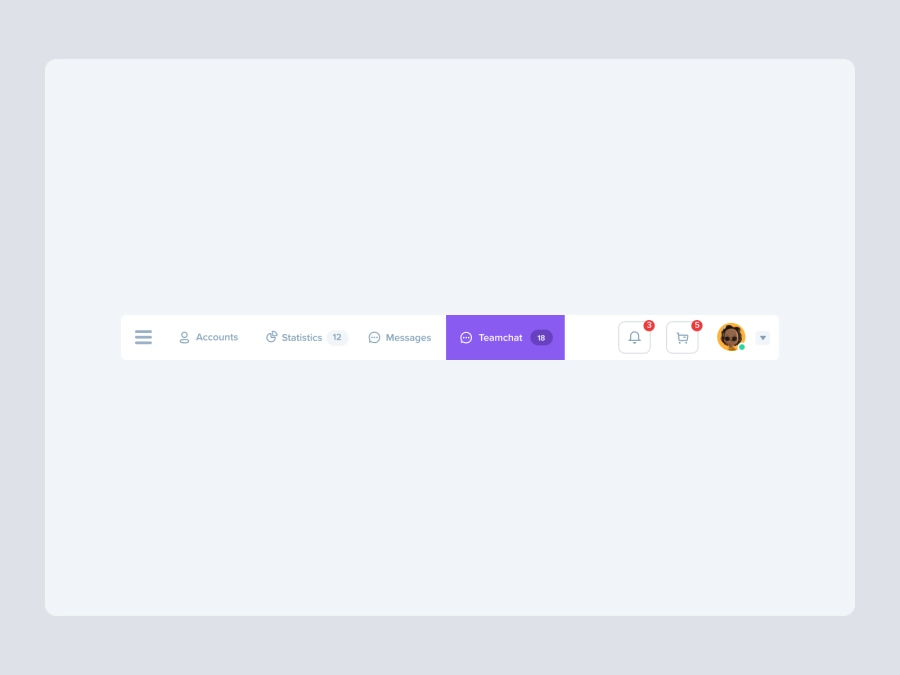
Dashboard Top Nav
879
U
UI Dux

Dribbble Pro Dashboard UI Concept
458
U
UI Dux
Free
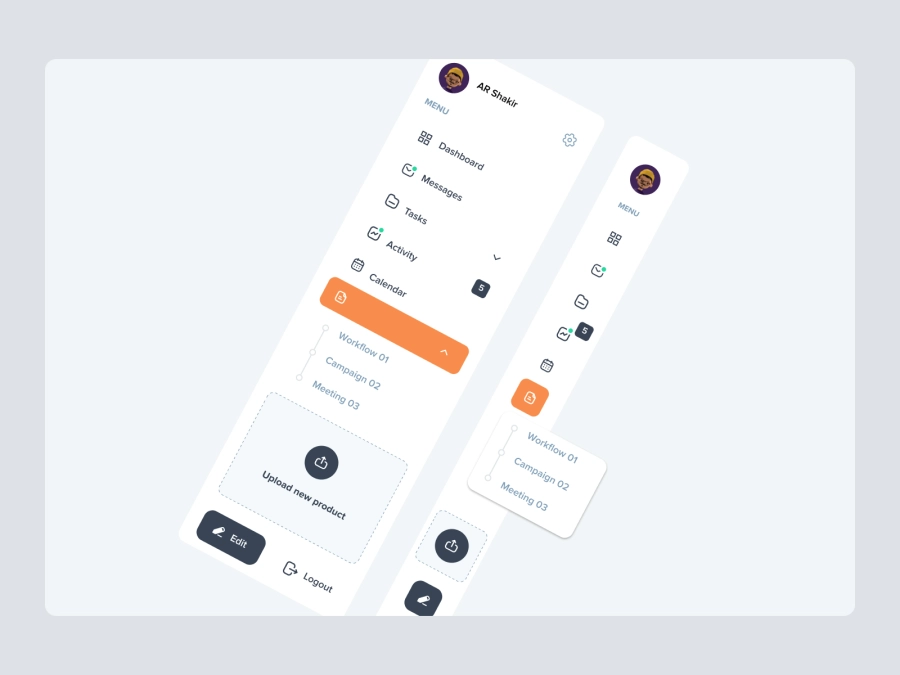
Dashboard Top Nav
577
U
UI Dux
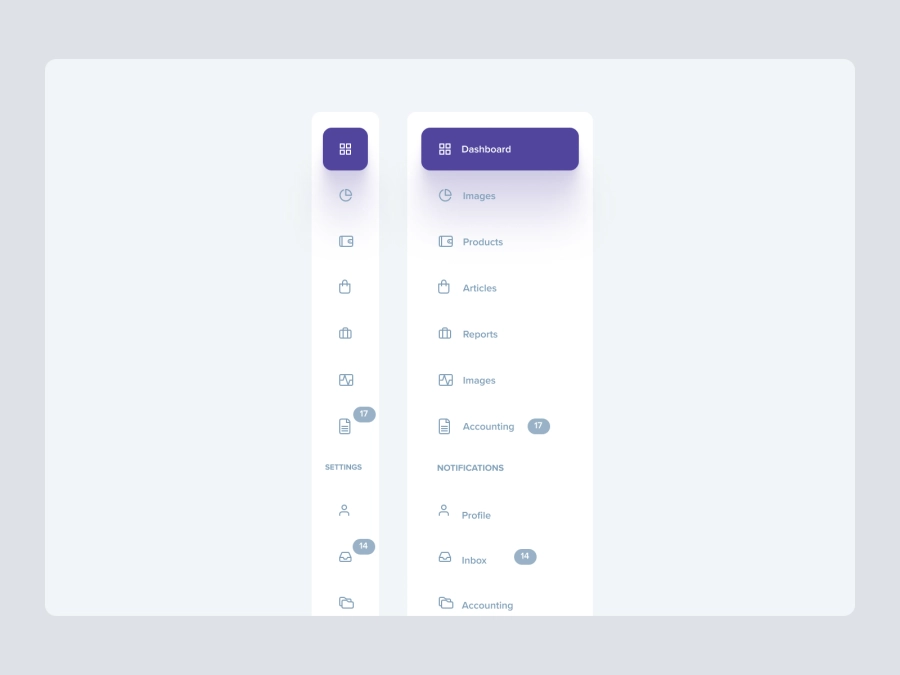
Free
Dashboard Top Nav
340
U
UI Dux

Viruses Information Dashboard UI
518
U
UI Dux
Figma
XD
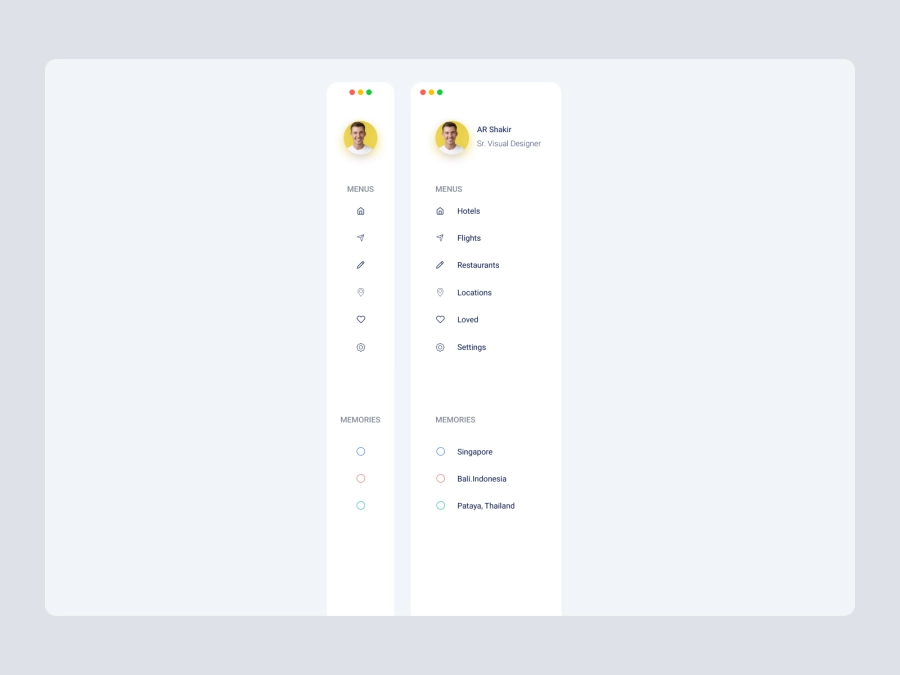
Free
Dashboard Sidebar Navigation
730
U
UI Dux
Dashboard UI Concept for a Freelance Designer
696
U
UI Dux
Figma
XD

D - Banking Dashboard UI
468
U
UI Dux
Figma
XD
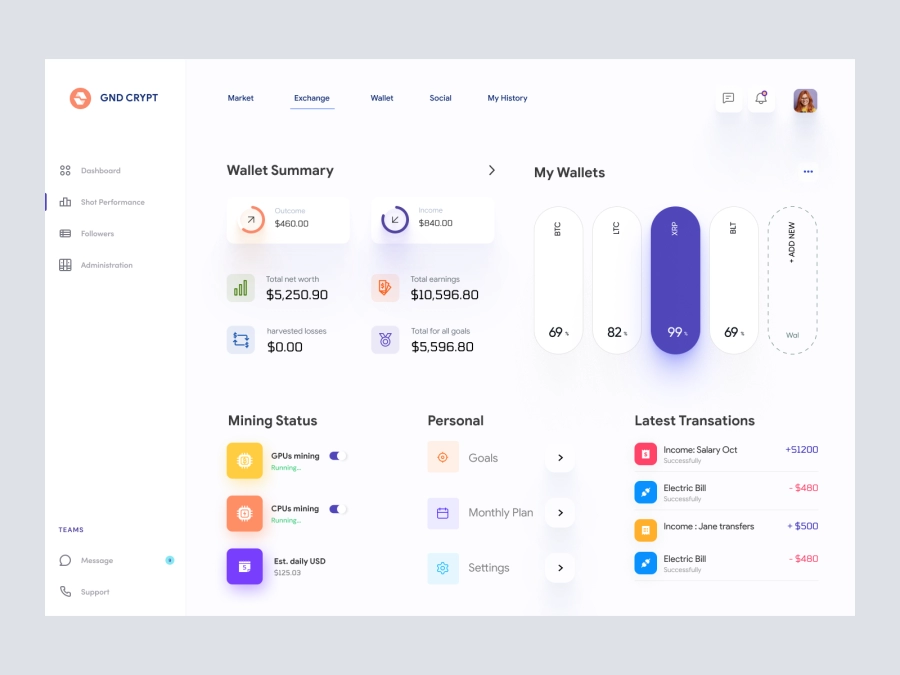
GND CRYPT - Cryptocurrency Dashboard UI
218
U
UI Dux
Figma
XD