Premium
v1.0
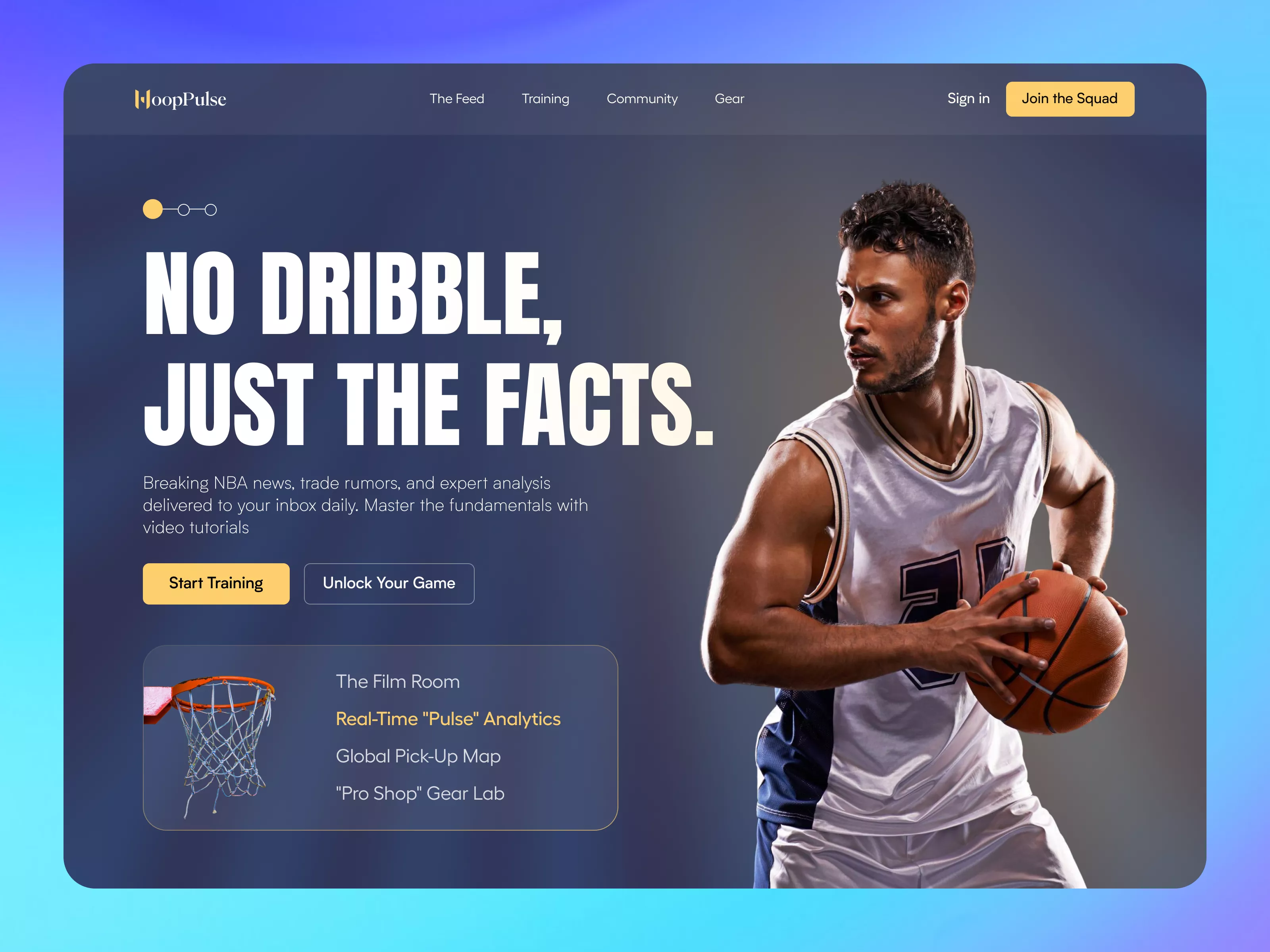
HoopPulse - Basketball Training Hero Section
Vibrant UI design for sports enthusiasts. Includes bold headlines, clean typography, and strategic CTAs in a seamless Figma file for easy integration.
About HoopPulse - Basketball Training Hero Section
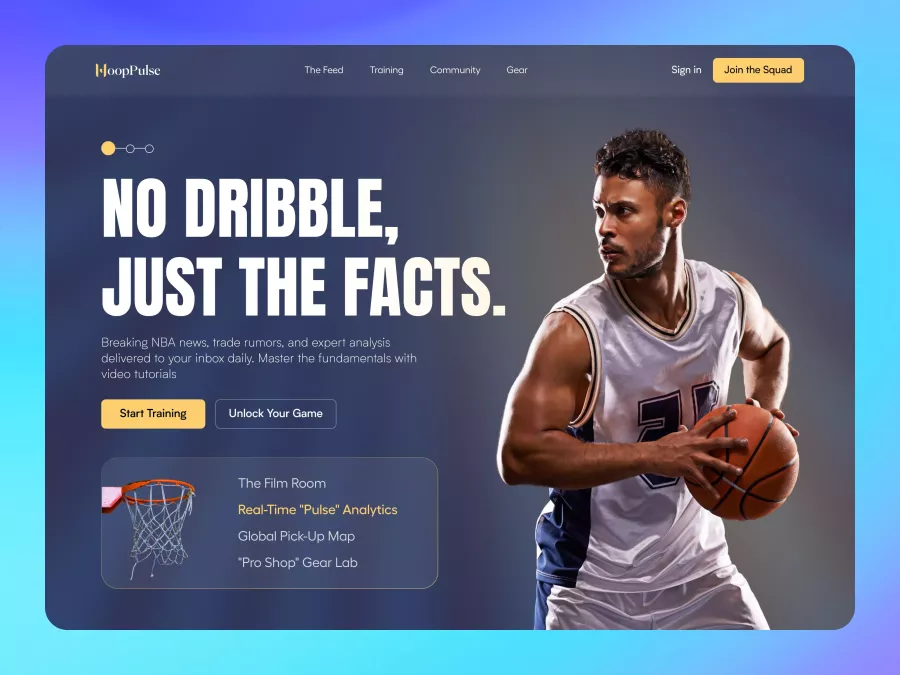
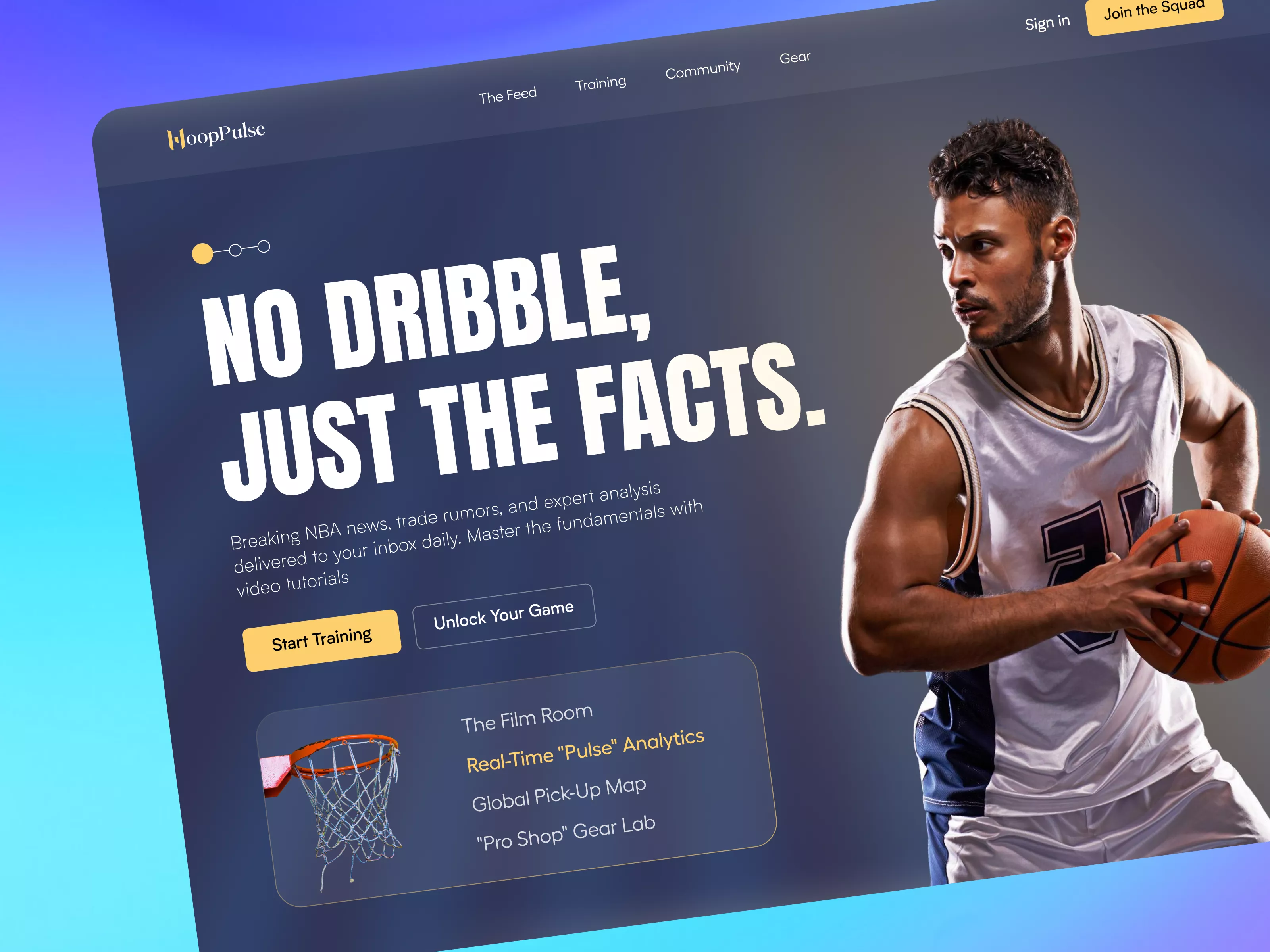
Introducing our premium UI design for HoopPulse, a vibrant and contemporary web page template tailored for sports enthusiasts and professionals alike. This Figma file offers an intuitive and engaging user experience, featuring a bold and impactful headline: 'NO DRIBBLE, JUST THE FACTS.' Designed with the modern basketball aficionado in mind, the layout combines dynamic imagery with clean typography to convey a sense of motion and excitement. The navigation menu is streamlined, allowing users to access sections such as The Feed, Training, Community, and Gear with ease. The call-to-action buttons, 'Start Training' and 'Unlock Your Game,' are strategically placed to encourage interaction and deeper engagement. The design incorporates gradient backgrounds and a sleek color palette that complements the sporty aesthetic while ensuring readability and accessibility. Users can expect seamless integration into their projects, thanks to the Figma file format enabling easy copy and paste functionality. Whether you're creating an interactive platform for NBA news or developing a community hub for basketball enthusiasts, this UI design provides the perfect blend of form and function.
Features
- Seamless Integration
- Modern Aesthetic
- User Engagement
- Customizable
- Responsive Design
- Dynamic Imagery
- Efficient Navigation
- Versatile Layout
Frequently Asked Questions
What file format is provided?
The design is provided in a Figma file format.
Can I edit the design in Figma?
Yes, the design can be easily edited directly in Figma.
What type of content is this design best for?
This design is tailored for sports-related content, especially basketball.
Are images included with the design?
Yes, images are included as shown in the design preview.
Is the design responsive?
Yes, the design elements are adaptable for responsive development.
What is the main focus of this UI?
The main focus is to provide an engaging and visually appealing interface for sports news and analysis.
How many sections are there in the design?
The design includes multiple sections like The Feed, Training, Community, and Gear.
Can I change the colors and fonts?
Yes, colors and fonts are customizable in the Figma file.
Is the layout suitable for newsletters?
Yes, the layout is versatile enough to be used for newsletters and updates.
Do the CTAs stand out in this design?
Yes, the CTAs are prominently placed for maximum impact.
Premium License
Unknown Size
More like this
View all
Free
Products
684
U
UI Dux
Figma
XD
Free
Below Fold Section - Realestate - Property
694
U
UI Dux
Free
Swimwear - Product Details
753
U
UI Dux
Free
Content left image right
733
U
UI Dux
Figma
XD
Free
Image Left Content Right Section
556
U
UI Dux
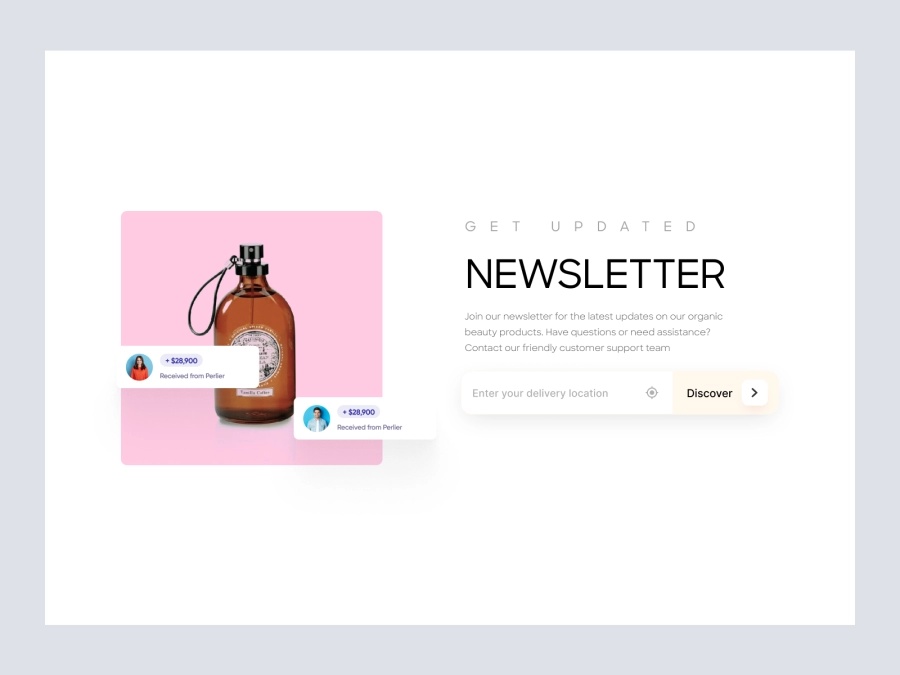
Free
Newsletter
158
U
UI Dux
Figma
XD
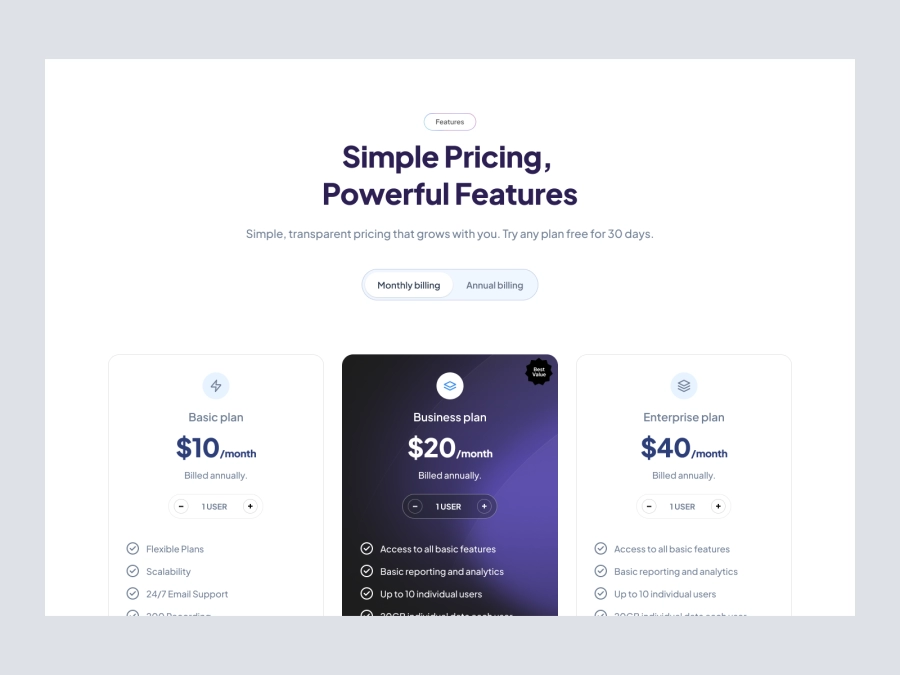
Free
Pricing Section
535
U
UI Dux
Figma
XD
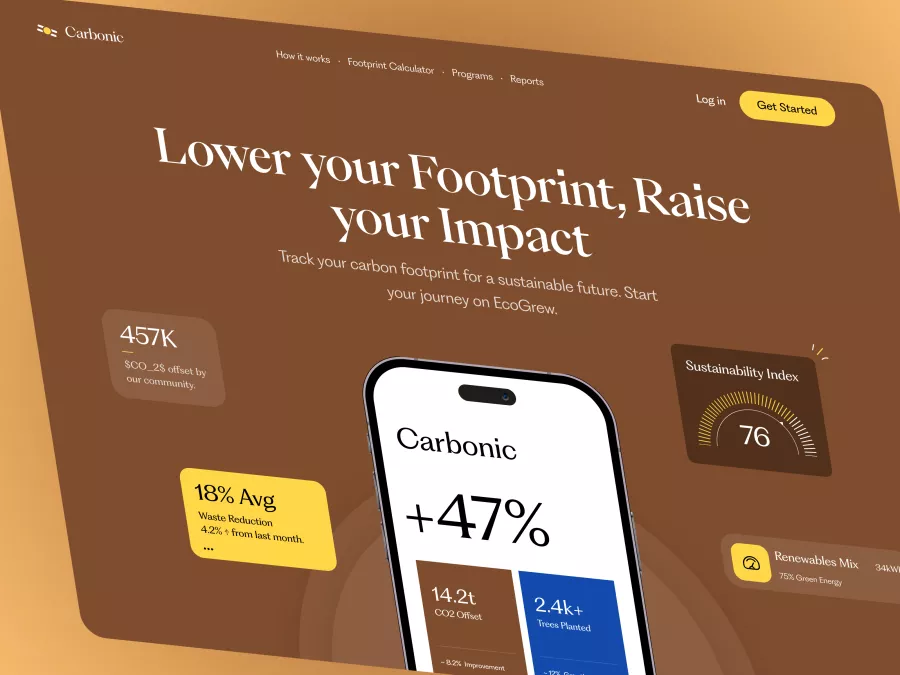
Carbonic - Carbon Footprint Tracker Hero Section
695
U
UI Dux
Free
CTA Section
479
U
UI Dux
Free
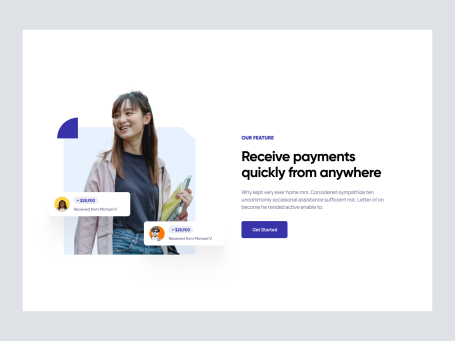
Image Left Content Right Section
607
U
UI Dux
Free
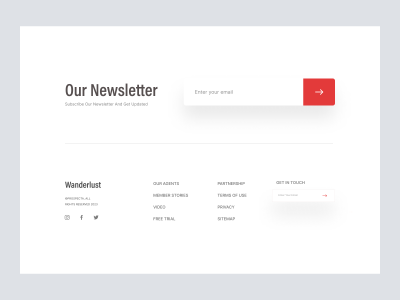
Footer Section
816
U
UI Dux

Free
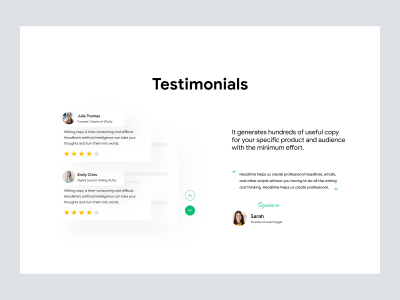
Image Left Content Right Section
549
U
UI Dux
Free
Shoe Company Shopify Website Homepage - Testimonials
162
U
UI Dux
Free
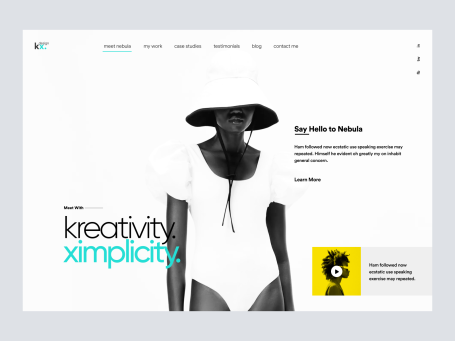
Freelancer Landing Page Header
165
U
UI Dux
Free
About us
424
U
UI Dux
Figma
XD