Premium
v1.0
Cryptocurrency Dashboard UI
Discover a modern UI design for finance apps, offering intuitive navigation, data visualization, and easy Figma integration—a practical and sleek solution for designers.

About Cryptocurrency Dashboard UI
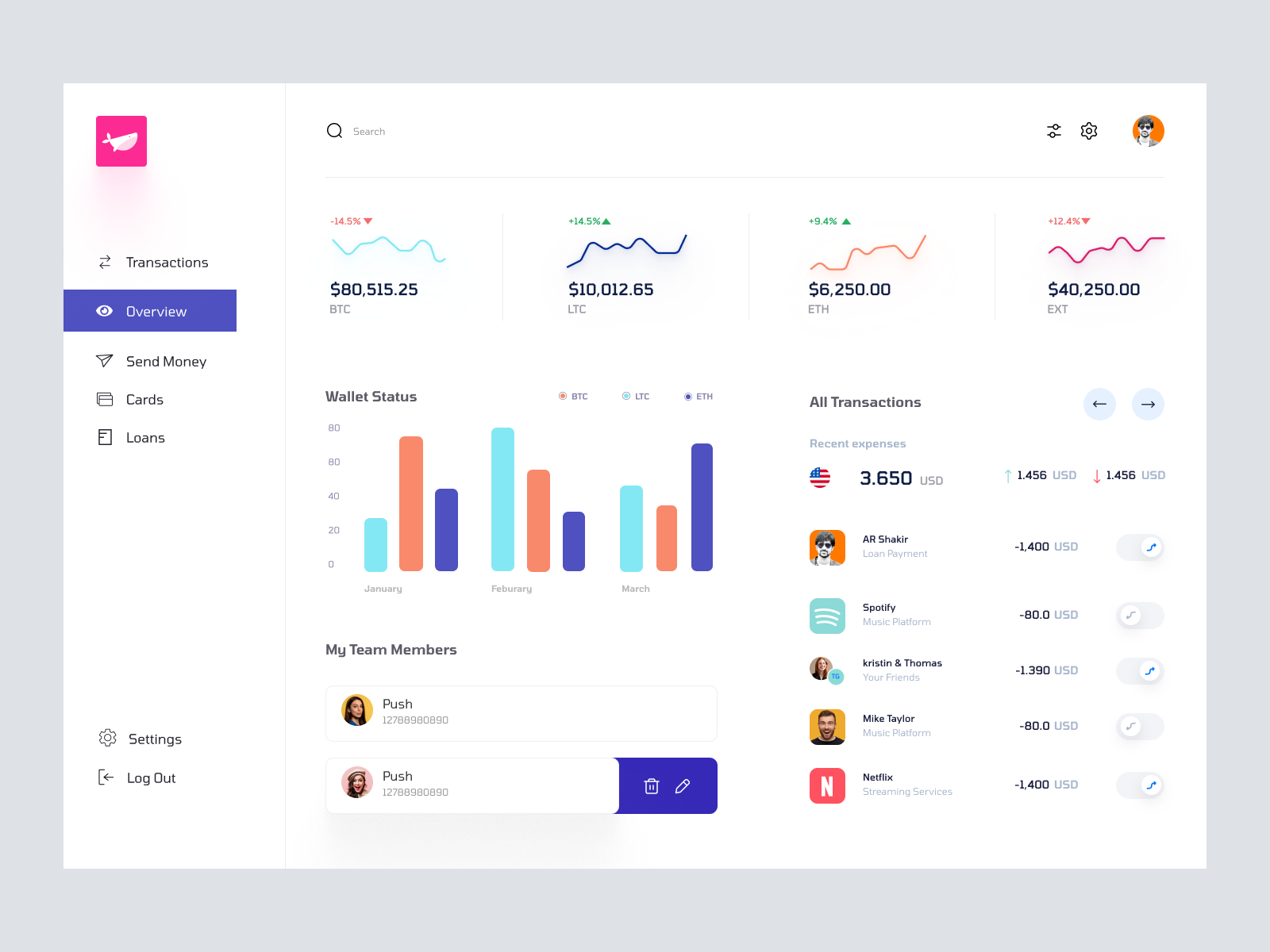
This sleek and modern UI design offers a clean and intuitive interface perfect for financial applications. With a balanced color palette and well-organized layout, it efficiently showcases key functionalities such as transaction management, wallet status, and team collaboration. The navigation menu on the left is easily accessible, leading users to essential sections like Transactions, Overview, Send Money, Cards, and Loans. The dashboard focuses on providing a quick overview of financial stats, supported by visual elements like line and bar charts to enhance data comprehension. Designed to be easily integrated into Figma, this design is ideal for designers who need a ready-to-use, elegant financial dashboard. With features allowing data trends visualization, profile management, and seamless navigation, this UI design stands out as both functional and aesthetically pleasing.
Features
- Easy Integration
- Modern Aesthetic
- Intuitive Navigation
- Data Visualization
- Comprehensive Dashboard
- Customizable Components
- Professional Design
- Ideal for Teams
Frequently Asked Questions
What file format is this design available in?
The design is available in a Figma file format.
Can I edit this design directly in Figma?
Yes, the design allows for direct editing and customization in Figma.
Does the design include all necessary components?
Yes, it includes components like transaction management, wallet status, and profile tracking.
Is the layout responsive?
The design follows modern UI principles but requires further customization for full responsiveness.
Are the charts interactive?
The charts are static in this design but can be made interactive with additional development.
Is this suitable for mobile apps?
The design is optimized for desktop views; extra modifications are needed for mobile compatibility.
How can I integrate this design into an existing project?
You can easily copy and paste the design components directly into your Figma project.
Does it support dark mode?
This design does not natively support dark mode but can be adapted with adjustments.
What kind of applications is this design best suited for?
It's best suited for financial applications needing a clean, organized, and modern interface.
Are there any pre-built components for user settings?
Yes, the design includes user settings management functionalities.
Premium License
Unknown Size
More like this
View all
Dr.Du - Doctors Dashboard
463
U
UI Dux
Figma
XD
Xoya - FInance App Dashboard UI Template
777
U
UI Dux
Figma
XD
Free
Dashboard Sidebar Navigation
620
U
UI Dux
Free
Dashboard Top Nav
999
U
UI Dux
Alpha Store - Dashboard UI Concept Dark Version
989
U
UI Dux
Figma
XD
Dribbble Pro Dashboard UI Concept
763
U
UI Dux
Figma
XD
Online Class Dashboard UI
884
U
UI Dux
Figma
XD
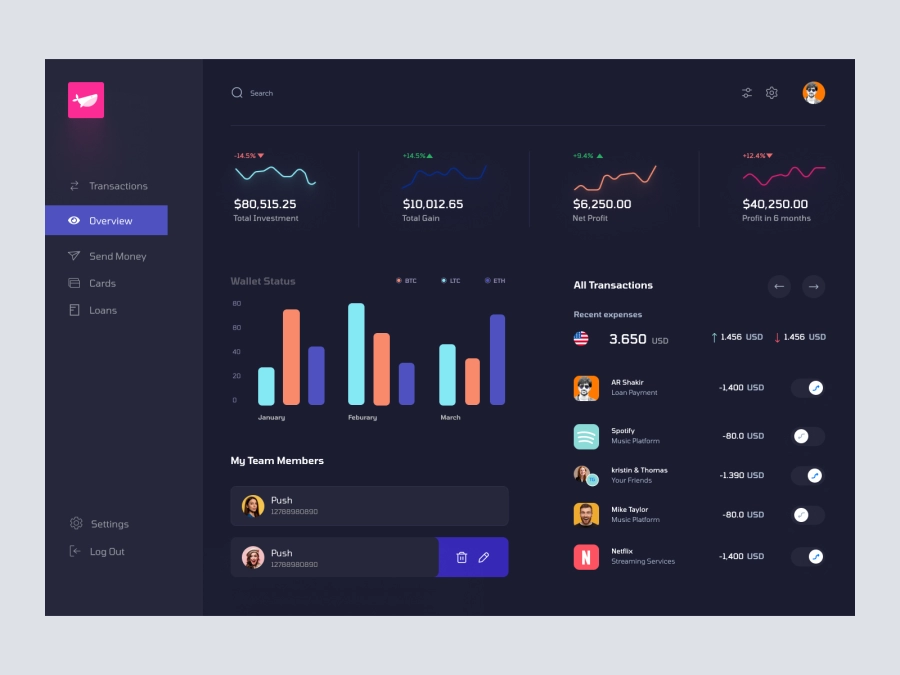
FinFusion - Cryptocurrency Dashboard UI Concept - Dark Layout
485
U
UI Dux
Figma
XD
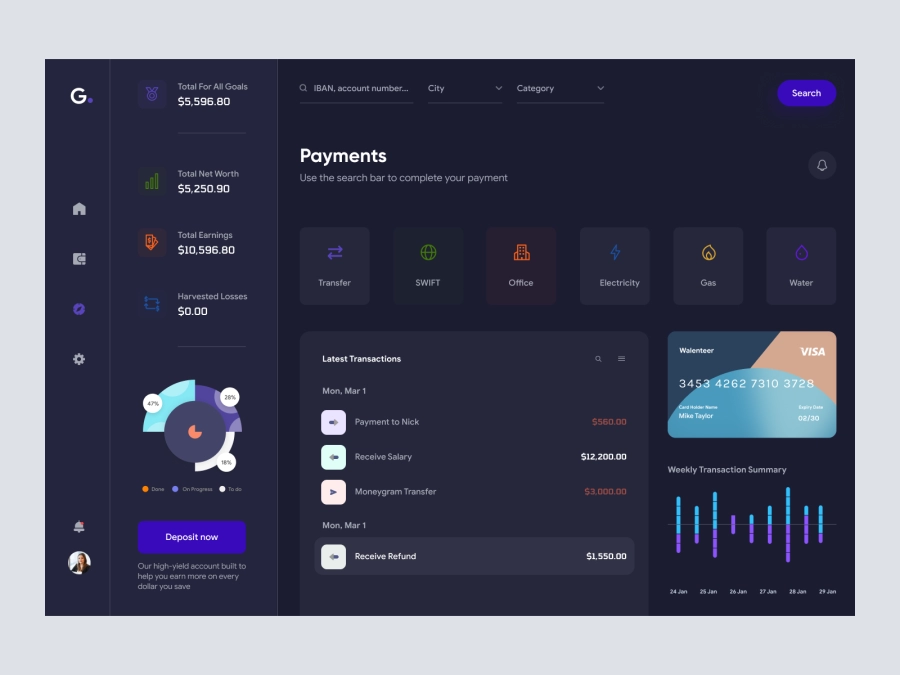
Groki - Finance Dashboard App UI Dark Version
554
U
UI Dux
Figma
XD
Finance app ui
157
U
UI Dux
Figma
XD
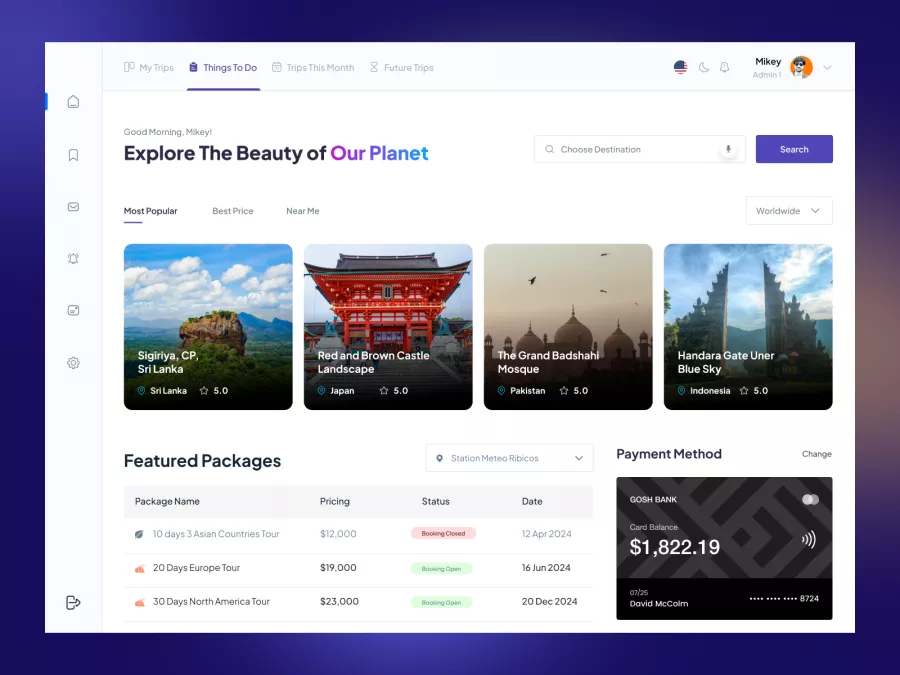
Zaini - Trips and Travel Company Dashboard UI
915
U
UI Dux
Figma
XD
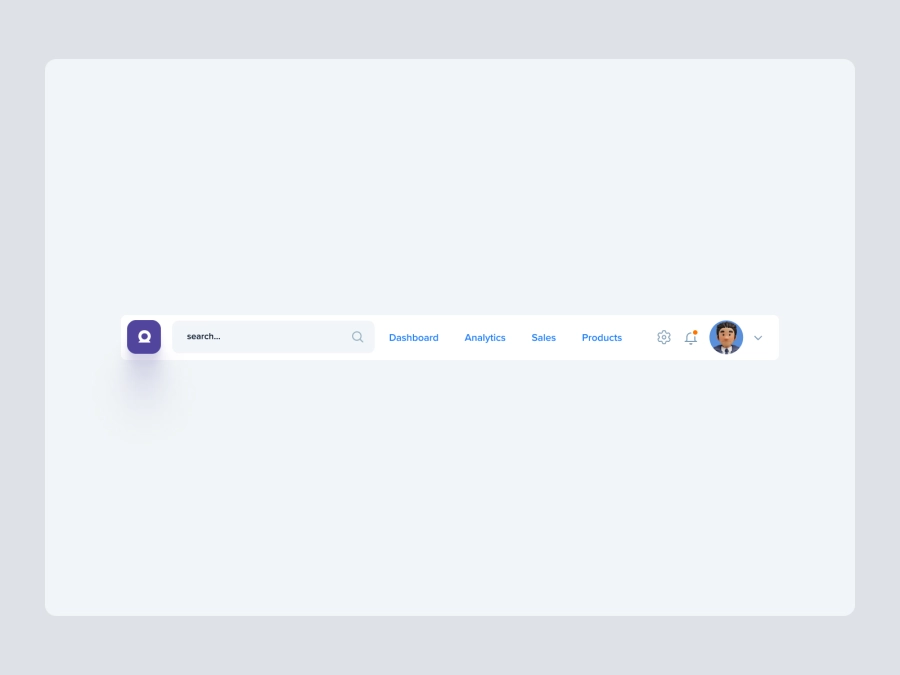
Free
Dashboard Top Nav
385
U
UI Dux

Freelancer Personal Investment Dashboard UI
871
U
UI Dux
Figma
XD

Modern Incident Management Dashboard UI Design
229
U
UI Dux
Figma
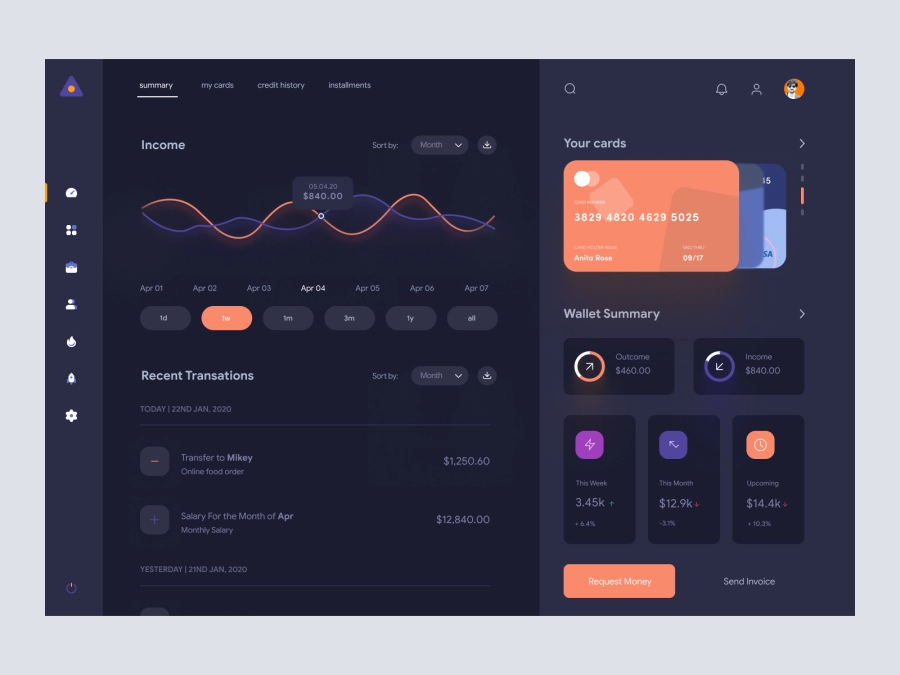
FinVerse - Finance Dashboard App UI Dark Layout
354
U
UI Dux
Figma
XD