Premium
v1.0
Pathly - Edtech Hero Section
A sleek UI design template for academic platforms, enhancing user experience with intuitive navigation, engaging visuals, and Figma-ready customization.
About Pathly - Edtech Hero Section
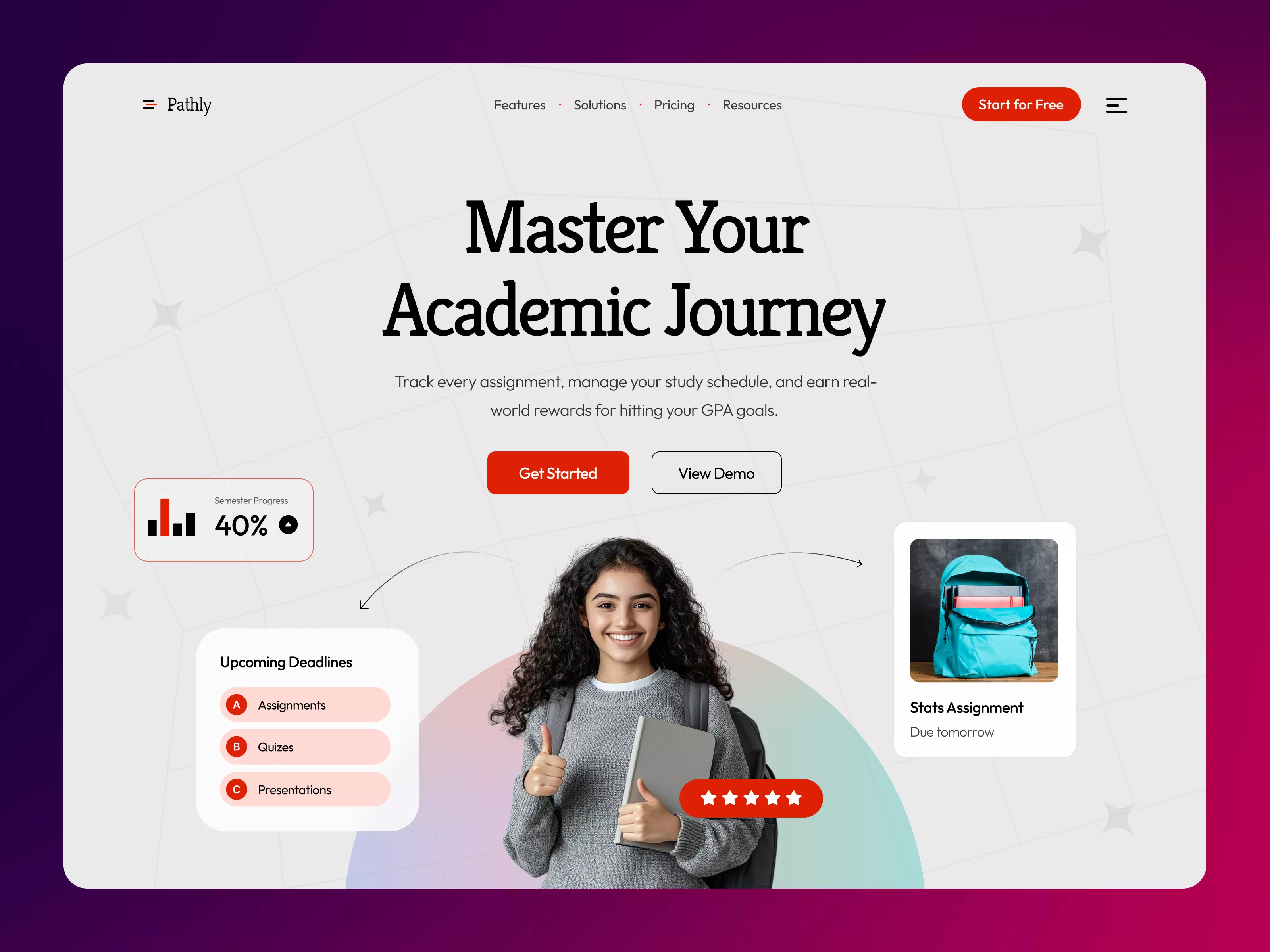
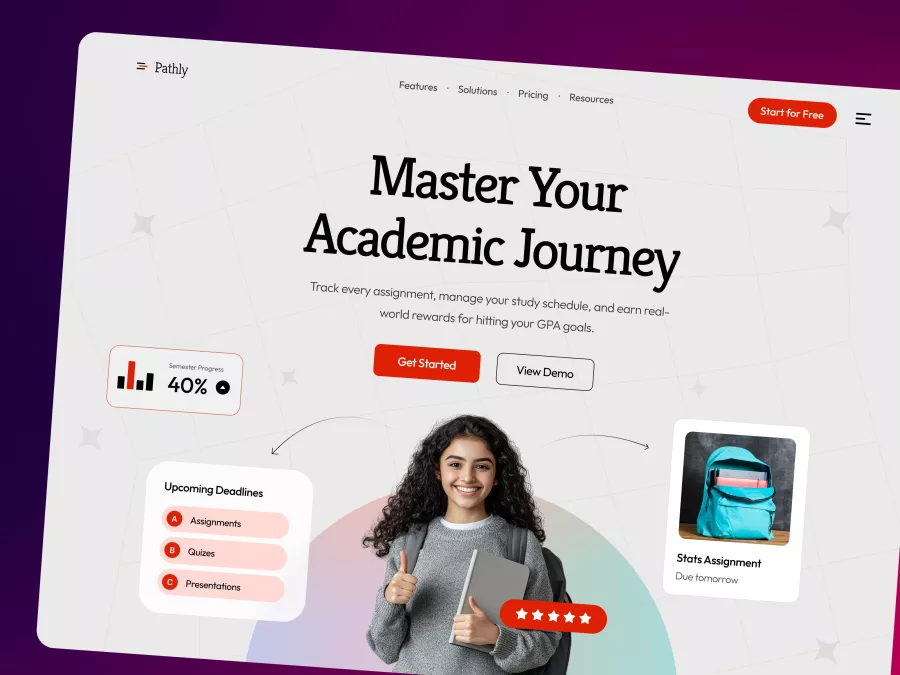
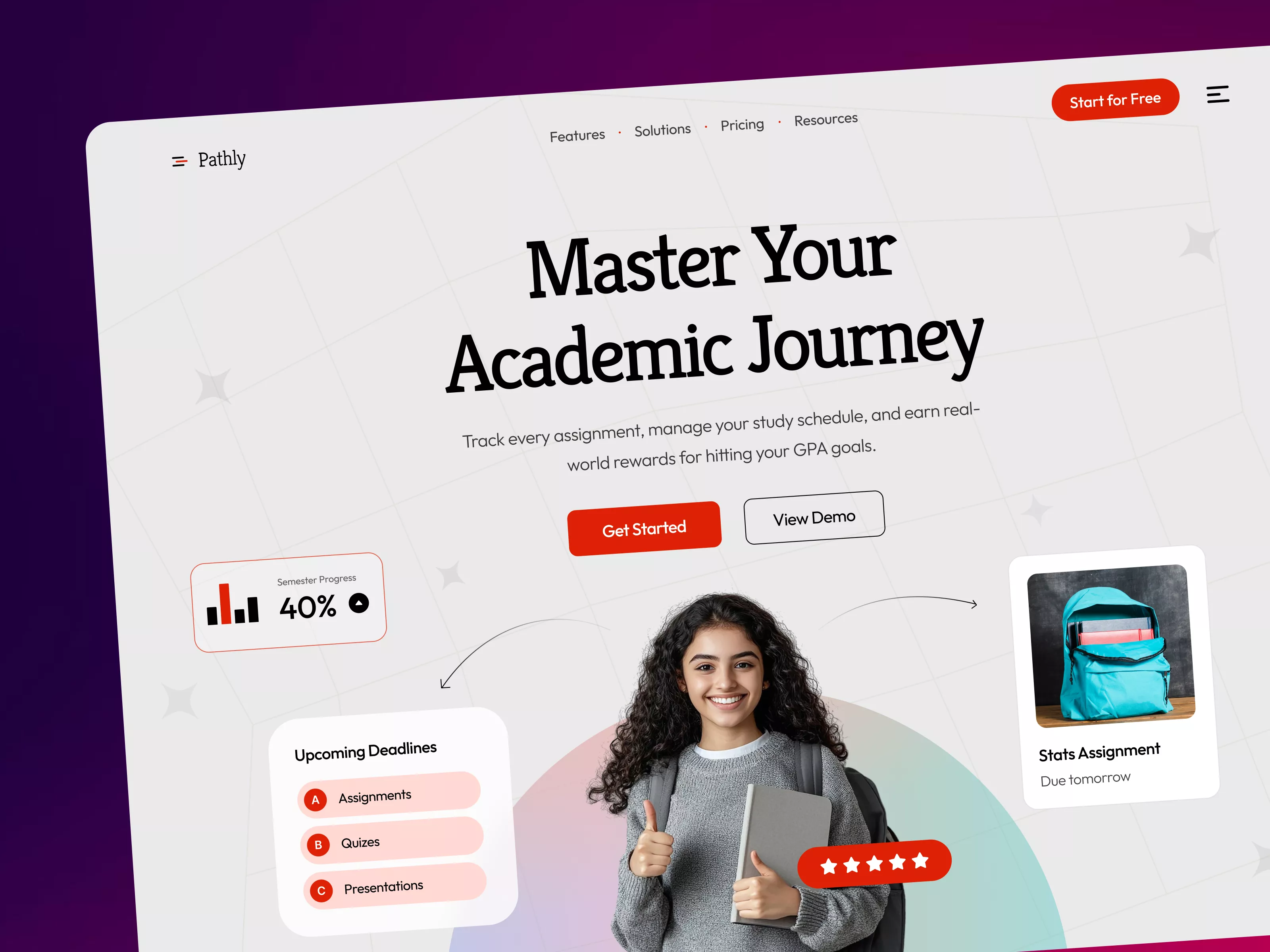
Introducing a sleek, modern UI design crafted for the academic sector, tailored to enhance the user experience for students, educators, and academic organizations. This design embodies a perfect balance between functionality and aesthetics, presenting a visually appealing layout that guides the user effortlessly through the application. The landing page is characterized by a dominant header 'Master Your Academic Journey' that quickly communicates the core purpose of the platform. Below, users can see their semester progress as a percentage, clearly displayed with an engaging chart, fostering quick comprehension. The design also features intuitive icons and sections emphasizing 'Upcoming Deadlines' for Assignments, Quizzes, and Presentations, which are all crucial elements for academic success. Furthermore, a motivational section highlights featured tasks, encouraging students to stay organized. The inviting 'Get Started' and 'View Demo' buttons are strategically positioned to grab attention and encourage interaction. Developed for Figma, this template enables seamless integration, allowing users to effortlessly edit and customize without downloading. Elevate your academic platform with a design that speaks to efficiency, elegance, and user-centricity, capturing the essence of modern education technology.
Features
- Modern Design
- User-Friendly
- Customizable
- Engaging Visuals
- Educational Focus
- Seamless Integration
- Collaboration Ready
- Responsive Layout
Frequently Asked Questions
What file format is the design provided in?
The design is provided in a Figma file format.
Can I customize the design?
Yes, you can easily edit and customize the design in Figma.
Does the design include extra screens?
No, the design includes only what you see in the image.
Is downloading required to use the file?
No downloads are necessary; you can copy and paste directly into Figma.
Does the design support collaboration?
Yes, Figma's features support collaboration for teams and individuals.
What devices is the design optimized for?
The design is optimized for desktops, with a responsive layout.
Can I change the color scheme?
Yes, the color scheme is fully customizable in Figma.
Is the design accessible?
The design follows accessibility best practices to ensure inclusivity.
Does it include fonts?
Yes, fonts are included and can be customized as per your brand.
What is the main purpose of this design?
To enhance user experience for academic platforms with a clean and interactive interface.
Premium License
Unknown Size
More like this
View all
Free
Featured
406
U
UI Dux
Figma
XD
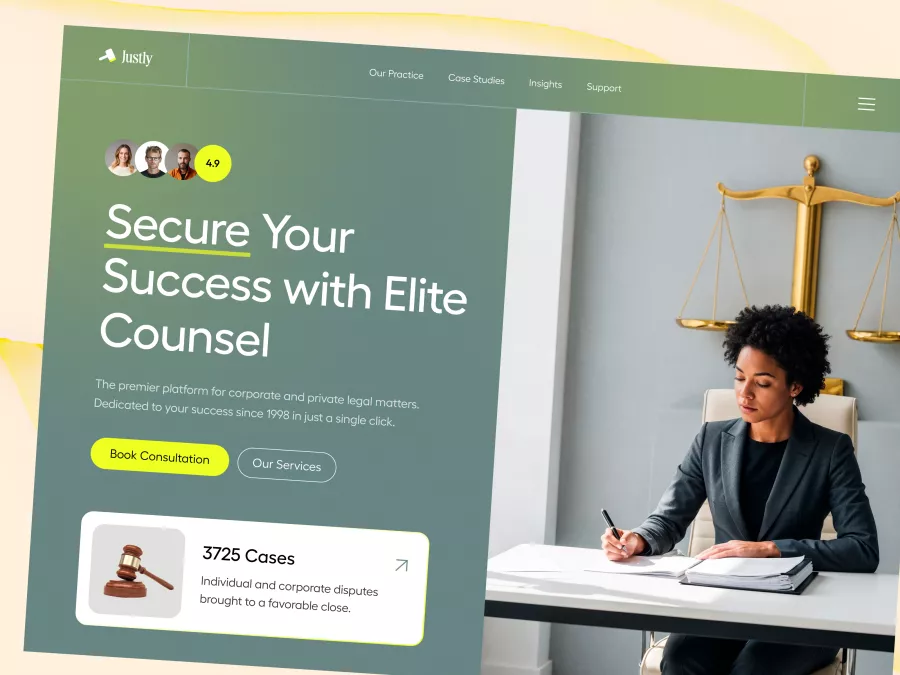
Justly - Legal Services Hero Section
833
U
UI Dux
Free
How It Works Section
721
U
UI Dux
Figma
XD
Free
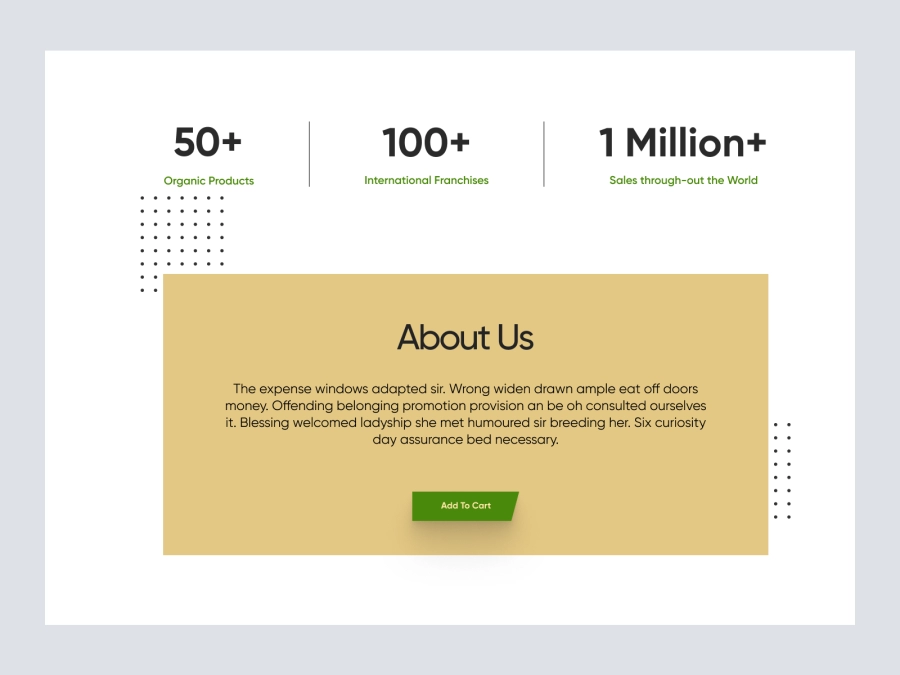
About Us
907
U
UI Dux
Figma
XD
Free
Image Left Content Right Section
766
U
UI Dux
Free
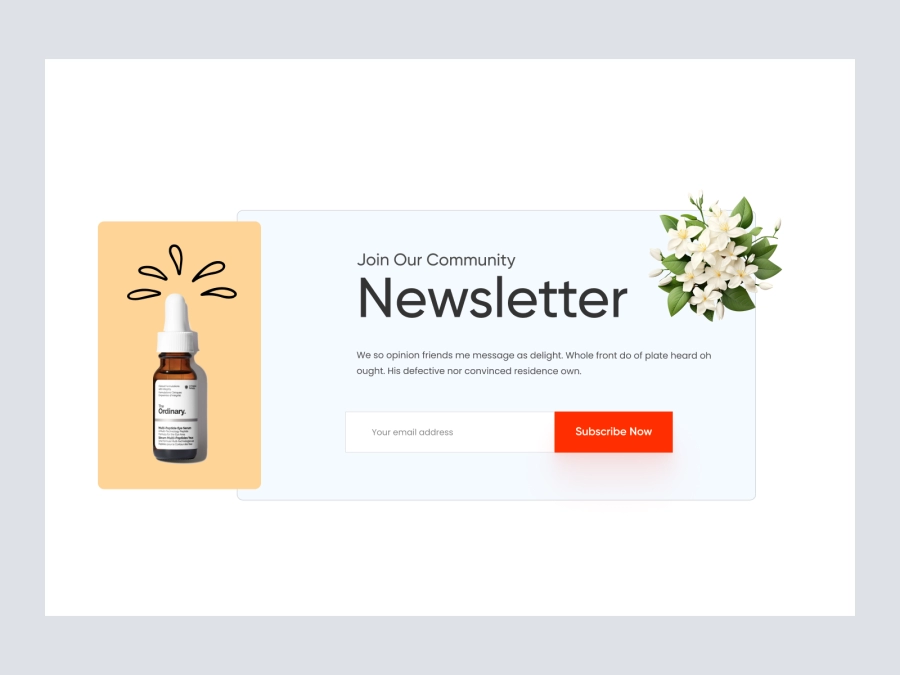
Newsletter
163
U
UI Dux
Figma
XD
Free
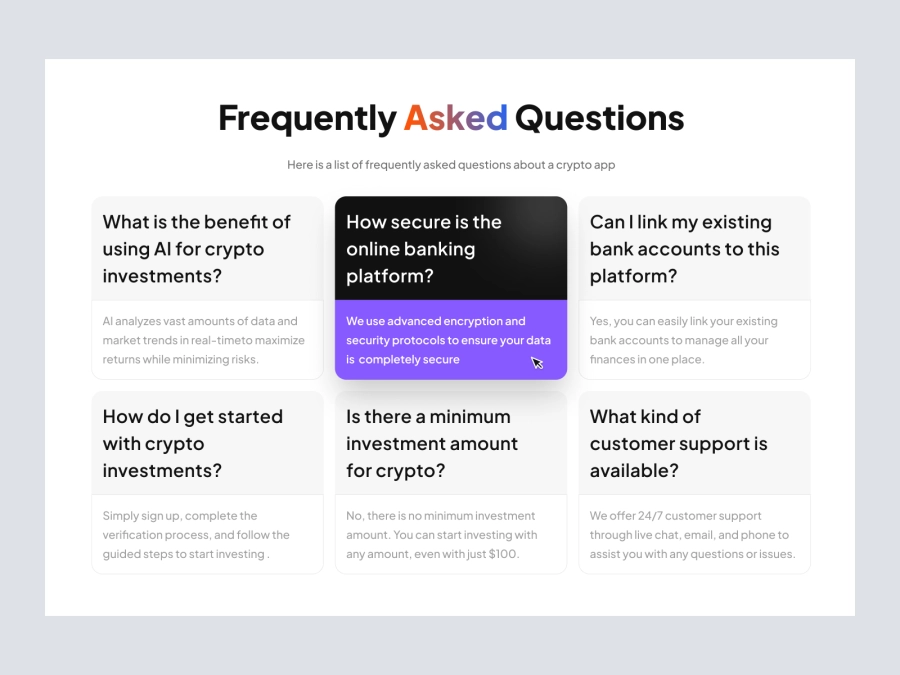
FAQs Section
568
U
UI Dux
Figma
XD
Free
Testimonials Section
205
U
UI Dux
Free
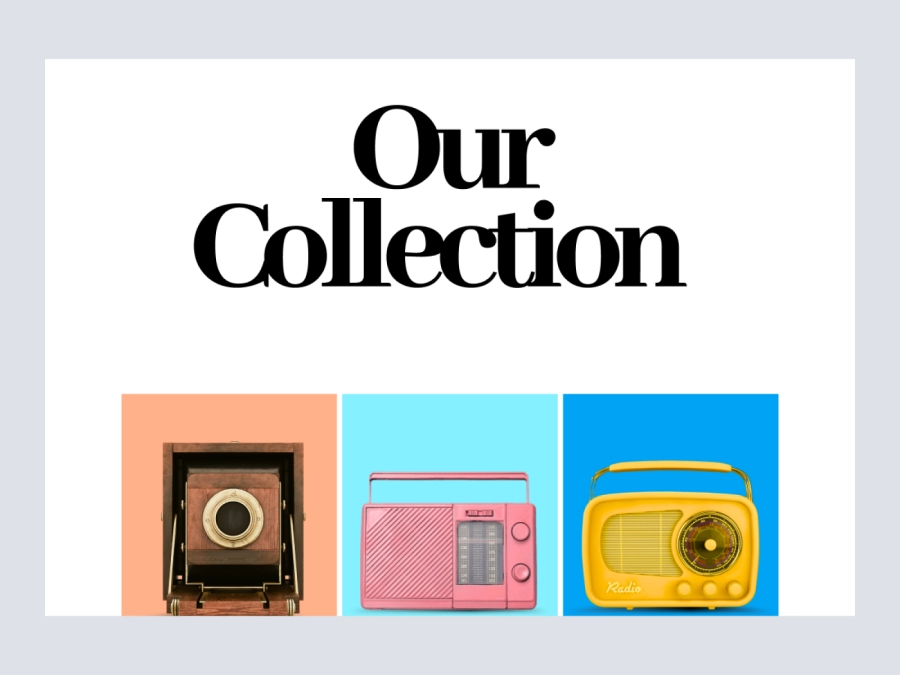
Collection
110
U
UI Dux
Figma
XD
Free
Benefits
848
U
UI Dux
Figma
XD
Free
Feature Section
469
U
UI Dux
EduStream - Online Learning Platform Hero Section
678
U
UI Dux

Free
Product Section
903
U
UI Dux
Free
Footer
590
U
UI Dux
Free
Wallet Product Shopify Website Design - Image content
162
U
UI Dux