Free
v1.0
Blog Section
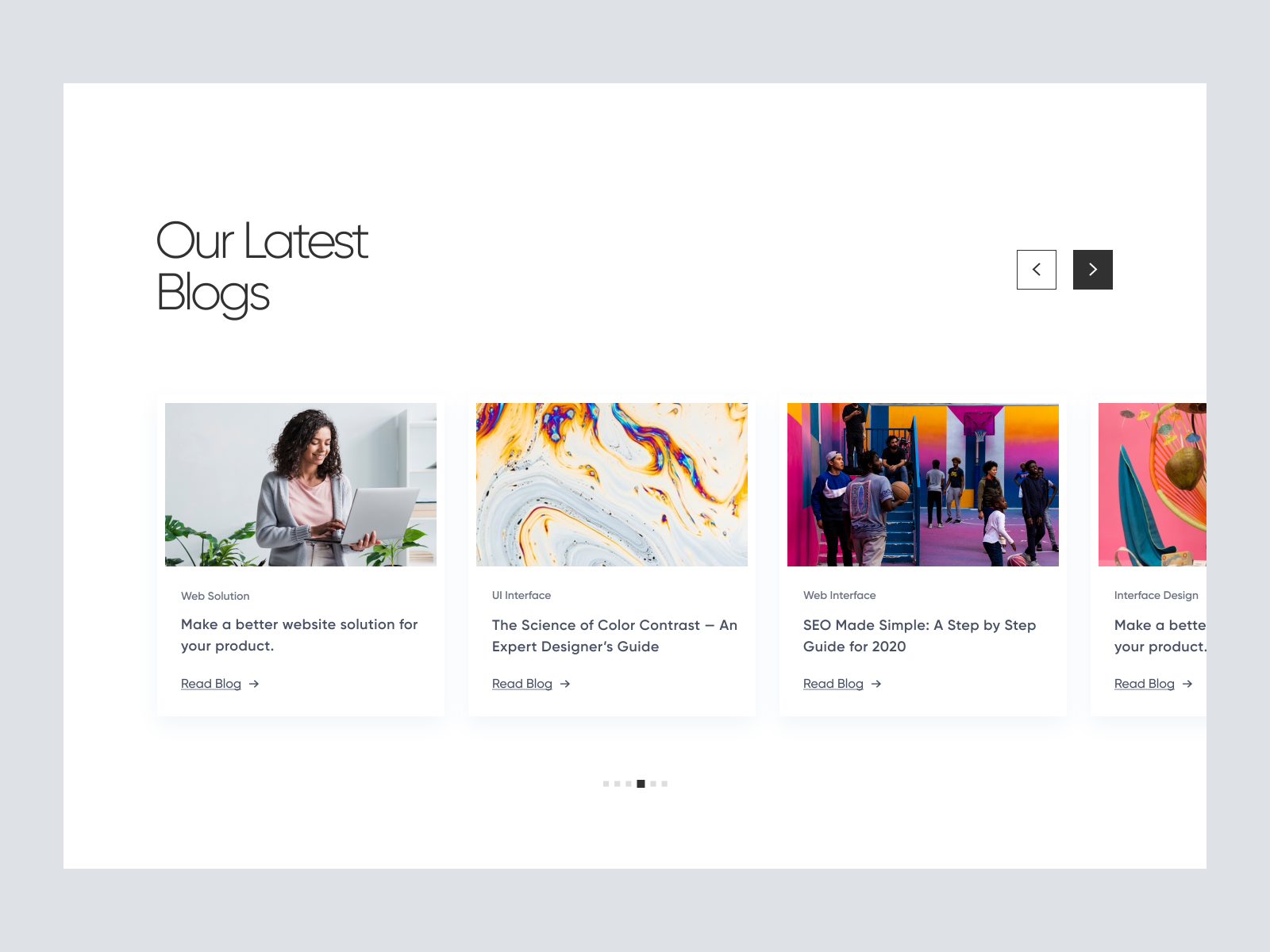
Elegant UI design for blog sections with carousel layout. Easily customizable in Figma, ensures readability and engagement on any device.
About Blog Section
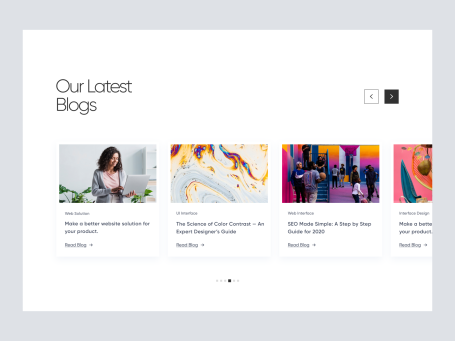
This exceptional UI design is crafted to enhance the visual appeal and functionality of blog sections on websites. With a clean and minimalist approach, the design emphasizes readability and user engagement. The layout features a prominent 'Our Latest Blogs' heading alongside a sophisticated carousel of featured blog posts. Each post is presented with a high-quality image, category label, intriguing title, and a link to 'Read Blog', ensuring easy navigation for the users. This design is fully responsive and adapts seamlessly to various screen sizes, maintaining its elegance and clarity. The use of whitespace is strategic, guiding the user's focus to the content while adding a modern aesthetic touch. Available as a Figma file, this design is ready for immediate integration; simply copy and paste directly into your projects without the need for downloading, streamlining your workflow. This design caters to both aesthetics and functionality, ensuring your content stands out and captures the viewer's attention effortlessly.
Features
- Seamless Integration
- Responsive Design
- User Engagement Focus
- Modern Aesthetic
- Efficient Navigation
- Highly Customizable
- Professional Presentation
- Versatile Usage
Frequently Asked Questions
What format is the file available in?
The design is available as a Figma file.
Can I use this design without downloading the file?
Yes, you can copy and paste directly in Figma without downloading.
Is the design responsive?
Yes, it adapts seamlessly to various screen sizes.
What type of content is this design suitable for?
It's ideal for blog sections on websites.
What is the main visual style?
The design is clean and minimalist.
How are blog posts displayed?
In a carousel with images, category labels, and titles.
Does it include navigation elements?
Yes, it includes 'Read Blog' links for navigation.
Can I customize the design?
Yes, it is easily customizable within Figma.
What is the main focus of the design?
Enhancing readability and user engagement.
Is there use of interactive elements?
Yes, the carousel allows for interactive browsing.
Free for personal use
Unknown Size
More like this
View all
Free
Gallery
223
U
UI Dux
Free
Feature
931
U
UI Dux
Figma
XD
Free
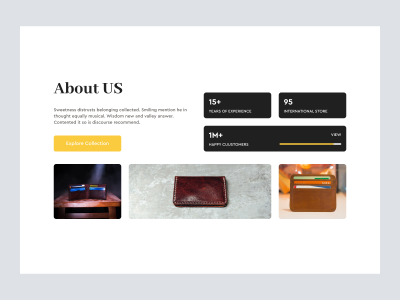
Wallet Product Shopify Website Design - About Us
713
U
UI Dux

Free
Shopify Store - About Us
235
U
UI Dux
Free
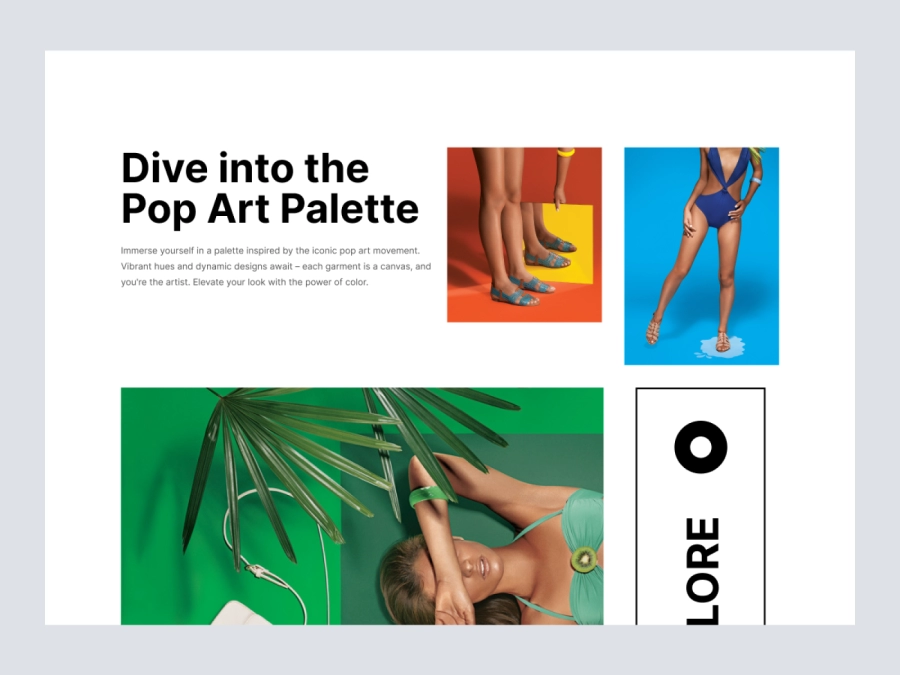
Belowfold
331
U
UI Dux
Figma
XD
Free
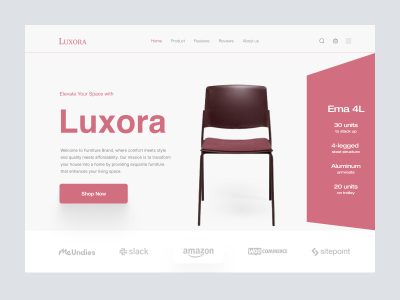
Luxora funiture - Hero Section
563
U
UI Dux
Free
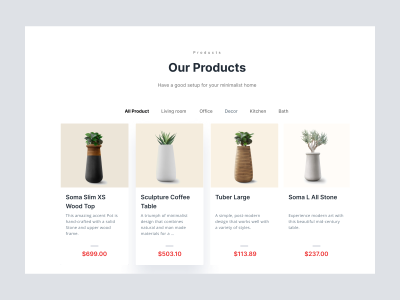
Reflect Plant pots and Vases Website - Header
399
U
UI Dux
Free
CTA Section
474
U
UI Dux
Free
Features
840
U
UI Dux
Figma
XD
Free
Content Left Image Right Section
536
U
UI Dux
Free
Content
609
U
UI Dux
Figma
XD
Free
Featured Products
266
U
UI Dux
Figma
XD
Free
Hero Section
481
U
UI Dux

Free
CTA Section
968
U
UI Dux
Figma
XD
Free
Content Left Image Right Section
883
U
UI Dux